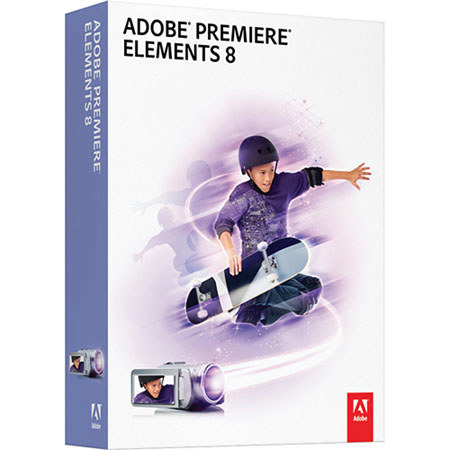
Adobe Premiere Elements 8.0, Full Version Graphics, Designing / Movie Editing Software for Windows
SKU: ABPRE8W
This item is no longer available.
Share:
Overview
Compare
Learn
Specs
Protection
About Adobe Premiere Elements 8.0 full Windows 65045377
Adobe Premiere Elements 8 software, making incredible movies is easier than ever. Enhance your stories with professional style. Share virtually anywhere. And easily manage and protect all your video clips and photos.
Manage and protect all your clips and photos from one convenient place:
Bring all your video clips and photos together in the powerful, easy-to-use, fully featured new Organizer the hub of your video and photo experience
Now it's easier than ever to find, view, and protect all your photos and video clips, and you can even view video clips full screen. Then dive in to a full range of creative activities and start enjoying your memories
Save time with new automated options:
Make movies with less effort. Adobe Premiere Elements software can automaticallyfix shaky footage and color and lighting problems, trim away all but your best footage, and balance audio elements to give you professional-quality sound throughout your movie
Enliven the action with artwork and animations:
Add sparkle to your scenes thanks to an all-new library of artwork, including fun frames, objects, and animations
Get the big picture:
Get the full effect of your video clips and photos from within the Organizer with new full-screen previews
Add visual pop exactly where you want it:
Delight your audience with a touch of movie magic blur faces, add cartoon heads,and more. Now you can apply any 2D video effect to a specific area of a scene and keep it locked on the action with motion tracking
Have fun with graphics that follow the motion:
Want to add funny thought bubbles or goofy hats above people's heads? Use new motion tracking capabilities to add graphics, text, and effects that automatically move with the subjects in your scenes
See the same video clips and photos on every computer:
Forget trying to manually maintain your clips and photos across multiple computers. With automatic syncing, media added or edited on one computer will automatically be synced to another
Share memories in fresh, exciting ways on the web:
Showcase your videos in one-of-a-kind Online Albums with your choice of dynamic,animated templates Adobe Flash technology lets viewers interact with your videos for an entertaining experience. And share via public or private galleries friends and family won't have to register to look
Create a polished movie instantly:
Use creative editing techniques from Hollywood directors. InstantMovie automatically edits together your best clips with coordinated music, titles, effects, and transitions from the movie theme of your choice All-new themes are included, and you can easily customize to achieve the results you envision
Enjoy support for Windows 7:
Take advantage of support for the new Windows 7 platform and the hands-on capabilities of Windows Touch technology