This item is no longer available.
Adobe Photoshop CS5 software redefines digital imaging with powerful new photography tools and breakthrough capabilities for complex image selections, realistic painting and intelligent retouching. Enjoy cross-platform 64-bit support and a wide range of workflow enhancements. Achieve superior results in fewer steps when you remove noise, add grain, create vignettes, correct lens distortions, sharpen and create HDR images. And enjoy better-than-ever raw file conversion.
Explore fresh design possibilities with powerful new tools. Paint naturally and realistically with on-canvas color blending and textured brush strokes. Warp or stretch graphics, text, or image elements to create unique looks. Explore fresh design possibilities with powerful new tools. Paint naturally and realistically with on-canvas color blending and textured brush strokes.
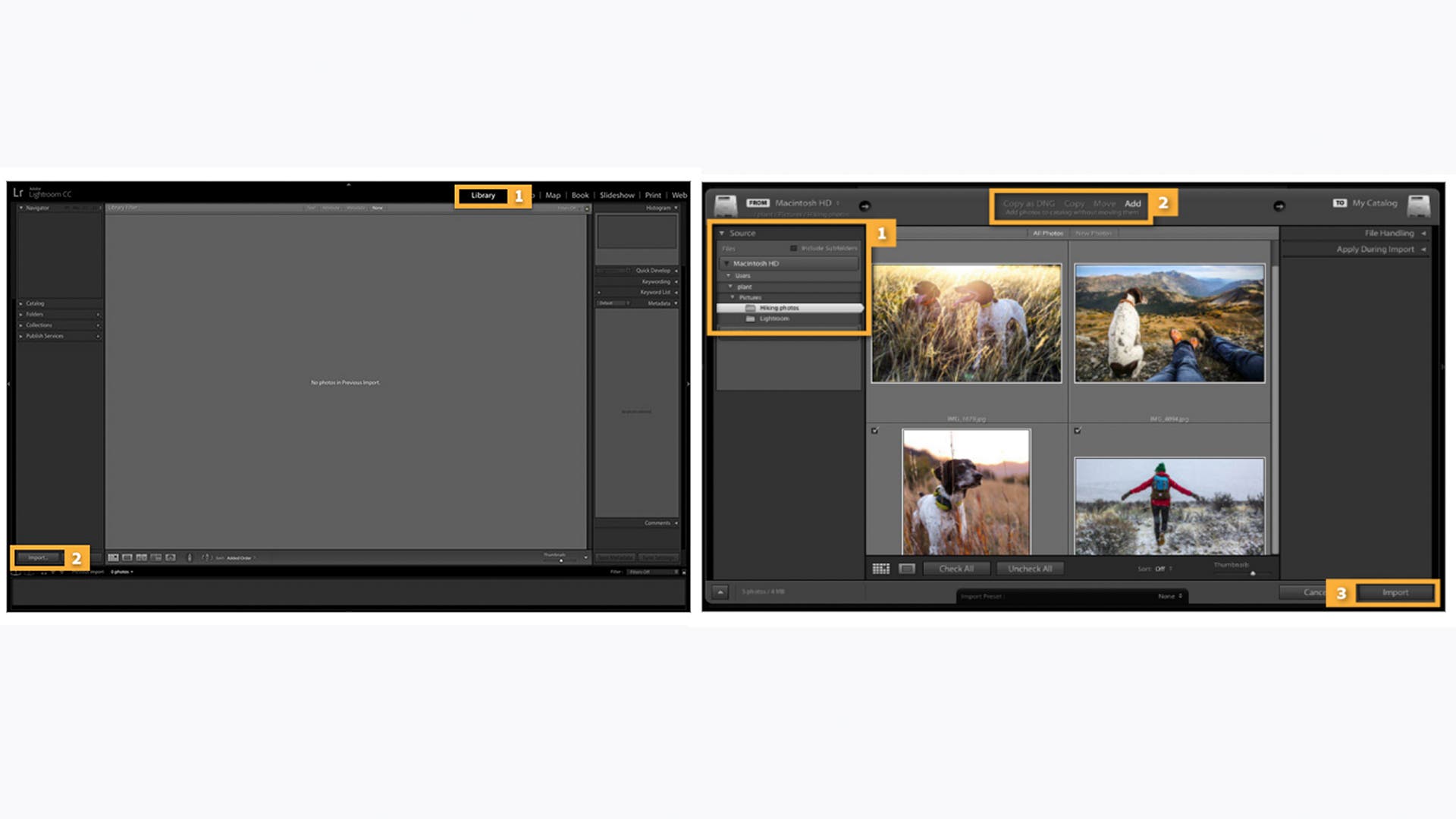
Together, Photoshop and Photoshop Lightroom software provide the ultimate photography solution, enabling you to import, process, manage, edit, composite and showcase your images. Take advantage of tight integration between Adobe InDesign and Photoshop to create visually compelling layouts for print and digital publications. Enhance your Adobe Illustrator vector art in Photoshop or combine it with Photoshop imagery for delivery via a variety of media.