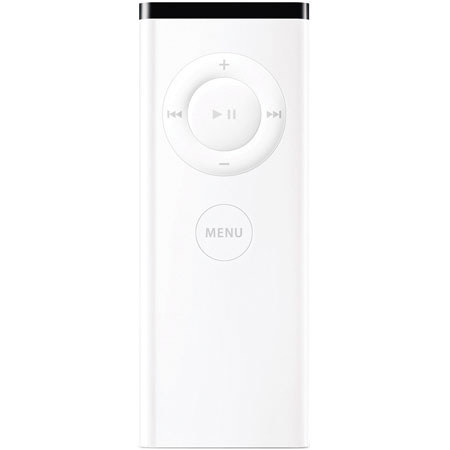
Apple Remote Control for the iPod MP3 Player
SKU: ACIPR
This item is no longer available.
Share:
Overview
Compare
Learn
Specs
Protection







About Apple Remote Control for the iPod MP3 Player
Apple Remote with iPod:
If you connect your iPod to a home stereo, powered speakers or TV set, the AppleRemote lets you experience your songs, slideshows and more from across the room. Just plug your iPod into the Universal Dock and choose a playlist, slideshow or video. Then, sit back, relax and enjoy. Ready to move on to the next song? No need to get up from your sofa--just press the forward button on the Apple Remote. Phone ringing? Just click pause, then pick up where you left off.
The Apple Remote offers play/pause, volume control and forward/back buttons. The Apple Remote requires the iPod Universal Dock and any iPod with a Dock connector.
Apple Remote with Mac:
Included with the new iMac G5, the Apple Remote gives you total command of your music, photos, videos and DVDs from anywhere in the room. It combines with FrontRow, a menu-driven, full-screen interface, to make accessing your iMac's digital bounty from any seat in the room as simple as navigating your iPod.
When you click the Apple Remote's Menu button, your desktop fades and Front Row's sleek interface takes its place to give you control over your music in iTunes, your photos in iPhoto, the videos in your Movies folder and whatever DVDs you want to play. Turn up the volume. Shuffle. Skip to the next chapter on your DVD.Play a slideshow, a home movie you made in iMovie, even a movie trailer. Just sit back and enjoy the show.