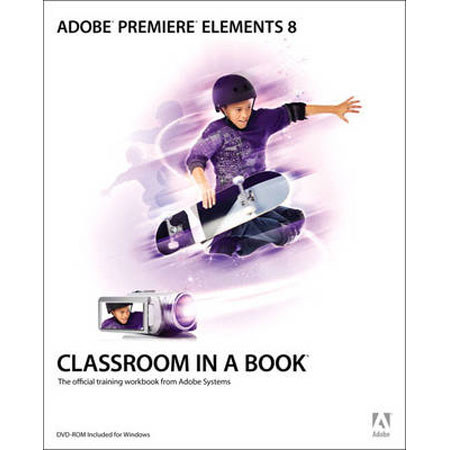
Peachpit Press Adobe Premiere Elements 8 Classroom in a Book, Softcover Book by Adobe Creative Team
SKU: BKAPRE8CIAB
This item is no longer available.
Share:
Overview
Compare
Learn
Specs
Protection
About Peachpit Press: Premiere Elements, Adobe Creative Team
Adobe Premiere Elements 8 Classroom in a Book is the most thorough and comprehensive way for you to master all the new features in Adobe's consumer-targeted video editing software. Each chapter in this step-by-step, project-based guide contains a project that builds on your growing knowledge of the program, while end-of-chapter review questions reinforce each lesson.
You will learn the basics of editing your videos with Premiere Elements and will learn how best to use the program's many new features. In this new version you can fix shaky footage and color and lighting problems with SmartFix, automatically remove unwanted footage with Smart Trim, automatically balance audio with SmartMix, add graphics that follow the action of your footage and much more.