This item is no longer available.
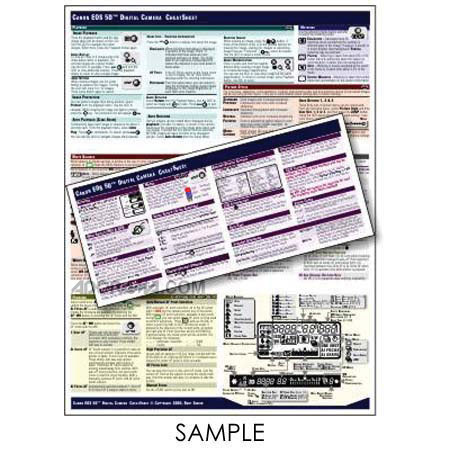
This is a one-of-a-kind CheatSheet for the Canon Powershot G12 digital camera. If you own this camera, you know what an amazing device it is. But who can remember all of those functions??
This CheatSheet is like having the manual on a card - but better! It's a concise summary of what's in the manual. It's is an "easy to take with you", invaluable quick reference. It's printed in FULL COLOR on both sides of a full-sheet of paper that's laminated with a light 3-mil laminate and is folded in thirds. When folded it's about 4" x 8 3/4" so it stores easily.
Laminated, waterproof and very sharp and clear, this is a very high quality product.
Covered topics include:
•
• Battery.Clock Info
• Auto Exposure Bracketing
• Self-Timer Modes
• Indicator Light Reference
• Focus Bracketing
• White Balance Settings
• Zoom & Digital Zoom
• Close-up/Macro Mode
• Manual White Balance Correction
• Memory Card Formatting
• Flash Compensation
• Movie Modes
• Blink Detection
• Flash Output
• Image Resolution / Quality
• Shortcut Button
• Flash Slow Sync
• Aspect Ratios
• Menus
• Red-eye Lamp
• Image Playback
• Image Stabilization
• Red-eye Correction
• Playback Transition Effects
• Custom Display Info
• Flash Exposure Lock
• Filtered Playback
• Restoring Default Settings
• Safety Flash Exposure
• Deleting Images
• Wind Filter
• 2nd (Rear) Curtain Flash Sync
• Categorizing Images
• Sound Options
• Metering Modes
• Viewing Movies
• Start-up Screen
• ISO Equivalency
• Movie Control Panel
• Filename Numbering Options
• Exposure Compensation
• Slide Shows
• Categorizing Images
• i-Contrast
• Smart Shuffle
• AF Modes
• Electronic Level
• Image Protection
• AF Frame Modes
• Exposure Modes (Program, Aperture Value, Time Value, Manual & Custom)
• Favorite Image Tagging
• Focus Checking
• Scene Modes including Color Accent, Color Swap, Quick Shot, Panorama, Smart Shutter, Low-Light, etc)
• Image Adjustments during Playback
• Manual Focus
• Movie Recording
• Image Display during Playback
• Servo AF
• My Colors
• LCD reference chart
• Focus and AF Lock
• Drive Modes