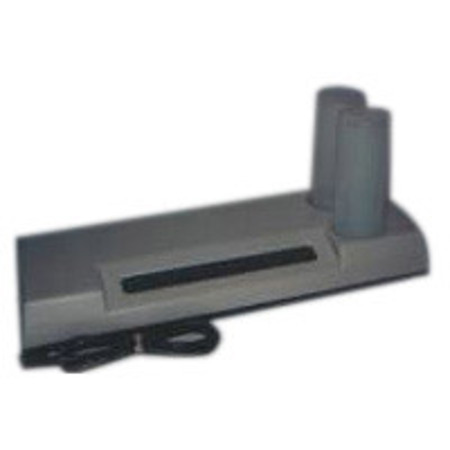
Adorama Quick Print Stabilization Processor for Black & White Prints up to 11"x14".
SKU: DKQP
This item is no longer available.
Share:
Overview
Compare
Learn
Specs
Protection
About Adorama Quick Print Stabilization Processor for Black & White Prints up to 11"x14".
The Automatic Processor for stabilization prints and for Kodak RC III Paper Developing. The Adorama Quick Print Processor is a lightweight portable processor that will produce quality black & white prints in as little as 10 to 15 seconds. This tabletop unit measures only 25"x10"x41¼2" high which is less than the space required for 3 8x10 trays. It will process any print size from 31¼2x5 to 11x14".
It is so simple to use that even a beginner can produce a perfectly processed print everytime. There is no plumbing hookup needed. It sets up and is ready to go in just a few minutes. There is no need to be concerned about temperature, there are no chemicals to mix and chemicals are automatically dispensed to maintain proper levels through sensimatic valves supplied with the processor.
For stabilization paper processing only 2 chemicals are required, an activator and a stabilizer. Processing is this simple. Just take the exposed print, put it in one end of the unit and watch the finished print come out the other end. Because of the roller-squeegee action the print comes out almost dry. And there's no need for a fixer bath.
When using Kodak RCIII paper you just double the amount of activator (and no stabilizer) that means that in just 20 seconds. You get a properly developed print. You can then continue the process by fixing the print for about a minute, washing for four minutes and then letting the print dry. Because of the rapid developing time, you can feed the unit continuously when processing a large number of prints.