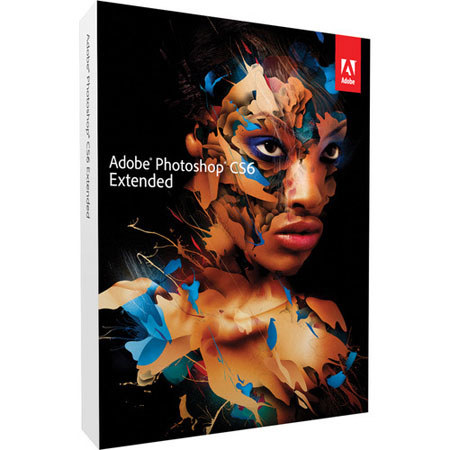
Adobe PHOTOSHOP EXTENDED CS6 MAC UE
SKU: DSW3470272
This item is no longer available.
Recommended Alternatives



Share:
Overview
Compare
Learn
Specs
Protection

About Adobe CS6
From Smart Object support for Blur Gallery to improved 3D effects, Adobe Photoshop Extended includes over a dozen new features available only to members of Adobe Creative Cloud. In addition to the latest innovations, youll also get the entire collection
Adobe Photoshop CS6 Extended software delivers all the imaging magic in Photoshop CS6 plus 3D graphic design and image analysis tools*. Intuitively create stunning 3D artwork and vibrant videos with the world's best imaging software. Edit images with exceptional precision. And design anything you can imagine--at amazing speed. Photoshop Extended is included in the following suites: Adobe Creative Suite 6 Design & Web Premium Adobe Creative Suite 6 Production Premium Adobe Creative Suite 6 Master Collection Adobe eLearning Suite 6 Key Features Content-Aware family of technologies--Retouch images with astonishing ease, control, and precision. Remove or move selected image objects, and Content-Aware technology magically fills, patches, extends, or recomposes your image with stunning results. Mercury Graphics Engine and 64-bit support--Count on the new Adobe Mercury Graphics Engine for blazingly fast performance when editing with key tools, and take advantage of cross-platform 64-bit support to speed up imaging tasks and process very large images faster*. 3D controls at your fingertips--Intuitively create 3D artwork with a simple interface that eliminates the need for tools. Use in-context, on-canvas controls to manipulate cages for 3D extrusions, change scene and object orientation, and edit lights*. Content-Aware Patch--Patch images with greater control using Content-Aware Patch. Simply choose the patch area and Content-Aware technology will fill in the missing area. New and reengineered design tools--Create superior designs fast. Get consistent formatting with type styles, use vector layers to apply strokes and add gradients to vector objects, easily create custom strokes and dashed lines, quickly search layers, and more.
