This item is no longer available.
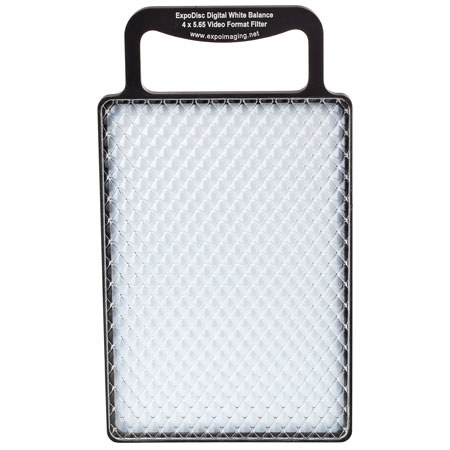
Get accurate color in difficult lighting with the patented ExpoDisc, the fast and easy digital white balance filter. Simply read and set white balance with the ExpoDisc in place before shooting and you'll reduce or eliminate the need for post-capture color adjustments.
Get the white balance solution that is quickly becoming the preferred method of achieving accurate color balance for professional photographers today.
Here is how it works:
Varying levels of colorcast typically occur in digital photography and require compensation as part of the process to create a photograph with good color fidelity.
Until now, photographers have had to rely on gray/white cards to solve this problem. The ExpoDisc is an easy to use custom white balance solution that eliminates the inconvenience and inconsistencies of other methods.
It is a neutral diffusion filter that gathers ambient light and passively transmits 18% of it through to your camera's light meter, effectively producing a "gray frame".
You then set a custom white balance using the "gray frame" that results in accurate color in most lighting conditions. Your camera essentially compensates for and neutralizes the colorcast it sees through the ExpoDisc.