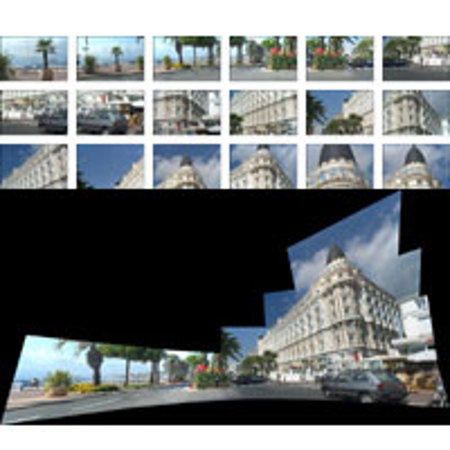
Kaidan REALVIZ Stitcher 5.5, QTVR Multi-Row Spherical Panorama Stitching Software for MAC and PC
SKU: IKASRV
This item is no longer available.
Share:
Overview
Compare
Specs
Protection
About Kaidan REALVIZ Stitcher 5.5, QTVR Multi-Row Spherical Panorama Stitching Software for MAC and PC
Stitcher is a professional-level application, used by thousands of pro photographers, architects, multimedia & 3D artists worldwide, & enables the creation of superb wide-angle panoramas for the Web, film, print, & 3D.
This latest and much anticipated version 5.0 of the software represents a real breakthrough in technological terms full automatic stitching is now offered for the very first time.
Stitcher 5 has been specifically created by engineers, as a direct response to the feed-back & needs of pro photographers who are using this product in their daily work.
Stitcher inter-operates smoothly & easily with Adobe Photoshop, the reference application in image editing, for maximum control and freedom to personalize & create panoramas each individual requires. Internationally acknowledged by serious photographers as a 'must have', Stitcher offers an enhanced range of features, specifically tailored to meet the demands of the professional user.
What can I do with Stitcher?
• Virtual tours (QTVR):
Stitcher allows you to create interactives virtual tours which can be either cylindrical, spherical or cubic. Cylindrical panoramas are usually made of a single row of pictures, up to 360° horizontal. Spherical panoramas are made of several rows of pictures up to 360° horizontal by 180° vertical. Panoramas created with Stitcher can be exported in different formats including the most widely used Apple's QuickTime VR format. In addition, Stitcher allowking panos using the hotspot feature.
• Flat Stitch:
Making a Flat Stitch is equivalent to stitching images taken on the same plane/level. A flat stitch is a series of images, where the camera moves in parallel to the level of the object being captured. This type of stitch can be simulated using images with a very high focal length, typically the operating mode of a scanner. Therefore, the 'Flat Stitch' function is very useful to easily scan an image which format is bigger than the one of your scanner (usually A4). i.e.: maps, architectural plans etc. To do this, you scan the different sections of your document with sufficient overlap between each image, to be able to reconstruct the final image.
• A panorama for print:
Stitcher is the best way to create high-res panoramas which can then be printed in very large sizes. The user can fine-tune his settings to obtain "his ideal panorama" in terms of size, resolution & image format. Stitcher also calculates the best-size rendering setting, according to the original size images.
• Creating Environment Maps:
Thanks to a variety of rendering options (spherical, cylindrical, cubic), your panorama created within Stitcher can be integrated into a 3D scene in order to generate a background image, reflections and lighting with complete photo-realism.
• Matte painting:
A Matte Painting is a very wide picture which is used as a background image in special effects for films & videos.