onOne Essentials 2 for Adobe Photoshop Elements Software with Color Correction & Frame It Tools, Windows & Macintosh
SKU: ISWOE2APE
This item is no longer available.
Share:
Overview
Compare
Specs
Protection
About onOne Essentials 2 f/ Adobe Photoshop Elements Software
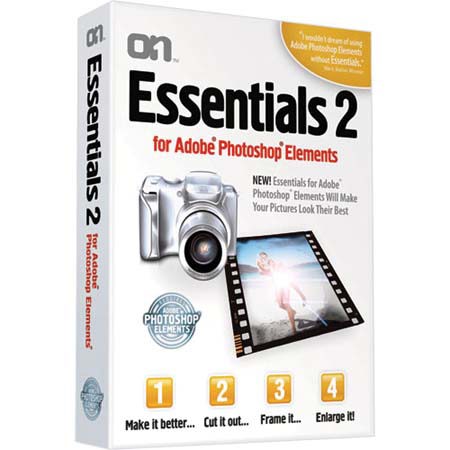
onOne Essentials for Photoshop Elements is a collection of four tools to help you correct color, remove unwanted backgrounds, add creative borders and resize your photos to get a larger print. You'll spend less time behind the computer and more time behind the camera. Plus with its built-in tutorials and easy to use palette you'll be up and running in no time. Simply compare color, contrast and brightness adjustments side-by-side and pick the best looking images to adjust your image.
This module combines the power several Photoshop Elements image adjustment dialogs into a single interface. This allows new users to make complex image adjustments without the need to understand the complex image controls of Photoshop Elements. Rather than cryptic sliders like thresholds and radius the user simply answers a series of visual questions to pick the best settings. Advanced users still have access to fine-tune controls for color cast removal, brightness, contrast, dynamic range and saturation. You can even create presets that you can use over and over again.
Essentials for Photoshop Elements features the Cut it Out tool for cutting a subject out of a background. How often have you wanted to take a person out of one picture and put them in to another but have been stopped difficult areas like hair or glasses in your subject. The Cut it Out tool makes it easy to paint away an unwanted background leaving your subject to be placed onto a new background. It maintains all of the small details such as hair, smoke, glass and netting. With its unique color decontamination technology the Cut it Out tool can even paint away unwanted colors through semi-transparent subjects so they blend naturally with a new background.
And unlike the Extract tool in Photoshop Elements you can see your results in real-time and fix your progress at anytime with any of the tools available in the Cut it Out tool. The Frame It tool really puts you into the digital darkroom. Now it is easy to add realistic film and darkroom edge and border effects to your images. But why stop at the darkroom, you can add artistic edges like torn paper, brush strokes or even realistic frames and mats you would hang on the walls. You can even stack multiple edges and frames to create your own unique look.
It comes packed with over 500 edges and frames too choose from. Use the built-in browser to browse or search for your favorites. The creative possibilities are limitless with the Frame It tool. Finally, Essentials for Photoshop Elements includes the Enlarge It tool which can increase image size without the loss of sharpness and detail that you would normally expect. It can resize your images up to 4x and still maintain sharp edges and minute details. That's like taking a 4x6 print and making it as big as a poster.