 |
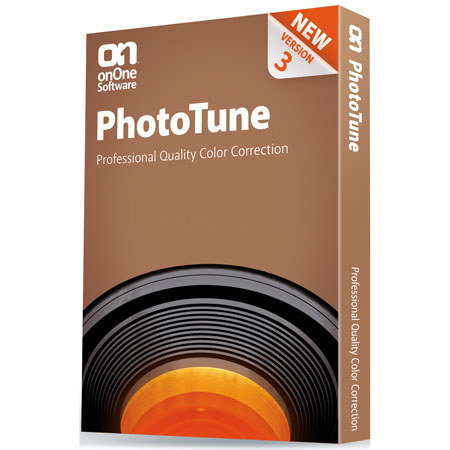
PhotoTune 3 features a state-of-art automatic correction algorithm. In a single click it can correct the brightness, contrast and color. This goes far beyond a simple auto-levels style adjustment. |
 |
At the heart of PhotoTune is the patented step-by-step wizard that simplifies the correction of your image without the need to understand complicated color and tone controls. This has been enhanced to combine the new auto-correction algorithm, SkinTune color correction and sharpening. |
 |
PhotoTune 3 also adds a new professional interface for users who desire complete control. You have access to the tone, color, SkinTune and detail controls. |
 |
PhotoTune takes away the complex concepts like levels and curves and provides simple ways to make advanced adjustments like sharpening, portrait color correction and gray purity. |
 |
With the simple innovative controls you just slide your image in the preview space to make adjustments that look good to your eye. |
 |
You can create great looking black and white images from your color photos with PhotoTune as well. Simply flip the black and white switch and use the color controls to change the tone, just like using filters over your camera lens. |
 |
The SkinTune controls, which automatically color-correct portraits in a single click, have been improved to give the option to only correct the subject's skin, rather than the entire image. |
 |
PhotoTune 3 can be used as a Smart Filter in Photoshop CS3 and CS4, allowing you to make non-destructive, re-editable adjustments on Smart Objects like Raw files. When used in conjunction with the new Lightroom integration this creates a seamless, non-destructive workflow experience for raw images. |
 |
PhotoTune 3 supports integration with Adobe Photoshop Lightroom and Apple Aperture. This allows users to access PhotoTune 3 and its presets directly inside the workflow applications they use every day. Lightroom integration will not work if using Photoshop Elements. |
 |
PhotoTune 3 allows users to save presets, which store all of the color and tone corrections, so they can be applied to other similar images. This can be accomplished inside of Photoshop directly, or inside of Adobe Photoshop Lightroom or Apple Aperture. |
 |
The onOne Panel in Adobe Photoshop allows you to quickly launch PhotoTools without having to navigate through Photoshop's menus. It also gives you access to your favorite presets right from the panel as well. |