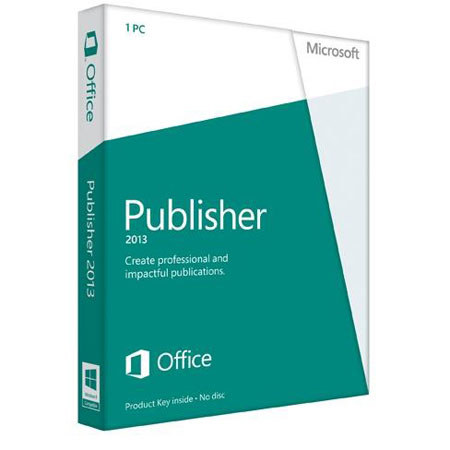
Microsoft Publisher 2013 Software, Key card (no disc) English - Windows 32/64-bit
SKU: MISPB13M
This item is no longer available.
Recommended Alternatives
Share:
Overview
Compare
Learn
Specs
Protection
About Microsoft Publisher 2013 Software
The Microsoft Publisher 2013 (32-bit/x64 Medialess) allows you to create, personalize and share a wide range of professional-quality publications and marketing materials with ease. With Publisher 2013, you can create a variety of publication types, such as brochures, newsletters, postcards, greeting cards, or email newsletters.
Publisher 2013 provides improved picture-editing tools, including the ability to pan, zoom and crop your images and picture placeholders. There's also object alignment technology which are visual guides to help you align and position your content with ease. When you're done, you can view a full-page print preview with a host of page layout tools and adjustable print settings with the Backstage view.
Publisher 2013 allows you to insert and customize pre-built building blocks of content, both built-in and from the Publisher community. Choose from an array of page parts, such as sidebars, stories, calendars, borders, advertisements and more. You can also import all your pictures to a single canvas and swap them in and out of your design with a simple drag and drop.
Add a professional look to your publications with effects for text, shapes and pictures. These effects can offer softer shadows, reflections and OpenType features, such as ligatures and stylistic alternates. You can even use Publisher to search your online albums on Facebook, Flickr and other services and add pictures directly to the document, without having to save them first.