
This item is no longer available.
Review Summary
2013-11-11T19:00:00
Adorama shipped quickly. Installed on Windows 7 Professional per instructions. Control Panel recognized TL-WN951N adapter, and said it was enabled and working properly. Windows "Wireless Network Connection", however, said "No Connections Available." I called TP-Link tech support. She acted as though she did not want to talk to me but said I need to disable my anti-virus, and hung up. I tried that, It did not work. I called back and another tech suggested I unstall my original adapter and drivers, and reinstall in "safe mode" and hung up. I tried that. It did not work. I called back a third time. This tech actually talked to me. He finally told me I must have a defective card and to send it back to Adorama. I uninstalled it and reinstalled my old card. After thinking about it, I reinstalled the TP-Link and the drivers and then I ran the TP-Link setup utility in XP compatibility mode. As the utility was completing installation, I could see my "Wireless Network Connection" receiving several signals. SIMPLE! No more problems! (Why have tech support if they do not support the product and customer?) I have "good" signal strength. I would rate this adapter higher except for the trouble installing and the lack of tech support. (In fact, as far as tech support goes, I would give TP-Link a "1"... and that is generous...)
Seedy
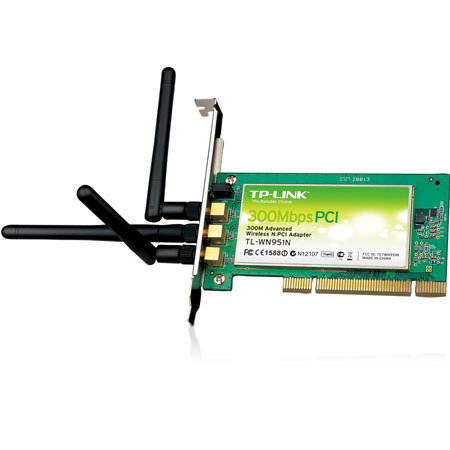
The TL-WN951N Wireless N PCI Adapter complies with IEEE 802.11n, IEEE 802.11g and IEEE 802.11b standards. Wireless transmission rates can reach up to 300Mbps. The PCI Card with three external detachable Omni-directional antennas works well with other 11g and 11n protocol wireless products and adopts MIMO as well as SST technology which can bring a faster, wider and more stable wireless experience.
This product can also simultaneously operate bandwidth intensive applications using a lot of bandwidth which are sensitive to interruption. When using multiple bandwidth intensive applications, the most sensitive of these applications can be given priority over the others to be allocated more bandwidth in order to assure quality.