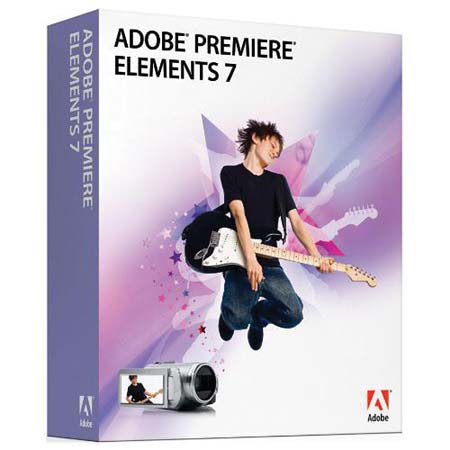
Adobe Premiere Elements 7.0, Movie Editing Software for Windows
SKU: ABPRE7W
This item is no longer available.
Share:
Overview
Compare
Learn
Specs
Protection
About Adobe Premiere Elements 7.0, Movie Editing S/W f/Win
The Adobe Premiere Elements makes it easy to create incredible movies. Get started quickly with automated moviemaking options, add knockout visuals and sound and share your movies everywhere. Turn your video clips into polished movies with cool ideas, tutorials, movie themes and special effects that are delivered regularly to your software. Help protect your videos from computer loss and hard drive crashes with automatic online backup and 20GB of storage - that's up to four hours of DVD-quality video.
Access your movies and clips from any web-enabled computer. Create polished movies with no effort using creative techniques from Hollywood directors. Just choose a theme and new InstantMovie automatically edits together your best clips with coordinated music, titles, effects and transitions. You can even customize the final result if you wish. Let Adobe Premiere Elements automatically analyze and tag your footage so you can quickly find your most interesting, highest quality clips. Composite video with entertaining results. Use new Adobe Videomerge technology to cleanly extract your moving subject from a solid color background and then drop it into a new setting for a fun or creative twist.
Use new SmartSound to add a variety of musical soundtracks that automatically adjust to perfectly match the length of your movie. Even synchronize scenes to the beat of your soundtrack. Choose from a set of world-class Adobe fonts designed to look great on video and customize them with shadows, glows and other effects. Then animate your titles to make them bounce, spin, or zoom across your scenes. Easily upload your movies to YouTube or your personal sharing page. Adobe Premiere Elements takes care of optimizing and formatting for the specific destination so your movies always look great. Design custom disc menus from scratch, or choose from dozens of menu templates. Adobe Premiere Elements automatically creates scene indexes or chapters for your menu with links that correspond to your video clips.