288 Pin Memory
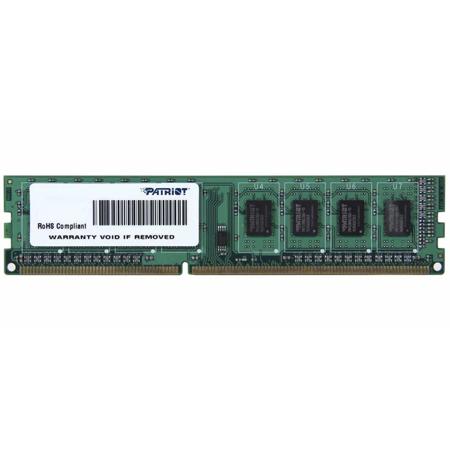
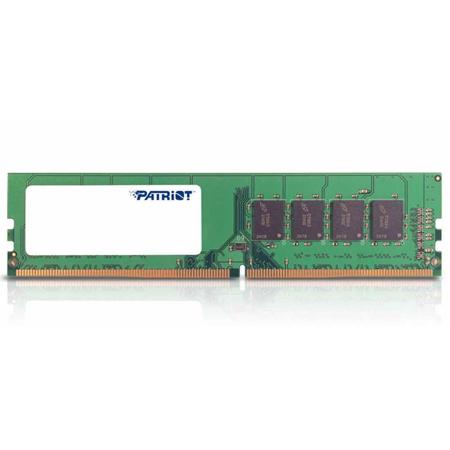
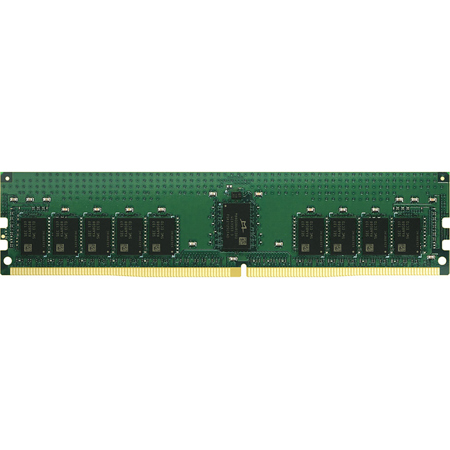
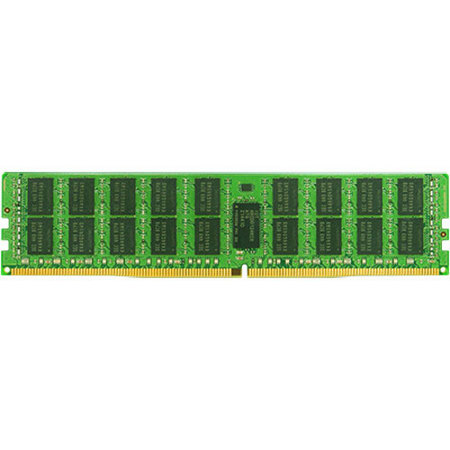
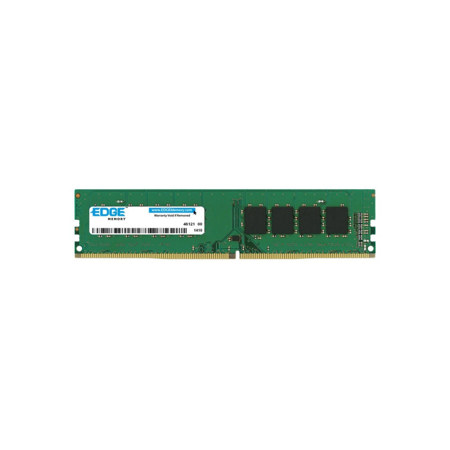
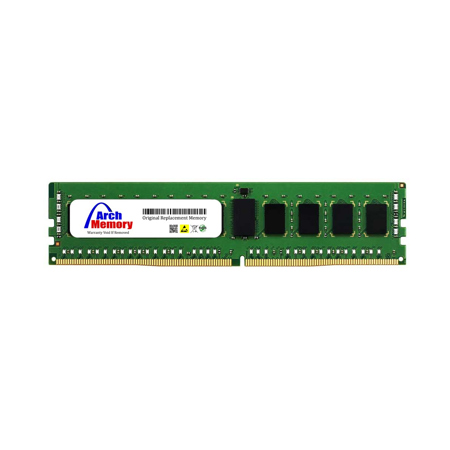
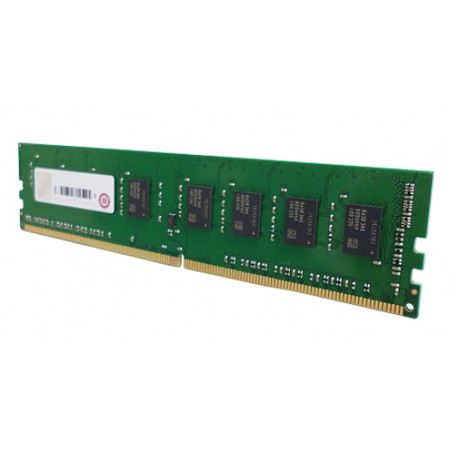
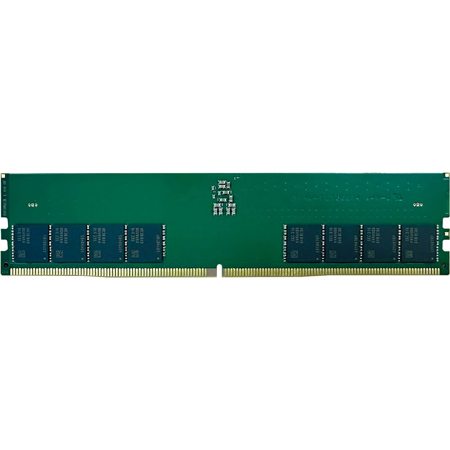
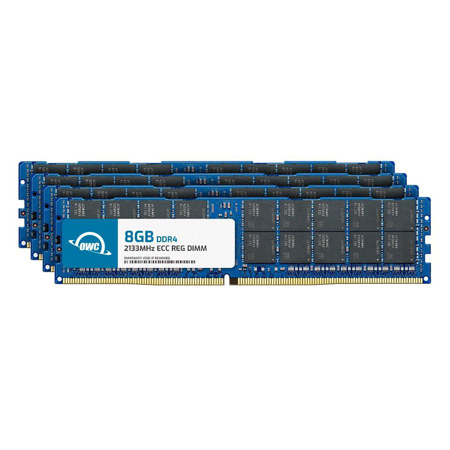
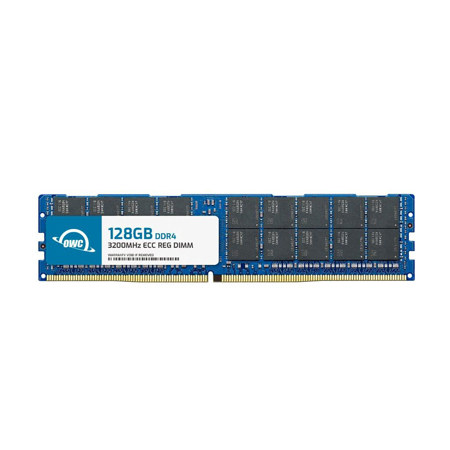
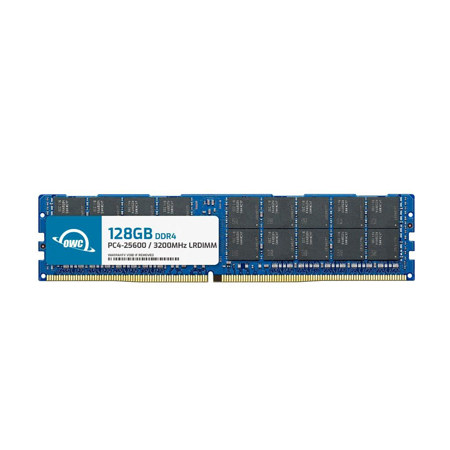
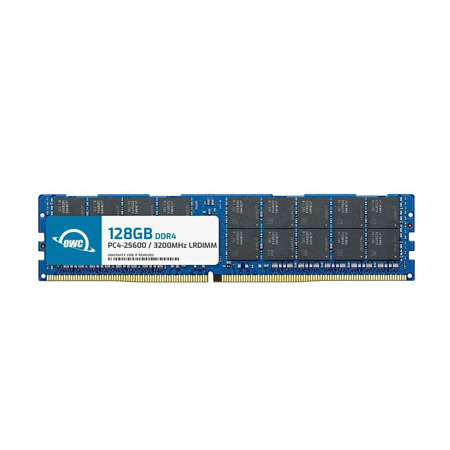
When it comes to upgrading or building a desktop PC, 288 pin memory modules—specifically 288-pin DIMMs—are at the heart of modern performance. These modules are the standard for today’s desktop computers, supporting both DDR4 and DDR5 generations, and are engineered exclusively for full-sized motherboards. Whether you’re a creative professional editing high-resolution photos, a gamer seeking smooth frame rates, or a student assembling a reliable workstation for summer projects and fall coursework, choosing the right 288 pin RAM can make a remarkable difference in your system’s speed and responsiveness. As the weather warms and many embark on tech upgrades or prepare for the upcoming academic year, it’s a great time to consider how a memory refresh can breathe new life into your PC. These DIMM 288-pin modules are not only about sheer capacity; they also deliver faster data transfer rates and improved multitasking, which is essential for running demanding applications, editing large files, or keeping dozens of browser tabs open without a hitch.
Selecting the right 288-pin DIMM involves several important considerations. First and foremost, compatibility is key: DDR4 RAM 288 pin modules are not interchangeable with DDR5, as each has a unique notch position and different power management requirements. Before making a purchase, it’s wise to consult your motherboard’s manual or use a system scanner to confirm which generation your system supports. Pay close attention to supported memory speeds as well—while DDR4 modules commonly range from 2133 MHz to 3600 MHz, DDR5 offers even higher frequencies, but both require matching support from your CPU and motherboard. Beyond speed and generation, capacity is another crucial factor. For general productivity, 8GB may suffice, but for content creators, gamers, or those working with large datasets, 16GB, 32GB, or more can offer a tangible boost in performance. These memory modules are also a thoughtful gift for tech-savvy friends, students setting up a new study space, or family members looking to enhance their desktop experience ahead of the busy fall season. The installation process is straightforward: simply align the module’s key notch with the slot on your motherboard and apply even pressure until it clicks into place—a satisfying step in any PC build or upgrade.
As you compare options, consider whether you need features like error correction, which is particularly valuable for workstations handling sensitive data or running 24/7. For those interested in this added reliability, you might explore Unbuffered ECC Memory for compatible systems. It’s also worth noting that desktop towers use these full-sized 288-pin modules, while laptops and small form factor devices require different, smaller SO-DIMM types. Investing in quality memory ensures smoother multitasking, faster application launches, and a more responsive computing experience—benefits that become especially noticeable as workloads increase with new projects, gaming releases, or creative endeavors during the transition from summer into the fall. Whether you’re upgrading for better performance or building a new system from scratch, 288-pin memory modules are an essential component for anyone seeking reliability, speed, and the flexibility to handle whatever the season brings.
Selecting the right 288-pin DIMM involves several important considerations. First and foremost, compatibility is key: DDR4 RAM 288 pin modules are not interchangeable with DDR5, as each has a unique notch position and different power management requirements. Before making a purchase, it’s wise to consult your motherboard’s manual or use a system scanner to confirm which generation your system supports. Pay close attention to supported memory speeds as well—while DDR4 modules commonly range from 2133 MHz to 3600 MHz, DDR5 offers even higher frequencies, but both require matching support from your CPU and motherboard. Beyond speed and generation, capacity is another crucial factor. For general productivity, 8GB may suffice, but for content creators, gamers, or those working with large datasets, 16GB, 32GB, or more can offer a tangible boost in performance. These memory modules are also a thoughtful gift for tech-savvy friends, students setting up a new study space, or family members looking to enhance their desktop experience ahead of the busy fall season. The installation process is straightforward: simply align the module’s key notch with the slot on your motherboard and apply even pressure until it clicks into place—a satisfying step in any PC build or upgrade.
As you compare options, consider whether you need features like error correction, which is particularly valuable for workstations handling sensitive data or running 24/7. For those interested in this added reliability, you might explore Unbuffered ECC Memory for compatible systems. It’s also worth noting that desktop towers use these full-sized 288-pin modules, while laptops and small form factor devices require different, smaller SO-DIMM types. Investing in quality memory ensures smoother multitasking, faster application launches, and a more responsive computing experience—benefits that become especially noticeable as workloads increase with new projects, gaming releases, or creative endeavors during the transition from summer into the fall. Whether you’re upgrading for better performance or building a new system from scratch, 288-pin memory modules are an essential component for anyone seeking reliability, speed, and the flexibility to handle whatever the season brings.