
Android Memory Cards
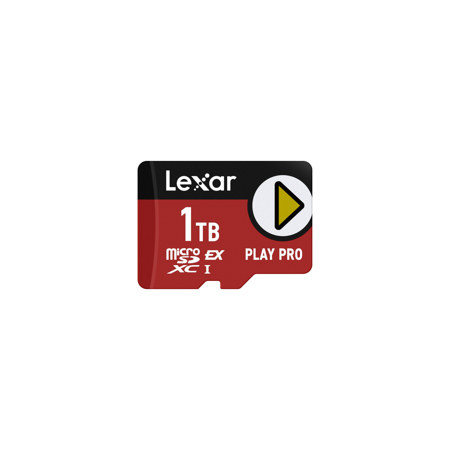
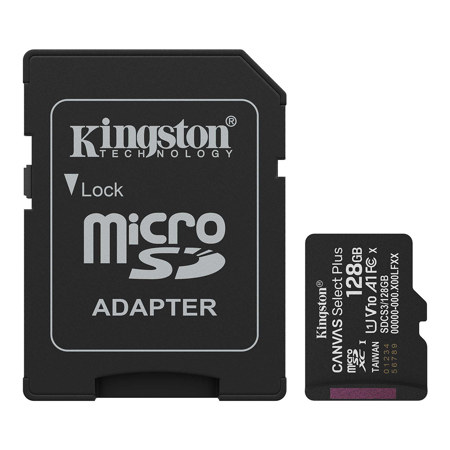
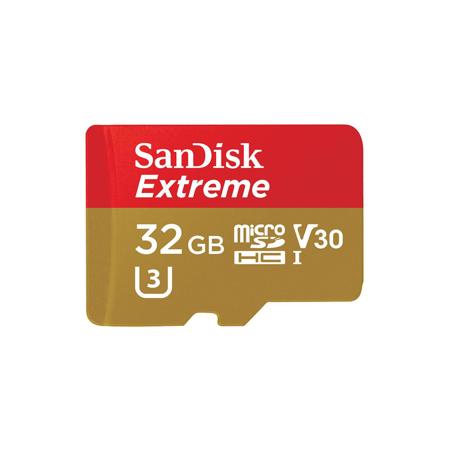
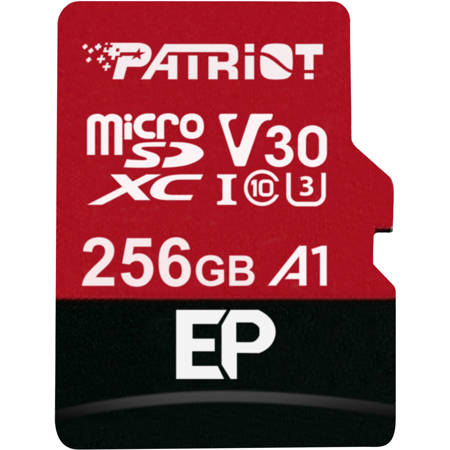
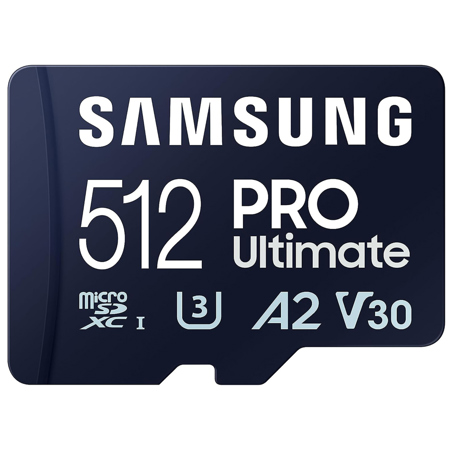
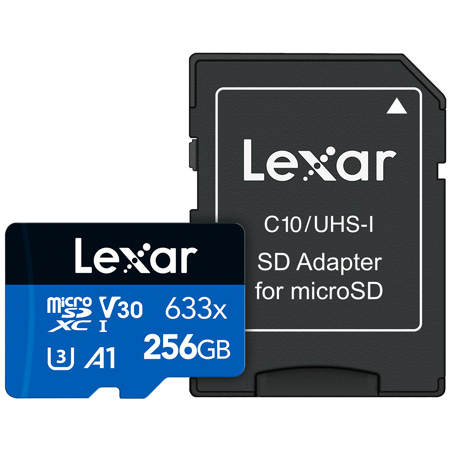
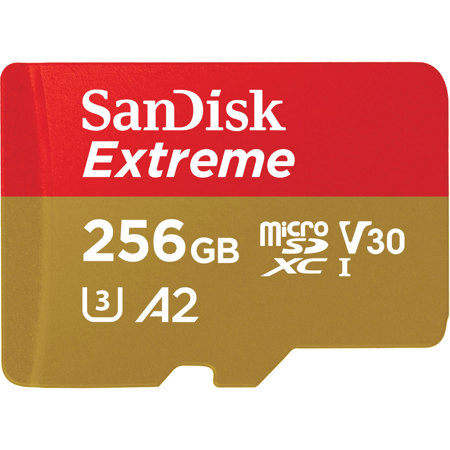
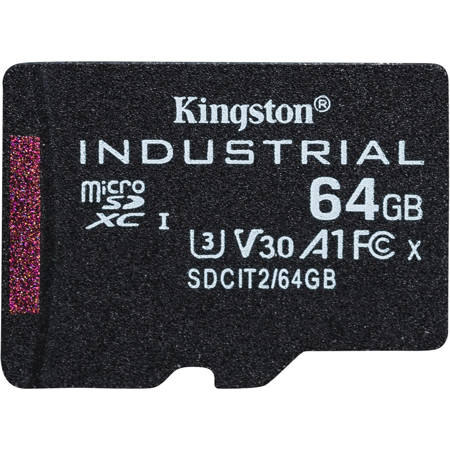
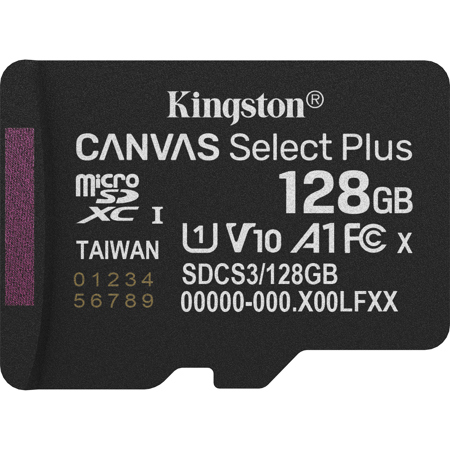
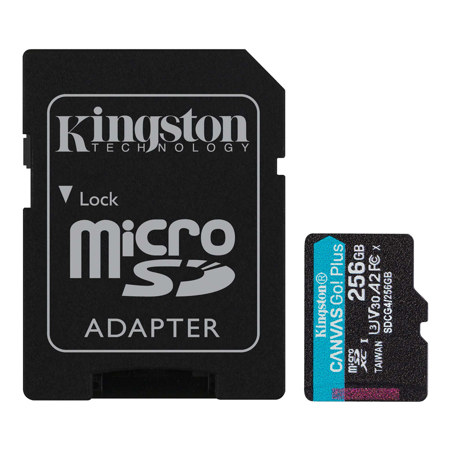
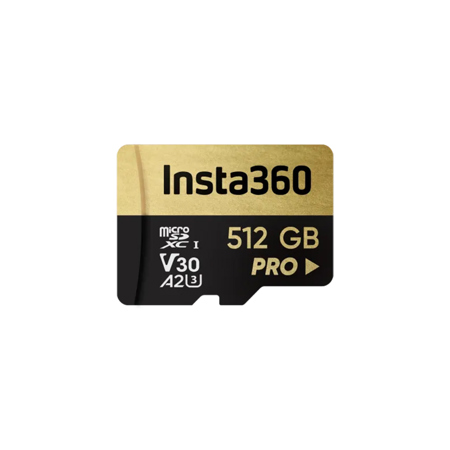
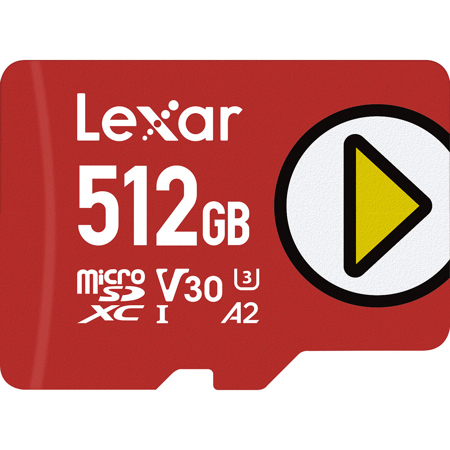
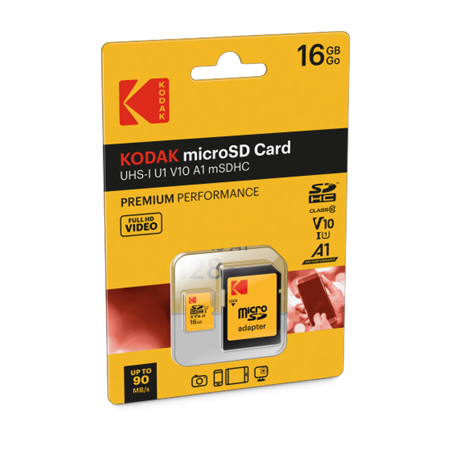
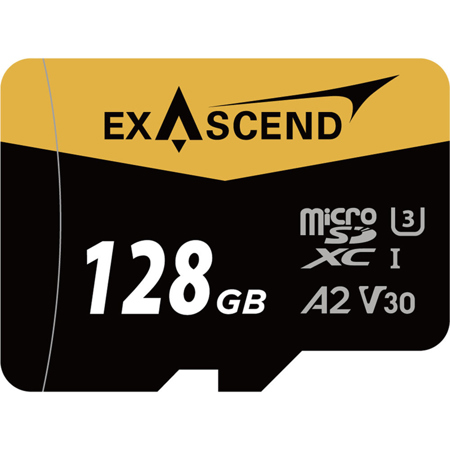
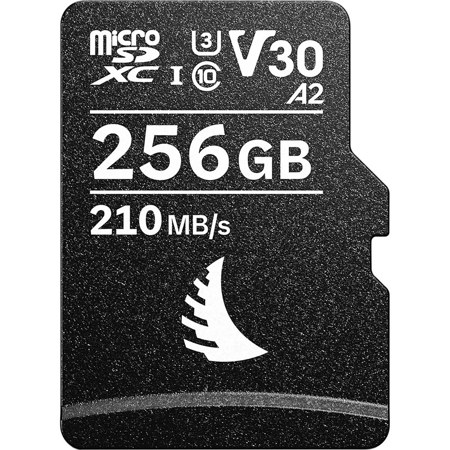
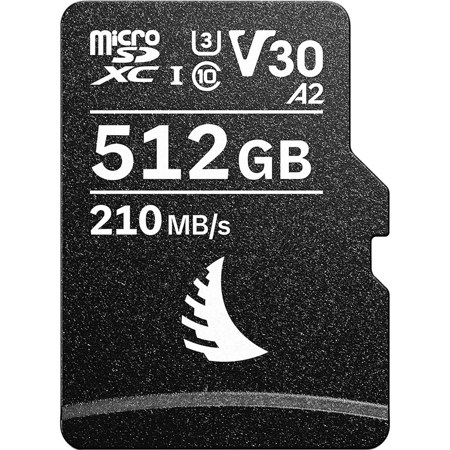
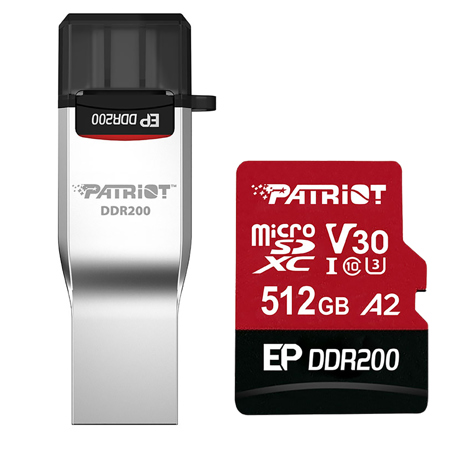
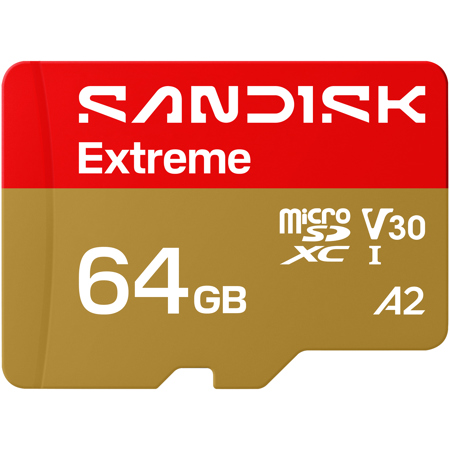
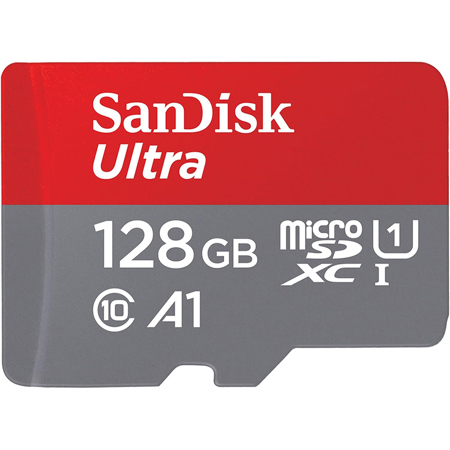
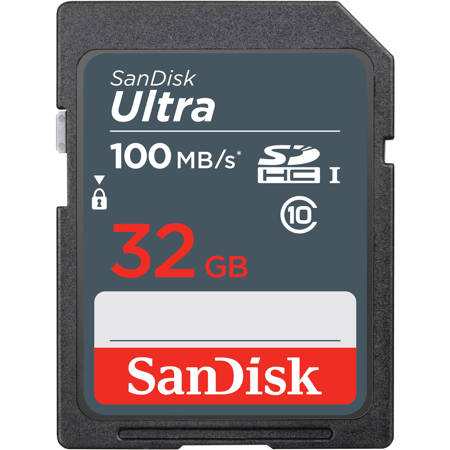
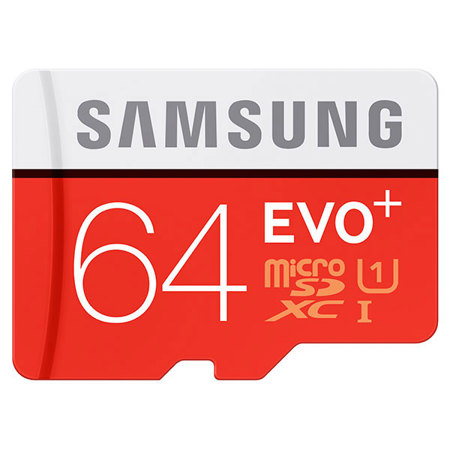
When choosing the right Android memory card, it’s important to consider not only the storage capacity but also the performance ratings that match your device’s needs and your personal usage patterns. Modern Android phones and tablets often support microSDXC cards up to 1TB, but for most users, capacities like 128GB, 256GB, or even an extreme 32GB SanDisk card can offer the perfect balance between ample space and affordability. Whether you’re capturing high-resolution photos during summer outings, shooting 4K video on family vacations, or downloading your favorite playlists for road trips as the weather warms or cools, the right micro SD card ensures you have the space and speed to keep your memories and media at your fingertips. Look for cards marked with A2 or A1 app performance ratings—such as a 256GB micro SD A2 or an A2 V30 micro SD card—if you plan to store and run apps directly from your card, as these ratings ensure smooth app launches and multitasking. For those who love to record crisp, detailed videos, especially of seasonal events or outdoor adventures, U3 or V30 speed classes are essential, guaranteeing the sustained write speeds needed for seamless 4K video capture.
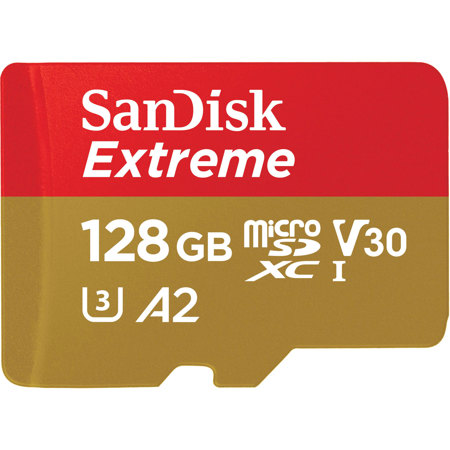
Android memory cards are a thoughtful and practical gift for tech enthusiasts, students, travelers, and content creators alike. They’re especially valuable for anyone whose smartphone or tablet serves as a primary camera, entertainment hub, or productivity device. A sandisk 128gb extreme micro sd, for instance, can transform an Android device into a powerhouse for storing movies, music, games, and documents, making it a welcome upgrade for a friend heading off to college or a family member preparing for a long-awaited trip. During the transition from summer to fall, when schedules fill with outdoor events, festivals, and back-to-school activities, having reliable expandable storage means you never have to worry about running out of space at the perfect moment. It’s also worth considering the durability features of your chosen micro SD card, such as water, shock, and temperature resistance, especially if you spend a lot of time outdoors or in varying climates. For those who frequently transfer files between devices or use their Android as a digital camera, investing in a high-speed card can make all the difference in workflow efficiency and peace of mind.
Before making your selection, always check your device’s compatibility—some newer Android models may not include a microSD slot, while others might have specific requirements for card speed or capacity. Formatting options, such as using the card as portable storage or adopting it as internal storage, can also impact how you use and manage your files. If you’re looking to compare different types of memory cards or need guidance on which specifications best fit your needs, you can explore our comprehensive Memory Card Storage page for more in-depth information and helpful resources. With the right Android memory card, you’ll be ready to capture, store, and share life’s moments—whether you’re enjoying the last rays of summer sun, documenting fall festivities, or simply keeping your digital life organized and accessible.
Android memory cards are a thoughtful and practical gift for tech enthusiasts, students, travelers, and content creators alike. They’re especially valuable for anyone whose smartphone or tablet serves as a primary camera, entertainment hub, or productivity device. A sandisk 128gb extreme micro sd, for instance, can transform an Android device into a powerhouse for storing movies, music, games, and documents, making it a welcome upgrade for a friend heading off to college or a family member preparing for a long-awaited trip. During the transition from summer to fall, when schedules fill with outdoor events, festivals, and back-to-school activities, having reliable expandable storage means you never have to worry about running out of space at the perfect moment. It’s also worth considering the durability features of your chosen micro SD card, such as water, shock, and temperature resistance, especially if you spend a lot of time outdoors or in varying climates. For those who frequently transfer files between devices or use their Android as a digital camera, investing in a high-speed card can make all the difference in workflow efficiency and peace of mind.
Before making your selection, always check your device’s compatibility—some newer Android models may not include a microSD slot, while others might have specific requirements for card speed or capacity. Formatting options, such as using the card as portable storage or adopting it as internal storage, can also impact how you use and manage your files. If you’re looking to compare different types of memory cards or need guidance on which specifications best fit your needs, you can explore our comprehensive Memory Card Storage page for more in-depth information and helpful resources. With the right Android memory card, you’ll be ready to capture, store, and share life’s moments—whether you’re enjoying the last rays of summer sun, documenting fall festivities, or simply keeping your digital life organized and accessible.