Android Microphones
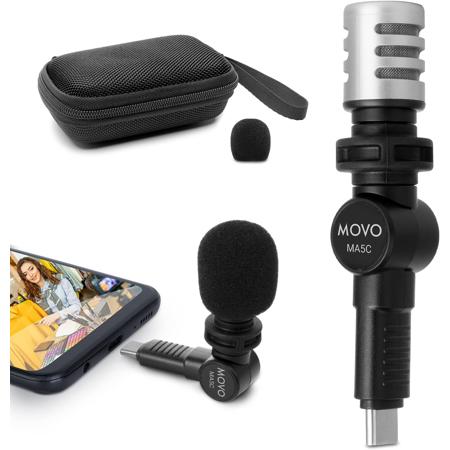
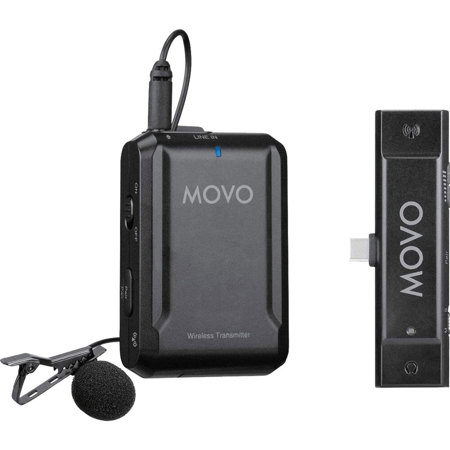
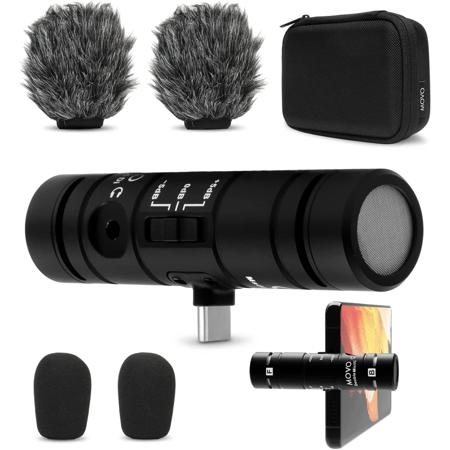
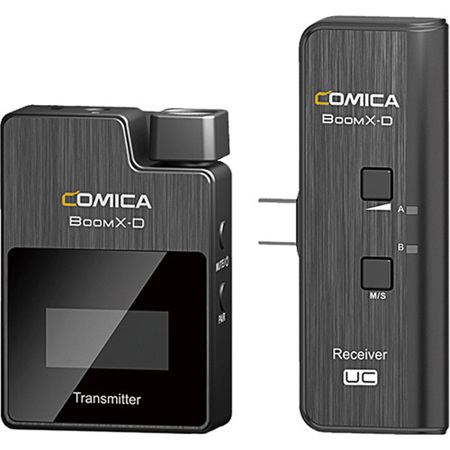
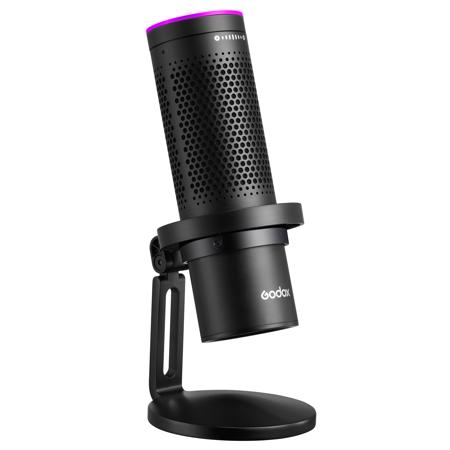
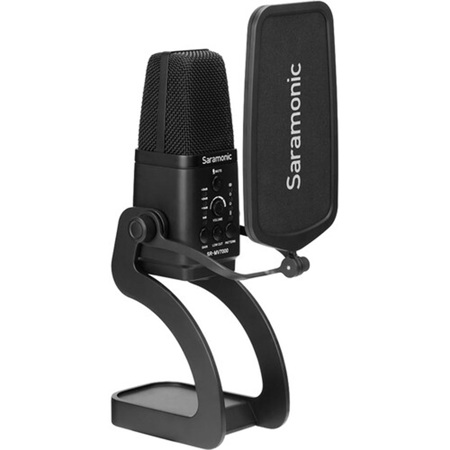
For anyone looking to elevate their mobile audio game, Android microphones offer an accessible and versatile solution, especially as recording, streaming, and content creation continue to thrive. Whether you’re a vlogger capturing spring’s fresh city sounds, a journalist gathering interviews on the go, or a musician recording impromptu sessions in the park, the right mic for Android can transform your device into a powerful audio tool. These microphones are designed to plug directly into your Android phone or tablet, often via USB-C or wireless connections, delivering crisp, professional-quality sound far superior to built-in mics. This makes them an excellent choice for creators who want to capture podcasts, voiceovers, music, or ambient sound with clarity and minimal background noise. As the days grow longer and outdoor activities beckon, portable Android microphones become even more valuable, letting you document everything from spring festivals to family gatherings with studio-grade audio on the fly.
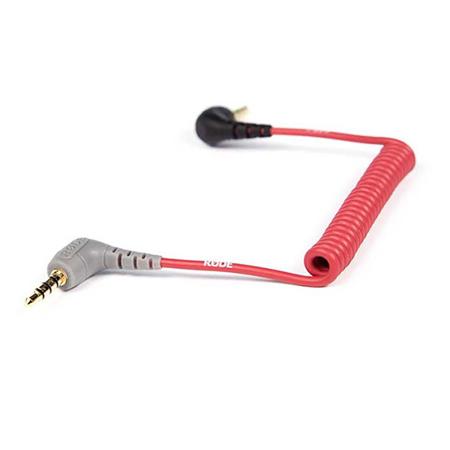
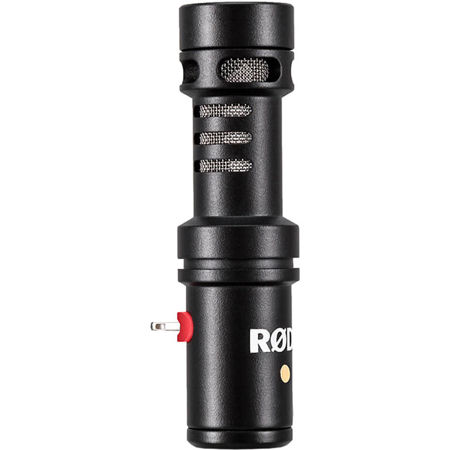
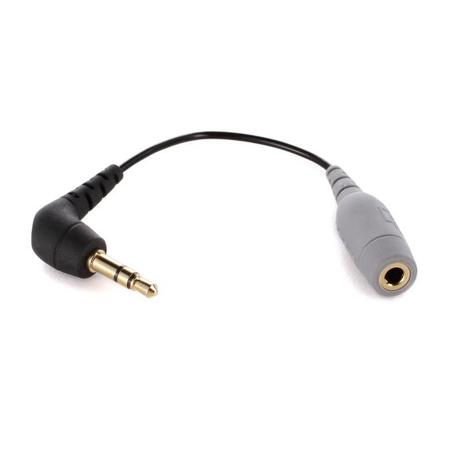
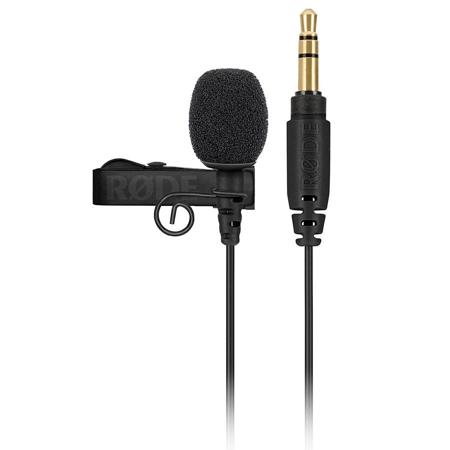
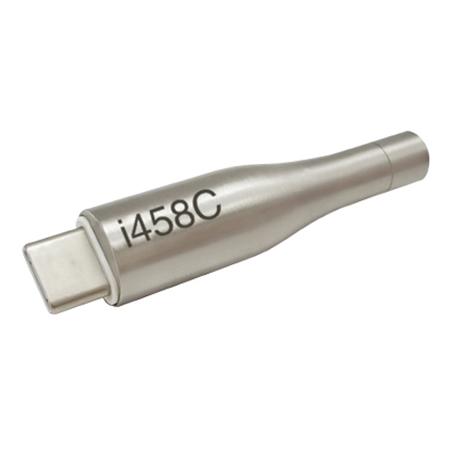
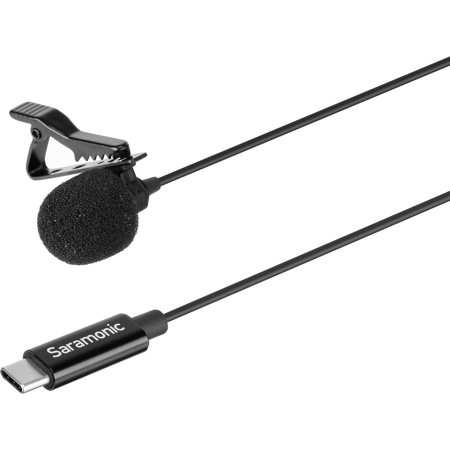
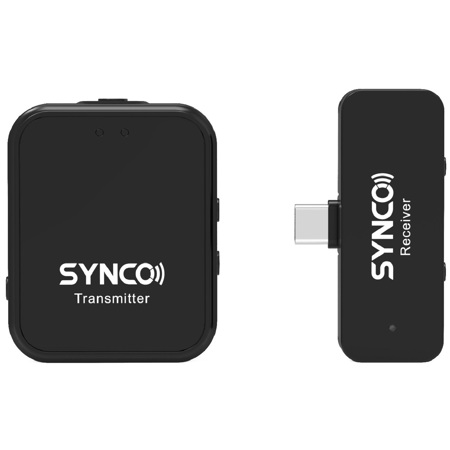
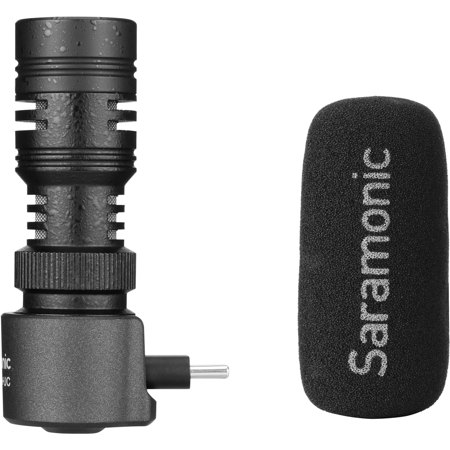
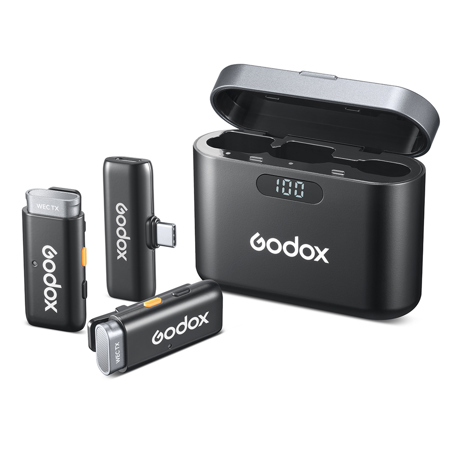
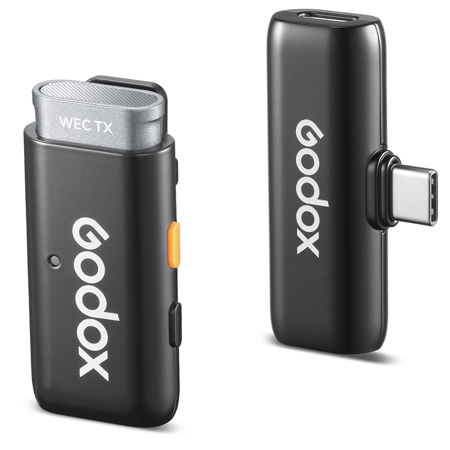
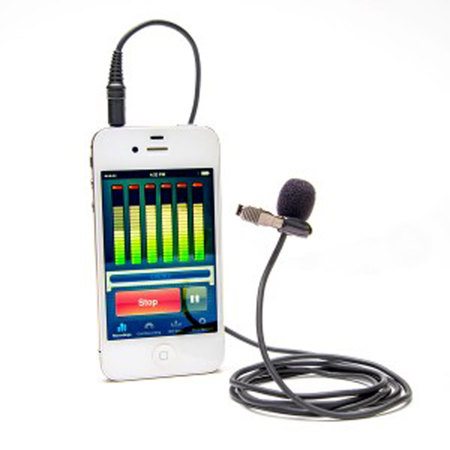
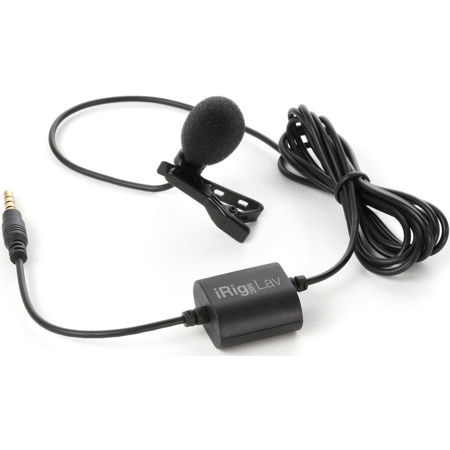
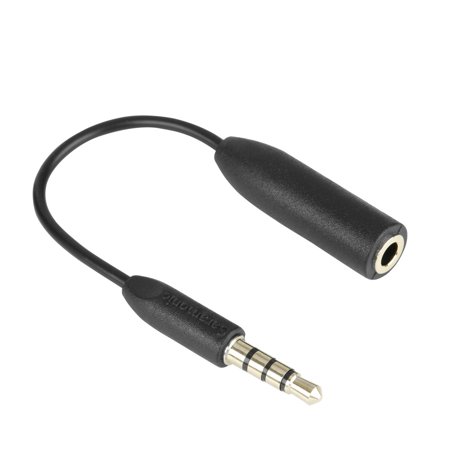
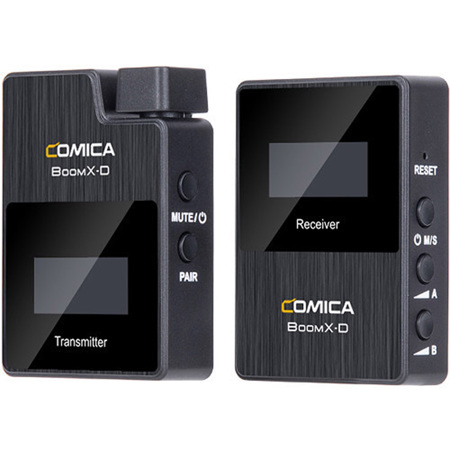
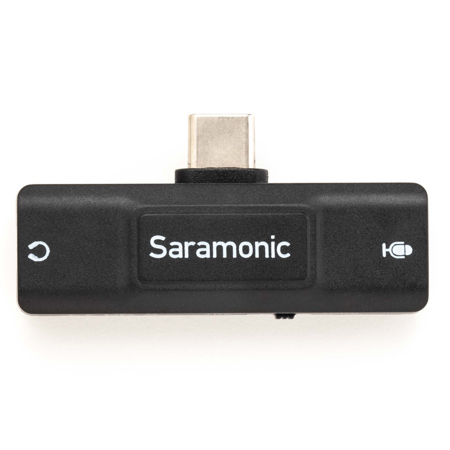
Choosing an Android microphone involves considering several key factors to ensure you get the best results for your needs. Pay attention to compatibility—most modern Android devices use USB-C ports, but some may require adapters or support only certain connection protocols. If you’re often on the move, look for compact, lightweight models that won’t weigh down your gear bag, yet still offer features like adjustable gain, noise reduction, or wind protection for outdoor use. Wireless lavalier mics are particularly popular for mobile interviews and presentations, offering freedom of movement and discreet placement, while shotgun mics excel at focusing on sound directly in front of the camera, ideal for capturing dialogue or performances in bustling environments. For those who love sharing their adventures or expertise, an external mic for Android can make a world of difference in audio quality, helping your voice cut through the noise and connect with your audience. These microphones also make thoughtful gifts for students, aspiring filmmakers, social media enthusiasts, or anyone who wants to make the most of their Android device’s creative potential.
In addition to the microphone itself, it’s wise to familiarize yourself with your device’s microphone permissions and settings to ensure seamless operation. Managing app permissions helps you control which apps can access the microphone, keeping your recordings secure and your privacy intact. Regularly checking for physical obstructions, such as dust in the mic port or interference from a phone case, can prevent frustrating audio issues. If you encounter any problems, simple troubleshooting steps like restarting your device, disconnecting Bluetooth accessories, or clearing app caches often resolve common glitches, letting you get back to recording without missing a beat. As you explore the possibilities of mobile audio, you’ll find that Android microphones open up a world of creative opportunities, whether you’re documenting spring’s lively atmosphere or capturing quiet moments at home. To further expand your mobile toolkit, consider browsing the full range of Android Accessories to find complementary gear that enhances your recording experience and helps you make the most of every moment.
Choosing an Android microphone involves considering several key factors to ensure you get the best results for your needs. Pay attention to compatibility—most modern Android devices use USB-C ports, but some may require adapters or support only certain connection protocols. If you’re often on the move, look for compact, lightweight models that won’t weigh down your gear bag, yet still offer features like adjustable gain, noise reduction, or wind protection for outdoor use. Wireless lavalier mics are particularly popular for mobile interviews and presentations, offering freedom of movement and discreet placement, while shotgun mics excel at focusing on sound directly in front of the camera, ideal for capturing dialogue or performances in bustling environments. For those who love sharing their adventures or expertise, an external mic for Android can make a world of difference in audio quality, helping your voice cut through the noise and connect with your audience. These microphones also make thoughtful gifts for students, aspiring filmmakers, social media enthusiasts, or anyone who wants to make the most of their Android device’s creative potential.
In addition to the microphone itself, it’s wise to familiarize yourself with your device’s microphone permissions and settings to ensure seamless operation. Managing app permissions helps you control which apps can access the microphone, keeping your recordings secure and your privacy intact. Regularly checking for physical obstructions, such as dust in the mic port or interference from a phone case, can prevent frustrating audio issues. If you encounter any problems, simple troubleshooting steps like restarting your device, disconnecting Bluetooth accessories, or clearing app caches often resolve common glitches, letting you get back to recording without missing a beat. As you explore the possibilities of mobile audio, you’ll find that Android microphones open up a world of creative opportunities, whether you’re documenting spring’s lively atmosphere or capturing quiet moments at home. To further expand your mobile toolkit, consider browsing the full range of Android Accessories to find complementary gear that enhances your recording experience and helps you make the most of every moment.