
Audio Setup For Streaming
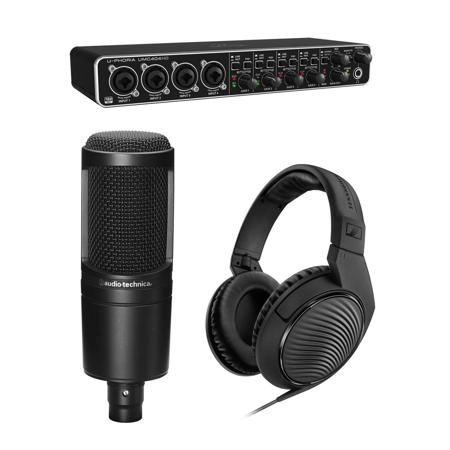
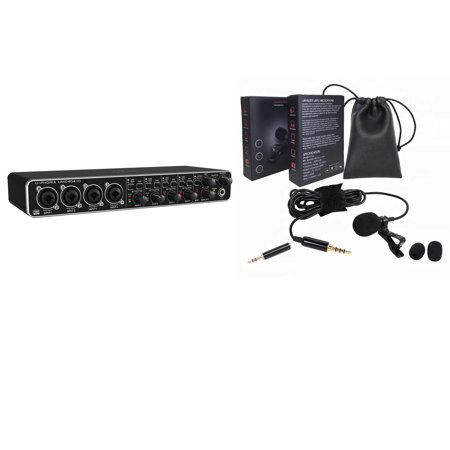
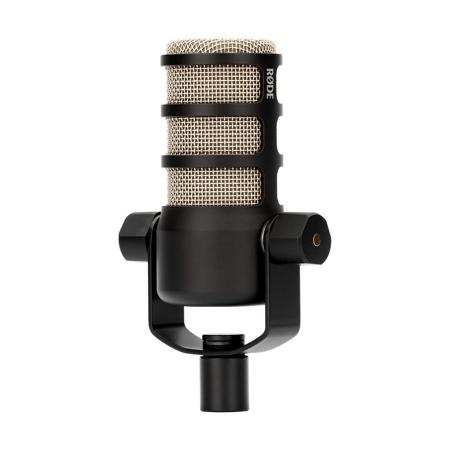
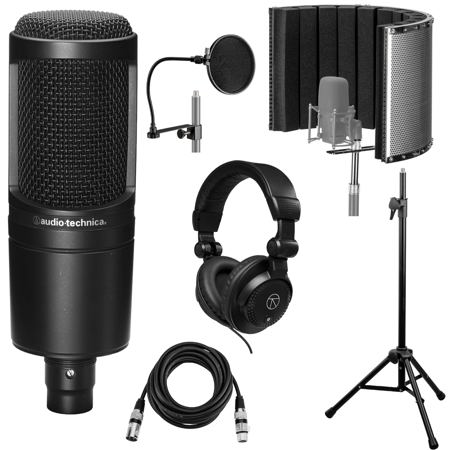
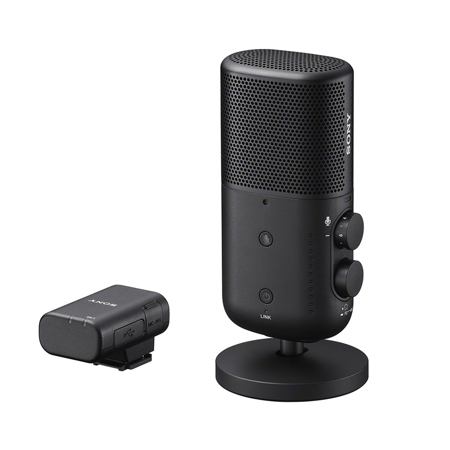
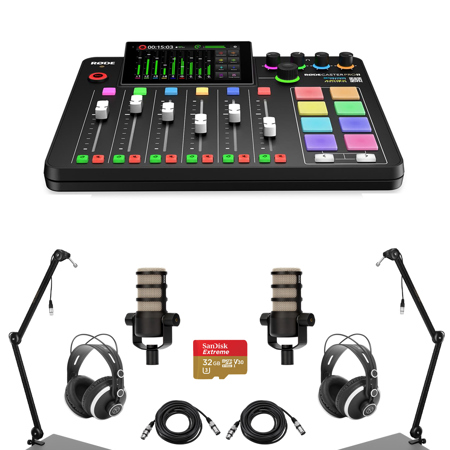
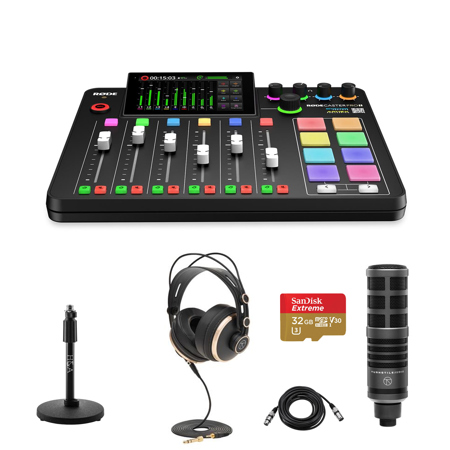
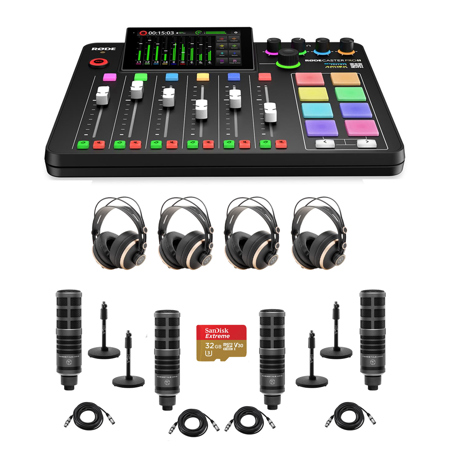
Creating an effective audio setup for streaming is a blend of technical know-how, personal preference, and the right equipment, tailored to the unique needs of each creator. Whether you're setting up for your first live broadcast, upgrading your podcasting gear, or searching for a thoughtful gift for a content creator, the right audio tools can make all the difference. As the weather warms and schedules shift, streaming often finds its place in both professional and personal routines—connecting with communities, sharing music or gameplay, or hosting virtual events. A reliable audio setup ensures that your voice is clear, your sound effects are crisp, and your audience remains engaged, no matter where or when you stream. Many streamers begin with a dedicated microphone, choosing between USB models for easy plug-and-play convenience or XLR mics for studio-grade quality and future expandability. USB microphones are ideal for those who want a straightforward setup, while XLR microphones, paired with an audio interface, offer more control and the potential to grow with your ambitions. For anyone gifting an audio setup, these choices are especially thoughtful for students starting a creative project, remote workers enhancing their virtual presence, or friends diving into online gaming and streaming during the longer days of summer.
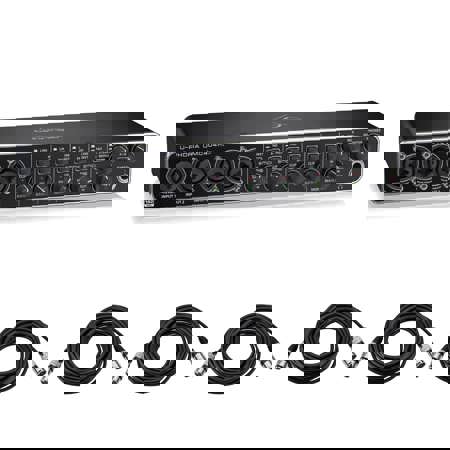
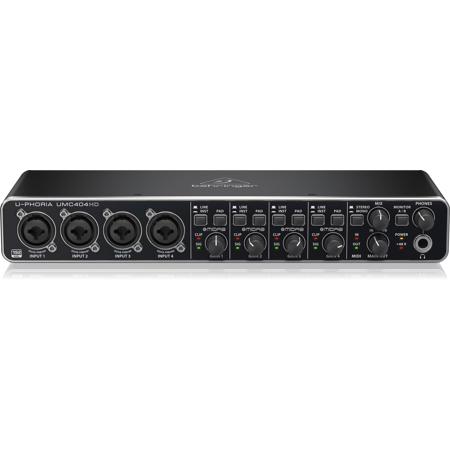
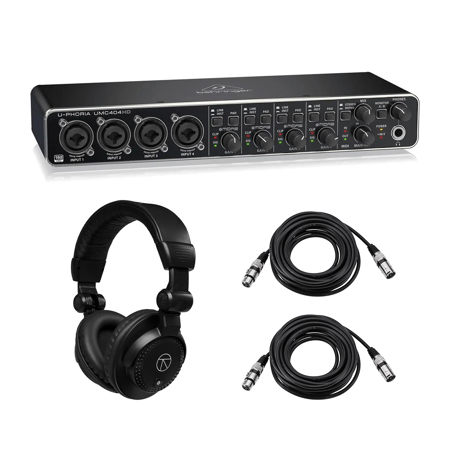
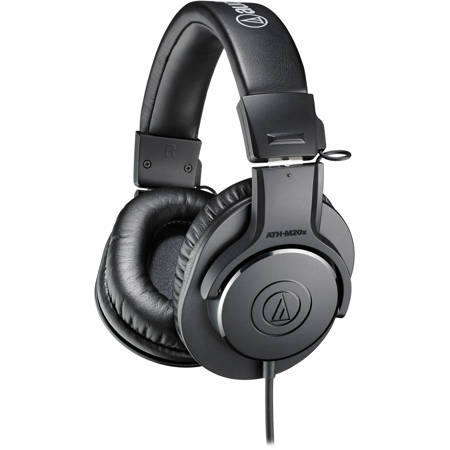
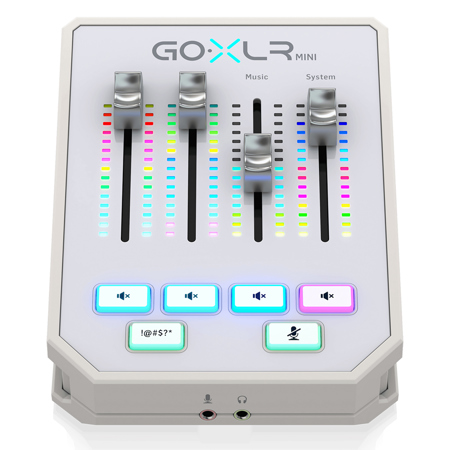
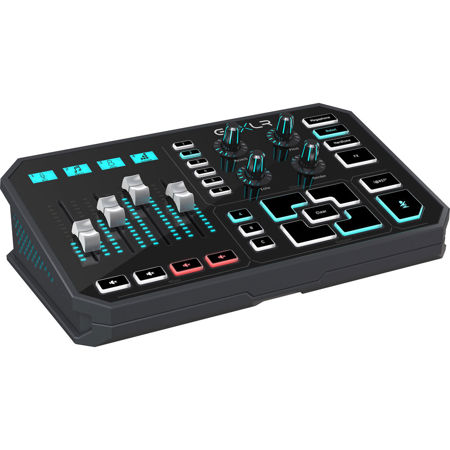
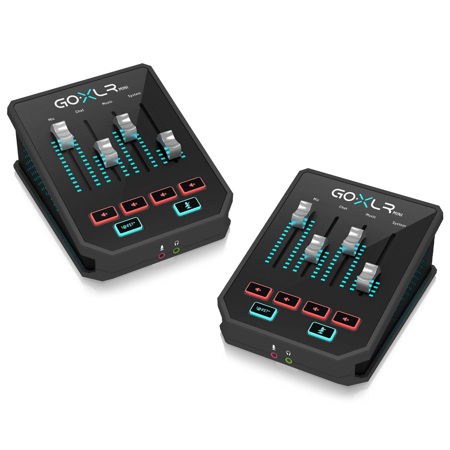
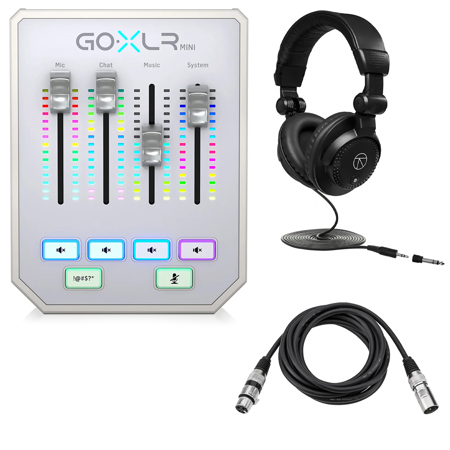
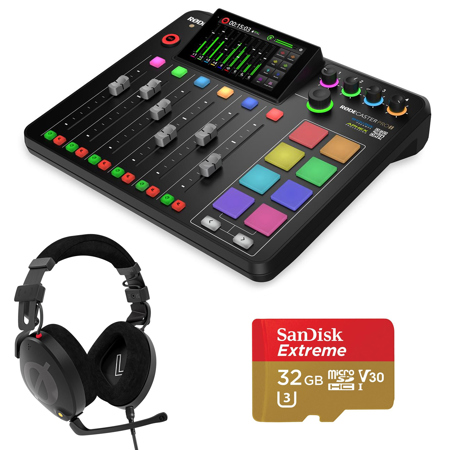
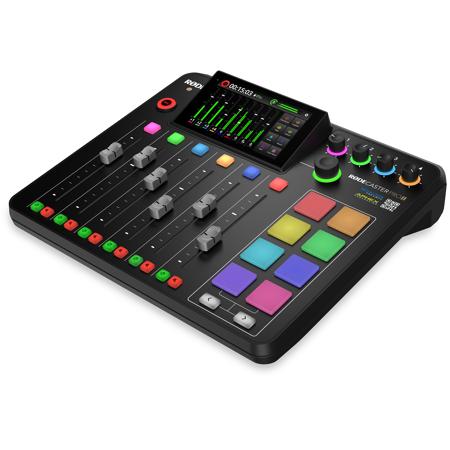
Beyond the microphone, a successful streaming audio setup often includes an audio interface or mixer, which acts as the bridge between analog sound and digital clarity. These devices not only power professional microphones but also allow for nuanced control over input levels and real-time adjustments. Streamers who want to separate their game audio, music, and chat will benefit from using virtual mixers or digital audio workstations, which help keep each sound source distinct and manageable. This is particularly useful when configuring software like OBS Studio, Streamlabs, or similar platforms, where precise audio routing can mean the difference between a polished broadcast and a muddled one. Adding noise gates and compressors through software plugins can further refine your sound, minimizing background noise and ensuring consistent volume levels—even when excitement peaks or the environment changes. Closed-back headphones are another essential component, helping streamers monitor their audio without letting sound bleed into the microphone. For those streaming from home studios, simple acoustic treatments—like foam panels or heavy curtains—can transform a lively, echo-filled room into an inviting, professional-sounding space. If you’re considering how to build or enhance your setup, or searching for a gift that will be appreciated well beyond the summer months, exploring our curated selection of audio gear is a great place to start. For those interested in learning more about the role of audio interfaces in streaming, visit our dedicated page on Audio Interfaces For Streaming to find detailed insights and recommendations. A well-chosen audio setup not only elevates your content but also makes the streaming experience more enjoyable and rewarding for both creators and their audiences.
Beyond the microphone, a successful streaming audio setup often includes an audio interface or mixer, which acts as the bridge between analog sound and digital clarity. These devices not only power professional microphones but also allow for nuanced control over input levels and real-time adjustments. Streamers who want to separate their game audio, music, and chat will benefit from using virtual mixers or digital audio workstations, which help keep each sound source distinct and manageable. This is particularly useful when configuring software like OBS Studio, Streamlabs, or similar platforms, where precise audio routing can mean the difference between a polished broadcast and a muddled one. Adding noise gates and compressors through software plugins can further refine your sound, minimizing background noise and ensuring consistent volume levels—even when excitement peaks or the environment changes. Closed-back headphones are another essential component, helping streamers monitor their audio without letting sound bleed into the microphone. For those streaming from home studios, simple acoustic treatments—like foam panels or heavy curtains—can transform a lively, echo-filled room into an inviting, professional-sounding space. If you’re considering how to build or enhance your setup, or searching for a gift that will be appreciated well beyond the summer months, exploring our curated selection of audio gear is a great place to start. For those interested in learning more about the role of audio interfaces in streaming, visit our dedicated page on Audio Interfaces For Streaming to find detailed insights and recommendations. A well-chosen audio setup not only elevates your content but also makes the streaming experience more enjoyable and rewarding for both creators and their audiences.