Barebone Computers
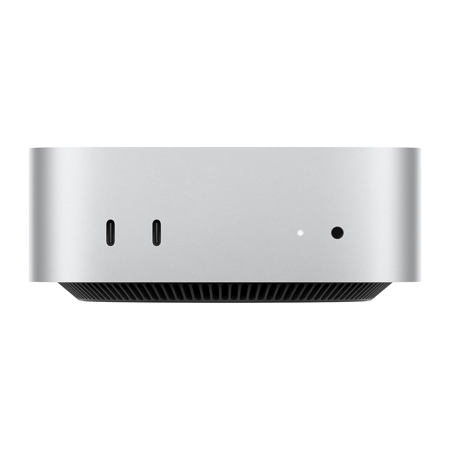
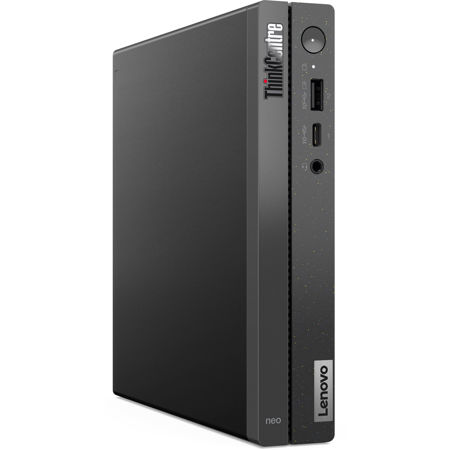
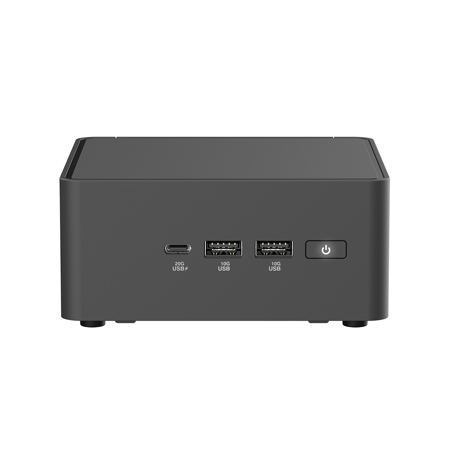
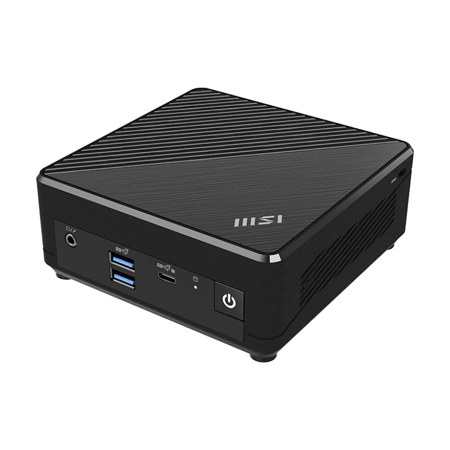
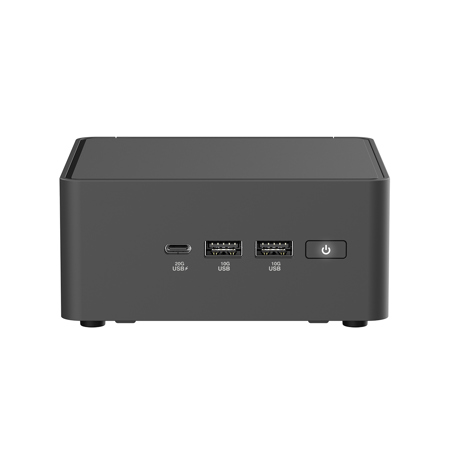
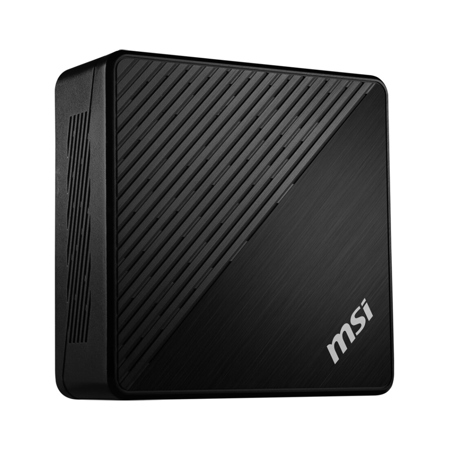
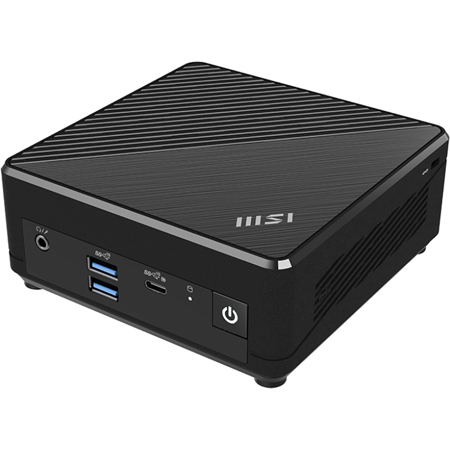
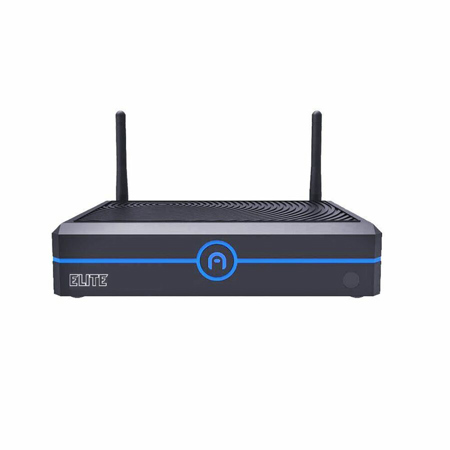
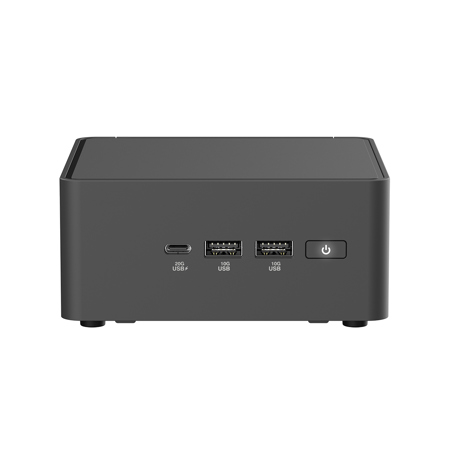
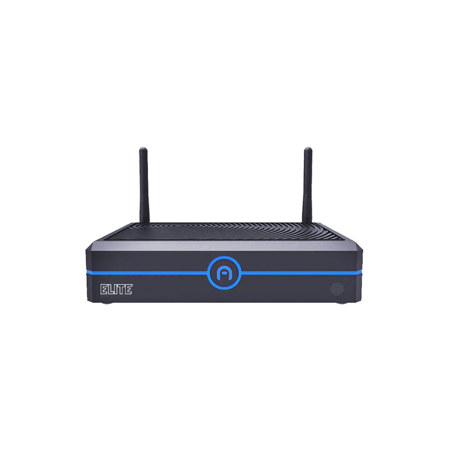
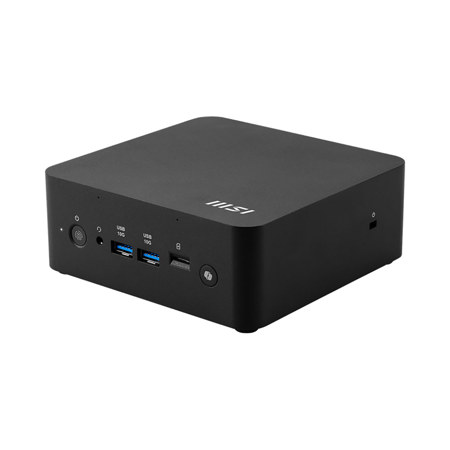
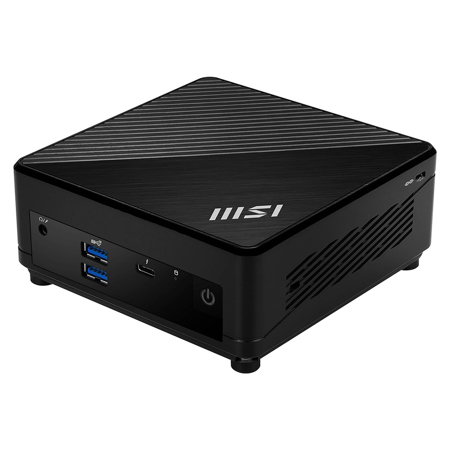
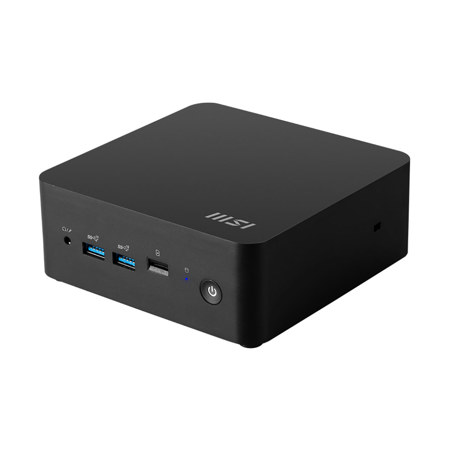
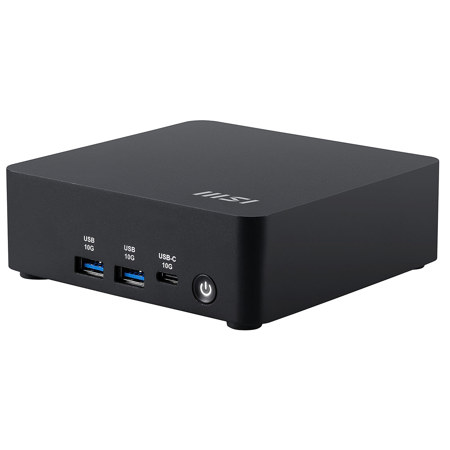
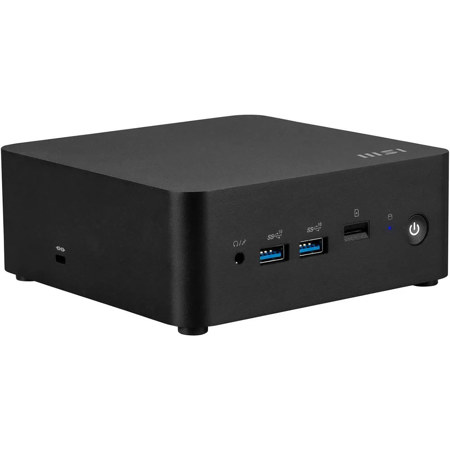
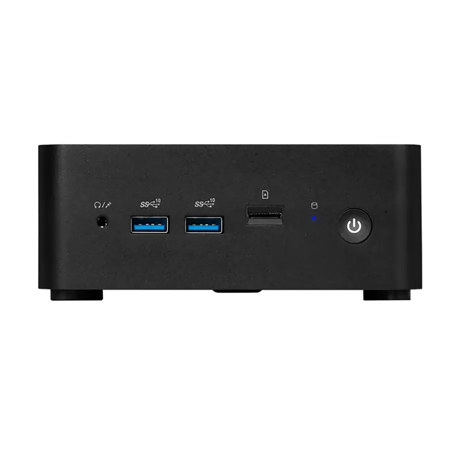
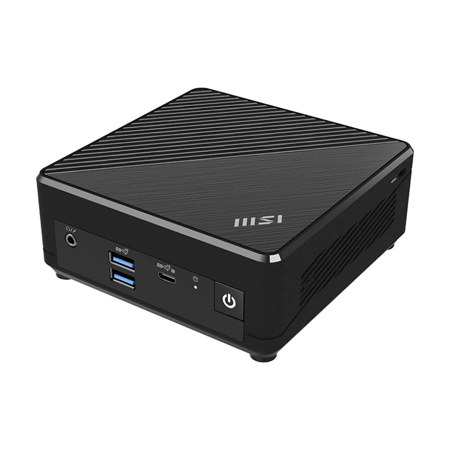
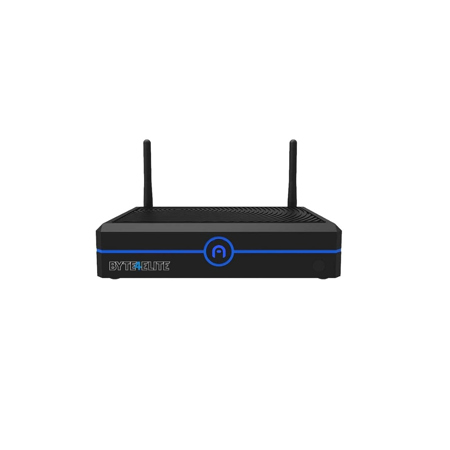
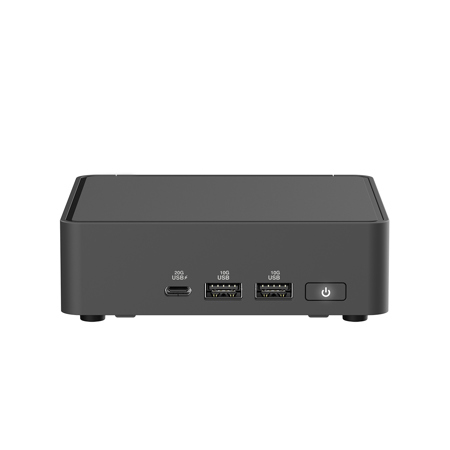
Barebone computers offer a unique and highly customizable foundation for anyone looking to build a desktop system tailored to their specific requirements. Unlike fully assembled computers, barebone kits typically include the essential components—such as a case, motherboard, and power supply—while giving users the flexibility to select and install their own processor, memory, storage, and operating system. This modular approach is especially appealing to enthusiasts who enjoy the process of hand-picking each component for optimal performance, as well as to professionals who require specialized configurations for tasks like video editing, 3D rendering, or running resource-intensive applications. For those just starting out, barebone computers can serve as an accessible entry point into the world of PC building, providing a solid base and reducing some of the guesswork involved in selecting compatible hardware. As spring arrives and many embark on new projects or refresh their home office setups, barebone computers make an excellent choice for anyone seeking to upgrade their technology without the constraints of preconfigured systems.
Gifting a barebone computer can be a thoughtful and memorable gesture, particularly for students, hobbyists, or anyone with a passion for technology. These kits are ideal for learners who want to understand the inner workings of a computer, offering hands-on experience that can spark a lifelong interest in computing and engineering. During this season of renewal, a barebone system can be the perfect project for someone eager to build their first PC or for a seasoned builder looking to experiment with new form factors or performance enhancements. Small businesses and creative professionals also benefit from the adaptability of barebone computers, as they can be configured to meet unique workflow demands, from compact workstations to powerful multimedia editing rigs. Whether used for gaming, streaming, content creation, or everyday productivity, these systems can be tailored to fit a wide spectrum of needs and budgets. For those interested in even more compact solutions, exploring options like Mini PCs can provide additional inspiration for space-saving, high-performance builds.
When considering a barebone computer, it’s important to evaluate factors such as case size, motherboard compatibility, cooling solutions, and power requirements. Builders should think about future upgrades and ensure that the kit supports the desired processor and memory configurations. With the ability to choose your own storage drives and operating system, you have the freedom to prioritize speed, capacity, or specific software environments. This level of control is invaluable for users with specialized needs or those who simply want a system that reflects their personal preferences. As technology continues to evolve, barebone computers remain a versatile and cost-effective way to stay current, offering a rewarding experience for both first-time builders and seasoned tech enthusiasts alike.
Gifting a barebone computer can be a thoughtful and memorable gesture, particularly for students, hobbyists, or anyone with a passion for technology. These kits are ideal for learners who want to understand the inner workings of a computer, offering hands-on experience that can spark a lifelong interest in computing and engineering. During this season of renewal, a barebone system can be the perfect project for someone eager to build their first PC or for a seasoned builder looking to experiment with new form factors or performance enhancements. Small businesses and creative professionals also benefit from the adaptability of barebone computers, as they can be configured to meet unique workflow demands, from compact workstations to powerful multimedia editing rigs. Whether used for gaming, streaming, content creation, or everyday productivity, these systems can be tailored to fit a wide spectrum of needs and budgets. For those interested in even more compact solutions, exploring options like Mini PCs can provide additional inspiration for space-saving, high-performance builds.
When considering a barebone computer, it’s important to evaluate factors such as case size, motherboard compatibility, cooling solutions, and power requirements. Builders should think about future upgrades and ensure that the kit supports the desired processor and memory configurations. With the ability to choose your own storage drives and operating system, you have the freedom to prioritize speed, capacity, or specific software environments. This level of control is invaluable for users with specialized needs or those who simply want a system that reflects their personal preferences. As technology continues to evolve, barebone computers remain a versatile and cost-effective way to stay current, offering a rewarding experience for both first-time builders and seasoned tech enthusiasts alike.