






Cable Ties For Computer Cables
Keeping computer cables organized is a challenge that both professionals and everyday users face, especially as workspaces and home offices evolve with more devices and accessories. Whether you’re setting up a new gaming rig, managing a complex audio workstation, or simply trying to keep your desk free from a tangle of cords, the right cable ties can make a world of difference. As the weather shifts and many take the opportunity to refresh their spaces—perhaps prepping for a busy season of projects or giving their home office a summertime update—thoughtful cable management becomes even more valuable. Computer cable tie wraps are the unsung heroes in these scenarios, offering a simple yet effective way to tame unruly wires, prevent accidental disconnects, and minimize wear on delicate connections. For anyone who’s ever tripped over a loose cable or spent precious time untangling a mess behind the monitor, investing in quality cable ties is a practical step toward a tidier, safer, and more efficient workspace.
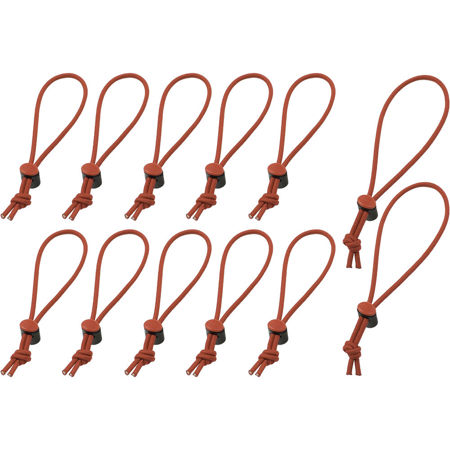
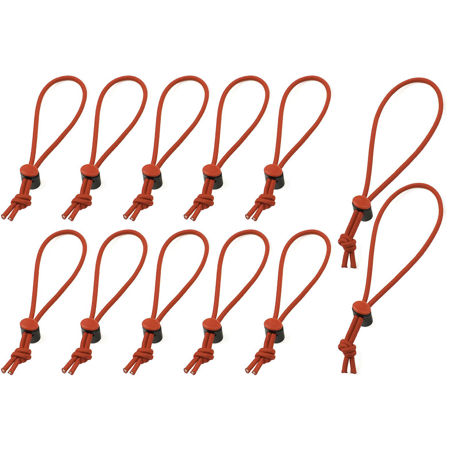
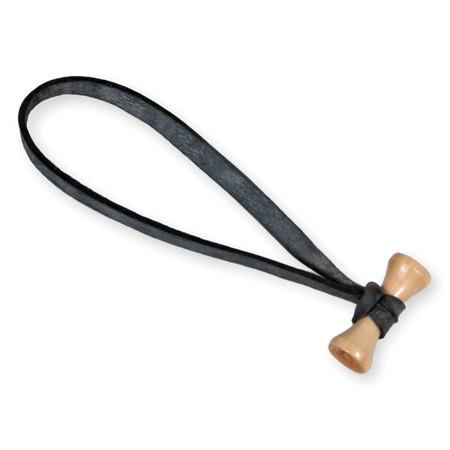
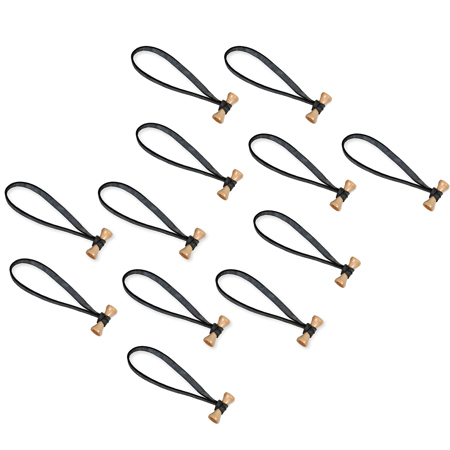
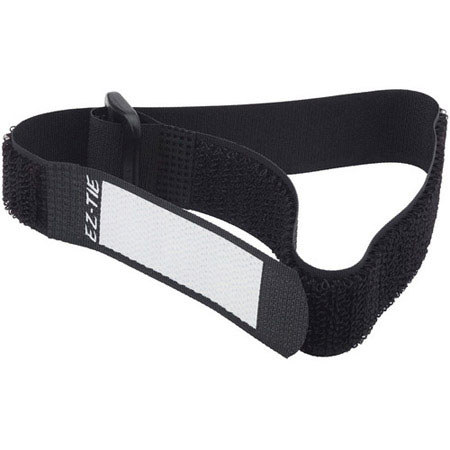
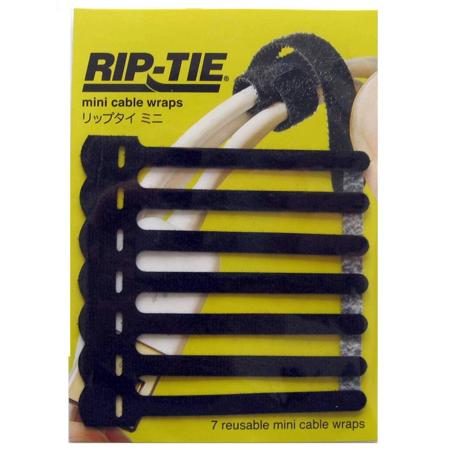
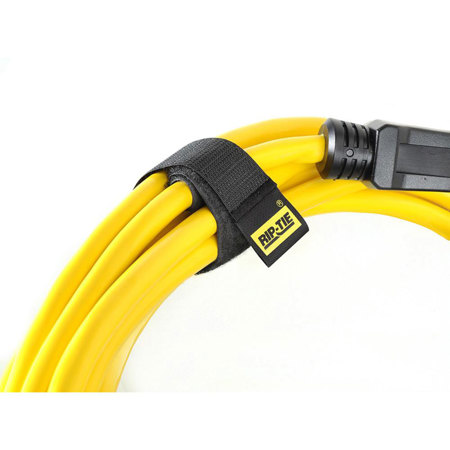
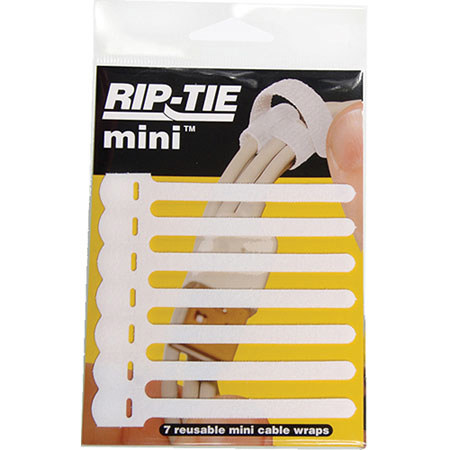
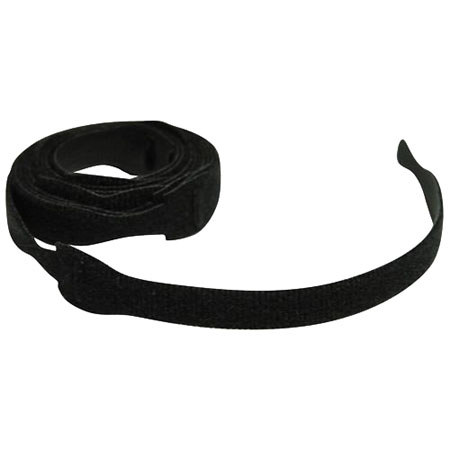
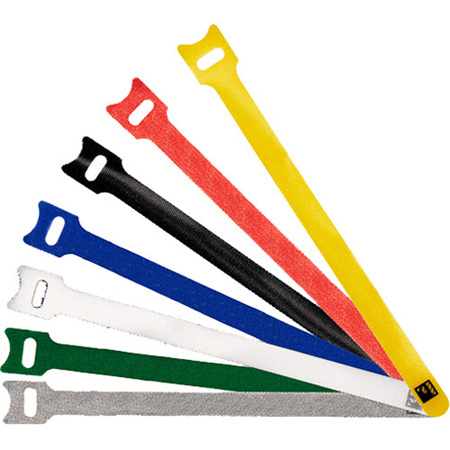
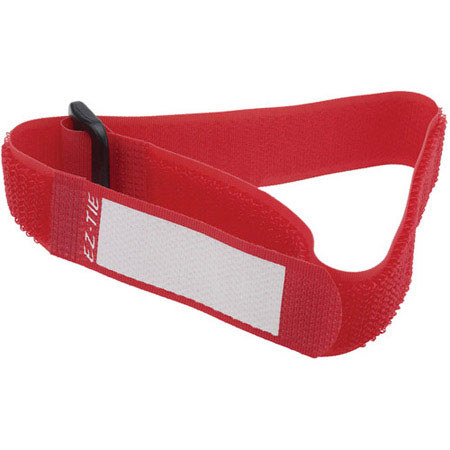
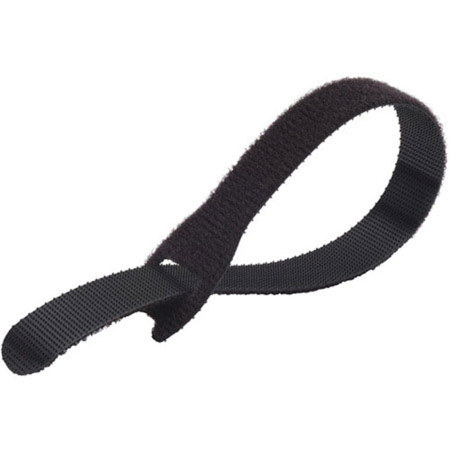
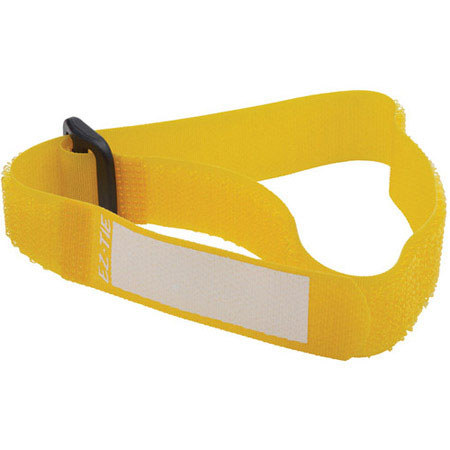
When choosing cable ties for computer cables, it’s important to consider your specific setup and the types of cords you’re dealing with. Reusable hook-and-loop ties are a favorite among tech enthusiasts and professionals alike, thanks to their gentle hold and adjustability. These ties can be easily repositioned as your setup changes, making them ideal for managing external monitor cables, USB cords, and charging wires that might need to be moved or swapped out frequently. For those who travel with their gear or need to bundle and unbundle cables often—such as photographers, field audio engineers, or students carrying laptops and accessories between classes—elastic or silicone cable ties provide flexibility and quick release, keeping everything neat without pinching or damaging the insulation. Inside a desktop computer case, where a more permanent and secure hold is needed, traditional nylon zip ties excel at routing power and data cables behind motherboard trays or along case edges, ensuring optimal airflow and a professional finish. Just be sure to select all-plastic or nylon variants, avoiding any with metallic components that could risk short circuits. For even cleaner cable runs, adhesive tie mounts let you stick cable bundles to the underside of desks or along walls, keeping power bricks and extension cords off the floor and out of sight. Remember to group power and data cables separately to minimize electrical interference, and always measure your cable bundles before choosing tie length—smaller straps work for single cables, while thicker bundles call for longer ties.
Cable ties for computer cables are not just a practical purchase for your own workspace—they also make thoughtful gifts for anyone who values a clean and efficient environment. Students moving into dorms, professionals outfitting a home office, or creative hobbyists building their first PC will all appreciate a set of versatile cable ties. They’re a small detail that can have a big impact, helping to create a workspace that’s both functional and visually appealing. As you organize your setup for the season ahead, whether you’re tackling a summer decluttering project or preparing for a busy fall, consider the benefits of investing in quality cable management solutions. For those dealing with power cords in addition to data cables, you’ll find even more options and advice on our dedicated Cable Ties for Power Cords page. Taking the time to organize your cables not only protects your equipment but also streamlines your workflow, letting you focus on creativity and productivity—no matter how many devices you have plugged in.
When choosing cable ties for computer cables, it’s important to consider your specific setup and the types of cords you’re dealing with. Reusable hook-and-loop ties are a favorite among tech enthusiasts and professionals alike, thanks to their gentle hold and adjustability. These ties can be easily repositioned as your setup changes, making them ideal for managing external monitor cables, USB cords, and charging wires that might need to be moved or swapped out frequently. For those who travel with their gear or need to bundle and unbundle cables often—such as photographers, field audio engineers, or students carrying laptops and accessories between classes—elastic or silicone cable ties provide flexibility and quick release, keeping everything neat without pinching or damaging the insulation. Inside a desktop computer case, where a more permanent and secure hold is needed, traditional nylon zip ties excel at routing power and data cables behind motherboard trays or along case edges, ensuring optimal airflow and a professional finish. Just be sure to select all-plastic or nylon variants, avoiding any with metallic components that could risk short circuits. For even cleaner cable runs, adhesive tie mounts let you stick cable bundles to the underside of desks or along walls, keeping power bricks and extension cords off the floor and out of sight. Remember to group power and data cables separately to minimize electrical interference, and always measure your cable bundles before choosing tie length—smaller straps work for single cables, while thicker bundles call for longer ties.
Cable ties for computer cables are not just a practical purchase for your own workspace—they also make thoughtful gifts for anyone who values a clean and efficient environment. Students moving into dorms, professionals outfitting a home office, or creative hobbyists building their first PC will all appreciate a set of versatile cable ties. They’re a small detail that can have a big impact, helping to create a workspace that’s both functional and visually appealing. As you organize your setup for the season ahead, whether you’re tackling a summer decluttering project or preparing for a busy fall, consider the benefits of investing in quality cable management solutions. For those dealing with power cords in addition to data cables, you’ll find even more options and advice on our dedicated Cable Ties for Power Cords page. Taking the time to organize your cables not only protects your equipment but also streamlines your workflow, letting you focus on creativity and productivity—no matter how many devices you have plugged in.