Chromebook Compatible Drawing Tablets
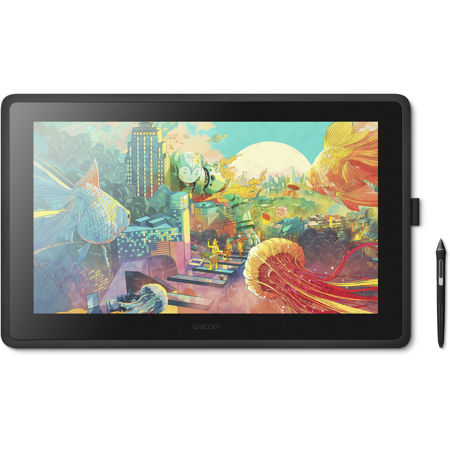
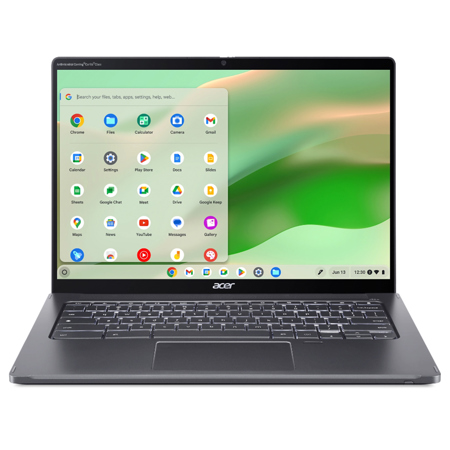
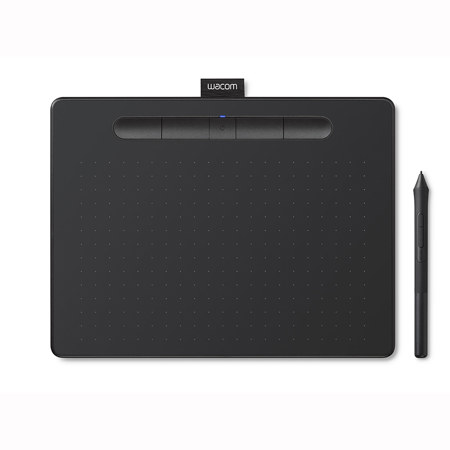
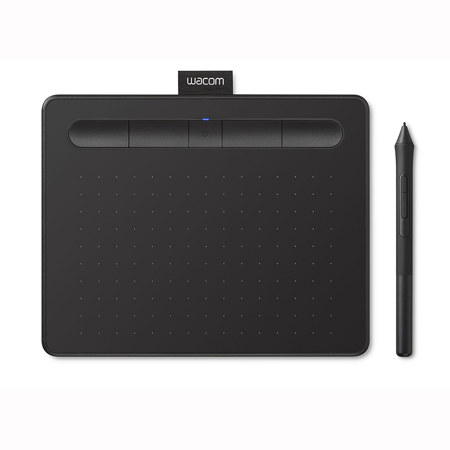
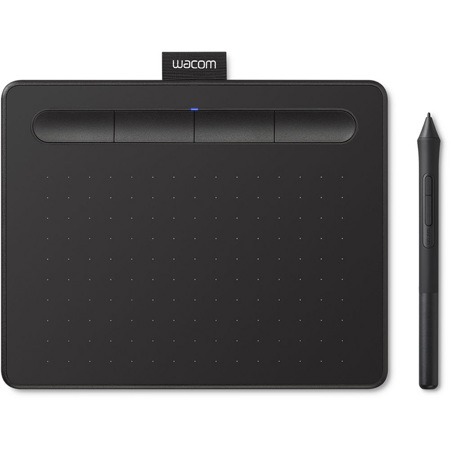
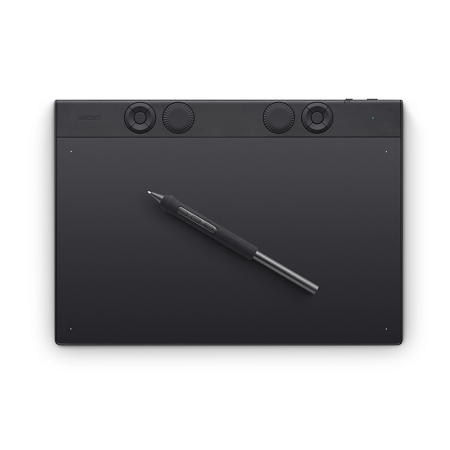
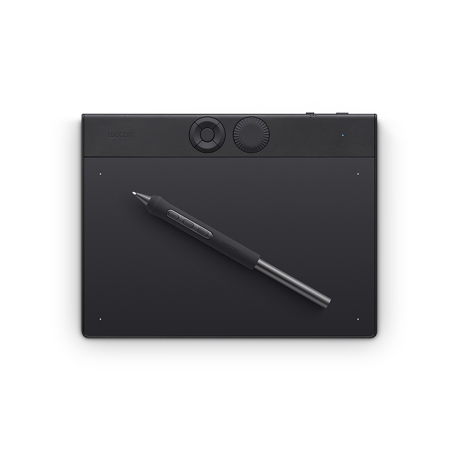
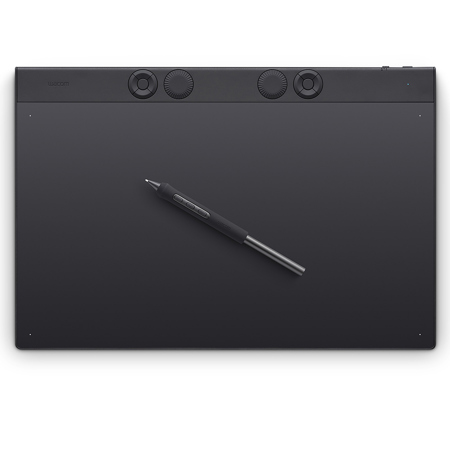
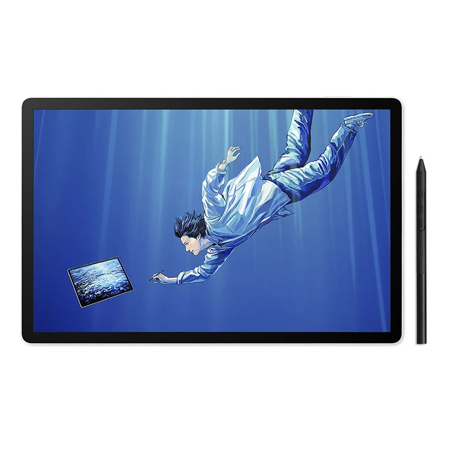
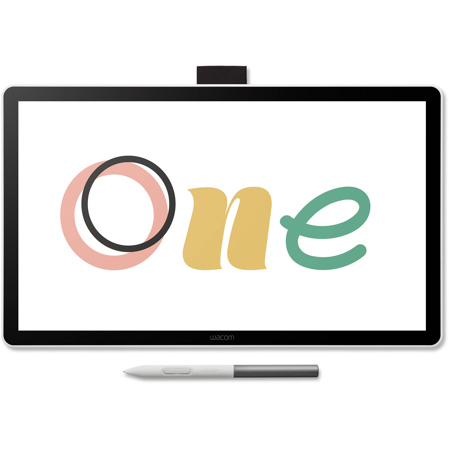
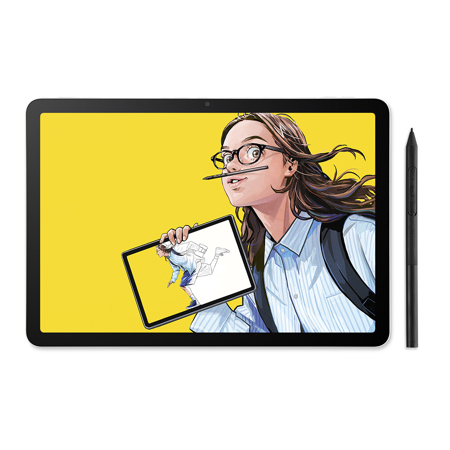
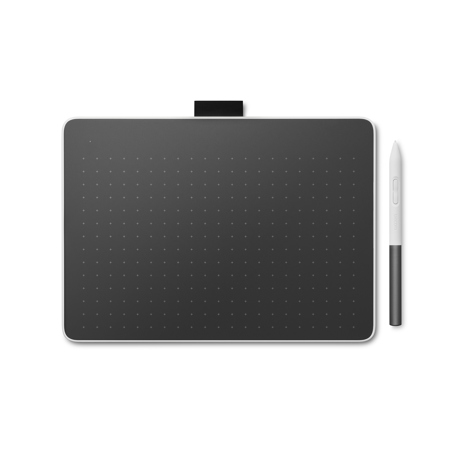
For artists, students, educators, and creative professionals who rely on Chromebooks for their daily workflow, finding a drawing tablet compatible with Chromebook opens up a world of digital expression and productivity. These tablets are designed to seamlessly integrate with ChromeOS, offering plug-and-play connectivity—often via USB-C or Bluetooth—so you can start sketching, annotating, or taking notes within minutes. Whether you’re working on a digital illustration in Chrome Canvas, brainstorming ideas in Google Jamboard, or refining your portfolio in Sketchbook or Canva, a drawing tablet for Chromebook provides the tactile precision and intuitive control of a pen-on-paper experience. Many modern models are certified “Works With Chromebook,” ensuring reliable driver support and hassle-free integration with your favorite creative and note-taking apps. This makes them an ideal choice for classrooms, remote learning environments, and busy professionals who need a portable, versatile solution that travels as easily as their Chromebook.
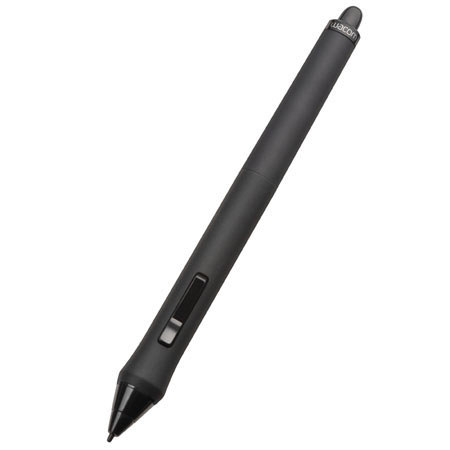
When shopping for a drawing tablet compatible with Chromebook, consider your intended use and the features that will best support your creative process. Entry-level tablets with streamlined interfaces are perfect for young students, hobbyists, or anyone just starting their digital art journey—these devices often offer plug-and-play simplicity and durable, lightweight designs that can handle life in a backpack or school bag. For more advanced users, tablets with higher pressure sensitivity, larger active areas, and customizable shortcut keys provide the nuanced control needed for intricate artwork, graphic design, or professional photo editing. Pen technology is another important factor: a drawing pen for Chromebook with tilt recognition and low latency can replicate the feel of traditional media, making it easier to transition from sketching on paper to working digitally. If you’re searching for a thoughtful gift this winter, these tablets are a fantastic choice for aspiring young artists, tech-savvy teens, or anyone looking to enhance their digital creativity—imagine the joy of unwrapping a new drawing tablet and diving into a fresh project during the cozy January evenings.
No matter your skill level or creative ambition, a Chromebook-compatible drawing tablet is a smart investment in your digital toolkit. The versatility of these devices extends beyond art: they’re invaluable for handwriting notes, annotating documents, or collaborating on group projects in real time. With robust compatibility across popular apps and straightforward connectivity, you can focus on your ideas instead of troubleshooting drivers or settings. As you explore the possibilities of digital creativity, you might also be interested in devices tailored for other platforms—discover more options on our Apple Drawing Tablet page. Whether you’re refining your craft, supporting a student’s education, or simply looking for new ways to express yourself, a drawing tablet for Chromebook helps you bring your vision to life—wherever inspiration strikes.
When shopping for a drawing tablet compatible with Chromebook, consider your intended use and the features that will best support your creative process. Entry-level tablets with streamlined interfaces are perfect for young students, hobbyists, or anyone just starting their digital art journey—these devices often offer plug-and-play simplicity and durable, lightweight designs that can handle life in a backpack or school bag. For more advanced users, tablets with higher pressure sensitivity, larger active areas, and customizable shortcut keys provide the nuanced control needed for intricate artwork, graphic design, or professional photo editing. Pen technology is another important factor: a drawing pen for Chromebook with tilt recognition and low latency can replicate the feel of traditional media, making it easier to transition from sketching on paper to working digitally. If you’re searching for a thoughtful gift this winter, these tablets are a fantastic choice for aspiring young artists, tech-savvy teens, or anyone looking to enhance their digital creativity—imagine the joy of unwrapping a new drawing tablet and diving into a fresh project during the cozy January evenings.
No matter your skill level or creative ambition, a Chromebook-compatible drawing tablet is a smart investment in your digital toolkit. The versatility of these devices extends beyond art: they’re invaluable for handwriting notes, annotating documents, or collaborating on group projects in real time. With robust compatibility across popular apps and straightforward connectivity, you can focus on your ideas instead of troubleshooting drivers or settings. As you explore the possibilities of digital creativity, you might also be interested in devices tailored for other platforms—discover more options on our Apple Drawing Tablet page. Whether you’re refining your craft, supporting a student’s education, or simply looking for new ways to express yourself, a drawing tablet for Chromebook helps you bring your vision to life—wherever inspiration strikes.