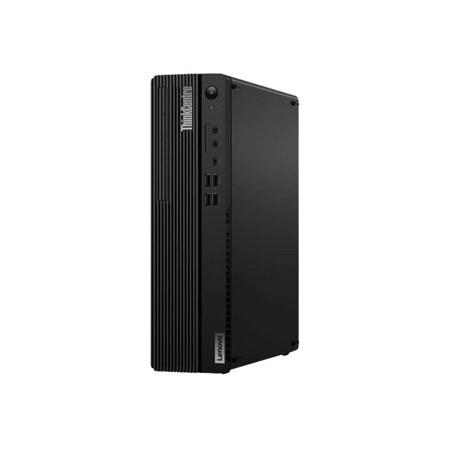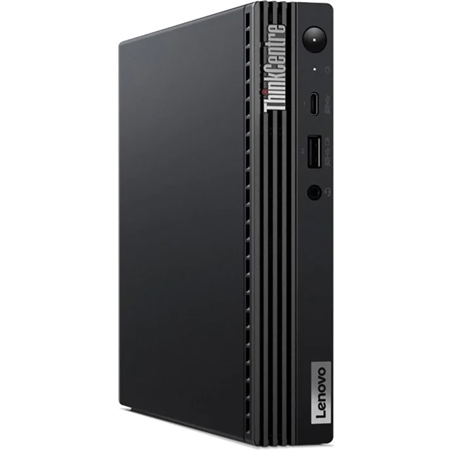
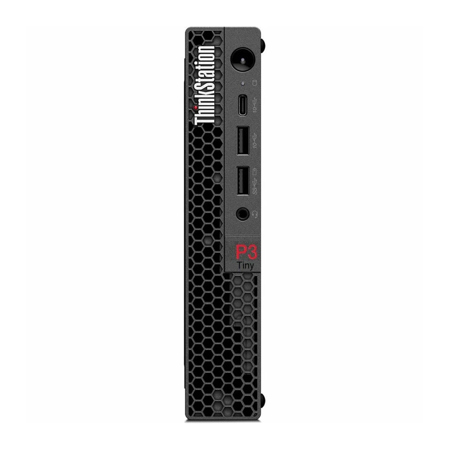
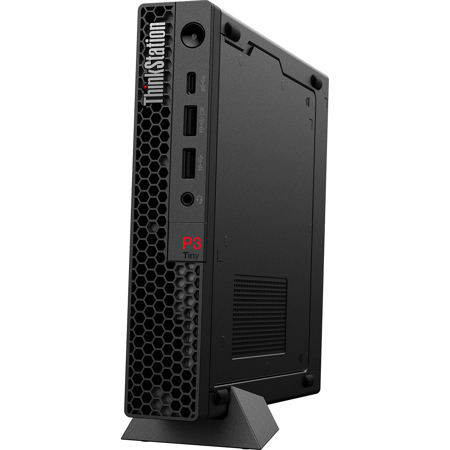
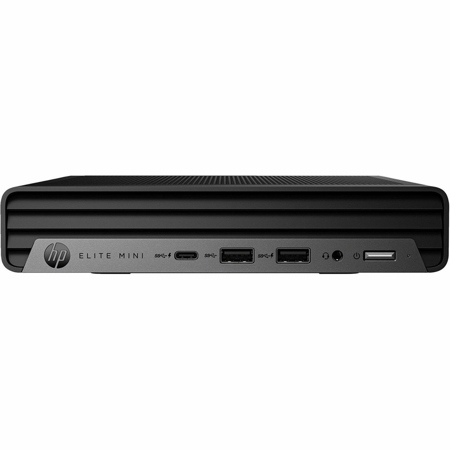
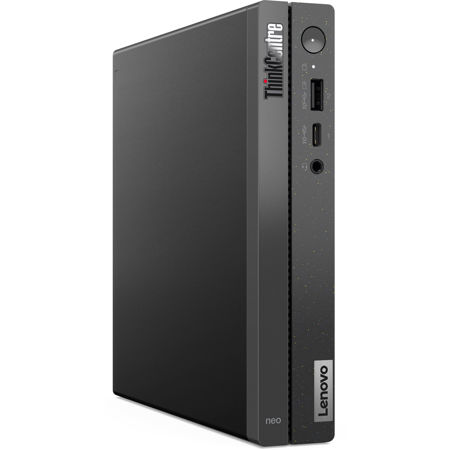
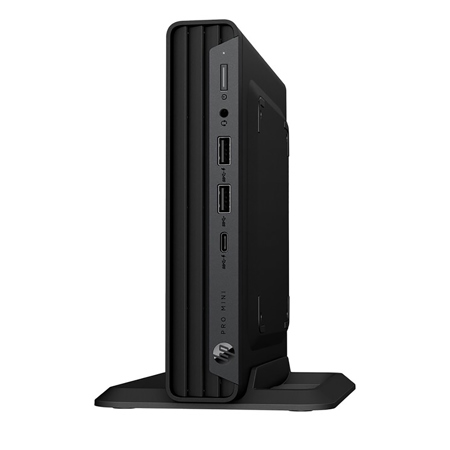
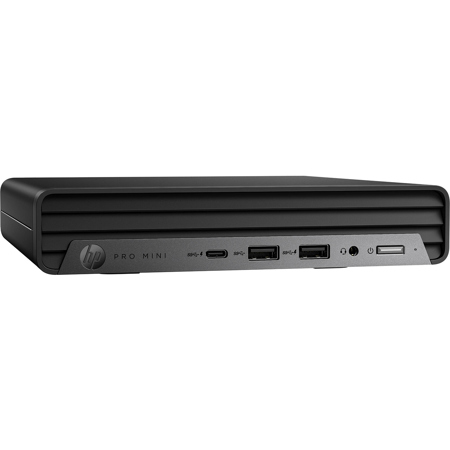
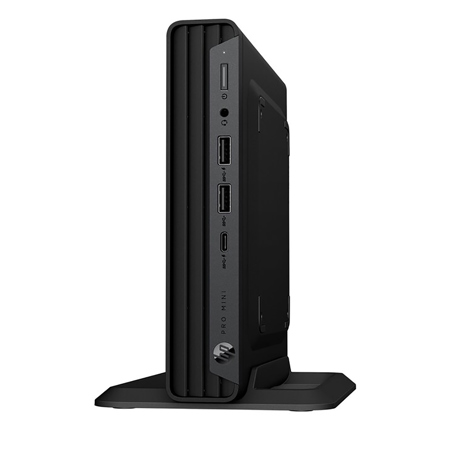
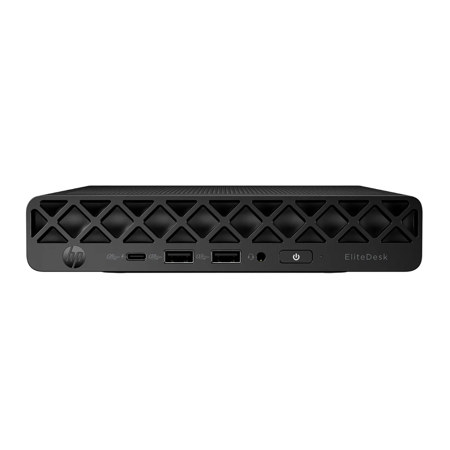
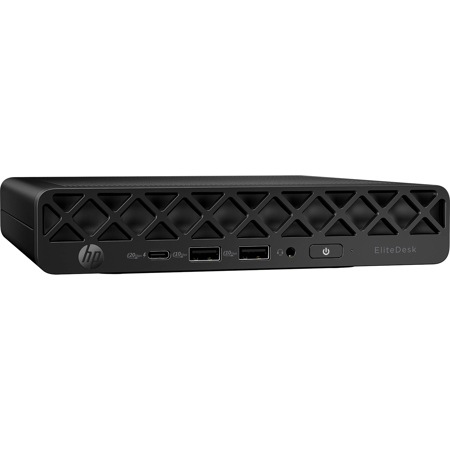
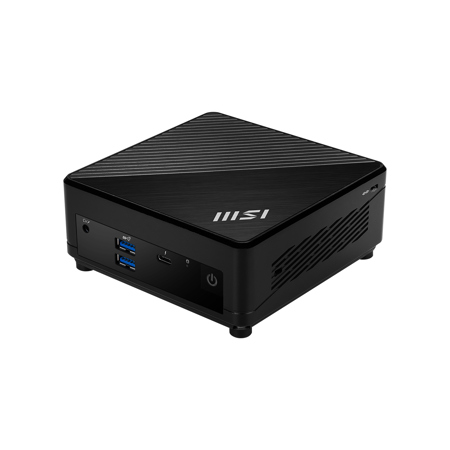
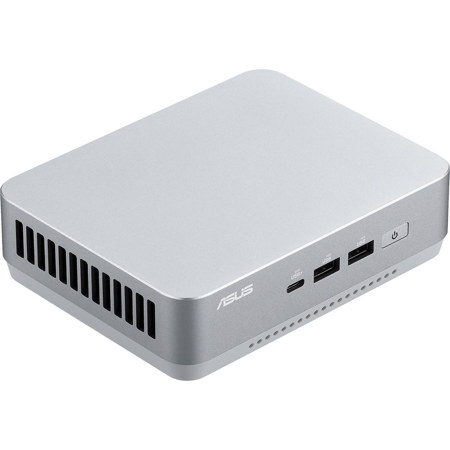
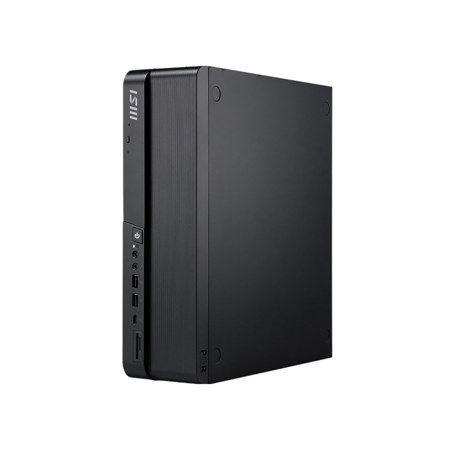
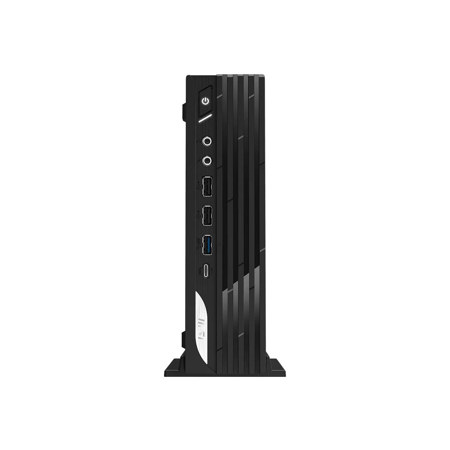
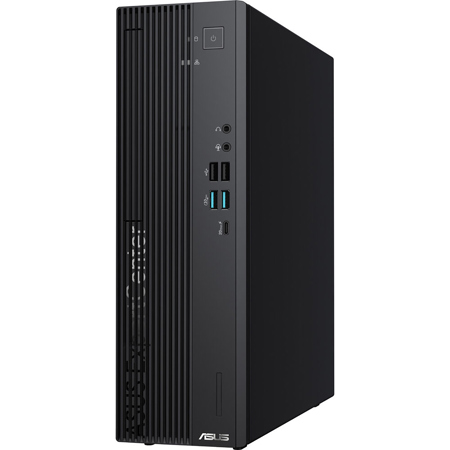
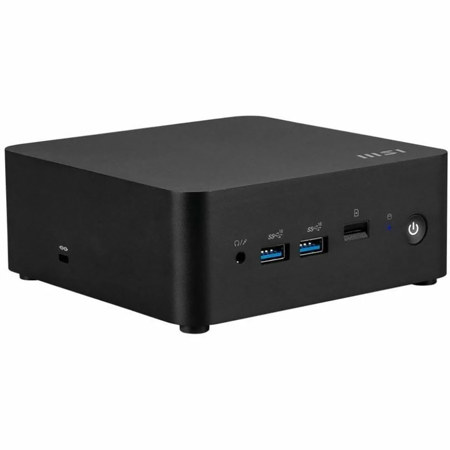
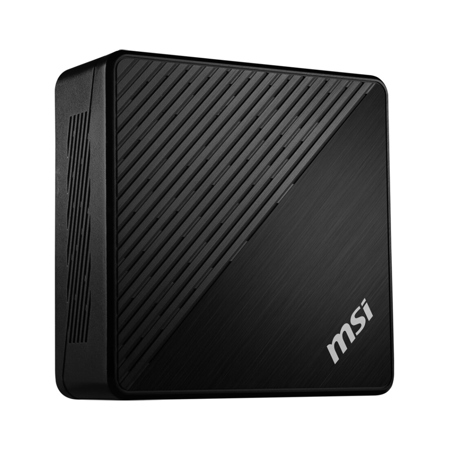
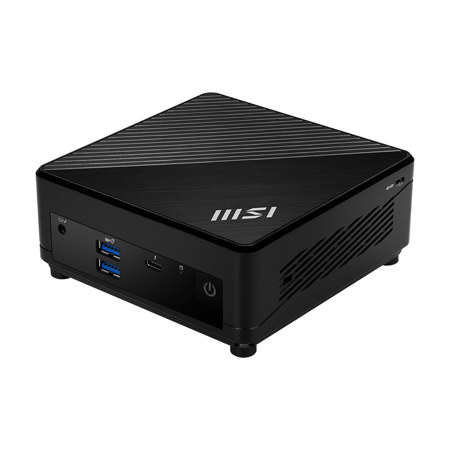
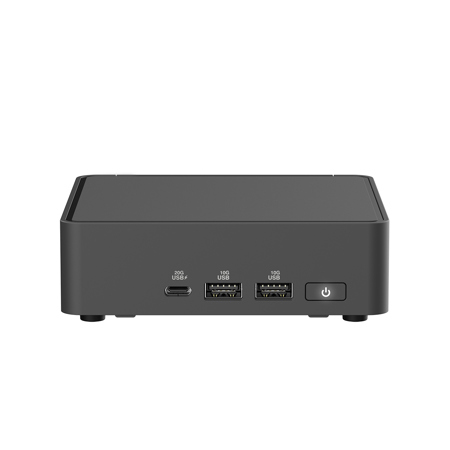
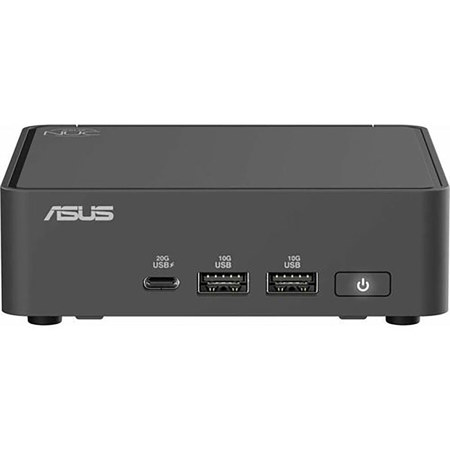
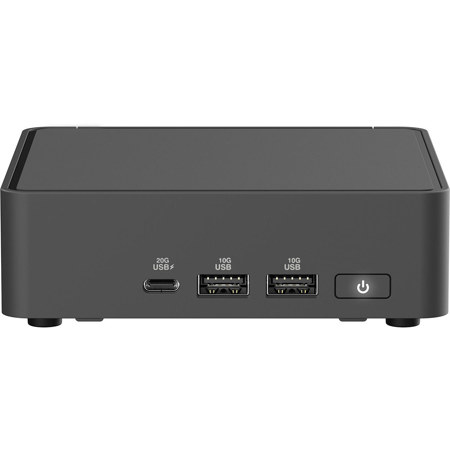
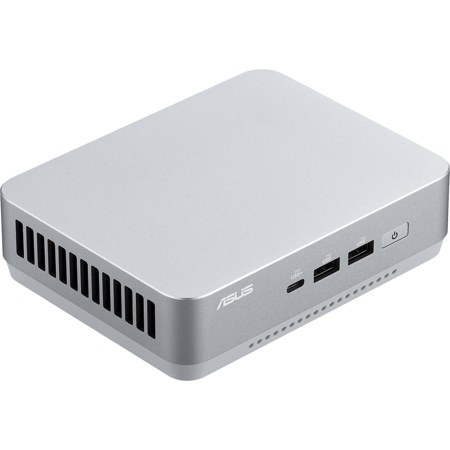
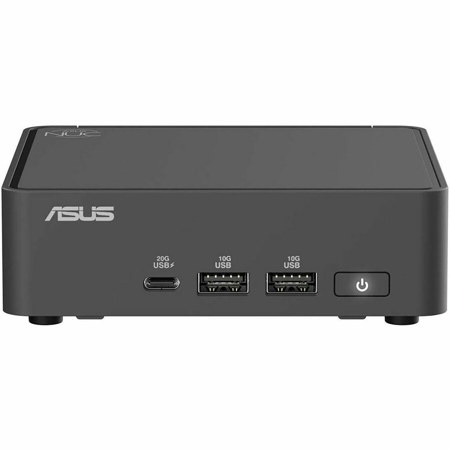
In the evolving landscape of professional content creation, compact mini desktop computers have emerged as a transformative solution for video workstations. These powerful, space-saving systems are engineered to deliver workstation-class performance in an ultra-small footprint, making them ideal for creative professionals, aspiring filmmakers, and video editors who need robust capabilities without sacrificing valuable workspace. Whether you’re setting up a home studio, outfitting a busy production office, or seeking a portable editing suite for on-location shoots, the versatility of mini desktops streamlines video workflows with remarkable efficiency. Modern compact desktops are built to handle the demands of 4K and even 8K video editing, offering multi-core processors—often from the latest Intel Core Ultra or AMD Ryzen lines—paired with dedicated or high-performance integrated graphics. This potent combination ensures smooth timeline scrubbing, accelerated rendering, and seamless playback, even when working with complex effects or large, high-resolution files. For professionals who routinely multitask between editing, color grading, and exporting, having at least 32GB of fast DDR5 memory and dual M.2 NVMe PCIe SSD slots for rapid storage access is essential. The dense connectivity options, including Thunderbolt 4, USB-C, and multiple display outputs, allow for easy integration with pro monitors, external drives, and audio interfaces, creating a truly modular and scalable workstation.
As the days transition from late summer into the cooler months of fall, many creators find themselves ramping up projects—whether it’s producing seasonal marketing content, capturing autumnal outdoor footage, or preparing year-end highlight reels. Compact mini desktop computers make thoughtful gifts for students entering film school, freelancers building their first dedicated editing space, or seasoned professionals upgrading their gear ahead of a busy production season. Their unobtrusive design fits seamlessly into tight urban apartments, shared studios, or multi-purpose home offices, while advanced cooling and ISV software certifications ensure reliability during marathon editing sessions. For those collaborating remotely or shuttling between client sites, the portability of a mini desktop means you can pack workstation-grade power into a small bag, setting up a full-featured video suite wherever inspiration strikes. When choosing the right system, it’s important to consider your primary editing software—be it Premiere Pro, DaVinci Resolve, or another suite—as well as your typical project resolution and codec requirements. Matching your workflow to the right CPU, GPU, and memory configuration will maximize productivity and future-proof your investment as media formats and editing demands continue to evolve. For a deeper dive into selecting the best system for your video editing needs, including specialized setups for 4K production, visit our curated guide: Compact Desktop PC for 4K Video Editing.
As the days transition from late summer into the cooler months of fall, many creators find themselves ramping up projects—whether it’s producing seasonal marketing content, capturing autumnal outdoor footage, or preparing year-end highlight reels. Compact mini desktop computers make thoughtful gifts for students entering film school, freelancers building their first dedicated editing space, or seasoned professionals upgrading their gear ahead of a busy production season. Their unobtrusive design fits seamlessly into tight urban apartments, shared studios, or multi-purpose home offices, while advanced cooling and ISV software certifications ensure reliability during marathon editing sessions. For those collaborating remotely or shuttling between client sites, the portability of a mini desktop means you can pack workstation-grade power into a small bag, setting up a full-featured video suite wherever inspiration strikes. When choosing the right system, it’s important to consider your primary editing software—be it Premiere Pro, DaVinci Resolve, or another suite—as well as your typical project resolution and codec requirements. Matching your workflow to the right CPU, GPU, and memory configuration will maximize productivity and future-proof your investment as media formats and editing demands continue to evolve. For a deeper dive into selecting the best system for your video editing needs, including specialized setups for 4K production, visit our curated guide: Compact Desktop PC for 4K Video Editing.