Computer Battery Backups
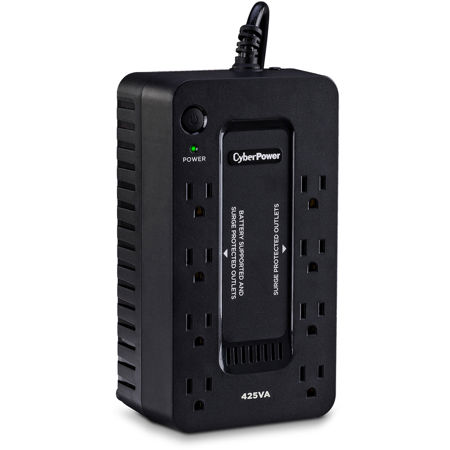
When it comes to safeguarding your computer and essential electronics, a reliable battery backup—also known as an uninterruptible power supply (UPS)—is an invaluable addition to any home or office setup. Power outages and surges can strike unexpectedly, whether during a winter storm in February or a sudden summer thunderstorm, and the consequences can range from lost work to damaged equipment. A UPS steps in as a silent guardian, instantly providing backup power when the main supply fails or fluctuates, allowing you those crucial extra minutes to save your progress and shut down your devices safely. This peace of mind is especially important for professionals working with sensitive files, students in the midst of assignments, or anyone who relies on a stable digital environment. In creative studios, photographers and videographers often keep a UPS on hand to protect their editing stations, external drives, and networked storage from abrupt shutdowns that could corrupt hours of work. Even in a home environment, a battery backup can ensure your family’s computer, Wi-Fi router, and smart home hubs remain operational long enough to manage an orderly transition during a blackout.
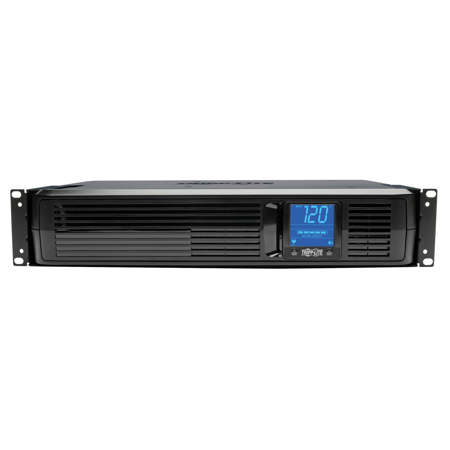
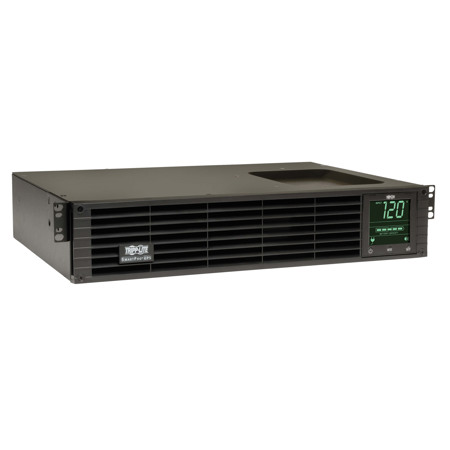
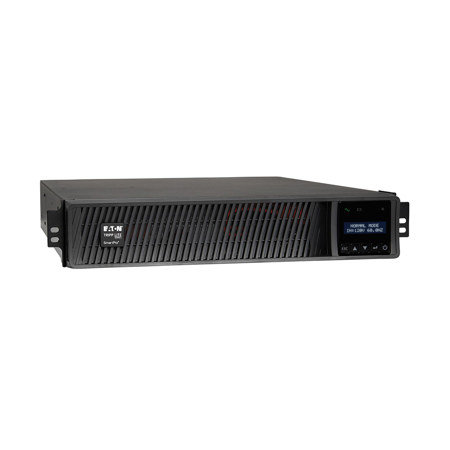
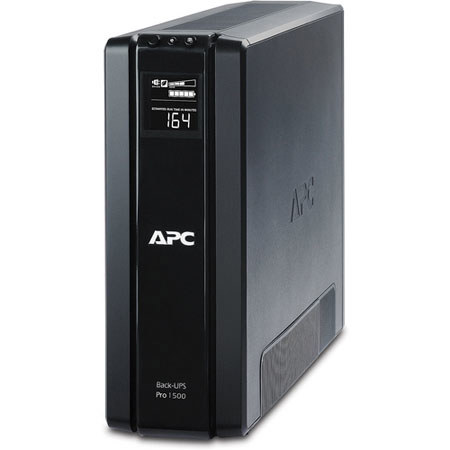
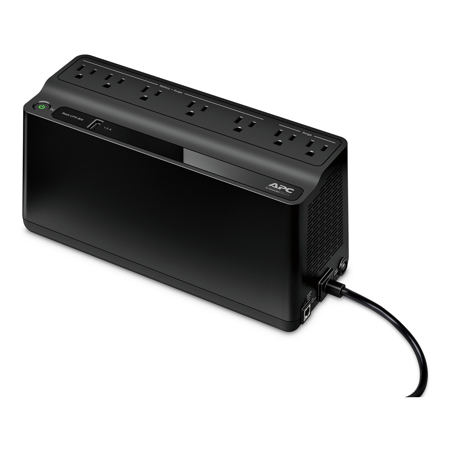
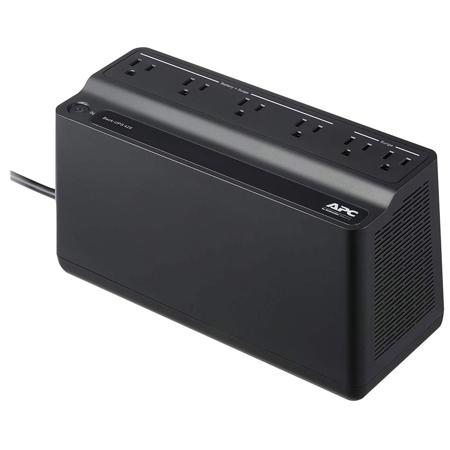
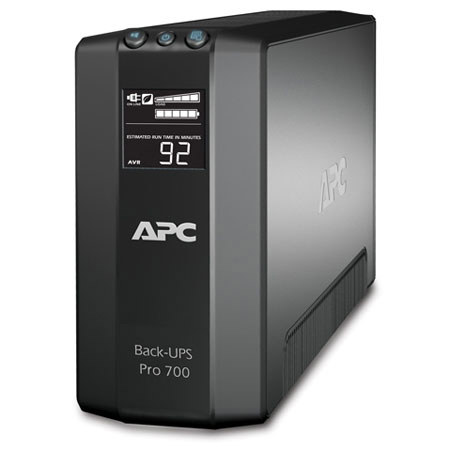
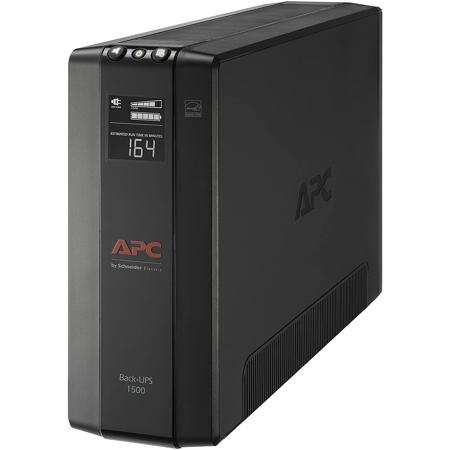
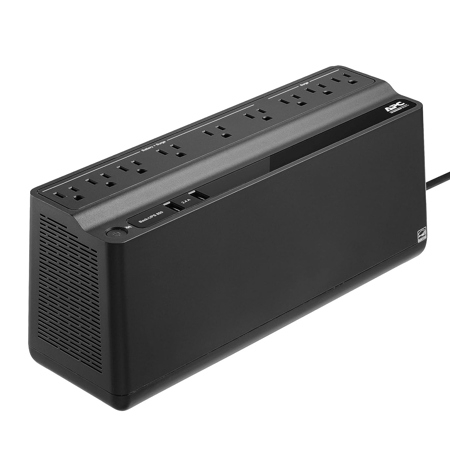
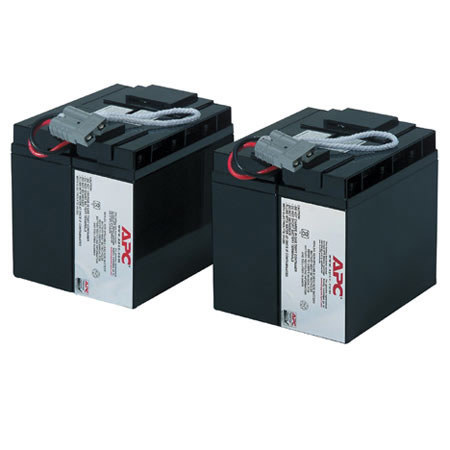
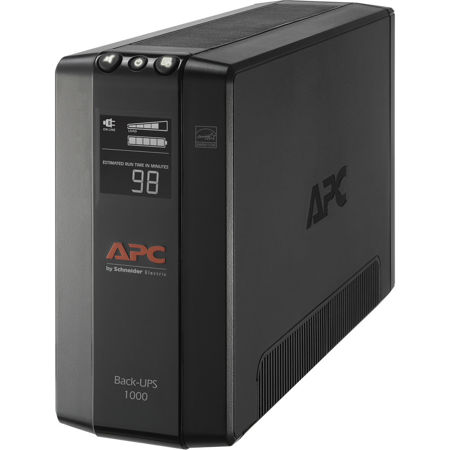
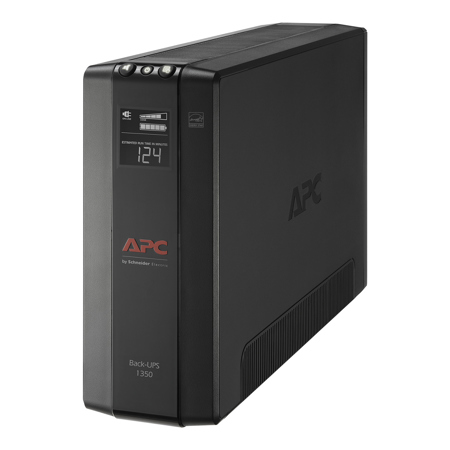
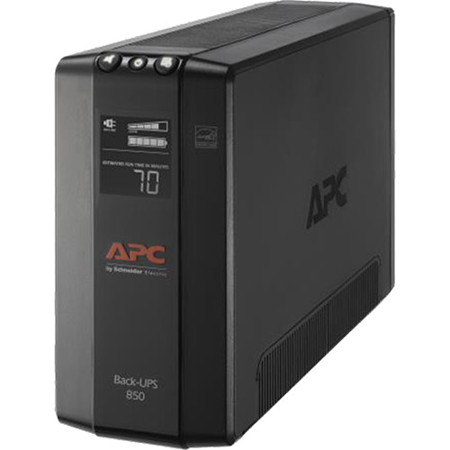
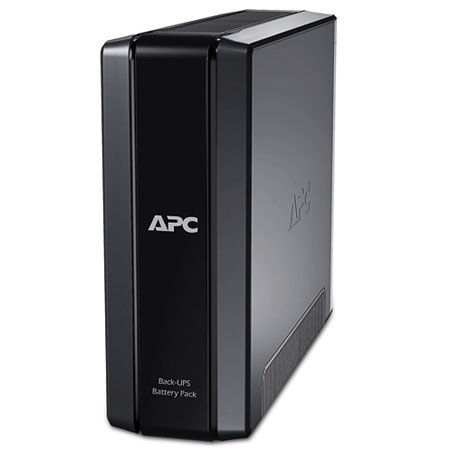
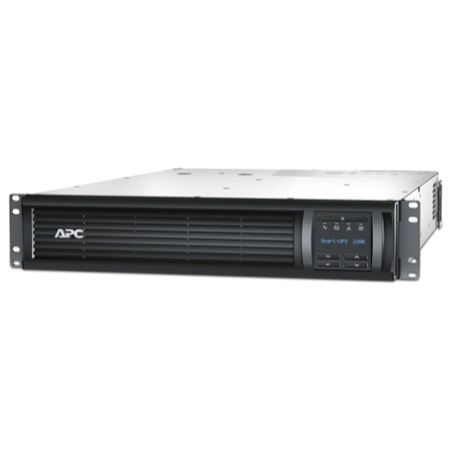
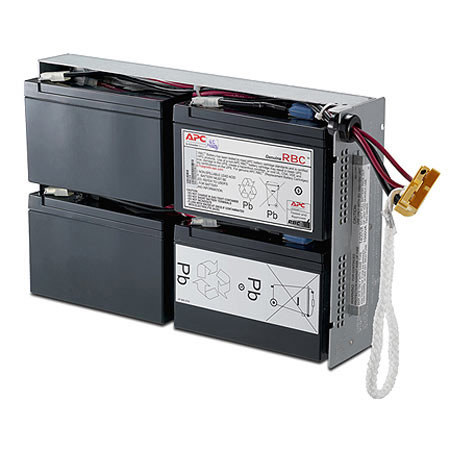
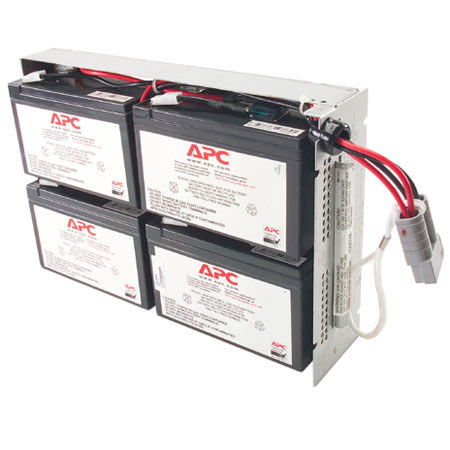
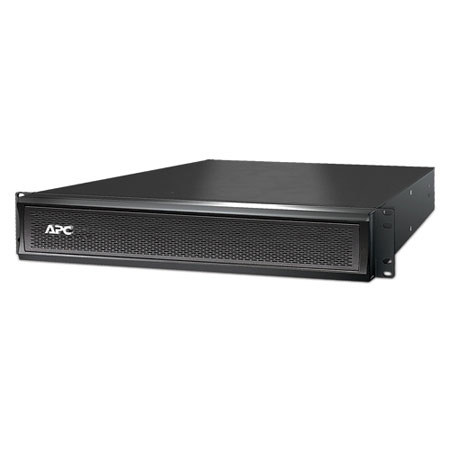
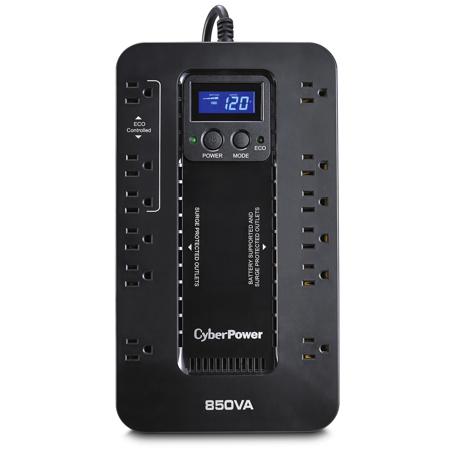
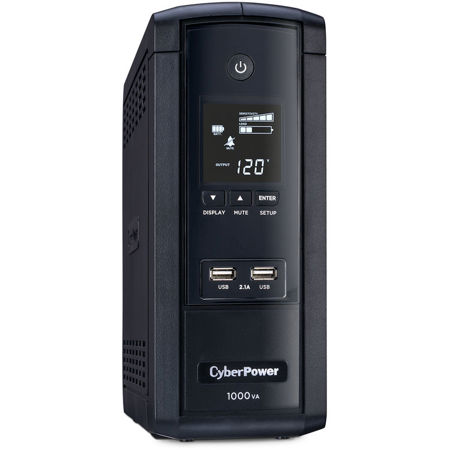
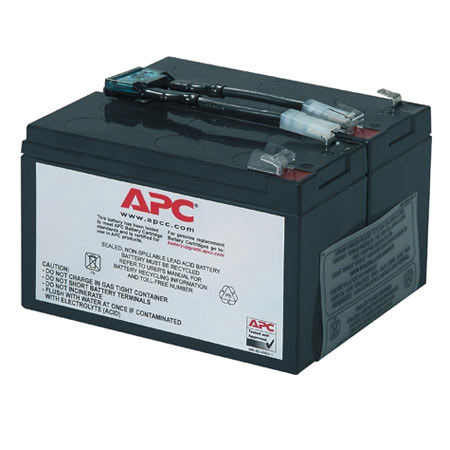
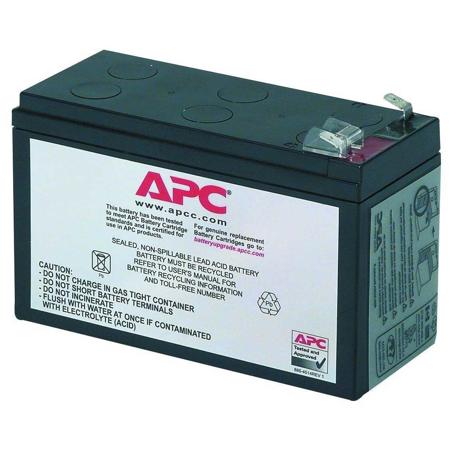
Choosing the right computer battery backup involves thoughtful consideration of your unique needs and the specific equipment you intend to protect. The capacity of a UPS is measured in both volt-amperes (VA) and watts, and it’s essential to tally the combined wattage of your computer, monitor, and any peripherals you plan to connect. For a basic workstation, a compact model may suffice, while a multi-device setup or professional editing suite often calls for a higher-capacity unit capable of supporting additional monitors, external storage, and networking equipment. Many modern UPS systems offer features tailored for convenience and long-term reliability, such as user-replaceable batteries, intuitive LCD displays showing load and battery status, and even USB ports for charging mobile devices during an outage. Some models are designed to deliver clean, regulated power at all times, helping to prevent subtle electrical issues that can gradually degrade sensitive electronics. The form factor is another important aspect—sleek, low-profile units tuck neatly under a desk or behind a workstation, while larger tower-style or rack-mounted systems are suited for server rooms or creative studios with multiple high-powered devices.
Battery backups also make thoughtful and practical gifts for students heading off to college, remote workers setting up a home office, or anyone who values preparedness and peace of mind. With winter still in full swing, February is an ideal time to consider adding this extra layer of protection, as unpredictable weather can often lead to sudden outages. For those interested in exploring more advanced solutions, including systems designed for automatic failover and extended runtime, you can learn more at our Automatic Battery Backup page. Whether you’re safeguarding a single laptop or an entire creative suite, investing in a quality UPS is a smart step toward uninterrupted productivity and the long-term health of your equipment.
Choosing the right computer battery backup involves thoughtful consideration of your unique needs and the specific equipment you intend to protect. The capacity of a UPS is measured in both volt-amperes (VA) and watts, and it’s essential to tally the combined wattage of your computer, monitor, and any peripherals you plan to connect. For a basic workstation, a compact model may suffice, while a multi-device setup or professional editing suite often calls for a higher-capacity unit capable of supporting additional monitors, external storage, and networking equipment. Many modern UPS systems offer features tailored for convenience and long-term reliability, such as user-replaceable batteries, intuitive LCD displays showing load and battery status, and even USB ports for charging mobile devices during an outage. Some models are designed to deliver clean, regulated power at all times, helping to prevent subtle electrical issues that can gradually degrade sensitive electronics. The form factor is another important aspect—sleek, low-profile units tuck neatly under a desk or behind a workstation, while larger tower-style or rack-mounted systems are suited for server rooms or creative studios with multiple high-powered devices.
Battery backups also make thoughtful and practical gifts for students heading off to college, remote workers setting up a home office, or anyone who values preparedness and peace of mind. With winter still in full swing, February is an ideal time to consider adding this extra layer of protection, as unpredictable weather can often lead to sudden outages. For those interested in exploring more advanced solutions, including systems designed for automatic failover and extended runtime, you can learn more at our Automatic Battery Backup page. Whether you’re safeguarding a single laptop or an entire creative suite, investing in a quality UPS is a smart step toward uninterrupted productivity and the long-term health of your equipment.