



Equipping a school office with the right computers is a foundational step in supporting a smooth, efficient, and secure administrative environment. As the academic year transitions from the warmth of summer into the cooler days of fall, offices see an influx of activity—enrollment processing, staff onboarding, communications with parents, and the ongoing management of student records. The computers chosen for these settings must be reliable workhorses, built to handle a variety of tasks simultaneously and withstand the demands of a busy educational institution. Office staff rely on these machines for everything from running complex database applications and managing schedules to drafting important correspondence and quickly accessing student information. For administrators, secretaries, and support staff, a dependable computer is more than just a tool; it’s the hub of daily operations, often tasked with multitasking across numerous applications and browser tabs. As school offices frequently serve as the nerve center of communication, a stable and fast network connection—often delivered through wired Ethernet—is essential for safeguarding sensitive information and ensuring seamless operation throughout the school day.
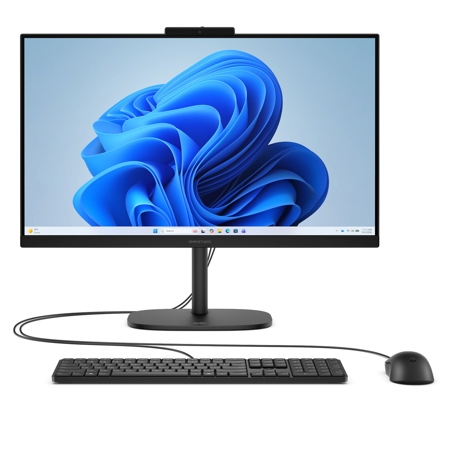
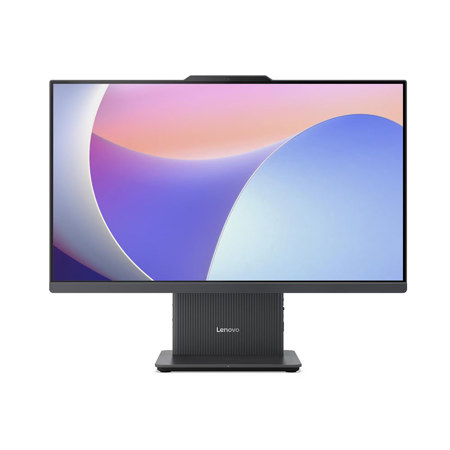
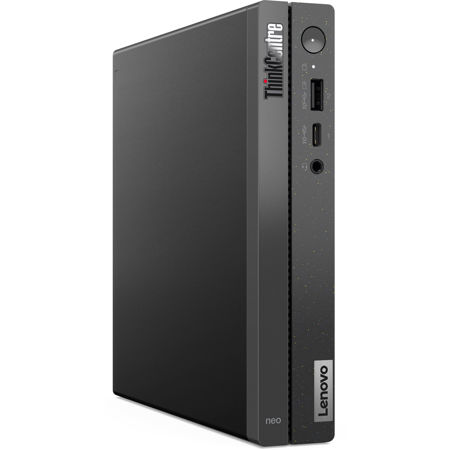
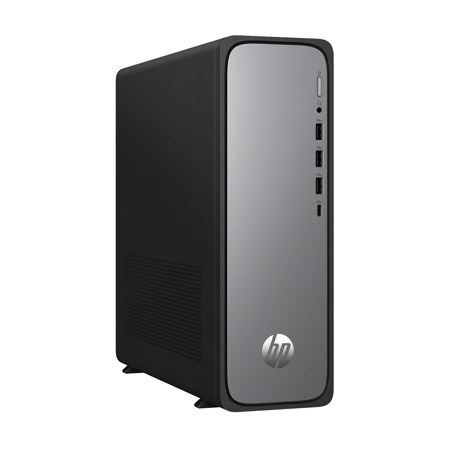
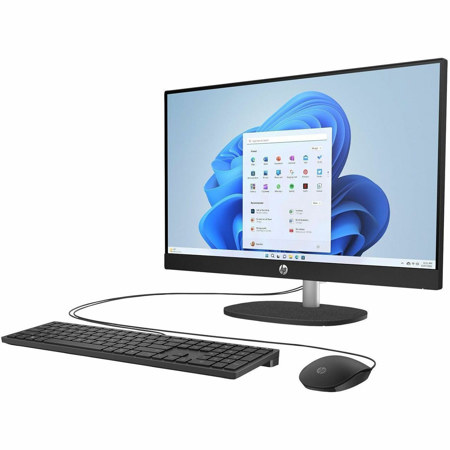
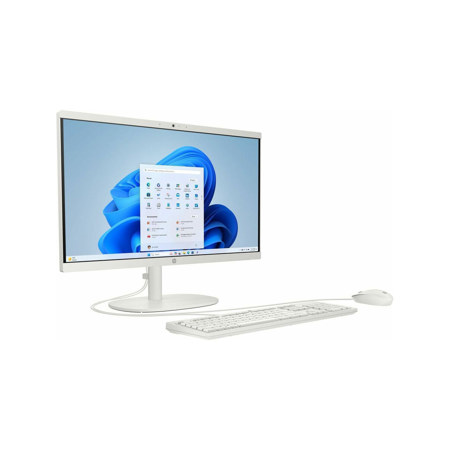
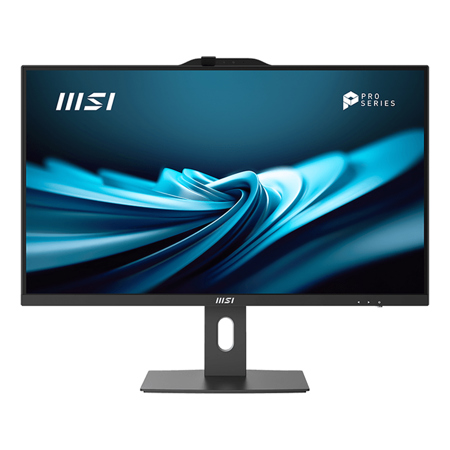
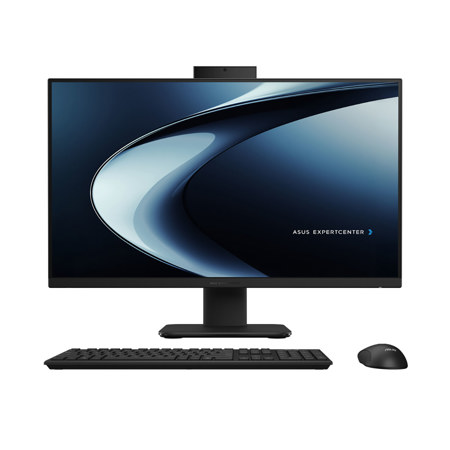
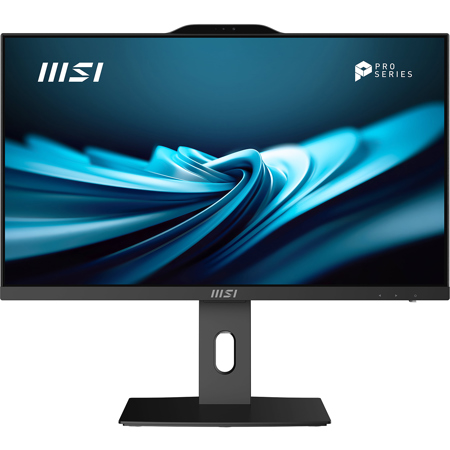
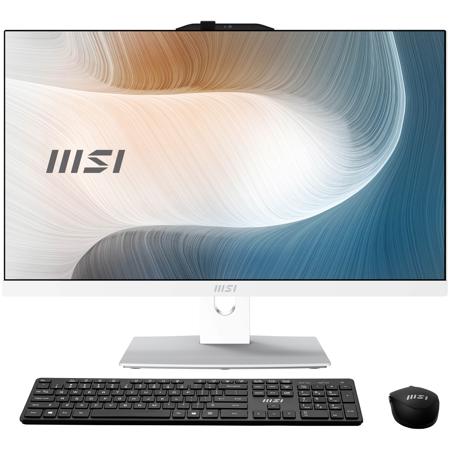
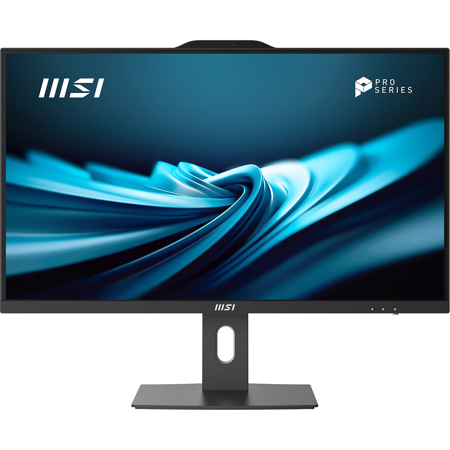
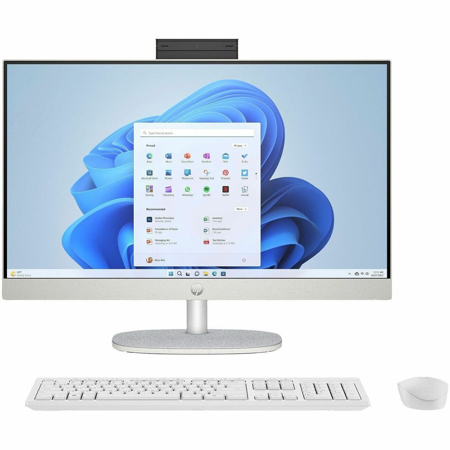
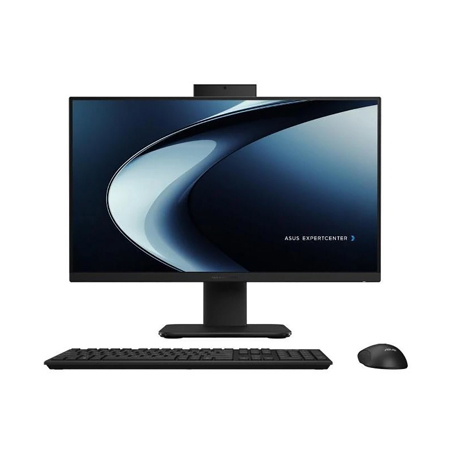
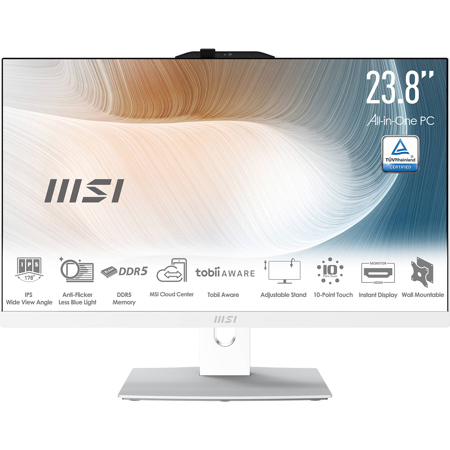
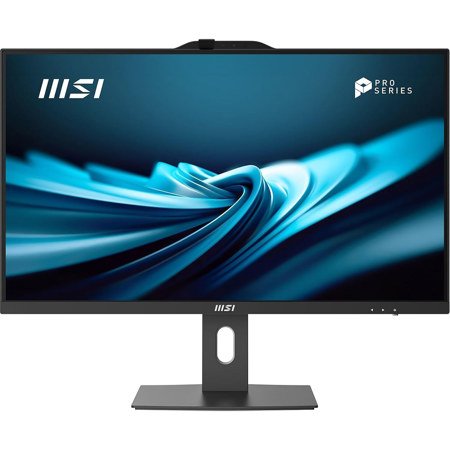
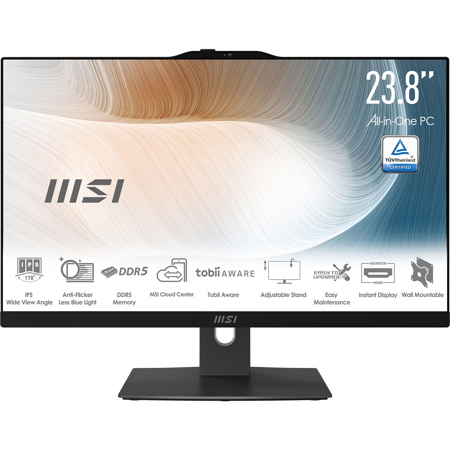
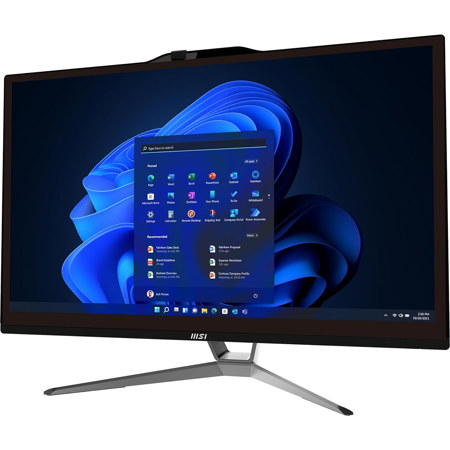
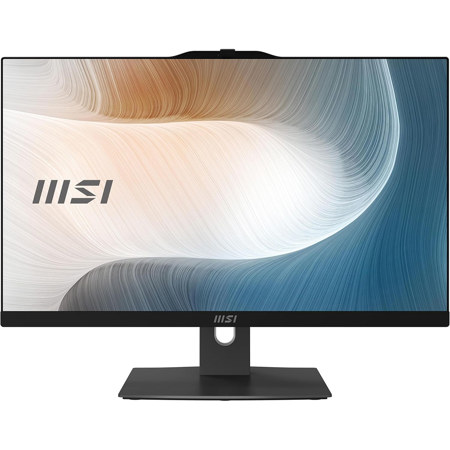
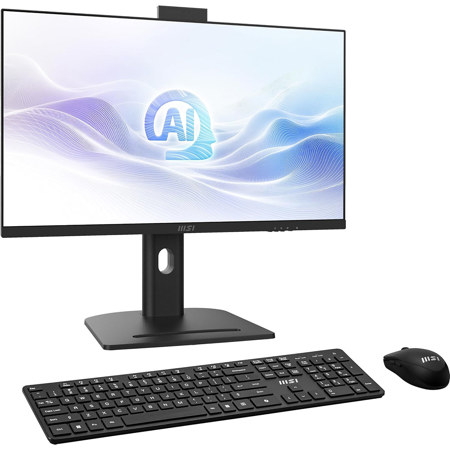
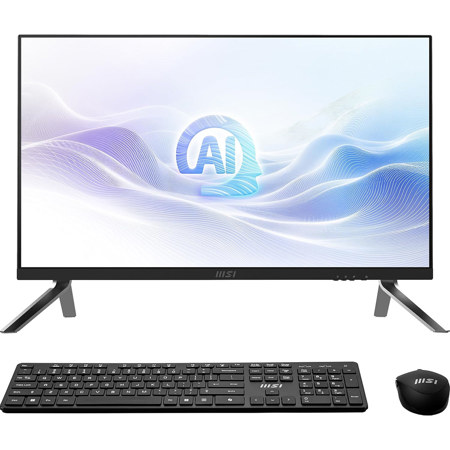
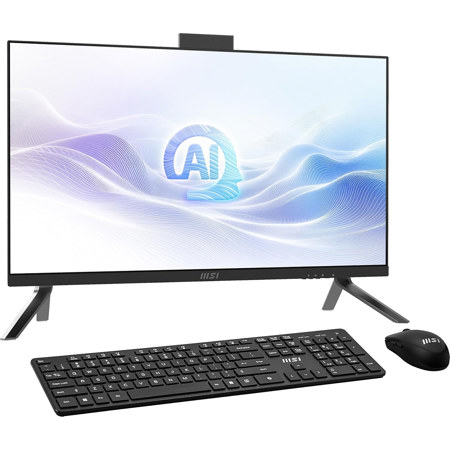
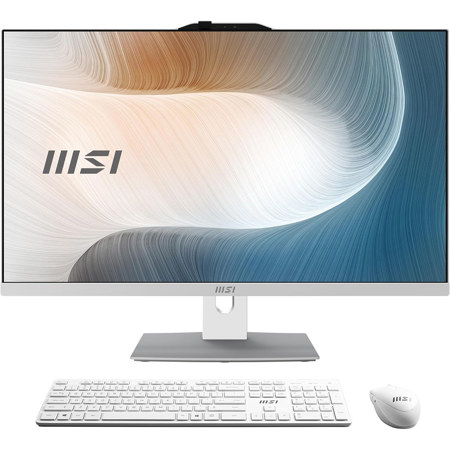
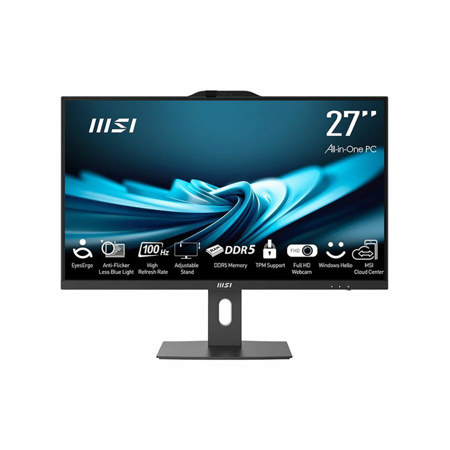
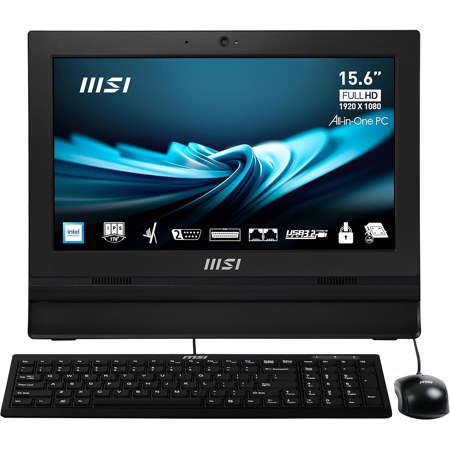
When considering which computers are best suited for school offices, several key factors come into play. Processing power is paramount; systems equipped with fast, modern processors and ample memory are essential for multitasking and running administrative software without lag. Storage solutions like solid-state drives (SSDs) offer quick boot times and enough space to securely store records and documents. The choice between traditional tower desktops and space-saving all-in-one units often comes down to available workspace and personal preference. All-in-one systems, with their sleek profiles and adjustable stands, are particularly popular in settings where desk space is at a premium, while traditional towers offer easier access for upgrades and repairs. For offices seeking to maximize their budget, refurbished computers present a practical alternative—these systems are rigorously tested for reliability and can extend the lifecycle of technology investments. Whether updating an entire suite of workstations or adding a few new systems to accommodate seasonal staff, it’s important to balance performance, durability, and ease of maintenance. For those who are outfitting not just school offices but also remote learning environments, exploring options tailored for home use can be beneficial; see our curated recommendations for Computers For Homeschooling for additional insights.
Selecting the right computers for a school office isn’t just a matter of meeting technical specifications—it’s about understanding the unique rhythms and requirements of an educational environment. The best choices are those that anticipate the ebb and flow of the academic calendar, from the flurry of back-to-school preparations to the steady pulse of day-to-day operations. These computers are also thoughtful gifts for staff members who are transitioning to new roles or for volunteers who lend a hand during peak periods, providing them with the tools needed to stay organized and efficient. As technology continues to evolve, investing in upgradable systems ensures that school offices can adapt to changing software requirements and security standards without frequent overhauls. Ultimately, the right computer setup empowers school staff to focus on what matters most—supporting students, families, and the broader educational community with confidence and care.
When considering which computers are best suited for school offices, several key factors come into play. Processing power is paramount; systems equipped with fast, modern processors and ample memory are essential for multitasking and running administrative software without lag. Storage solutions like solid-state drives (SSDs) offer quick boot times and enough space to securely store records and documents. The choice between traditional tower desktops and space-saving all-in-one units often comes down to available workspace and personal preference. All-in-one systems, with their sleek profiles and adjustable stands, are particularly popular in settings where desk space is at a premium, while traditional towers offer easier access for upgrades and repairs. For offices seeking to maximize their budget, refurbished computers present a practical alternative—these systems are rigorously tested for reliability and can extend the lifecycle of technology investments. Whether updating an entire suite of workstations or adding a few new systems to accommodate seasonal staff, it’s important to balance performance, durability, and ease of maintenance. For those who are outfitting not just school offices but also remote learning environments, exploring options tailored for home use can be beneficial; see our curated recommendations for Computers For Homeschooling for additional insights.
Selecting the right computers for a school office isn’t just a matter of meeting technical specifications—it’s about understanding the unique rhythms and requirements of an educational environment. The best choices are those that anticipate the ebb and flow of the academic calendar, from the flurry of back-to-school preparations to the steady pulse of day-to-day operations. These computers are also thoughtful gifts for staff members who are transitioning to new roles or for volunteers who lend a hand during peak periods, providing them with the tools needed to stay organized and efficient. As technology continues to evolve, investing in upgradable systems ensures that school offices can adapt to changing software requirements and security standards without frequent overhauls. Ultimately, the right computer setup empowers school staff to focus on what matters most—supporting students, families, and the broader educational community with confidence and care.