
CPU Fans
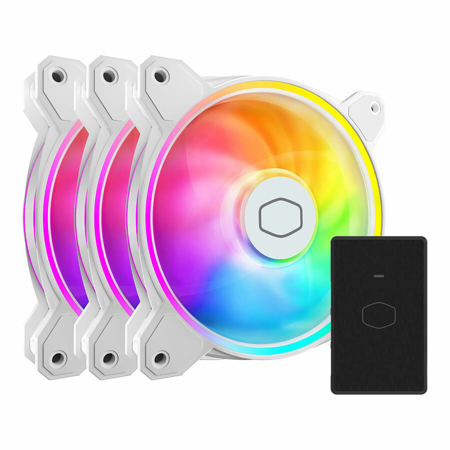
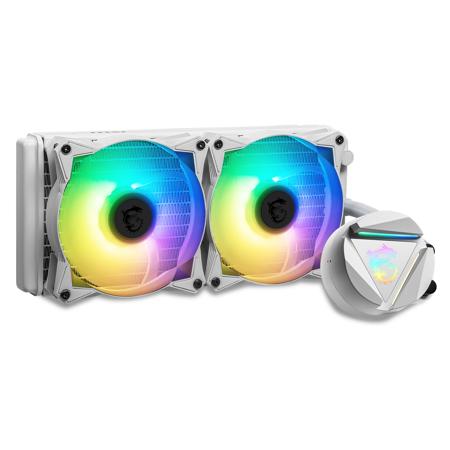
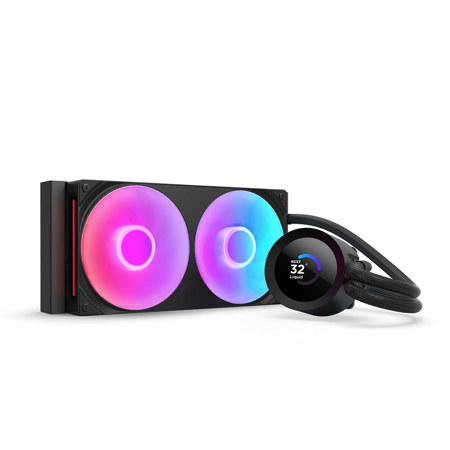
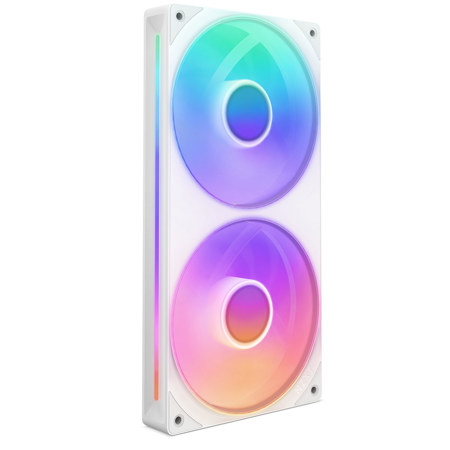
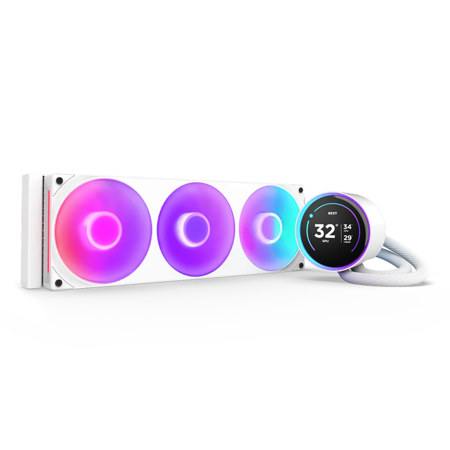
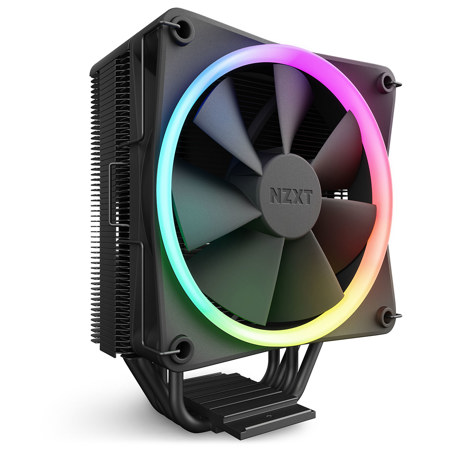
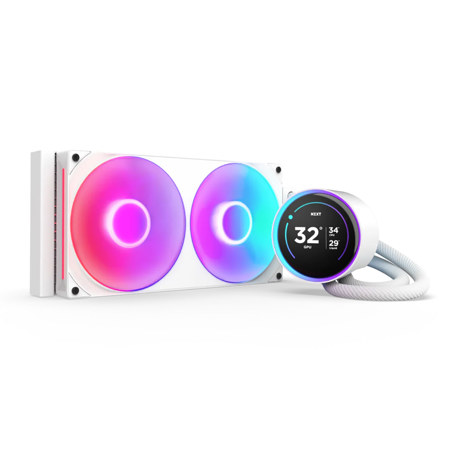
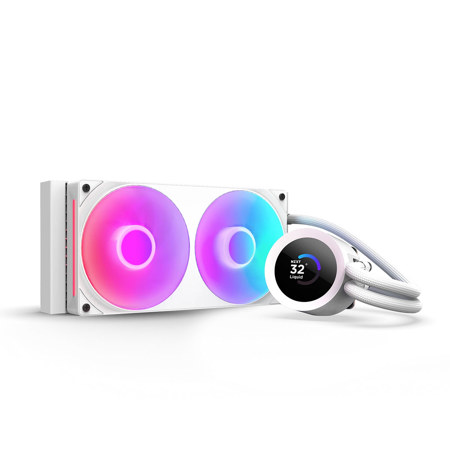
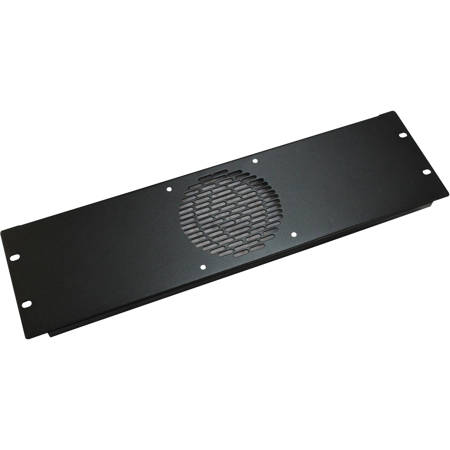
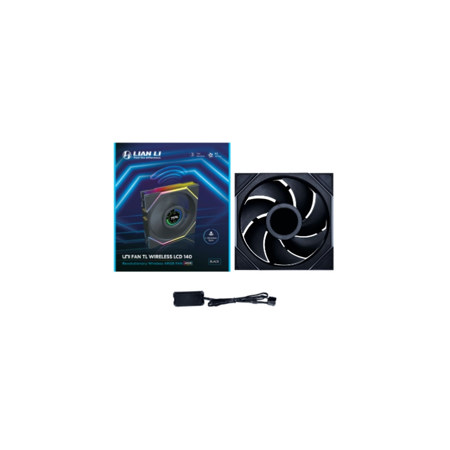
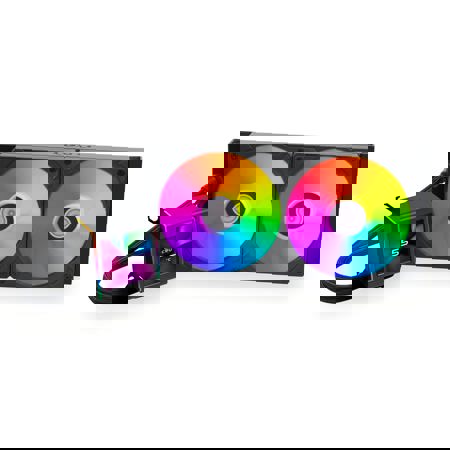
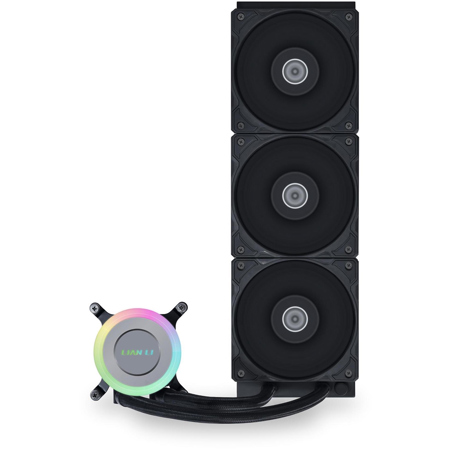
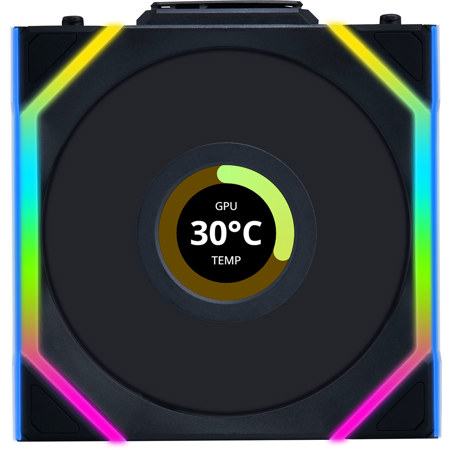
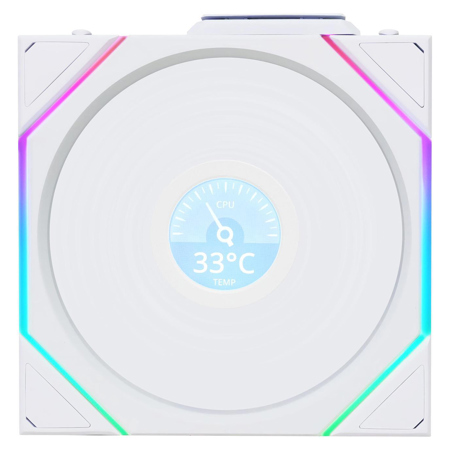
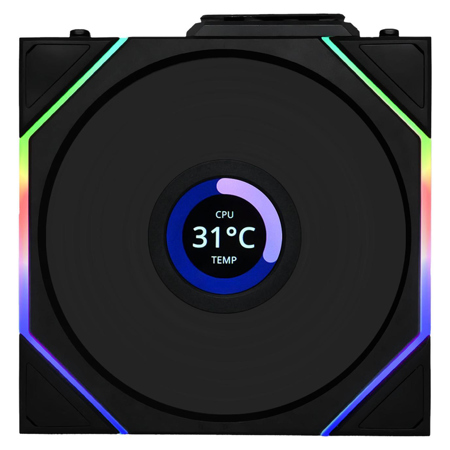
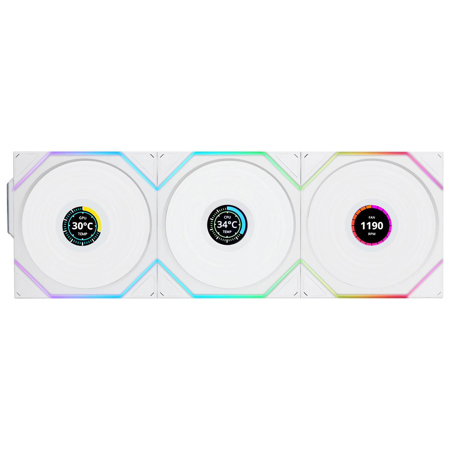
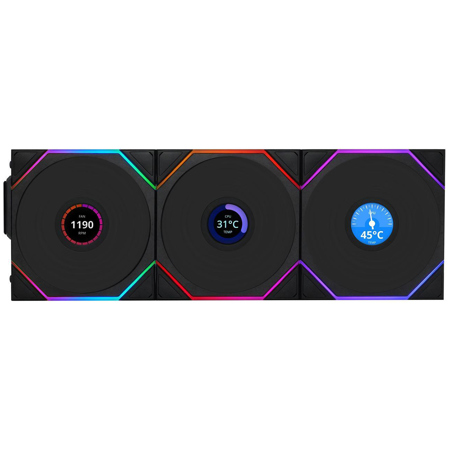
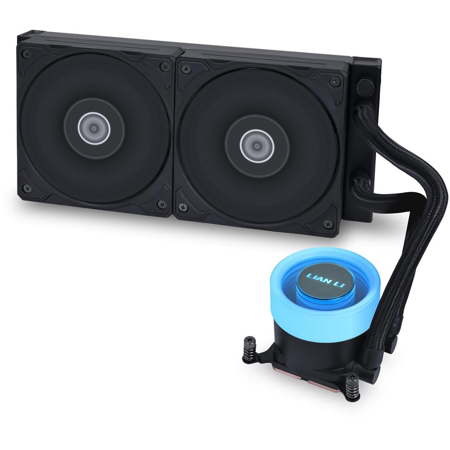
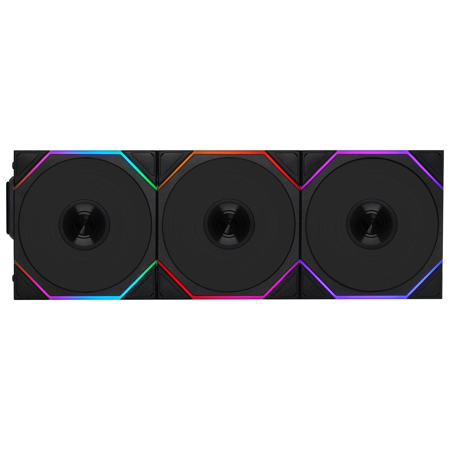
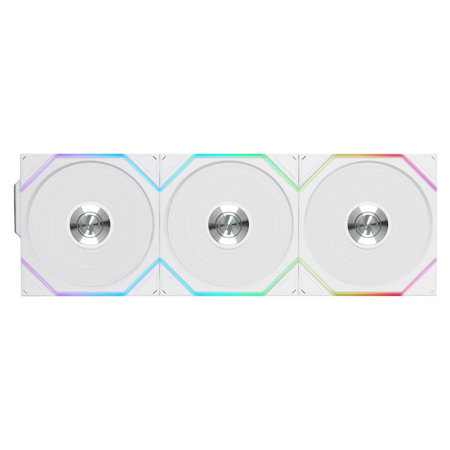
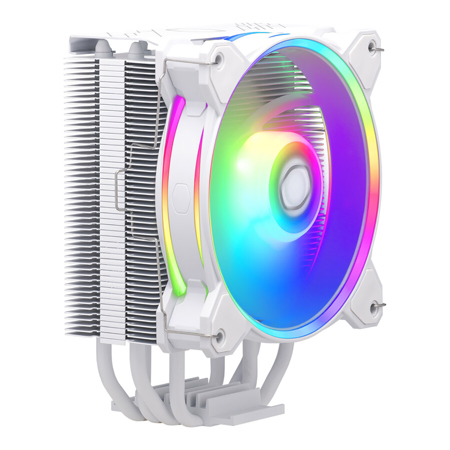
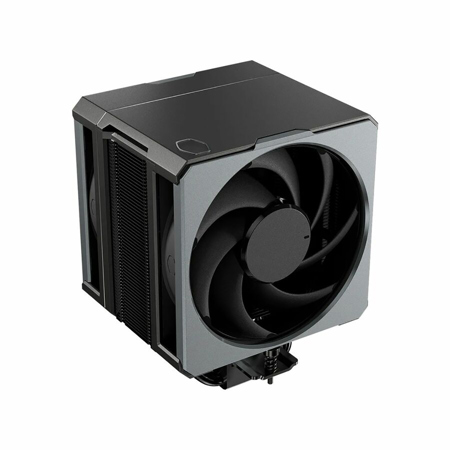
When building or upgrading a computer, choosing the right CPU fan is one of the most important decisions you’ll make for ensuring system stability and longevity. As processors become more powerful and compact, effective heat management is essential to maintain optimal performance and prevent thermal throttling. CPU fans, whether traditional air coolers or more advanced all-in-one liquid solutions, are designed to pull heat away from your processor and disperse it efficiently, keeping your system running smoothly even under heavy workloads. The distinctions between air and liquid cooling come down to design and application: air coolers use metal heatsinks and fans to move heat away from the CPU, while liquid (AIO) coolers use a combination of liquid and radiators for more intensive cooling needs. As the weather warms and ambient temperatures rise, a reliable CPU fan becomes even more critical, especially for those who enjoy gaming marathons, creative projects, or long editing sessions that push hardware to its limits. For content creators, streamers, gamers, and professionals who rely on their computers for demanding tasks, investing in an efficient cooling solution is not just about performance—it’s about safeguarding your investment and ensuring peace of mind.
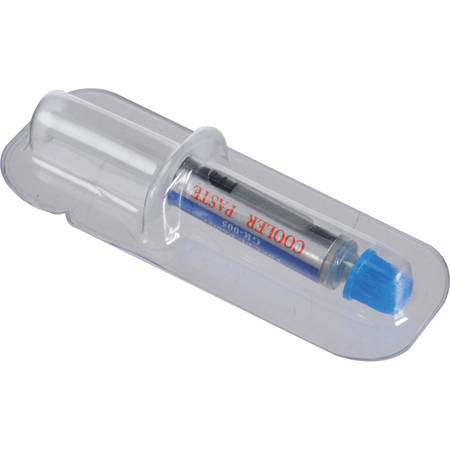
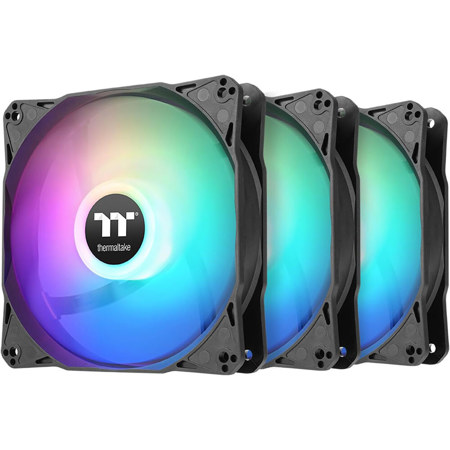
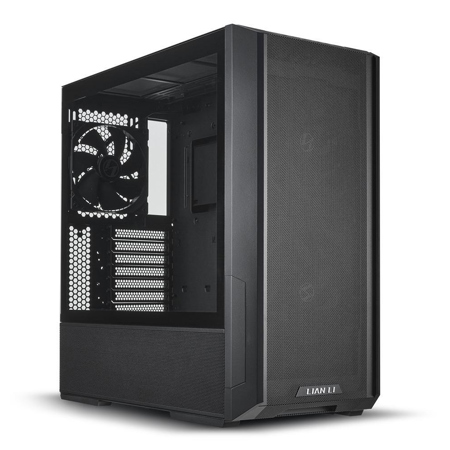
Selecting the right CPU fan involves several key considerations, each tailored to your unique setup and usage habits. Compatibility is paramount: always check that your chosen cooler supports your motherboard’s socket type, whether you’re working with LGA, AM, or other platforms. Size and clearance are also crucial, particularly if you’re working with a compact case or have tall memory modules; a bulky cooler may offer excellent performance but could interfere with other components if space is tight. Noise level is another factor, especially for those who value a quiet workspace—some fans are engineered for near-silent operation, while others prioritize maximum airflow for overclocked systems. For those building a system for the first time, it’s helpful to visualize the airflow path: intake fans at the front and bottom bring in cool air, while exhaust fans at the rear and top expel hot air, creating a balanced and effective cooling environment. Don’t overlook the importance of high-quality thermal paste, either, as it forms the critical interface between your CPU and cooler, maximizing heat transfer and efficiency.
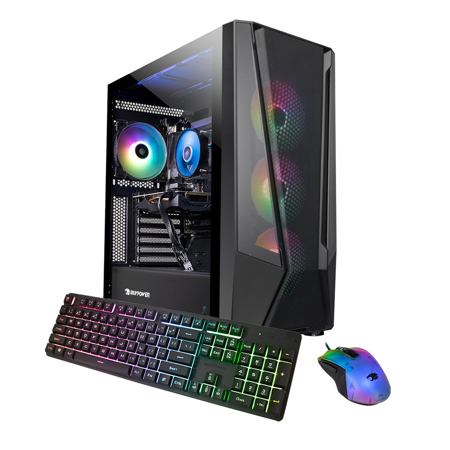
CPU fans also make thoughtful gifts for tech enthusiasts, students heading off to college, or anyone embarking on a new PC build. As summer projects and back-to-school preparations ramp up, a well-chosen CPU cooler can be the finishing touch that transforms a good system into a great one. Whether you’re upgrading an older machine to handle the latest software, assembling a powerful workstation for photo and video editing, or building a custom gaming rig, the right cooling solution ensures smooth operation and extends the life of your components. For those interested in exploring complete systems or learning more about compatible hardware, our selection of CPU Computers offers a comprehensive look at the latest processors and configurations. No matter your experience level or performance requirements, investing in a quality CPU fan is a smart step toward building a reliable, efficient, and enjoyable computing experience all year round.
Selecting the right CPU fan involves several key considerations, each tailored to your unique setup and usage habits. Compatibility is paramount: always check that your chosen cooler supports your motherboard’s socket type, whether you’re working with LGA, AM, or other platforms. Size and clearance are also crucial, particularly if you’re working with a compact case or have tall memory modules; a bulky cooler may offer excellent performance but could interfere with other components if space is tight. Noise level is another factor, especially for those who value a quiet workspace—some fans are engineered for near-silent operation, while others prioritize maximum airflow for overclocked systems. For those building a system for the first time, it’s helpful to visualize the airflow path: intake fans at the front and bottom bring in cool air, while exhaust fans at the rear and top expel hot air, creating a balanced and effective cooling environment. Don’t overlook the importance of high-quality thermal paste, either, as it forms the critical interface between your CPU and cooler, maximizing heat transfer and efficiency.
CPU fans also make thoughtful gifts for tech enthusiasts, students heading off to college, or anyone embarking on a new PC build. As summer projects and back-to-school preparations ramp up, a well-chosen CPU cooler can be the finishing touch that transforms a good system into a great one. Whether you’re upgrading an older machine to handle the latest software, assembling a powerful workstation for photo and video editing, or building a custom gaming rig, the right cooling solution ensures smooth operation and extends the life of your components. For those interested in exploring complete systems or learning more about compatible hardware, our selection of CPU Computers offers a comprehensive look at the latest processors and configurations. No matter your experience level or performance requirements, investing in a quality CPU fan is a smart step toward building a reliable, efficient, and enjoyable computing experience all year round.