


Desktop Hard Drives
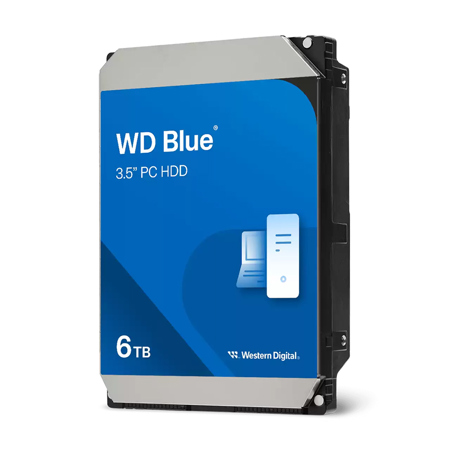
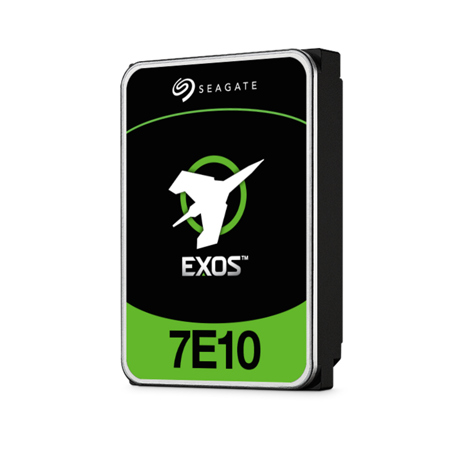
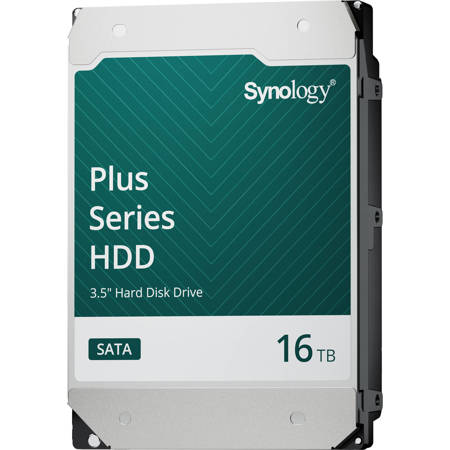
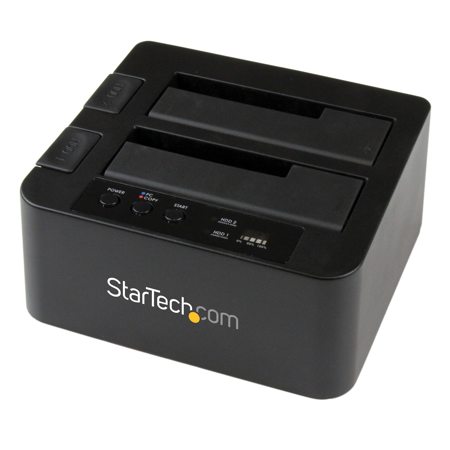
When it comes to expanding your computer’s storage or safeguarding important files, desktop hard drives remain a trusted solution for both professionals and everyday users. These drives, often in the classic 3.5-inch form factor, offer generous capacities—such as the popular 4 TB hard drive size—making them ideal for storing everything from high-resolution photos and videos to extensive music libraries, game installations, and essential documents. Whether you’re a creative professional managing large media projects, a small business owner archiving financial records, or a student backing up coursework, a desktop hard drive provides the space and reliability you need. Internally, these drives are installed directly into your computer’s chassis, connecting via standard SATA III interfaces for fast data transfer. The installation process is straightforward for those comfortable with basic PC upgrades: simply open your case, mount the drive, and connect the necessary data and power cables. Internal options like a 4tb hdd internal are well-suited for users who want seamless integration and high performance, especially when opting for models with 7200 RPM for faster application loading or 5400 RPM for quieter, cooler operation when bulk storage is the priority.
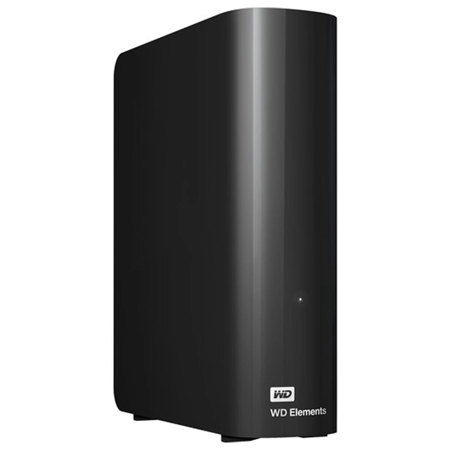
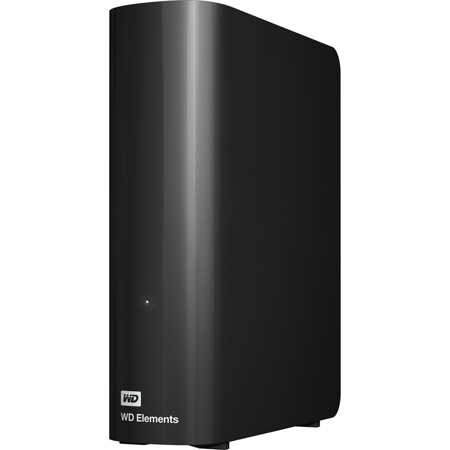
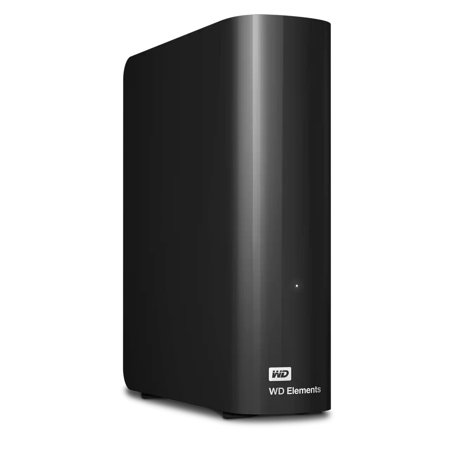
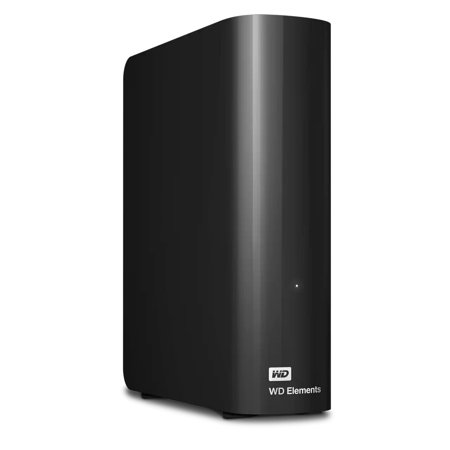
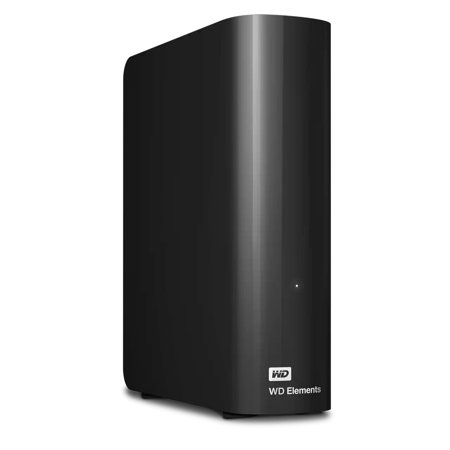
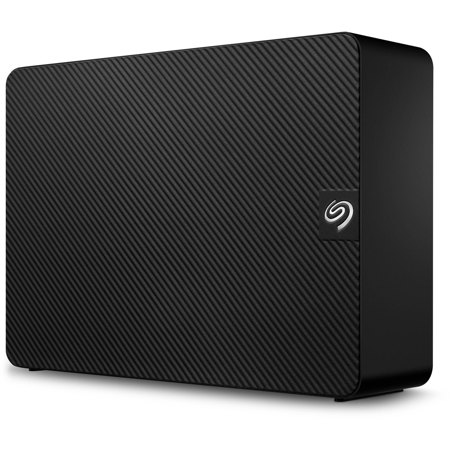
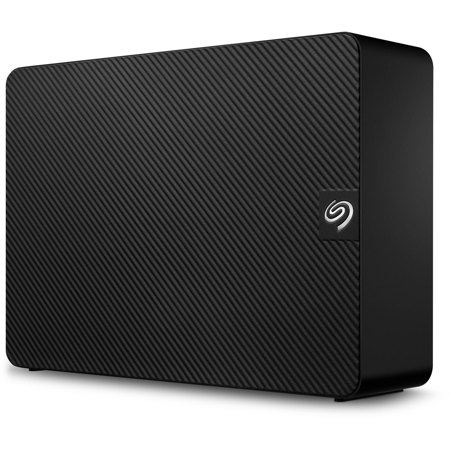
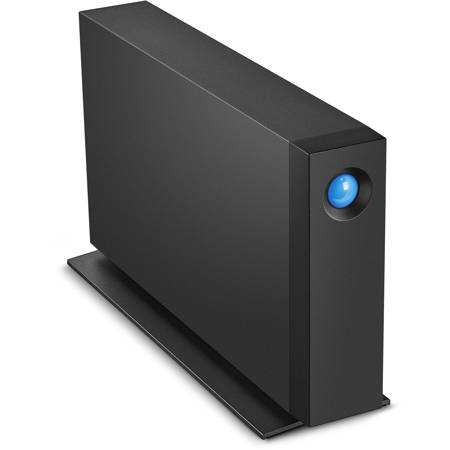
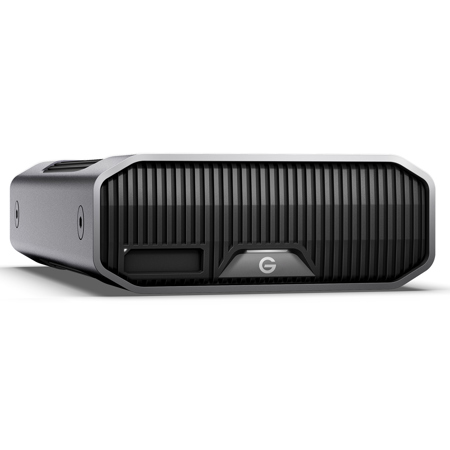
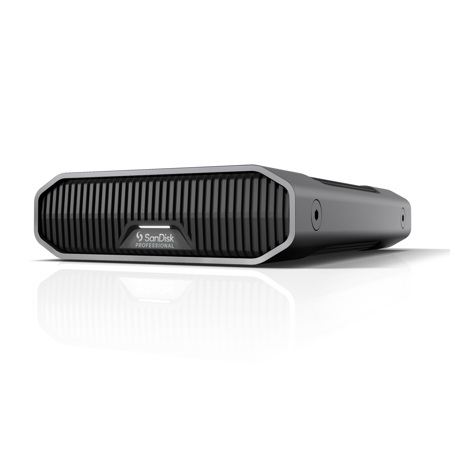
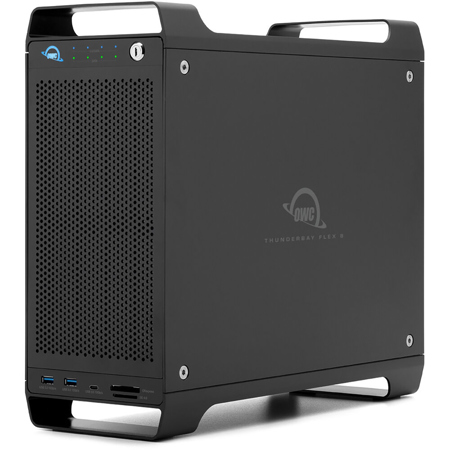
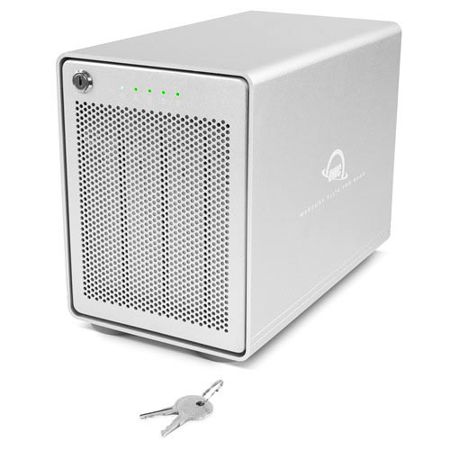
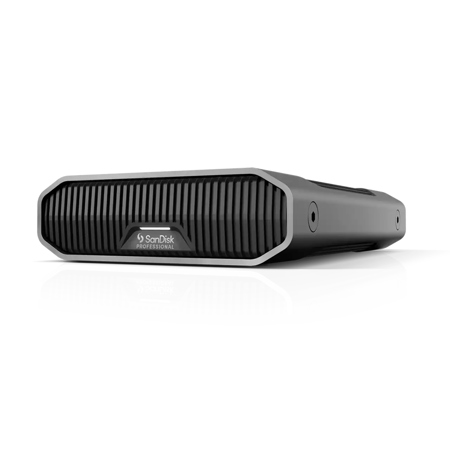
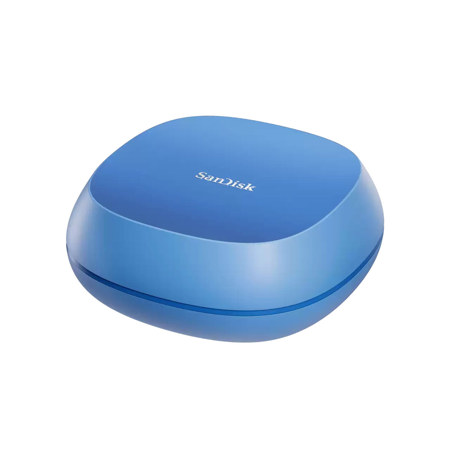
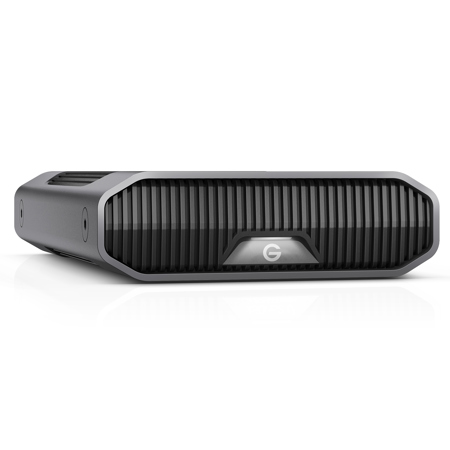
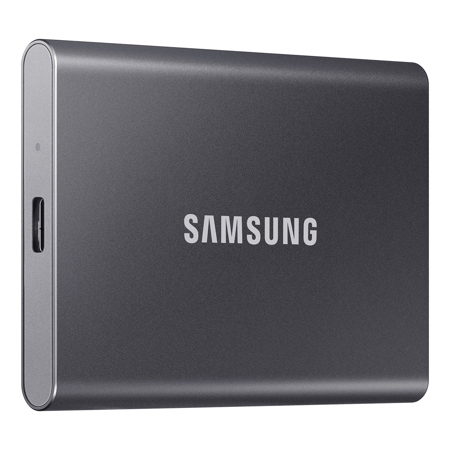
External desktop hard drives, on the other hand, are a favorite for those who prefer plug-and-play convenience. These units sit neatly on your desk and connect via USB, but because of their higher power requirements, they typically need a dedicated wall outlet. This makes them perfect for long-term archival storage, system backups, or building a centralized media library accessible across multiple devices in your home or office. As the weather warms and families prepare for vacations or students transition into summer projects, an external desktop hard drive becomes a practical gift—enabling loved ones to preserve travel photos, back up important schoolwork, or simply keep their digital lives organized. The robust capacities available, such as a 4tb hard drive, mean fewer worries about running out of space, even as your collection of memories and files grows. For those with a keen eye on performance, it’s wise to consider the underlying technology: drives using CMR (Conventional Magnetic Recording) tend to deliver better speeds and reliability for large, continuous file transfers compared to SMR (Shingled Magnetic Recording) models. This distinction is especially important for users who frequently move or edit large files, such as photographers, videographers, and content creators.
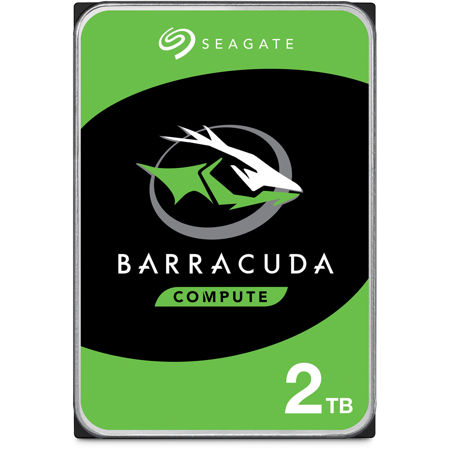
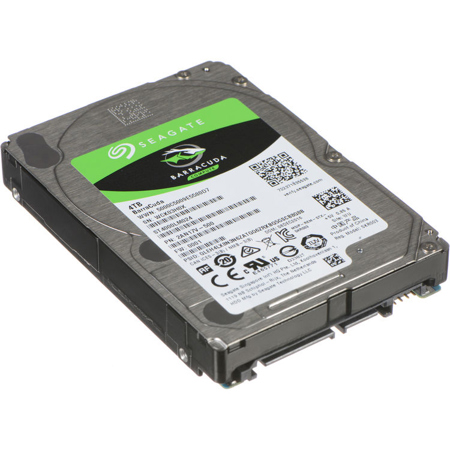
Selecting the right desktop hard drive involves balancing capacity, speed, and reliability. A drive like the seagate barracuda 4tb exemplifies the versatility that modern users seek, offering ample storage in a compact, dependable package. Whether you’re setting up a new workstation, upgrading your backup routine, or searching for a thoughtful, practical gift that supports productivity and creativity, desktop hard drives are a timeless choice. Their durability and straightforward operation make them suitable for users of any experience level, from tech enthusiasts building custom PCs to families looking to safeguard cherished memories. For those who want extra peace of mind, integrating a desktop hard drive into a comprehensive backup strategy is a smart move—especially during the transition from summer adventures to the busy routines of early fall. If you’re exploring more ways to protect and organize your data, discover additional options on our PC Backup Drives page for expert-curated solutions that fit every need.
External desktop hard drives, on the other hand, are a favorite for those who prefer plug-and-play convenience. These units sit neatly on your desk and connect via USB, but because of their higher power requirements, they typically need a dedicated wall outlet. This makes them perfect for long-term archival storage, system backups, or building a centralized media library accessible across multiple devices in your home or office. As the weather warms and families prepare for vacations or students transition into summer projects, an external desktop hard drive becomes a practical gift—enabling loved ones to preserve travel photos, back up important schoolwork, or simply keep their digital lives organized. The robust capacities available, such as a 4tb hard drive, mean fewer worries about running out of space, even as your collection of memories and files grows. For those with a keen eye on performance, it’s wise to consider the underlying technology: drives using CMR (Conventional Magnetic Recording) tend to deliver better speeds and reliability for large, continuous file transfers compared to SMR (Shingled Magnetic Recording) models. This distinction is especially important for users who frequently move or edit large files, such as photographers, videographers, and content creators.
Selecting the right desktop hard drive involves balancing capacity, speed, and reliability. A drive like the seagate barracuda 4tb exemplifies the versatility that modern users seek, offering ample storage in a compact, dependable package. Whether you’re setting up a new workstation, upgrading your backup routine, or searching for a thoughtful, practical gift that supports productivity and creativity, desktop hard drives are a timeless choice. Their durability and straightforward operation make them suitable for users of any experience level, from tech enthusiasts building custom PCs to families looking to safeguard cherished memories. For those who want extra peace of mind, integrating a desktop hard drive into a comprehensive backup strategy is a smart move—especially during the transition from summer adventures to the busy routines of early fall. If you’re exploring more ways to protect and organize your data, discover additional options on our PC Backup Drives page for expert-curated solutions that fit every need.