

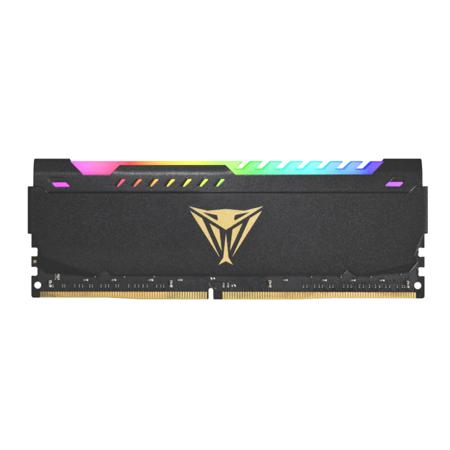
Dual Channel Ddr 4 Ram
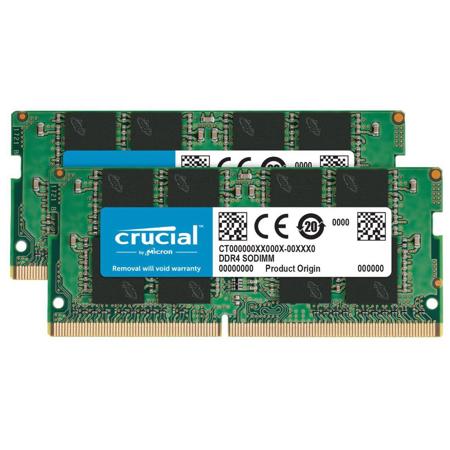
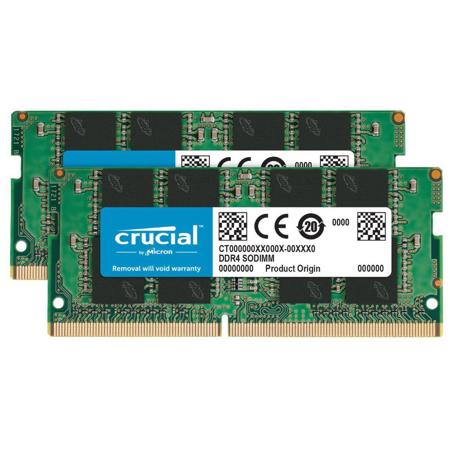
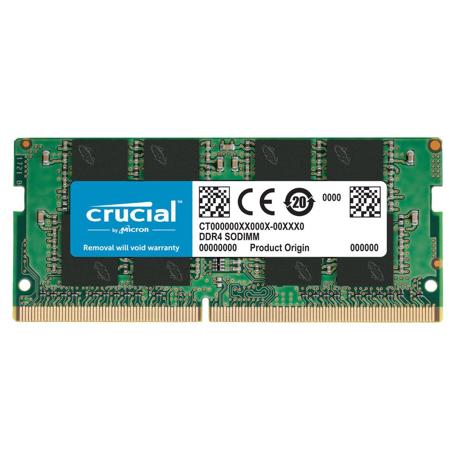
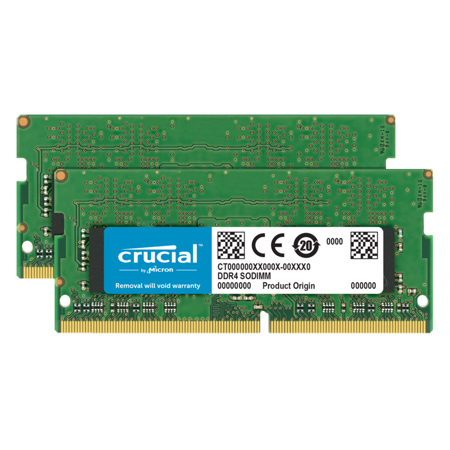
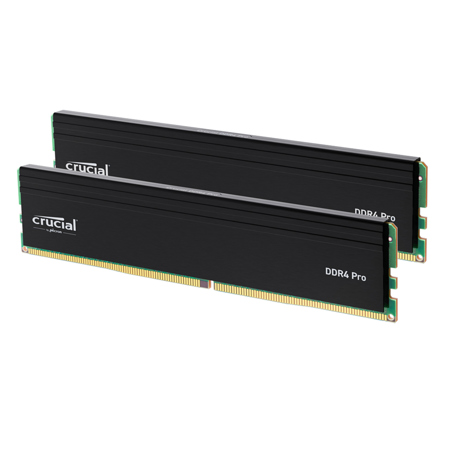
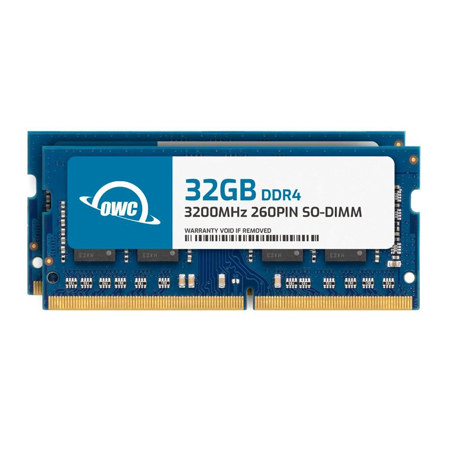
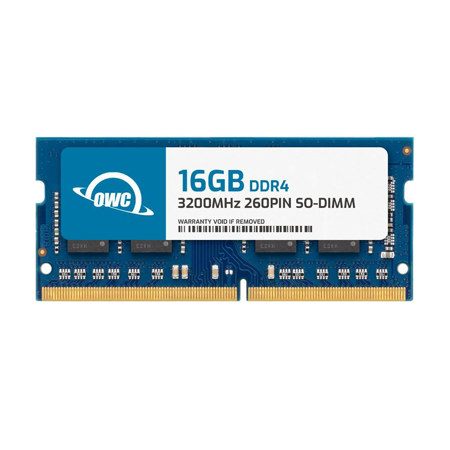
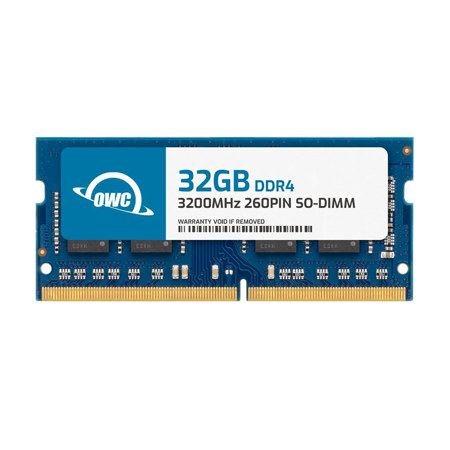
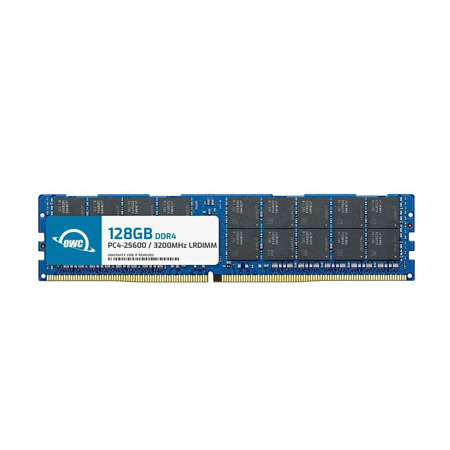
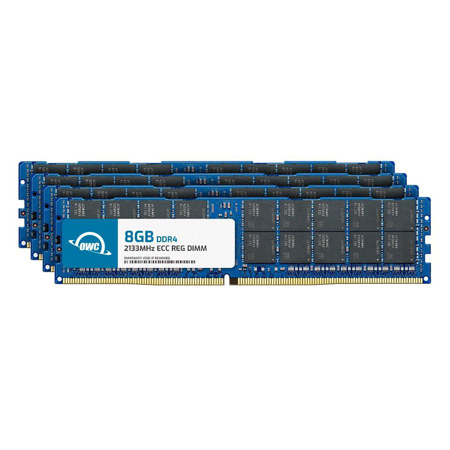
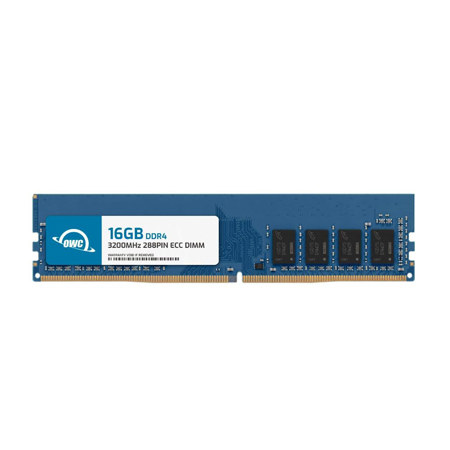
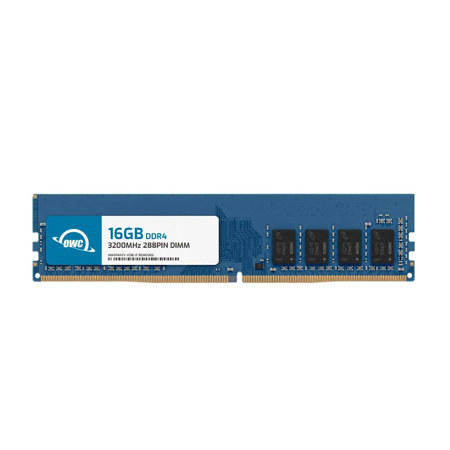
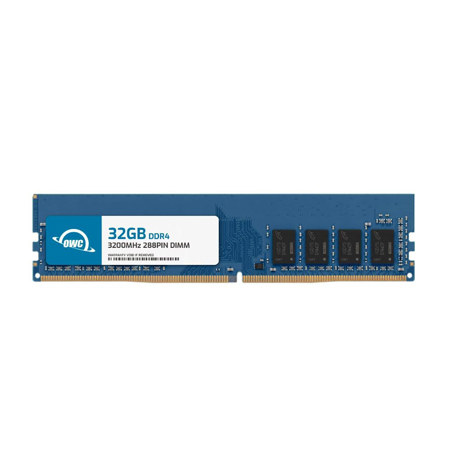
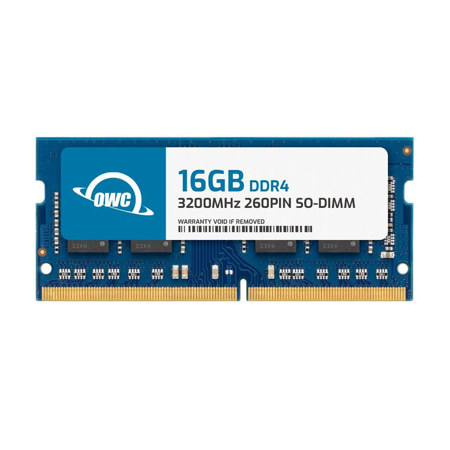
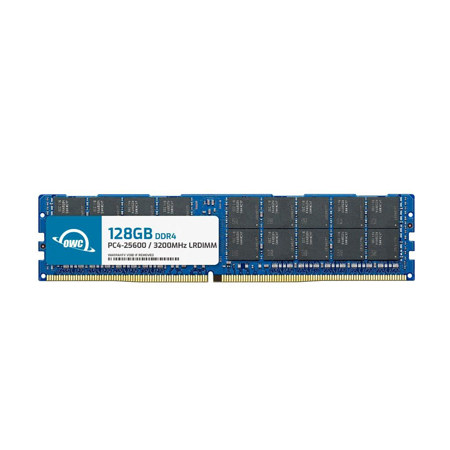
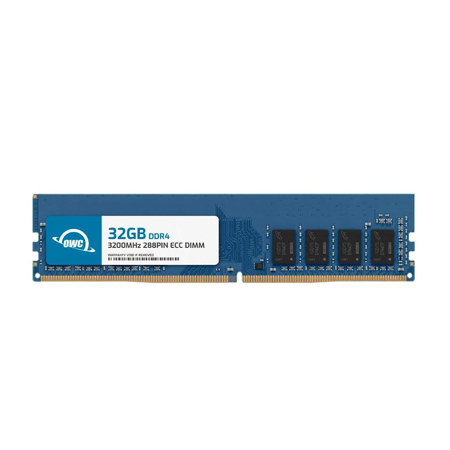
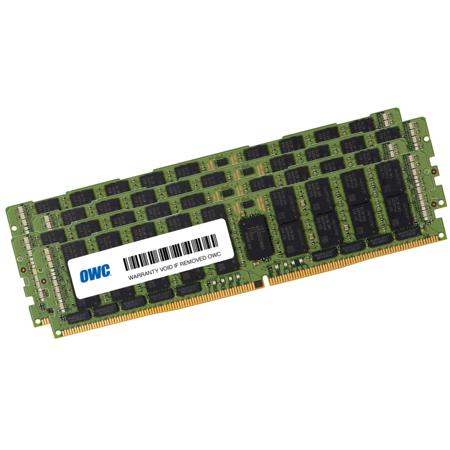
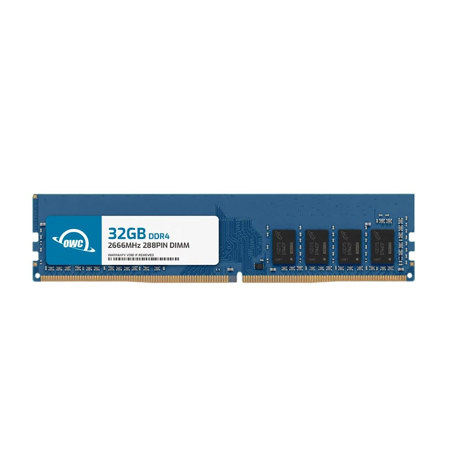
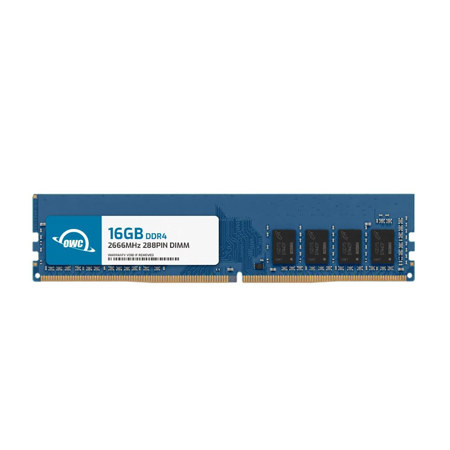
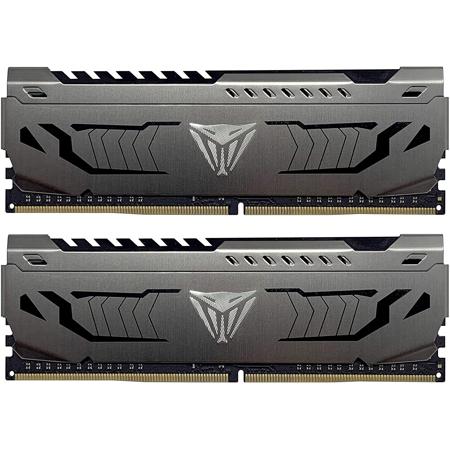
When exploring ways to enhance your computer’s speed and responsiveness, dual channel DDR4 RAM stands out as a popular and effective upgrade. This memory configuration leverages two identical sticks of DDR4 RAM, installed in matched motherboard slots, to double the available data bandwidth between your CPU and memory. The result is a smoother, more responsive experience whether you’re gaming, editing high-resolution video, multitasking with demanding software, or simply browsing with dozens of tabs open. The increased pipeline—moving from a single 64-bit channel to a 128-bit dual channel interface—means your system can handle more data simultaneously, reducing bottlenecks that often occur during CPU-intensive tasks. For those building or upgrading a desktop, understanding how much RAM is needed is crucial. While 8GB may suffice for basic use, many users find that 16GB or 32GB of DDR4 dual channel RAM provides the headroom required for gaming, creative work, and future-proofing their systems. During the warmer months, when creative projects and gaming marathons often pick up, or as the cooler season approaches and students return to school, upgrading to dual channel DDR4 can be a thoughtful gift for tech enthusiasts, students, or anyone looking to refresh their setup.
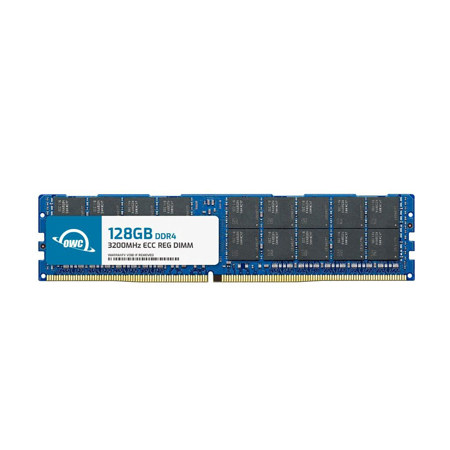
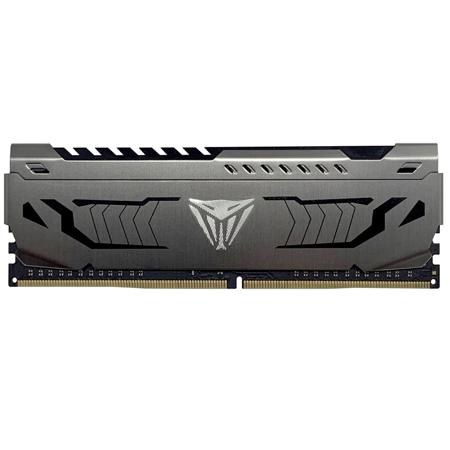
Selecting the right DDR4 dual channel kit involves considering several key factors beyond just capacity. Speed—measured in megahertz (MHz)—directly impacts how quickly your RAM can process information, with options like 3200 MHz often hitting the sweet spot for both performance and compatibility. For those seeking a balance of reliability and performance, modules such as viper ram ddr4 have earned a reputation among enthusiasts for their stability during heavy workloads and gaming sessions. Compatibility with your motherboard is essential, as is ensuring you install the RAM in the correct slots to enable the dual channel mode—usually alternating slots as indicated in your motherboard’s manual. Whether you’re assembling a new workstation, upgrading an existing rig, or shopping for a practical and appreciated gift, DDR4 dual channel RAM offers tangible improvements in system speed, application load times, and overall productivity. If you’re curious about the performance benefits of higher memory speeds, or you want to compare options, take a closer look at our curated selection of 3200 MHz DDR 4 RAM to find the right fit for your needs. With the right DDR dual channel configuration, everyday computing and demanding tasks alike become noticeably more efficient, making it a smart investment for anyone looking to get more out of their technology.
Selecting the right DDR4 dual channel kit involves considering several key factors beyond just capacity. Speed—measured in megahertz (MHz)—directly impacts how quickly your RAM can process information, with options like 3200 MHz often hitting the sweet spot for both performance and compatibility. For those seeking a balance of reliability and performance, modules such as viper ram ddr4 have earned a reputation among enthusiasts for their stability during heavy workloads and gaming sessions. Compatibility with your motherboard is essential, as is ensuring you install the RAM in the correct slots to enable the dual channel mode—usually alternating slots as indicated in your motherboard’s manual. Whether you’re assembling a new workstation, upgrading an existing rig, or shopping for a practical and appreciated gift, DDR4 dual channel RAM offers tangible improvements in system speed, application load times, and overall productivity. If you’re curious about the performance benefits of higher memory speeds, or you want to compare options, take a closer look at our curated selection of 3200 MHz DDR 4 RAM to find the right fit for your needs. With the right DDR dual channel configuration, everyday computing and demanding tasks alike become noticeably more efficient, making it a smart investment for anyone looking to get more out of their technology.