
Dual Screen Workstations
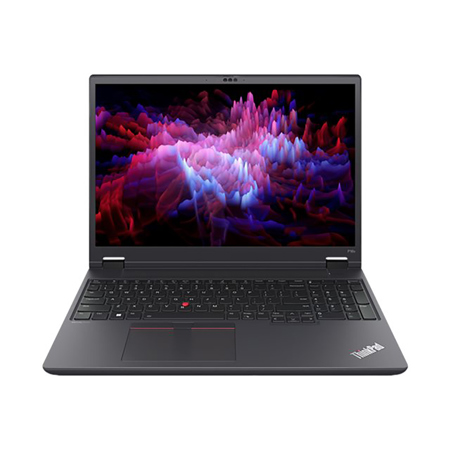
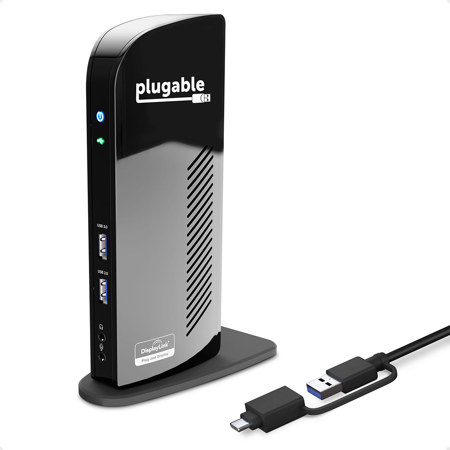
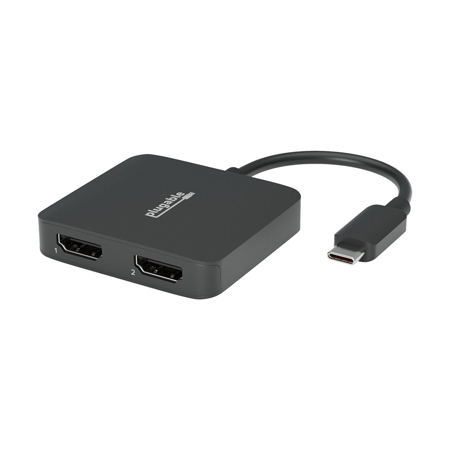
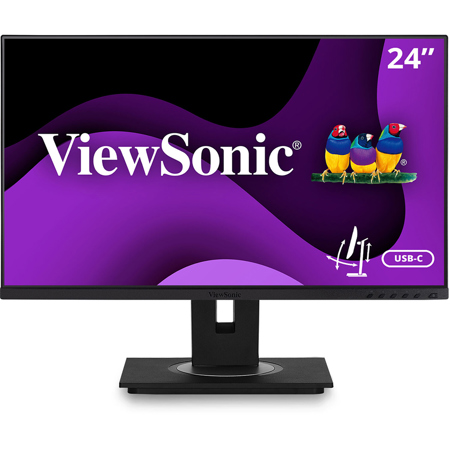
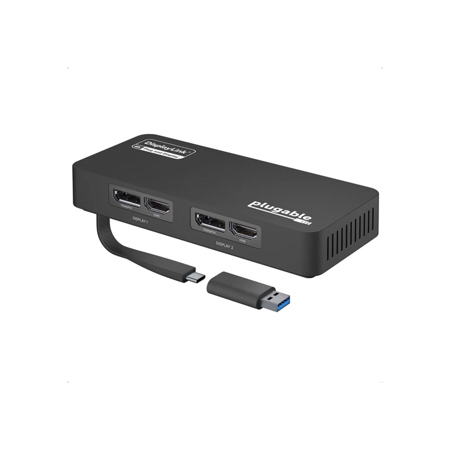
A dual screen workstation brings a new level of efficiency and comfort to the modern workspace, whether you’re setting up a home office, a creative studio, or a professional editing suite. As longer days and warmer weather invite new projects and fresh routines, many professionals and enthusiasts alike look to multi monitor workstations to streamline their daily tasks. The appeal of a dual screen setup lies in its ability to support true multitasking—imagine editing high-resolution photos on one display while keeping your research, reference materials, or communication tools open on the other. For coders, designers, analysts, and content creators, the ability to extend your digital workspace can mean fewer interruptions and a more seamless workflow. Even students and remote workers find that a dual screen workstation helps manage coursework, video meetings, and collaborative projects with ease. The benefits aren’t limited to productivity, either: the ergonomic advantages of properly positioned screens, especially when paired with adjustable monitor arms or sit-stand converters, can help reduce strain and support better posture during long hours at the desk.
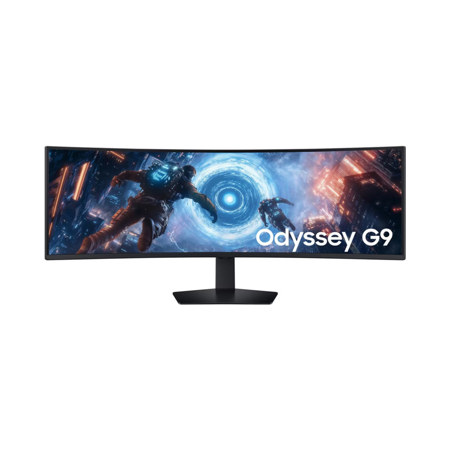
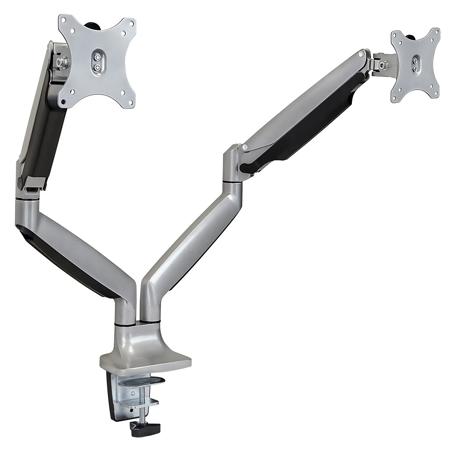
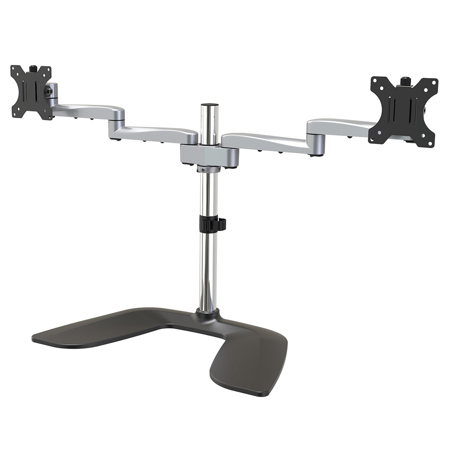
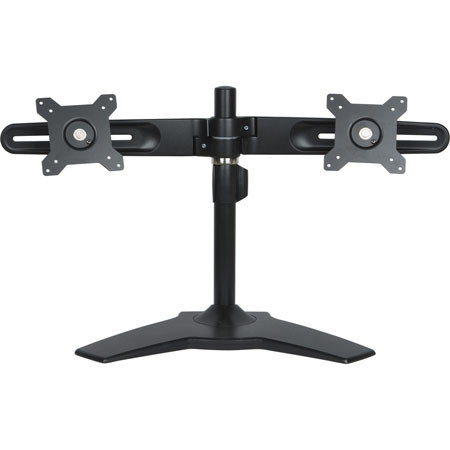
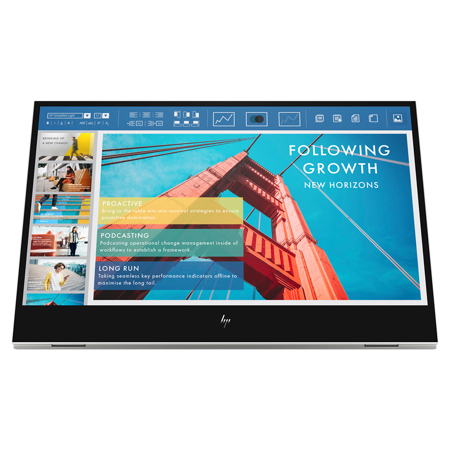
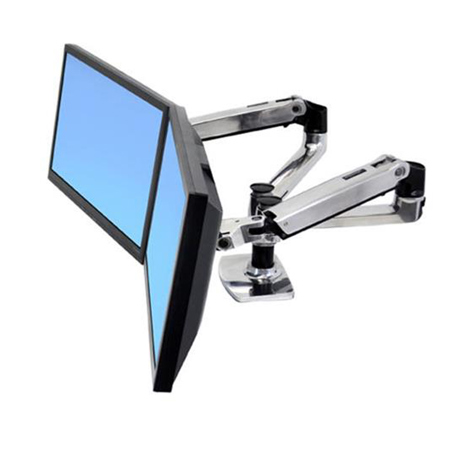
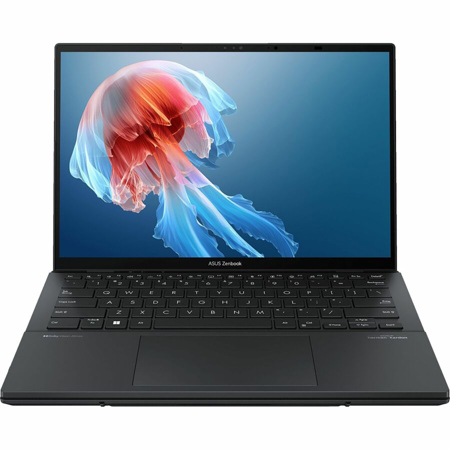
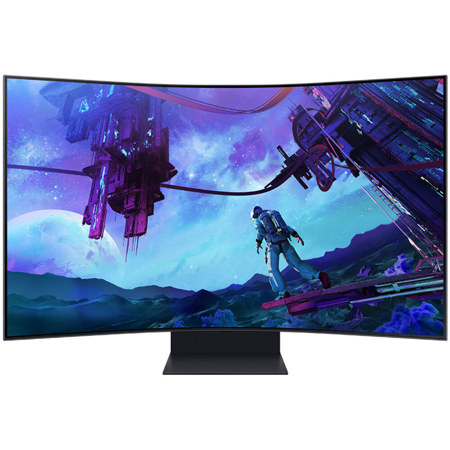
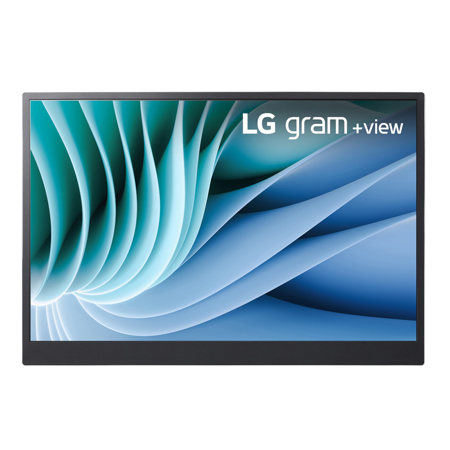
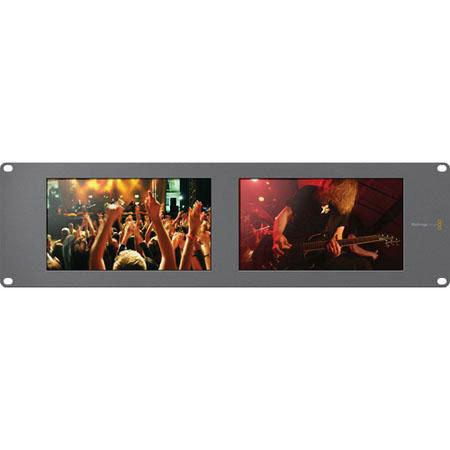
When choosing a dual screen workstation, there are several key considerations to keep in mind to ensure your setup is both functional and comfortable. Matching monitors—whether in size, resolution, or color profile—can make all the difference for tasks that demand accuracy and visual consistency, such as photo editing or video production. Many users opt for a pair of 27-inch 4K panels for a crisp, immersive experience, while others prefer the flexibility of pairing an ultrawide monitor with a vertically oriented secondary display for coding or document review. Desk space and cable management are also important factors; integrated cable channels, gas-spring monitor arms, and mobile carts can help keep your workspace tidy and adaptable, whether you’re working from a permanent desk or need a setup that can roll between rooms or departments. For those who already have a desk, sit-stand converters offer an easy way to add dual monitor capability without a complete overhaul, supporting both productivity and wellness by encouraging movement throughout the day. And as hybrid work becomes more common, portable dual screen solutions allow you to extend your laptop’s display wherever you go, making it easier to stay organized and connected even outside the office.
A dual screen workstation makes a thoughtful and practical gift for recent graduates, remote workers, or anyone looking to upgrade their home office or creative space as routines shift with the seasons. The versatility of multi monitor workstations means they’re just as valuable in professional settings—think medical offices, design studios, or production facilities—as they are in home offices or study nooks. Whether you’re diving into a new creative project, managing complex data, or simply looking to reduce digital clutter, investing in a thoughtfully designed dual monitor setup can transform the way you work and create. For those interested in building a powerful desktop foundation for their multi-screen setup, explore our curated list of Desktop Computer With Dual Monitor Capability options to find the perfect complement to your workstation. As you settle into your workspace for the season ahead—whether you’re tackling new projects or enjoying a more organized daily routine—a dual screen workstation offers the flexibility, comfort, and productivity to help you make the most of every day.
When choosing a dual screen workstation, there are several key considerations to keep in mind to ensure your setup is both functional and comfortable. Matching monitors—whether in size, resolution, or color profile—can make all the difference for tasks that demand accuracy and visual consistency, such as photo editing or video production. Many users opt for a pair of 27-inch 4K panels for a crisp, immersive experience, while others prefer the flexibility of pairing an ultrawide monitor with a vertically oriented secondary display for coding or document review. Desk space and cable management are also important factors; integrated cable channels, gas-spring monitor arms, and mobile carts can help keep your workspace tidy and adaptable, whether you’re working from a permanent desk or need a setup that can roll between rooms or departments. For those who already have a desk, sit-stand converters offer an easy way to add dual monitor capability without a complete overhaul, supporting both productivity and wellness by encouraging movement throughout the day. And as hybrid work becomes more common, portable dual screen solutions allow you to extend your laptop’s display wherever you go, making it easier to stay organized and connected even outside the office.
A dual screen workstation makes a thoughtful and practical gift for recent graduates, remote workers, or anyone looking to upgrade their home office or creative space as routines shift with the seasons. The versatility of multi monitor workstations means they’re just as valuable in professional settings—think medical offices, design studios, or production facilities—as they are in home offices or study nooks. Whether you’re diving into a new creative project, managing complex data, or simply looking to reduce digital clutter, investing in a thoughtfully designed dual monitor setup can transform the way you work and create. For those interested in building a powerful desktop foundation for their multi-screen setup, explore our curated list of Desktop Computer With Dual Monitor Capability options to find the perfect complement to your workstation. As you settle into your workspace for the season ahead—whether you’re tackling new projects or enjoying a more organized daily routine—a dual screen workstation offers the flexibility, comfort, and productivity to help you make the most of every day.