Esata Drives
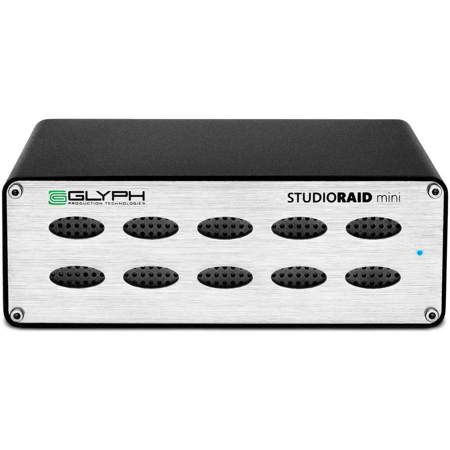
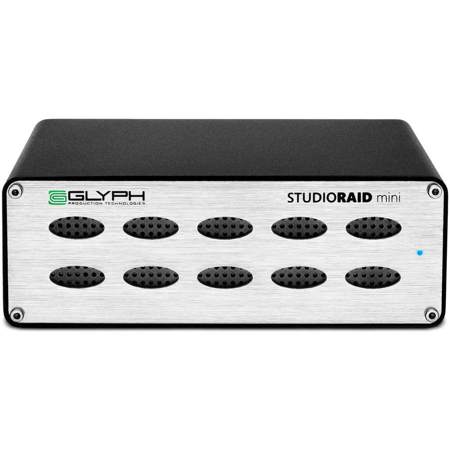
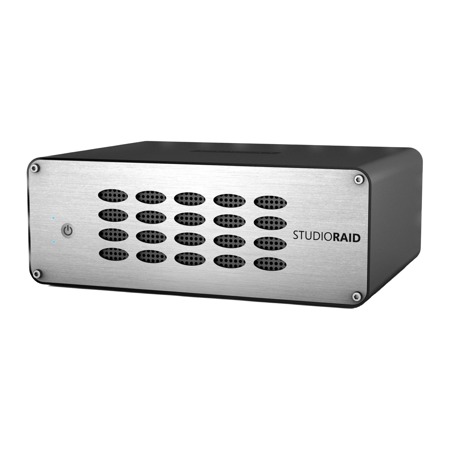
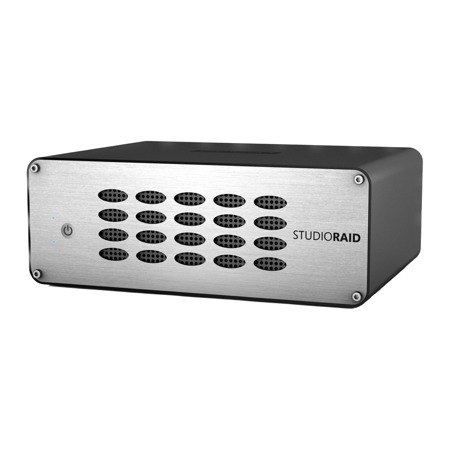
For professionals and enthusiasts who demand reliable, high-speed data transfers, esata drives remain a trusted solution for external storage, even as newer interfaces like USB 3.0 and Thunderbolt have become more prevalent. The eSATA (External Serial Advanced Technology Attachment) interface is specifically designed to deliver the same fast, unthrottled performance as an internal SATA connection, making it a preferred choice for applications where speed and stability are paramount. Whether you’re working with large video files in a post-production studio, managing a growing archive of high-resolution photographs, or supporting network video recorders (NVRs) for security systems, the direct motherboard connection offered by an esata drive can ensure your workflow remains smooth and uninterrupted. Unlike USB, which often introduces software translation overhead, eSATA provides native SATA signaling, allowing external drives to operate with the same efficiency as internal ones. This can be especially important during the busy summer and early fall months, when creative projects, event shoots, and business demands often ramp up, and you simply can’t afford to wait on slow data transfers.
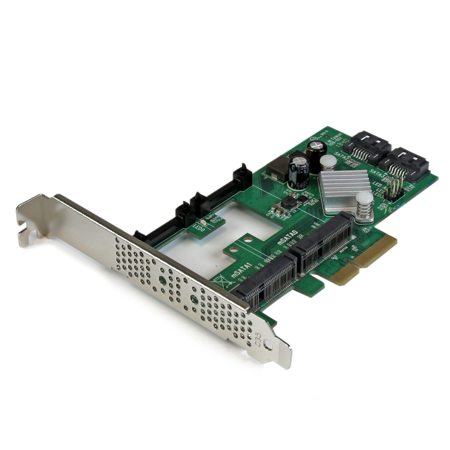
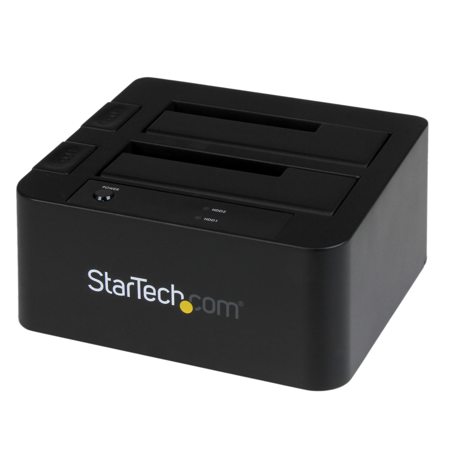
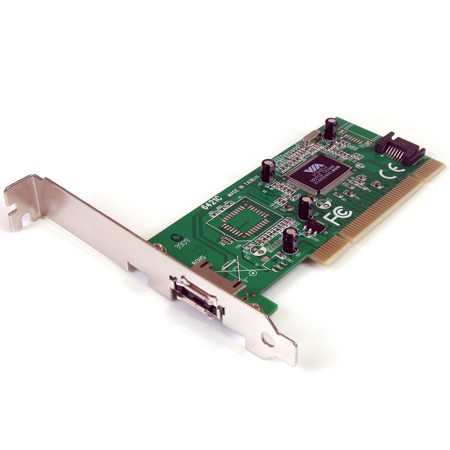
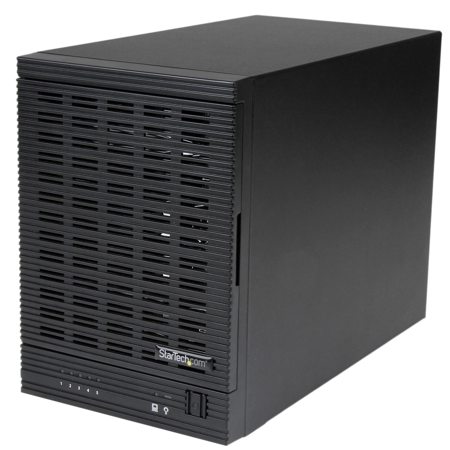
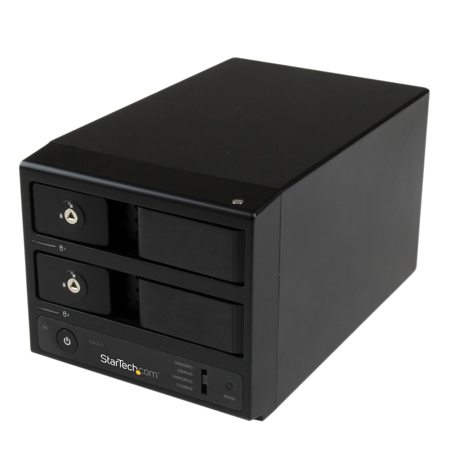
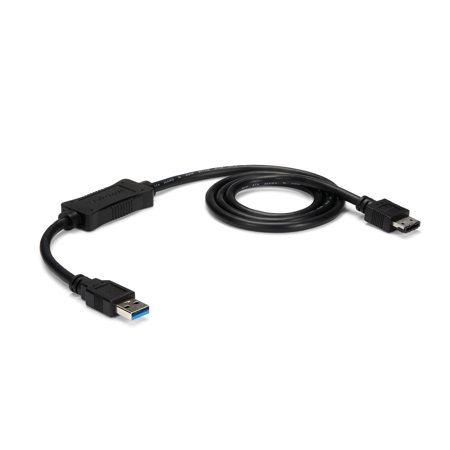
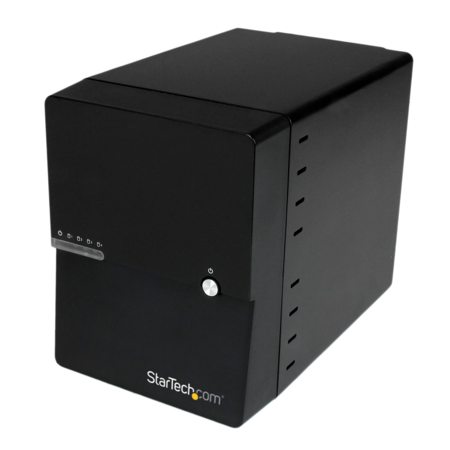
When selecting from the range of esata drives, it’s important to consider a few key factors to ensure compatibility and optimal performance. First, check your computer or workstation for an available eSATA port, as many modern devices have transitioned to USB-C or Thunderbolt. In cases where your system lacks a native eSATA port, a SATA to eSATA bracket or a dual-interface enclosure can bridge the gap, allowing you to leverage the speed benefits of eSATA. It’s also worth noting that standard eSATA connections transmit data only, so your external drive will require a separate AC power adapter to operate—a detail that can be overlooked in the rush to set up a new workstation or backup solution. For those who need both power and data in a single cable, the eSATAp variant exists, though it is less common. If you’re planning to use your esata drive for continuous tasks such as video editing or surveillance recording, consider an enclosure with built-in cooling—either passive or fan-based—to prevent overheating during extended use. This attention to detail can make a significant difference in both the longevity and reliability of your storage device, especially as the days grow warmer and equipment is pushed to its limits.
Esata drives also make thoughtful gifts for tech-savvy friends, family members, or colleagues who manage large digital libraries or require robust backup solutions. For students heading back to school in the fall, photographers capturing the vibrant colors of the changing seasons, or small business owners safeguarding critical data, the speed and dependability of an esata drive offer peace of mind. As you explore the selection of external storage options, you may also wish to compare other high-performance solutions available in the market. For more information on the latest advancements and to find devices that match your workflow, visit our curated list of Fast External Drives. With the right esata drive, you can streamline data management, enhance productivity, and ensure that your most important files are always within reach, no matter where your work or creativity takes you.
When selecting from the range of esata drives, it’s important to consider a few key factors to ensure compatibility and optimal performance. First, check your computer or workstation for an available eSATA port, as many modern devices have transitioned to USB-C or Thunderbolt. In cases where your system lacks a native eSATA port, a SATA to eSATA bracket or a dual-interface enclosure can bridge the gap, allowing you to leverage the speed benefits of eSATA. It’s also worth noting that standard eSATA connections transmit data only, so your external drive will require a separate AC power adapter to operate—a detail that can be overlooked in the rush to set up a new workstation or backup solution. For those who need both power and data in a single cable, the eSATAp variant exists, though it is less common. If you’re planning to use your esata drive for continuous tasks such as video editing or surveillance recording, consider an enclosure with built-in cooling—either passive or fan-based—to prevent overheating during extended use. This attention to detail can make a significant difference in both the longevity and reliability of your storage device, especially as the days grow warmer and equipment is pushed to its limits.
Esata drives also make thoughtful gifts for tech-savvy friends, family members, or colleagues who manage large digital libraries or require robust backup solutions. For students heading back to school in the fall, photographers capturing the vibrant colors of the changing seasons, or small business owners safeguarding critical data, the speed and dependability of an esata drive offer peace of mind. As you explore the selection of external storage options, you may also wish to compare other high-performance solutions available in the market. For more information on the latest advancements and to find devices that match your workflow, visit our curated list of Fast External Drives. With the right esata drive, you can streamline data management, enhance productivity, and ensure that your most important files are always within reach, no matter where your work or creativity takes you.