

External Hard Drive Enclosures For Mac
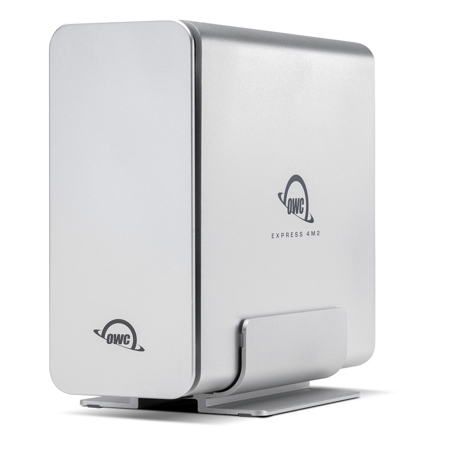
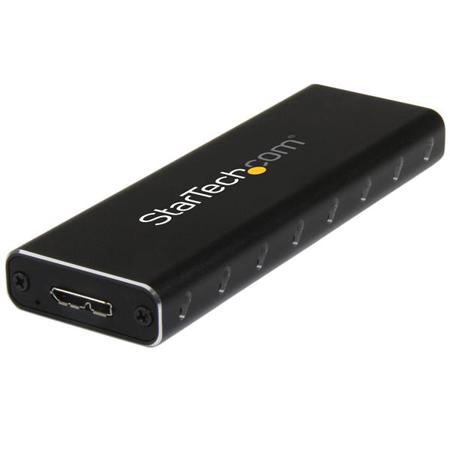
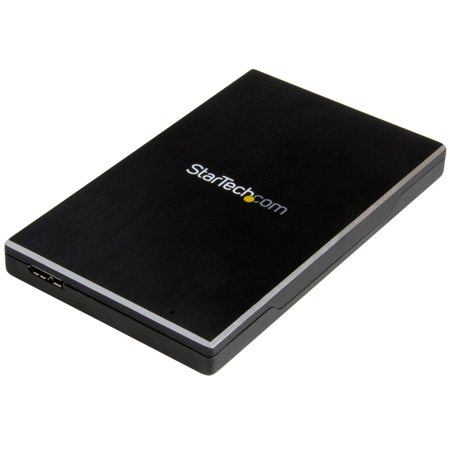
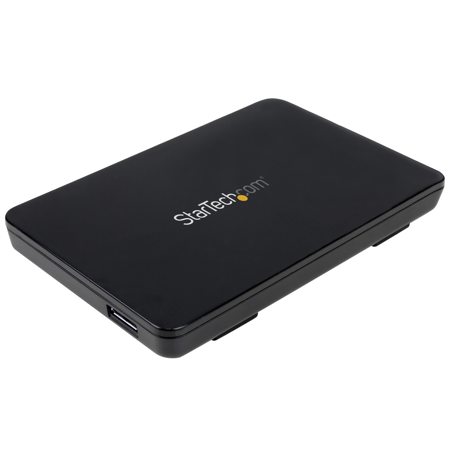
When it comes to expanding your Mac’s storage or safeguarding your digital library, external hard drive enclosures for Mac present a versatile and cost-effective solution. These enclosures let you transform a bare drive—whether it’s a high-capacity HDD for archiving your photo library, or a lightning-fast NVMe SSD for editing 4K video—into a plug-and-play external hard drive for Mac. With the right enclosure, you can enjoy the speed of USB-C or Thunderbolt connections, ensuring seamless file transfers and reliable data access across your MacBook Pro, Mac Mini, or iMac. As the winter months settle in and you find yourself revisiting old projects or preparing for a new creative season, having the ability to buy more storage on demand can be invaluable. Whether you’re a photographer returning from a snowy landscape shoot, a music producer archiving sessions, or a student backing up coursework, an external hard drive Mac setup helps you keep your files organized and accessible without cluttering your internal drive.
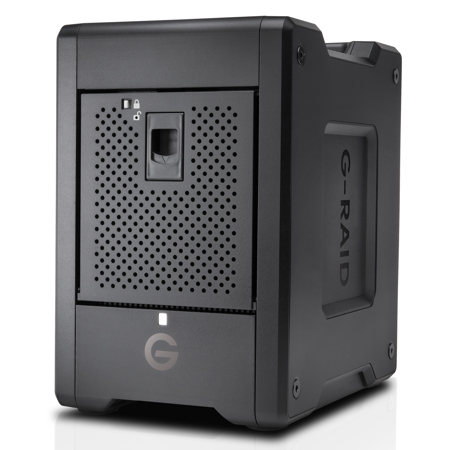
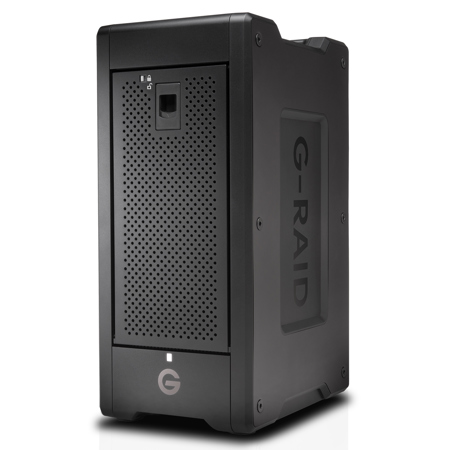
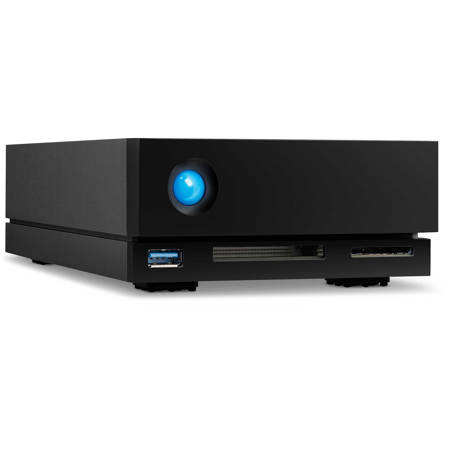
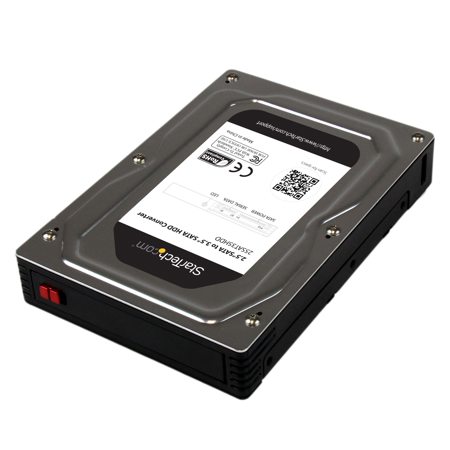
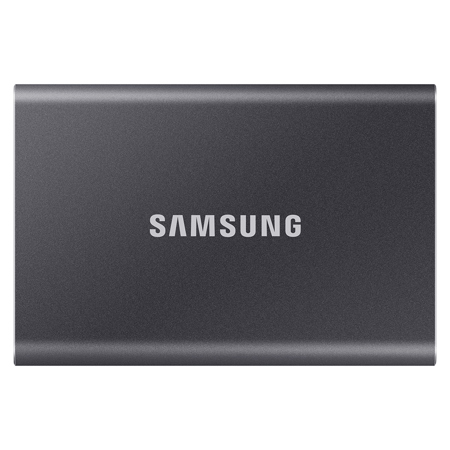
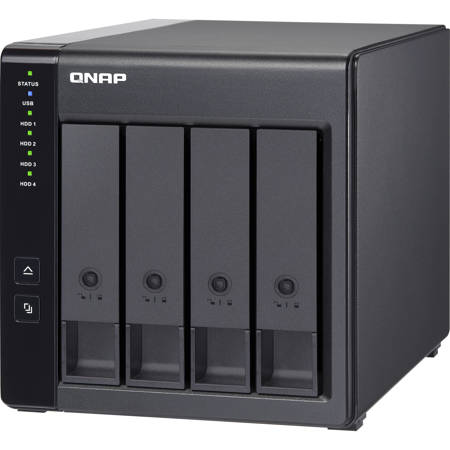
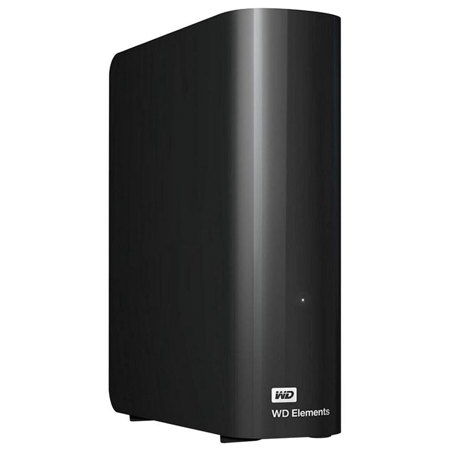
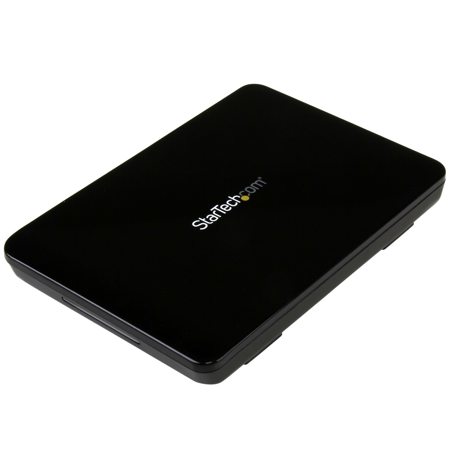
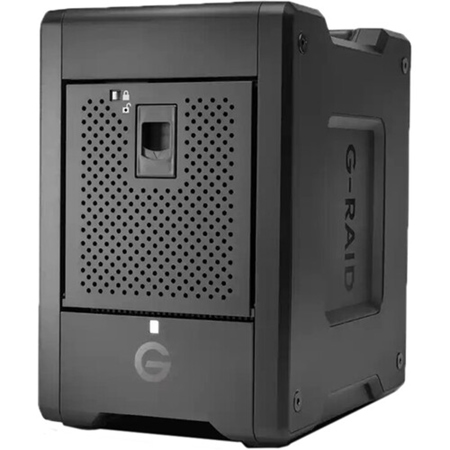
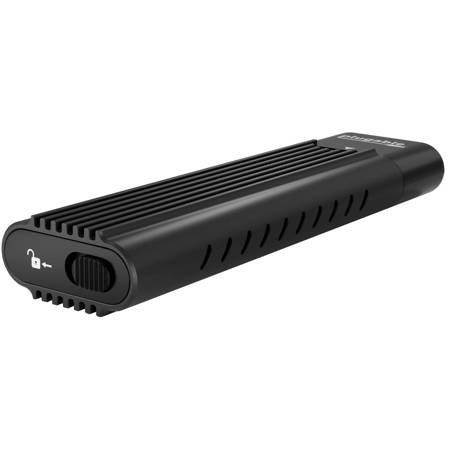
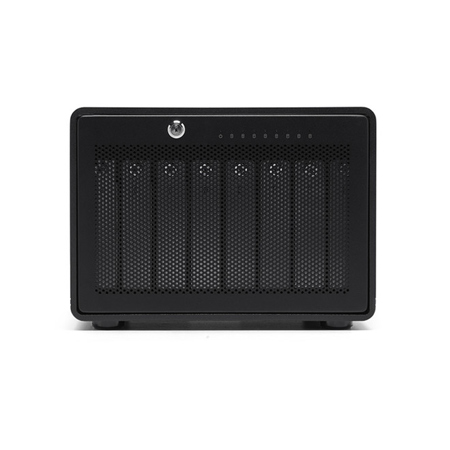
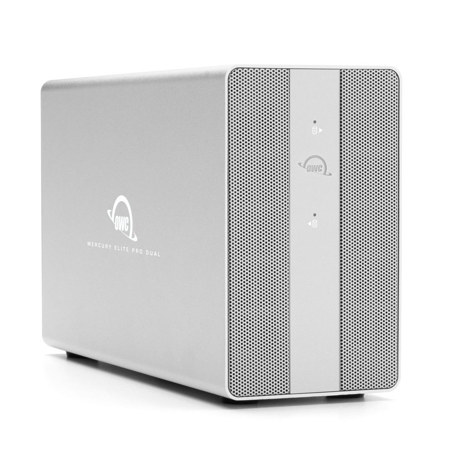
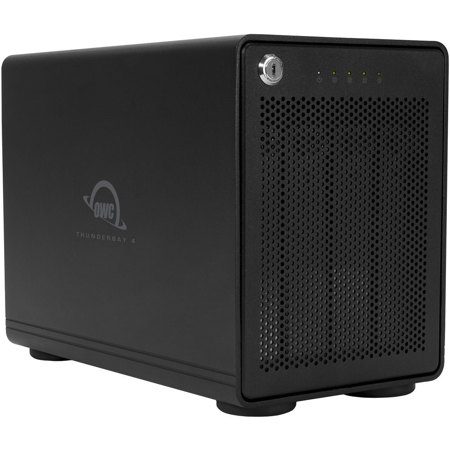
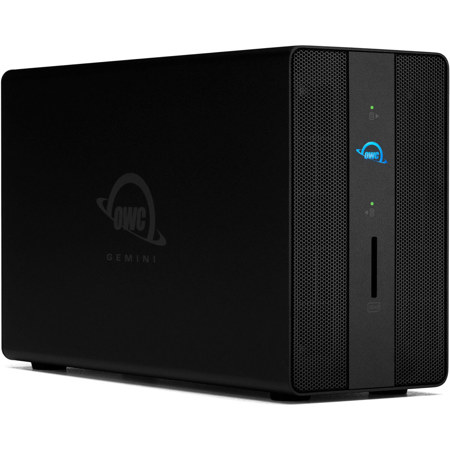
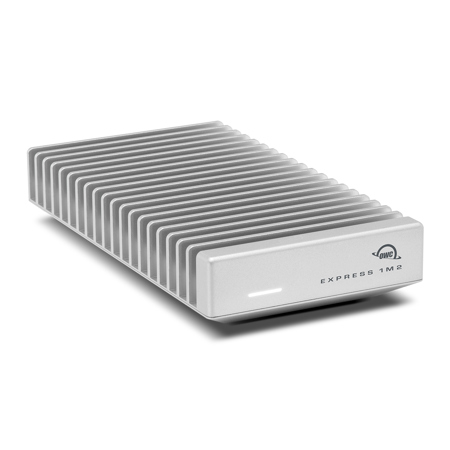
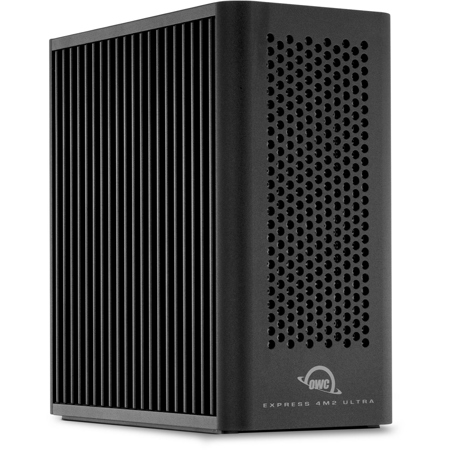
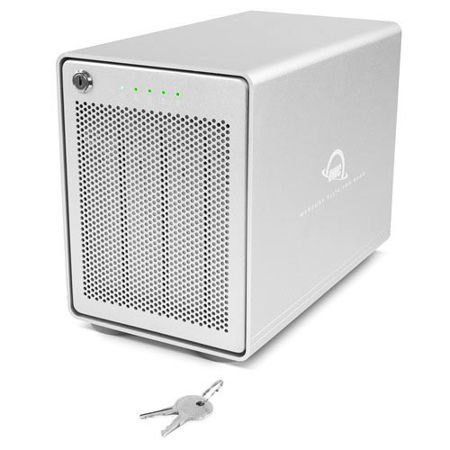
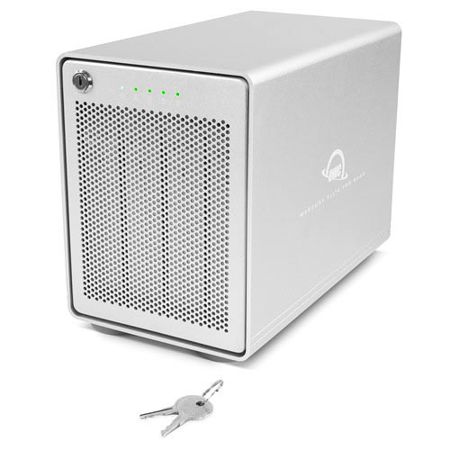
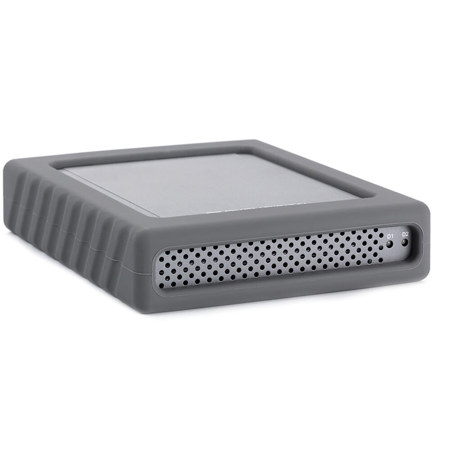
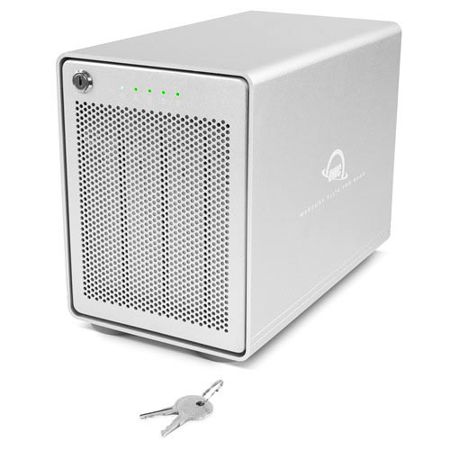
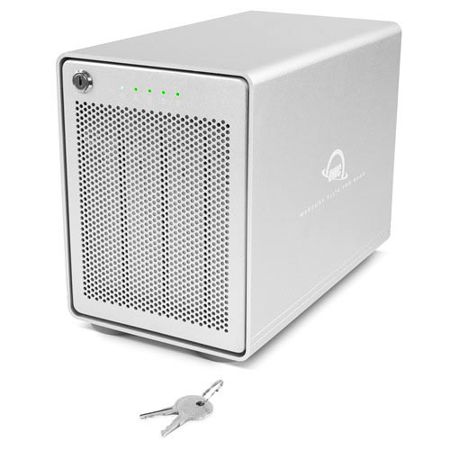
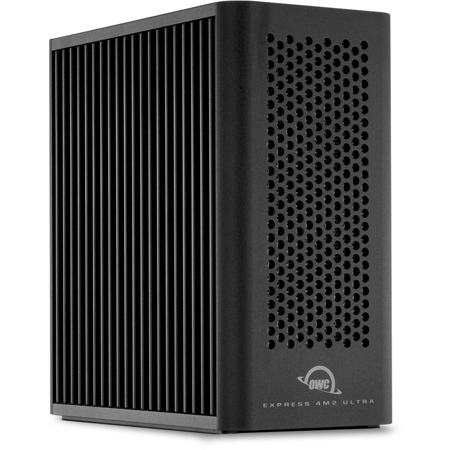
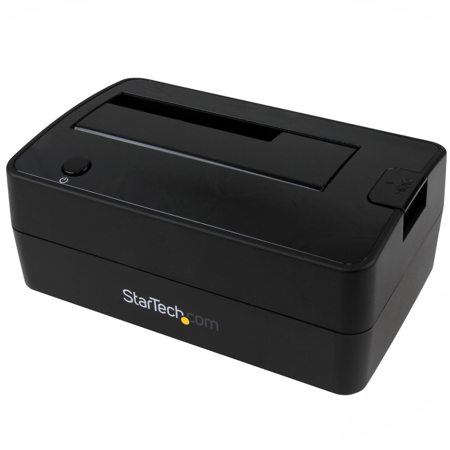
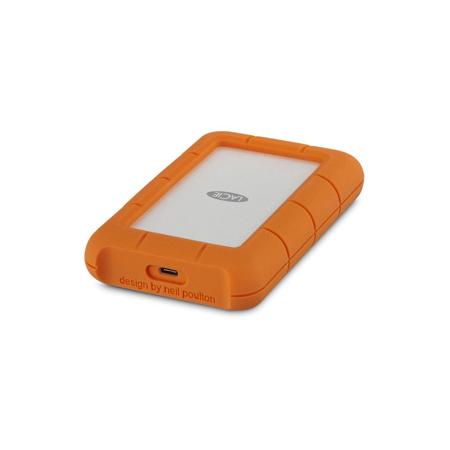
Choosing the right enclosure means considering a few key factors: the type of drive you want to use (2.5" or 3.5" SATA HDD/SSD, or a compact M.2 NVMe SSD), the speed and interface (USB 3.2, USB-C, or Thunderbolt for maximum performance), and the enclosure’s form factor. For those who are always on the move, a bus-powered, portable enclosure makes it easy to carry your data between home and office or from one creative location to another. If you work with large media files or need redundancy, a multi-bay enclosure can house multiple drives, giving you the flexibility to set up RAID configurations or simply expand your storage as your needs grow. Rugged enclosures are ideal for fieldwork, offering extra protection against bumps and drops—perfect for travel photographers or filmmakers braving unpredictable winter weather. Tool-free assembly is a bonus for anyone who wants to swap drives quickly, while desktop models are suited for those building a more permanent workstation at home.
External hard drive enclosures also make thoughtful, practical gifts for anyone in your circle who relies on their Mac for work or creativity. Imagine gifting a sleek enclosure to a college student so they can back up their thesis and media projects, or to a family member digitizing old photo albums. The process is straightforward: insert your chosen drive, connect via USB-C or Thunderbolt, and use Disk Utility to format the drive as APFS or exFAT for seamless Mac compatibility. This flexibility lets you repurpose an older drive or upgrade to faster storage without buying a completely new external hard drive. If you’re ready to explore the full range of options, from desktop to portable, rugged to tool-free, visit our comprehensive Hard Drive Enclosures page to find the perfect fit for your Mac workflow this season. Whether you’re expanding your digital archive, setting up a new workstation, or simply looking for a reliable way to back up precious memories, a quality enclosure is an essential piece of gear in any Mac user’s toolkit.
Choosing the right enclosure means considering a few key factors: the type of drive you want to use (2.5" or 3.5" SATA HDD/SSD, or a compact M.2 NVMe SSD), the speed and interface (USB 3.2, USB-C, or Thunderbolt for maximum performance), and the enclosure’s form factor. For those who are always on the move, a bus-powered, portable enclosure makes it easy to carry your data between home and office or from one creative location to another. If you work with large media files or need redundancy, a multi-bay enclosure can house multiple drives, giving you the flexibility to set up RAID configurations or simply expand your storage as your needs grow. Rugged enclosures are ideal for fieldwork, offering extra protection against bumps and drops—perfect for travel photographers or filmmakers braving unpredictable winter weather. Tool-free assembly is a bonus for anyone who wants to swap drives quickly, while desktop models are suited for those building a more permanent workstation at home.
External hard drive enclosures also make thoughtful, practical gifts for anyone in your circle who relies on their Mac for work or creativity. Imagine gifting a sleek enclosure to a college student so they can back up their thesis and media projects, or to a family member digitizing old photo albums. The process is straightforward: insert your chosen drive, connect via USB-C or Thunderbolt, and use Disk Utility to format the drive as APFS or exFAT for seamless Mac compatibility. This flexibility lets you repurpose an older drive or upgrade to faster storage without buying a completely new external hard drive. If you’re ready to explore the full range of options, from desktop to portable, rugged to tool-free, visit our comprehensive Hard Drive Enclosures page to find the perfect fit for your Mac workflow this season. Whether you’re expanding your digital archive, setting up a new workstation, or simply looking for a reliable way to back up precious memories, a quality enclosure is an essential piece of gear in any Mac user’s toolkit.