

External Hard Drives for Time Machine
When it comes to safeguarding your digital life, choosing the best external hard drive for Time Machine is a critical step for Mac users who value their data. Whether you’re a creative professional managing high-resolution photo libraries, a student working on important projects, or a family archiving years of memories, a reliable backup solution is essential. Time Machine, Apple’s built-in backup software, is designed to make backups effortless and automatic, but its performance and reliability are only as good as the external hard drive you pair it with. As the weather warms and routines shift from summer adventures to fall productivity, it’s the ideal time to review your backup strategy—especially with new projects, travel photos, or school assignments accumulating on your Mac. Selecting an external hard drive with at least twice the capacity of your Mac’s internal storage ensures that Time Machine can retain multiple versions of your files, offering peace of mind and easy recovery if you ever need to restore a deleted document or roll back to a previous system state.
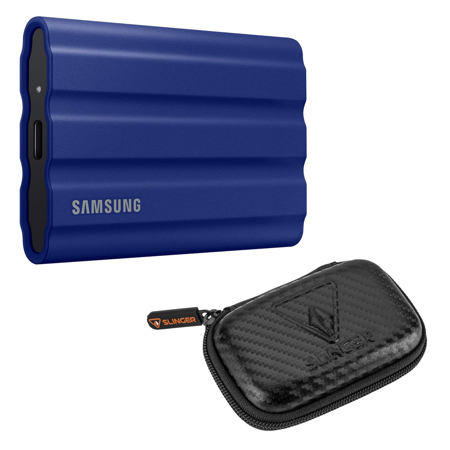
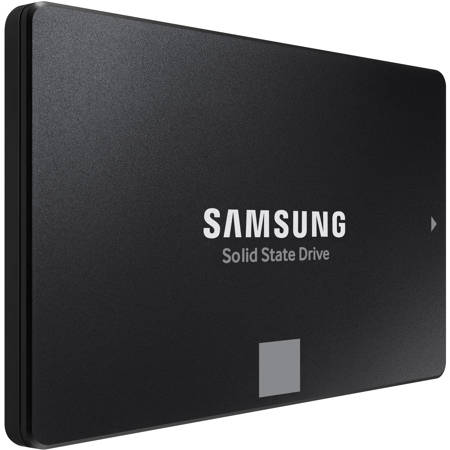
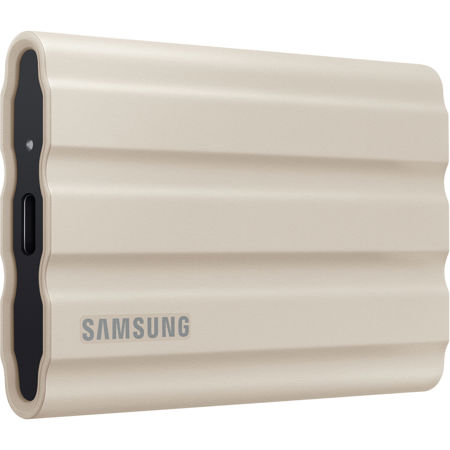
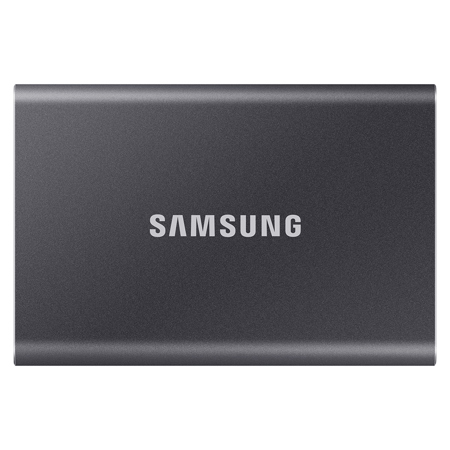
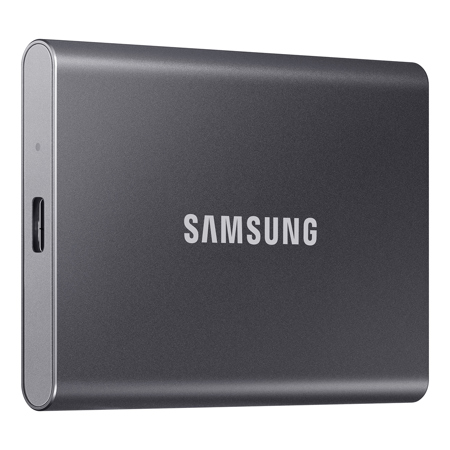
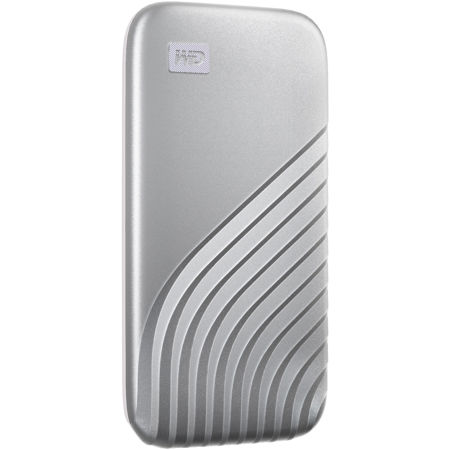
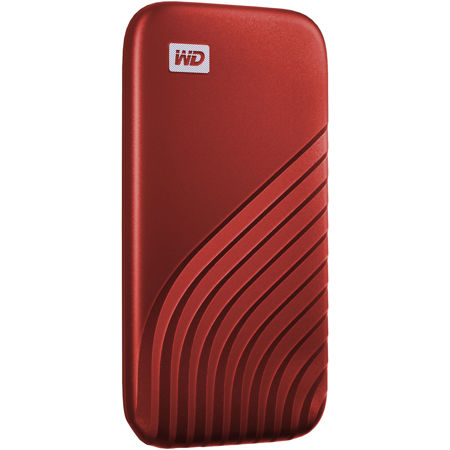
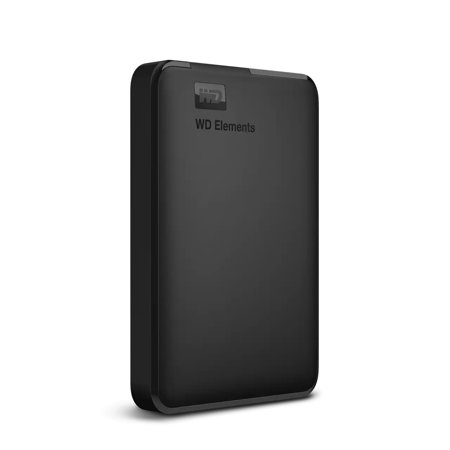
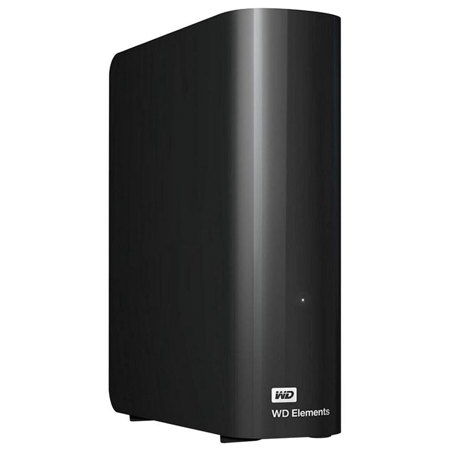
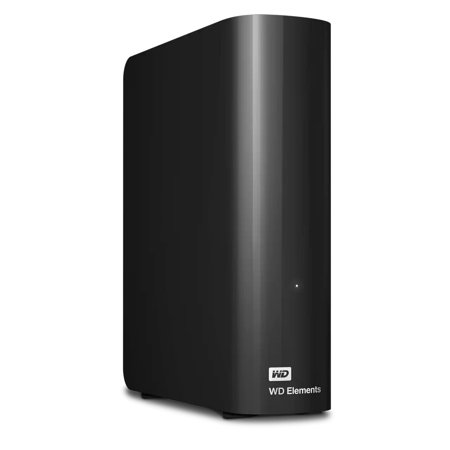
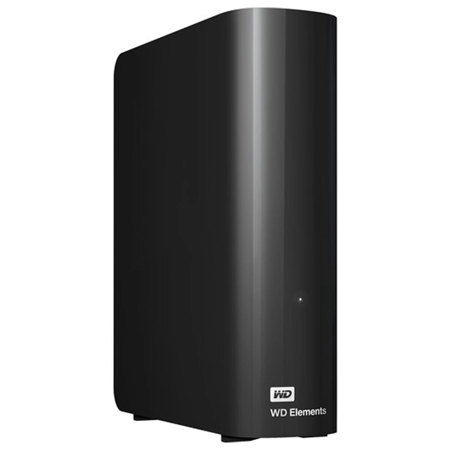
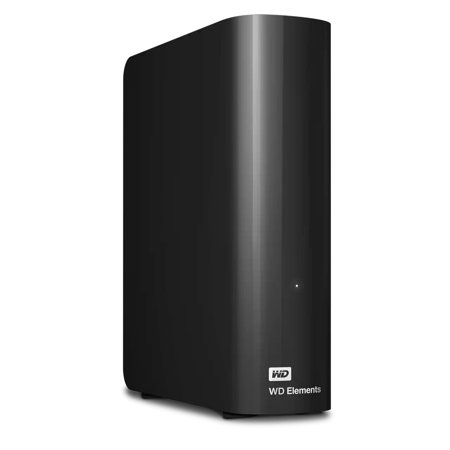
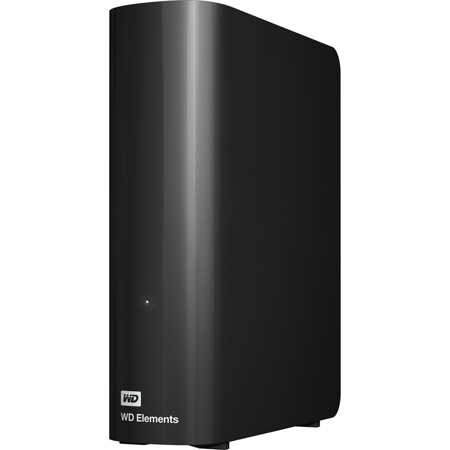
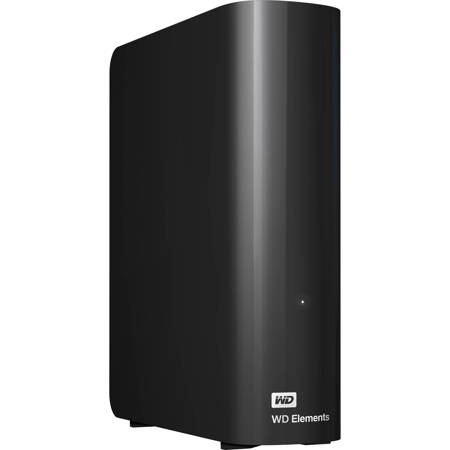
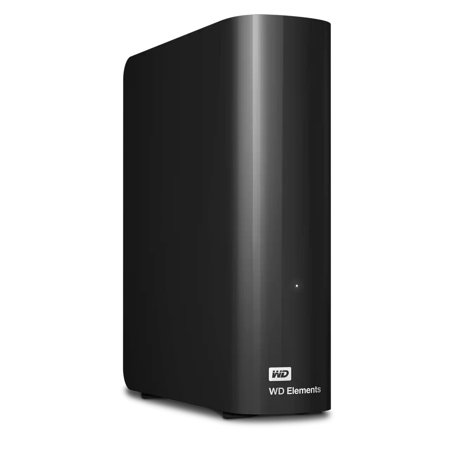
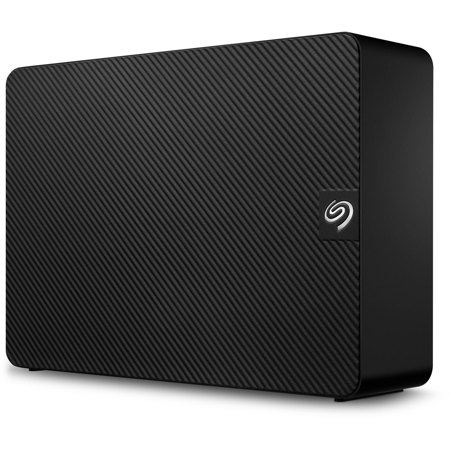
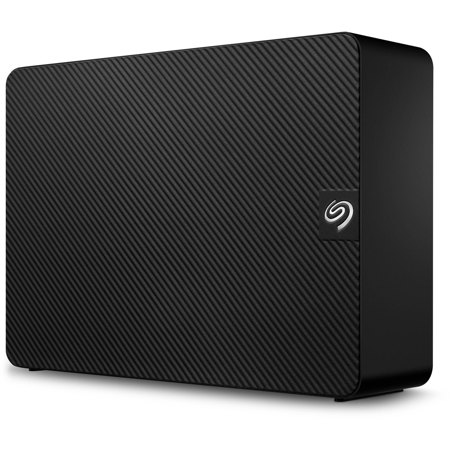
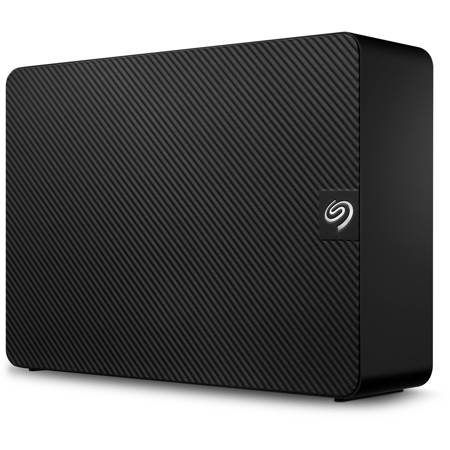
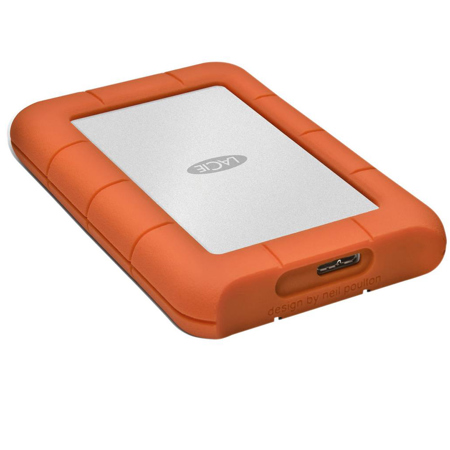
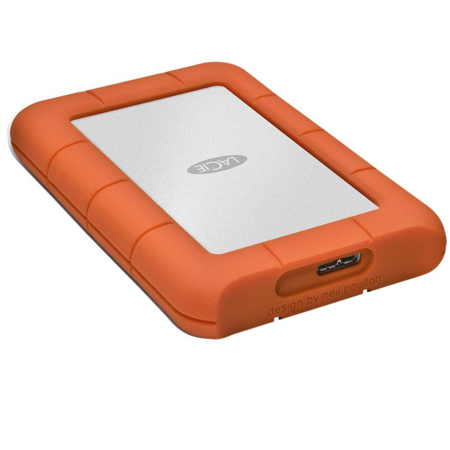
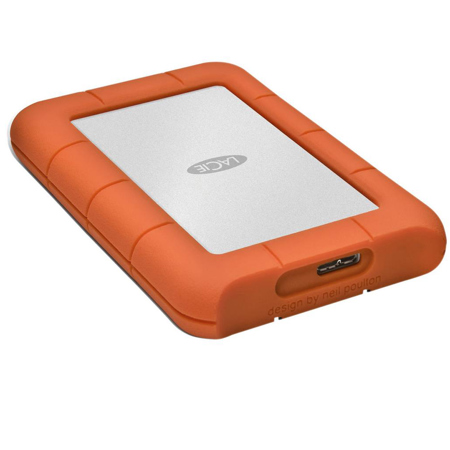
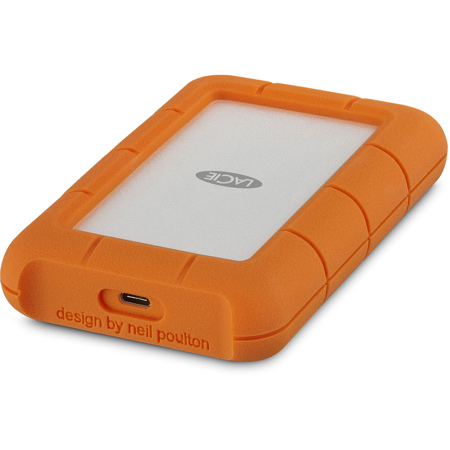
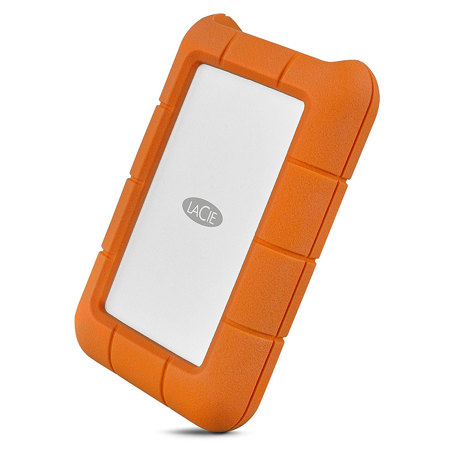
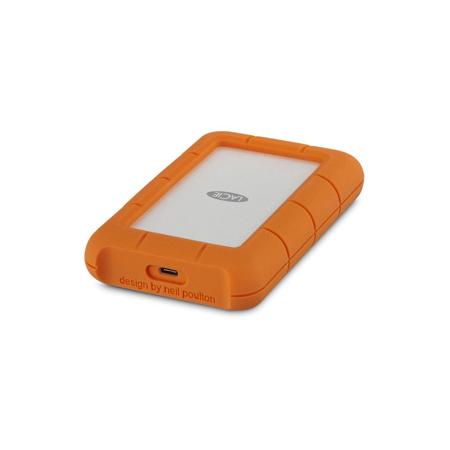
When browsing options, consider how you’ll use your backup drive day-to-day. Portable external hard drives are perfect for those who work on the go, commute between home and office, or simply prefer a compact, lightweight solution. Their durability and small footprint make them easy to slip into a backpack, whether you’re editing photos at a café or backing up your laptop while traveling. On the other hand, desktop external hard drives offer robust storage for those with larger data needs—think video editors archiving hours of footage or families digitizing old home movies. These drives typically offer higher capacities and faster data transfer rates, making them well-suited to stationary setups where speed and long-term reliability are top priorities. For users who demand not only speed but also resilience—perhaps photographers who need to back up thousands of RAW files or musicians archiving extensive audio sessions—external SSDs provide a silent, fast, and shock-resistant alternative. No matter your workflow, always dedicate your chosen drive exclusively to Time Machine, as mixing backup data with personal files can compromise the integrity and safety of your backups.
As gift-giving occasions arise during the cooler months, external hard drives for Time Machine make thoughtful presents for students starting a new school year, professionals upgrading their home office, or anyone who values their digital memories. The gift of backup is the gift of security—something every Mac user can appreciate, especially as digital collections grow. When setting up your drive, take advantage of Time Machine’s built-in encryption to protect sensitive data; just be sure to remember your password, as encrypted backups are inaccessible without it. And for those with especially large or mission-critical libraries, exploring advanced solutions such as External Raid Drives For Mac can add another layer of redundancy and performance. Investing in the right external hard drive is more than just a technical decision—it’s a proactive step toward preserving your work, memories, and peace of mind, season after season.
When browsing options, consider how you’ll use your backup drive day-to-day. Portable external hard drives are perfect for those who work on the go, commute between home and office, or simply prefer a compact, lightweight solution. Their durability and small footprint make them easy to slip into a backpack, whether you’re editing photos at a café or backing up your laptop while traveling. On the other hand, desktop external hard drives offer robust storage for those with larger data needs—think video editors archiving hours of footage or families digitizing old home movies. These drives typically offer higher capacities and faster data transfer rates, making them well-suited to stationary setups where speed and long-term reliability are top priorities. For users who demand not only speed but also resilience—perhaps photographers who need to back up thousands of RAW files or musicians archiving extensive audio sessions—external SSDs provide a silent, fast, and shock-resistant alternative. No matter your workflow, always dedicate your chosen drive exclusively to Time Machine, as mixing backup data with personal files can compromise the integrity and safety of your backups.
As gift-giving occasions arise during the cooler months, external hard drives for Time Machine make thoughtful presents for students starting a new school year, professionals upgrading their home office, or anyone who values their digital memories. The gift of backup is the gift of security—something every Mac user can appreciate, especially as digital collections grow. When setting up your drive, take advantage of Time Machine’s built-in encryption to protect sensitive data; just be sure to remember your password, as encrypted backups are inaccessible without it. And for those with especially large or mission-critical libraries, exploring advanced solutions such as External Raid Drives For Mac can add another layer of redundancy and performance. Investing in the right external hard drive is more than just a technical decision—it’s a proactive step toward preserving your work, memories, and peace of mind, season after season.