
External USB Drives
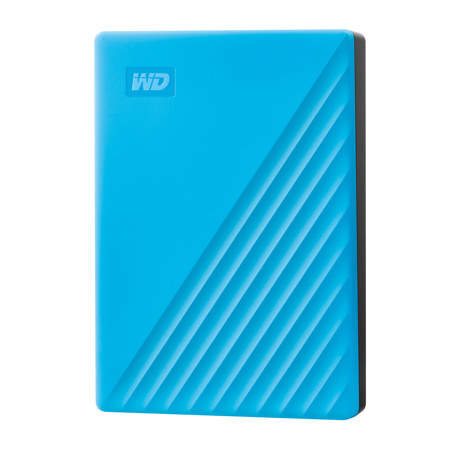
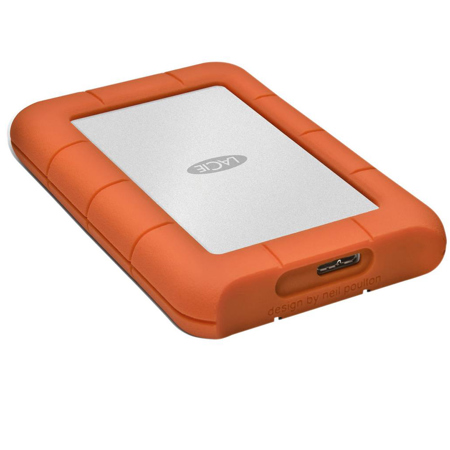
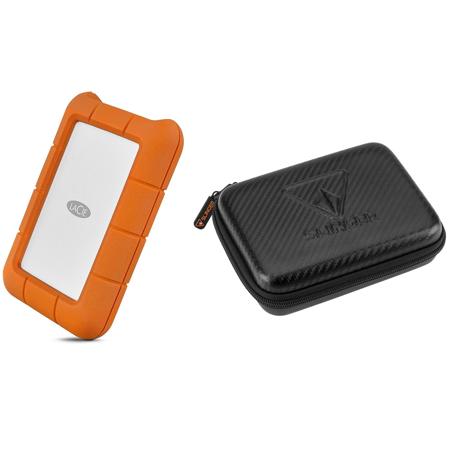
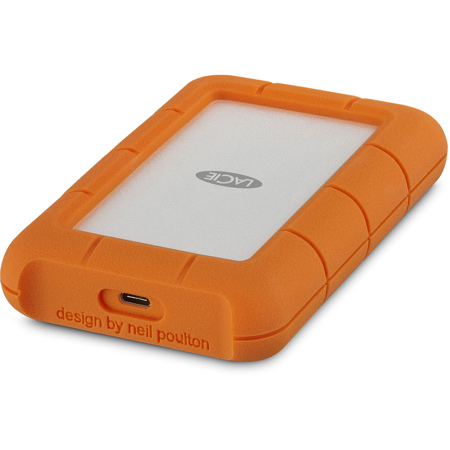
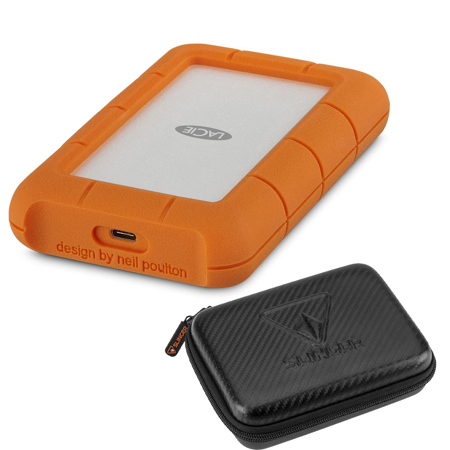
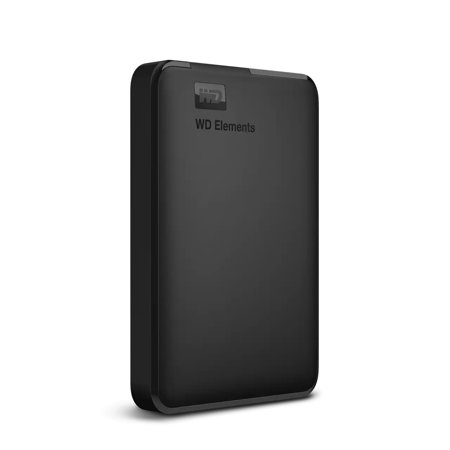
External USB drives have become an essential tool for anyone seeking flexible, reliable, and high-capacity storage solutions in their daily workflow or creative pursuits. Whether you’re a photographer managing thousands of high-resolution images, a videographer editing 4K footage on the go, or a professional juggling large project files across multiple locations, the versatility of external USB drives offers peace of mind and convenience. These drives are available in a range of capacities, from modest sizes perfect for carrying important documents to massive multi-terabyte options that can house entire archives of photos, videos, and backups. Many professionals rely on external USB drives for regular data backups, ensuring that irreplaceable files are protected from unexpected hardware failures or accidental deletions. As winter settles in and projects move indoors, the need for secure, accessible storage becomes even more pronounced—especially when collaborating remotely or sharing files between home and office setups. Students and educators also benefit from the portability of these drives, easily transporting assignments, research, and media between classrooms and home workstations.
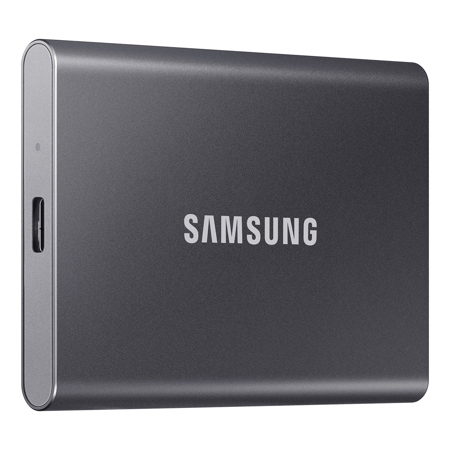
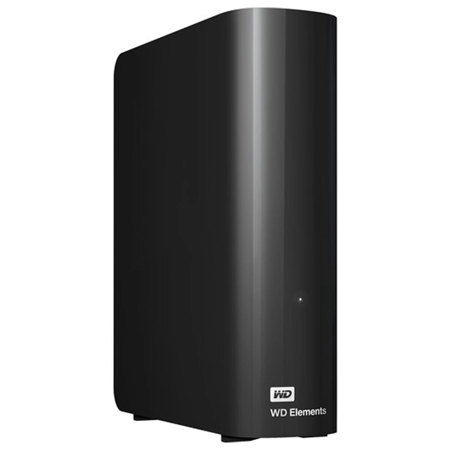
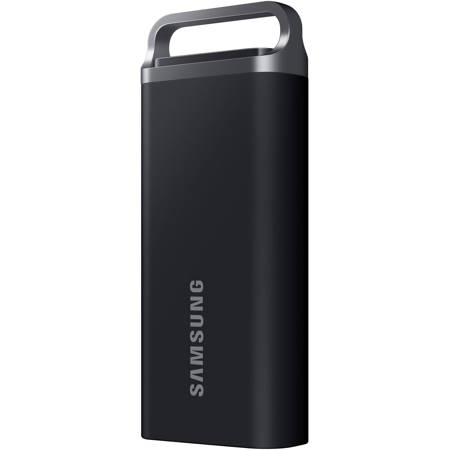
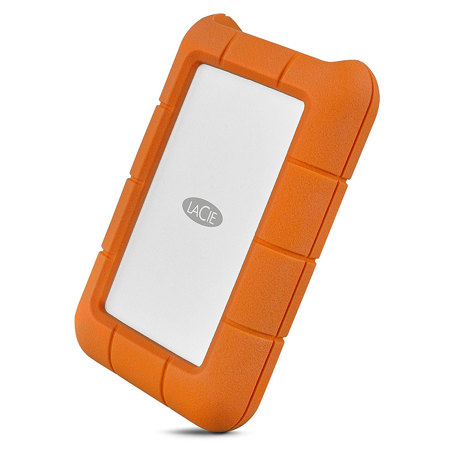
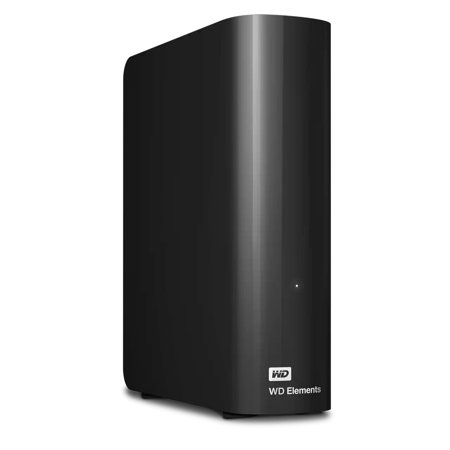
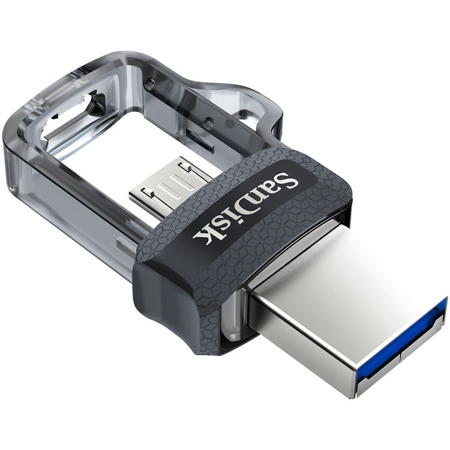
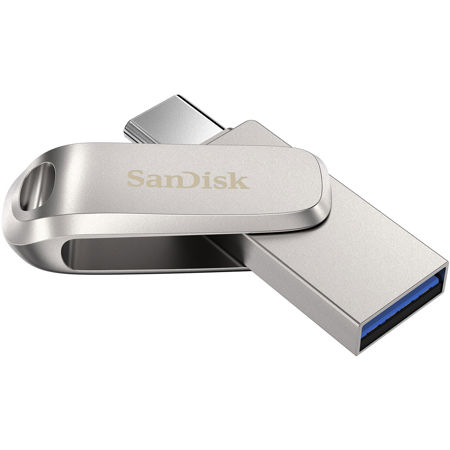
When selecting an external USB drive, it’s important to consider how you plan to use it. For those who require frequent, fast file transfers—such as video editors or graphic designers working with large, uncompressed files—solid-state drives (SSDs) provide rapid read and write speeds, as well as enhanced durability thanks to their lack of moving parts. SSDs are a favorite among travelers and field professionals who need to transfer data quickly in unpredictable environments, with many ruggedized models designed to withstand bumps, drops, and the occasional spill. On the other hand, traditional hard disk drives (HDDs) offer greater storage capacities at a more accessible price point, making them ideal for long-term backups, archiving, or storing extensive media libraries. Gamers often turn to high-capacity external drives to expand the storage of their consoles, ensuring they have room for the latest releases and downloadable content without sacrificing performance. External USB drives also make thoughtful gifts, especially for students heading into a new semester, professionals starting a new job, or family members who want to safeguard cherished photos and videos. The simple plug-and-play functionality, compatible with both Windows and Mac systems, means anyone can start using their drive right out of the box, with most models supporting USB 3.0, 3.2, or USB-C connections for maximum flexibility and speed.
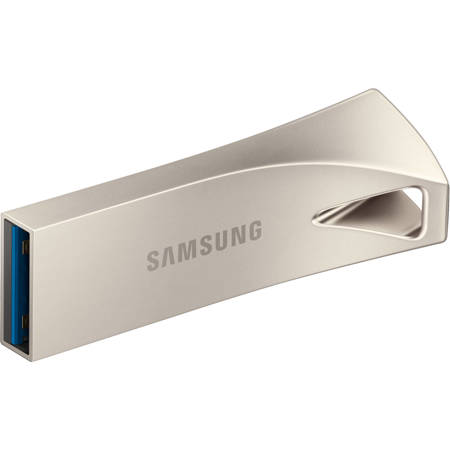
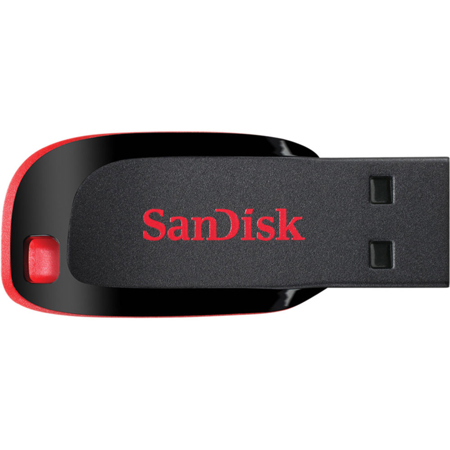
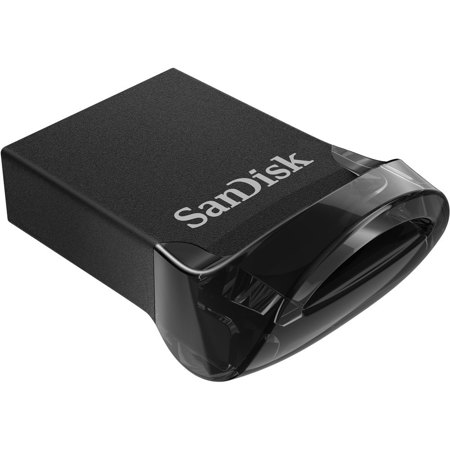
Security and proper usage are key to getting the most from your external USB drive. Always use the “safely remove hardware” function before disconnecting to prevent data corruption, and consider reformatting your drive to a file system like ExFAT or APFS for optimal compatibility with your operating system. If you’re sharing your drive between multiple computers, keeping anti-malware software up to date is a smart precaution. For those who prioritize mobility and minimalism, there are also ultra-compact options that slip easily into a pocket or bag—perfect for presentations, quick file sharing, or carrying essential documents on business trips. Explore more portable options on our Compact USB Drives page for solutions that combine convenience with reliability. With the right external USB drive, you can streamline your workflow, protect your data, and ensure that your most important files are always within reach, no matter where your work or adventures take you.
When selecting an external USB drive, it’s important to consider how you plan to use it. For those who require frequent, fast file transfers—such as video editors or graphic designers working with large, uncompressed files—solid-state drives (SSDs) provide rapid read and write speeds, as well as enhanced durability thanks to their lack of moving parts. SSDs are a favorite among travelers and field professionals who need to transfer data quickly in unpredictable environments, with many ruggedized models designed to withstand bumps, drops, and the occasional spill. On the other hand, traditional hard disk drives (HDDs) offer greater storage capacities at a more accessible price point, making them ideal for long-term backups, archiving, or storing extensive media libraries. Gamers often turn to high-capacity external drives to expand the storage of their consoles, ensuring they have room for the latest releases and downloadable content without sacrificing performance. External USB drives also make thoughtful gifts, especially for students heading into a new semester, professionals starting a new job, or family members who want to safeguard cherished photos and videos. The simple plug-and-play functionality, compatible with both Windows and Mac systems, means anyone can start using their drive right out of the box, with most models supporting USB 3.0, 3.2, or USB-C connections for maximum flexibility and speed.
Security and proper usage are key to getting the most from your external USB drive. Always use the “safely remove hardware” function before disconnecting to prevent data corruption, and consider reformatting your drive to a file system like ExFAT or APFS for optimal compatibility with your operating system. If you’re sharing your drive between multiple computers, keeping anti-malware software up to date is a smart precaution. For those who prioritize mobility and minimalism, there are also ultra-compact options that slip easily into a pocket or bag—perfect for presentations, quick file sharing, or carrying essential documents on business trips. Explore more portable options on our Compact USB Drives page for solutions that combine convenience with reliability. With the right external USB drive, you can streamline your workflow, protect your data, and ensure that your most important files are always within reach, no matter where your work or adventures take you.