


Gaming Laptop Memory
When it comes to getting the most out of your gaming laptop, memory is a key factor that can dramatically impact your experience—whether you’re battling through the latest AAA titles, streaming your gameplay, or multitasking with creative applications in the background. As the weather warms and gaming sessions stretch into the evenings, upgrading or selecting the right laptop RAM for gaming becomes especially important. For most modern titles and multitasking needs, 16GB has become the baseline minimum, ensuring smooth gameplay and the ability to run your operating system alongside a single game without slowdowns. However, for those looking to future-proof their setup or who enjoy streaming, recording, or running multiple demanding apps simultaneously, 32GB is considered the sweet spot. This level of memory virtually eliminates bottlenecks and stuttering, allowing for seamless transitions between tasks and uninterrupted gameplay, even with resource-heavy titles or creative software open in the background.
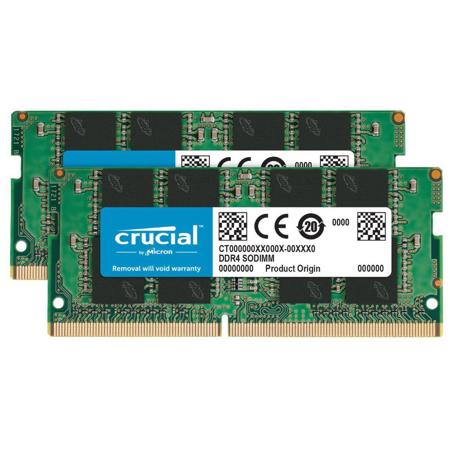
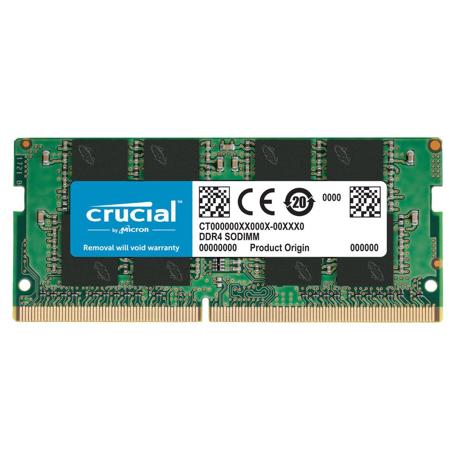
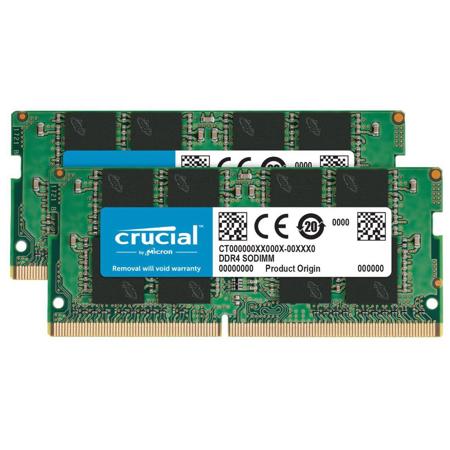
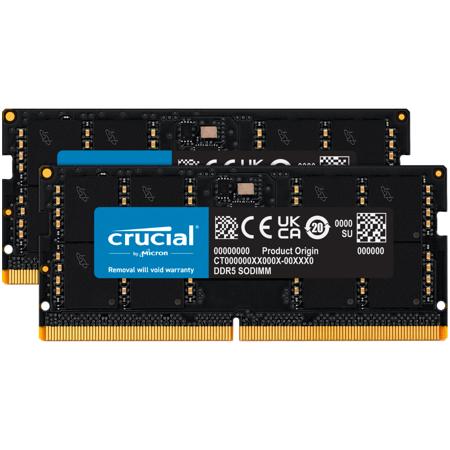
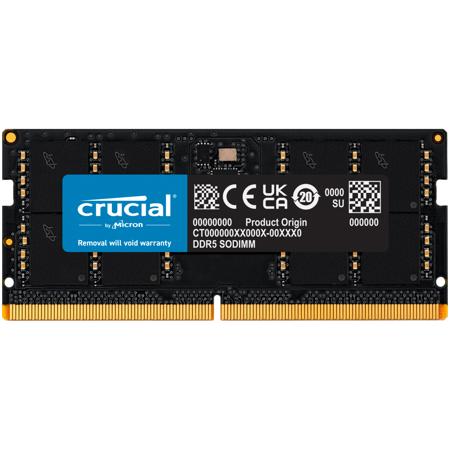
Selecting the right ram for your gaming laptop involves more than just capacity. The type and speed of memory—such as DDR4 or the newer DDR5—play a crucial role in performance. DDR5 memory, commonly paired with the latest Intel and AMD processors, offers significantly higher speeds (ranging from 4800MHz to over 6400MHz), which can translate to faster load times and improved frame rates in supported games. Meanwhile, DDR4 remains a reliable and cost-effective choice for older or budget-friendly systems, typically running at 3200MHz. It’s important to note that DDR4 and DDR5 are not physically interchangeable, so checking your laptop’s specifications before upgrading is essential. Most gaming laptops use SO-DIMM modules, a compact form factor tailored for portable devices. For the best performance, dual-channel configurations—using two matched sticks of memory—are highly recommended, as they enable the CPU to access data more efficiently and deliver smoother gameplay, especially in CPU-intensive titles.
Whether you’re a competitive gamer, a content creator, or shopping for the perfect gift for a student heading off to college, upgrading laptop RAM for gaming can breathe new life into a system and extend its usefulness through the changing seasons. It’s a thoughtful present for anyone who loves gaming, streaming, or digital art, and it can make a tangible difference in daily performance. Before making a purchase, always verify whether your laptop allows for aftermarket upgrades—some ultra-thin models have soldered memory that cannot be changed. Checking your current memory configuration is easy using built-in system tools, ensuring you select the right modules and maximize your laptop’s potential. If you’re ready to experience the benefits of more robust memory, explore our curated selection or dive deeper into our collection of 32GB RAM Gaming Laptops to find the ideal match for your gaming ambitions and creative pursuits. With the right laptop RAM gaming setup, you’ll be prepared for the latest releases and the multitasking demands of the season—whether you’re gaming late into a summer night or tackling projects as the days grow cooler.
Selecting the right ram for your gaming laptop involves more than just capacity. The type and speed of memory—such as DDR4 or the newer DDR5—play a crucial role in performance. DDR5 memory, commonly paired with the latest Intel and AMD processors, offers significantly higher speeds (ranging from 4800MHz to over 6400MHz), which can translate to faster load times and improved frame rates in supported games. Meanwhile, DDR4 remains a reliable and cost-effective choice for older or budget-friendly systems, typically running at 3200MHz. It’s important to note that DDR4 and DDR5 are not physically interchangeable, so checking your laptop’s specifications before upgrading is essential. Most gaming laptops use SO-DIMM modules, a compact form factor tailored for portable devices. For the best performance, dual-channel configurations—using two matched sticks of memory—are highly recommended, as they enable the CPU to access data more efficiently and deliver smoother gameplay, especially in CPU-intensive titles.
Whether you’re a competitive gamer, a content creator, or shopping for the perfect gift for a student heading off to college, upgrading laptop RAM for gaming can breathe new life into a system and extend its usefulness through the changing seasons. It’s a thoughtful present for anyone who loves gaming, streaming, or digital art, and it can make a tangible difference in daily performance. Before making a purchase, always verify whether your laptop allows for aftermarket upgrades—some ultra-thin models have soldered memory that cannot be changed. Checking your current memory configuration is easy using built-in system tools, ensuring you select the right modules and maximize your laptop’s potential. If you’re ready to experience the benefits of more robust memory, explore our curated selection or dive deeper into our collection of 32GB RAM Gaming Laptops to find the ideal match for your gaming ambitions and creative pursuits. With the right laptop RAM gaming setup, you’ll be prepared for the latest releases and the multitasking demands of the season—whether you’re gaming late into a summer night or tackling projects as the days grow cooler.