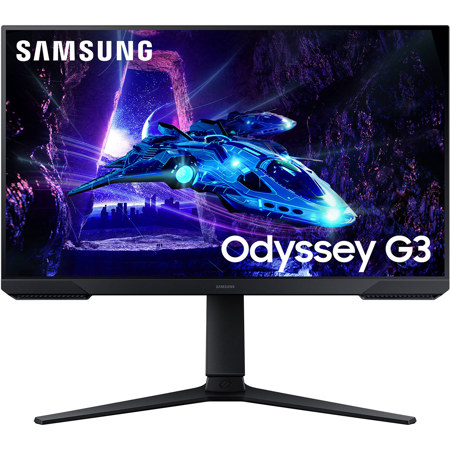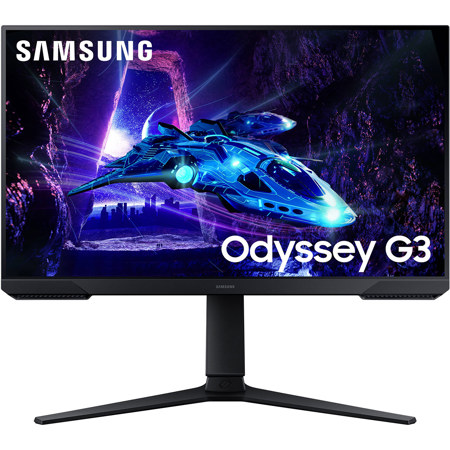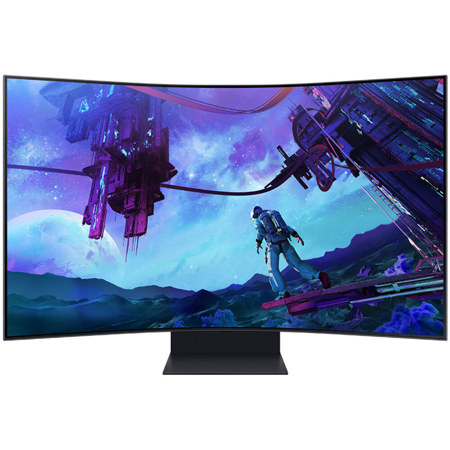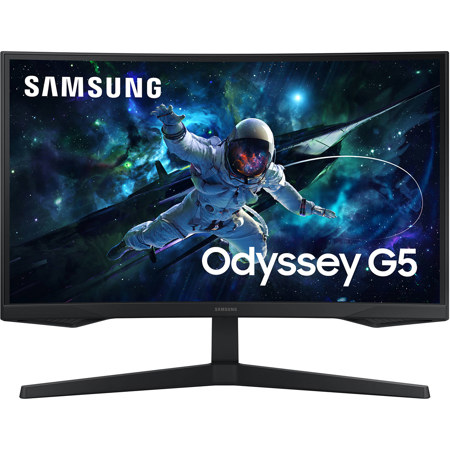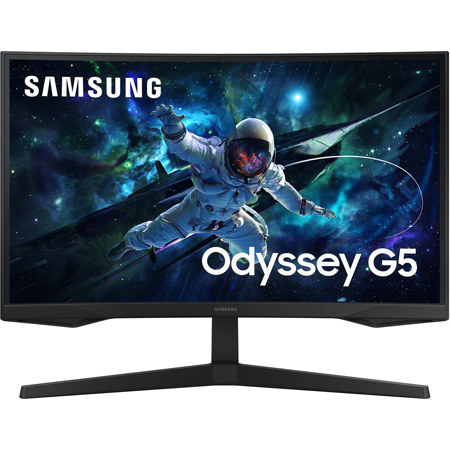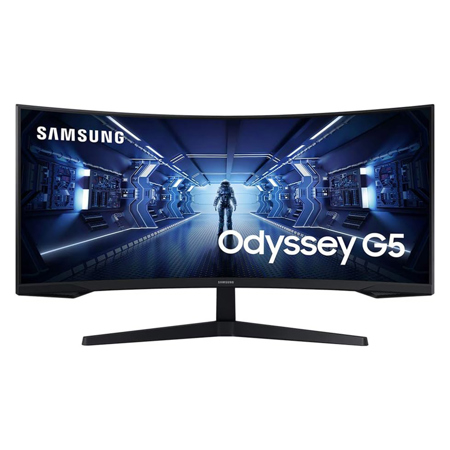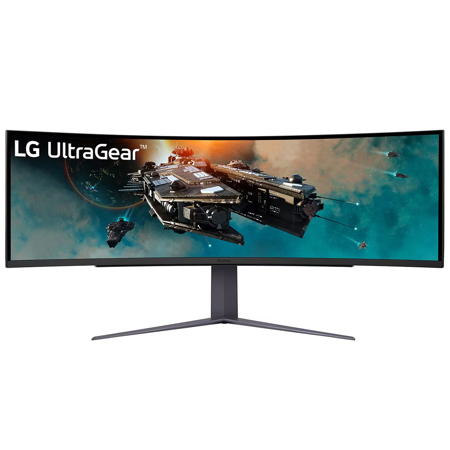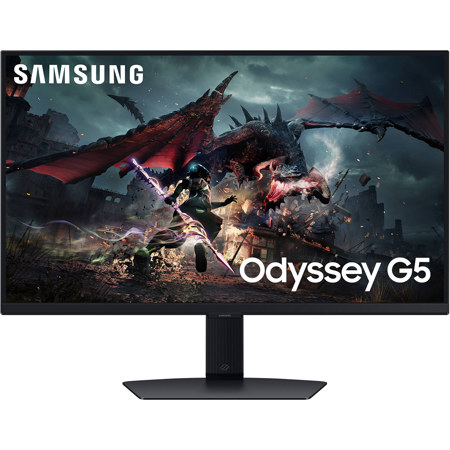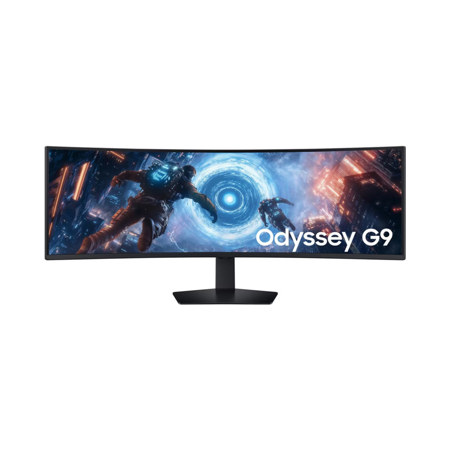
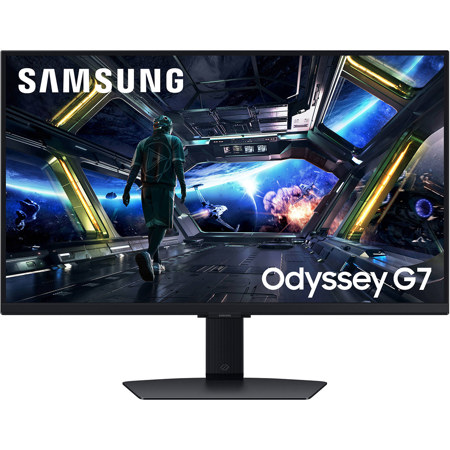
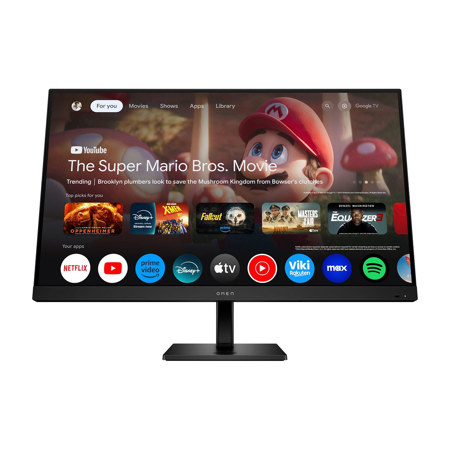
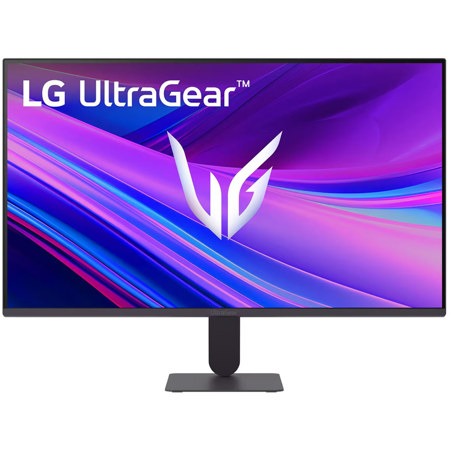
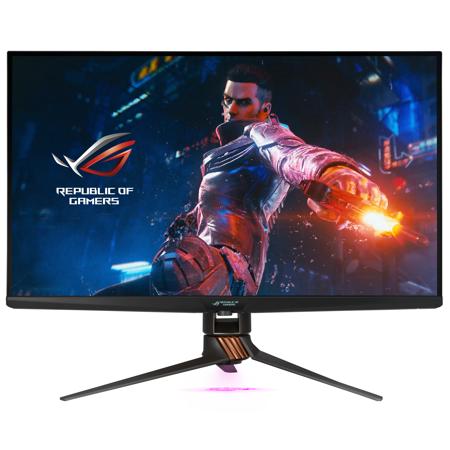
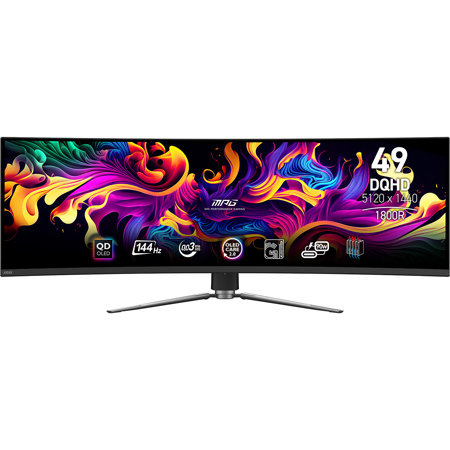
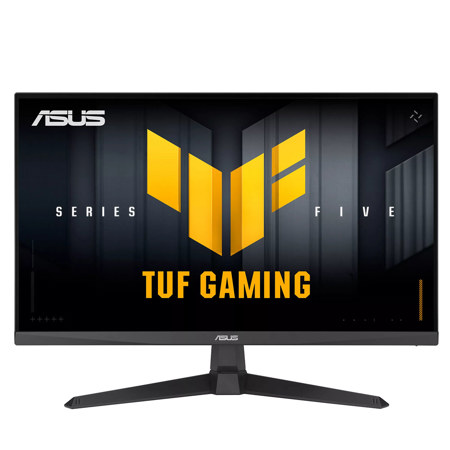
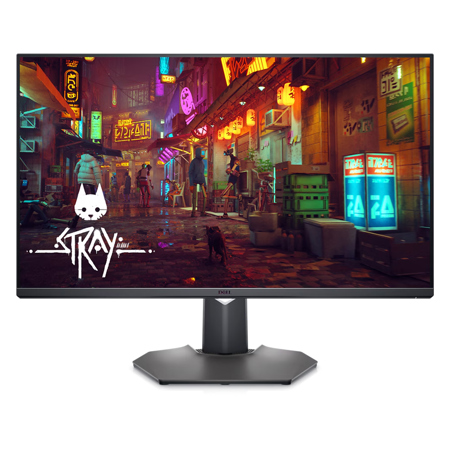
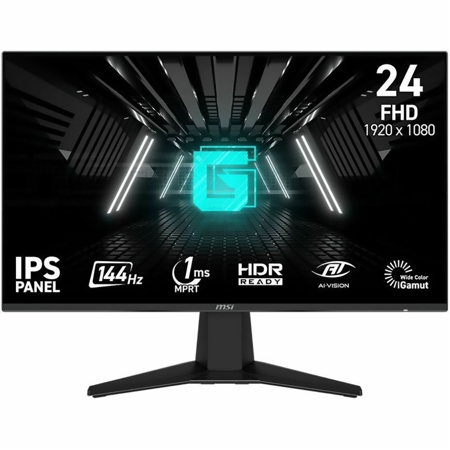
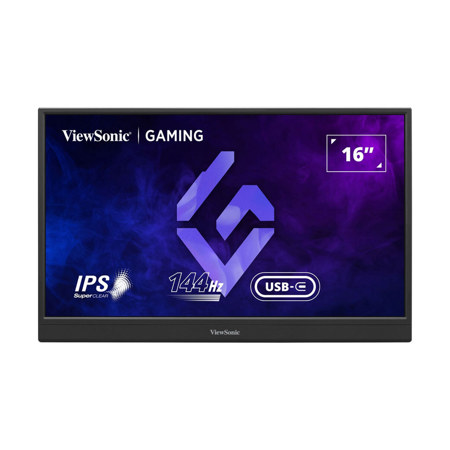
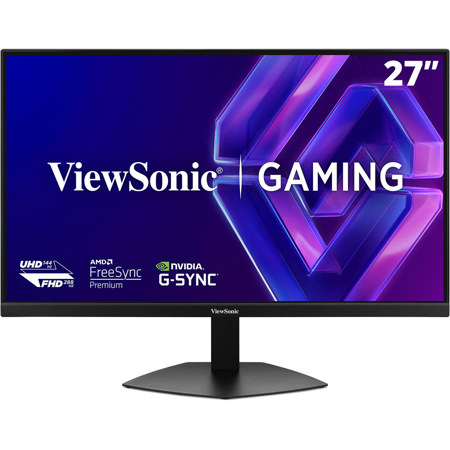
Gaming monitors featuring a 144Hz refresh rate have become a staple for anyone seeking a smoother, more immersive experience—whether you’re a competitive esports player, a casual gamer, or someone who simply appreciates fluid motion in fast-paced action titles. The jump from standard 60Hz displays to 144Hz brings a noticeable difference: on-screen movement appears sharper, ghosting is minimized, and input lag is significantly reduced. This is especially important in genres like first-person shooters, racing, or battle royale games, where every split-second reaction counts. As the weather shifts from the warmth of late summer into the cooler, cozier months of early fall, many gamers find themselves spending more time indoors, making now an ideal season to upgrade your setup or surprise a friend or family member with a thoughtful and practical gift. A 144Hz gaming monitor isn’t just for hardcore enthusiasts, either; it’s a smart choice for students setting up a dorm room, remote workers who want a responsive display for both play and productivity, or anyone building a versatile home entertainment hub.
When choosing a 144Hz gaming monitor, there are several key factors to consider to ensure you get the most out of your investment. Panel technology is a primary consideration: IPS panels are known for vibrant colors and wide viewing angles, making them a favorite for those who enjoy cinematic visuals alongside competitive gaming. TN panels, on the other hand, often offer the fastest response times, which can shave precious milliseconds off your inputs—ideal for high-level play. VA panels strike a balance, delivering deep contrast and solid performance in both gaming and media consumption. Screen size and resolution also play significant roles; a 24-inch or 27-inch monitor with Full HD (1080p) resolution is often the sweet spot for high refresh rates without overtaxing your graphics card, but those with more powerful hardware might opt for a larger display or higher resolution for added detail and immersion. To truly unlock the benefits of 144Hz, your PC’s graphics card should be capable of consistently pushing 144 frames per second or more in your favorite titles. Additionally, using the right cable—such as DisplayPort or Dual-link DVI—is essential, as older HDMI versions and single-link DVI connections may limit you to 60Hz. Features like adaptive sync technologies (such as FreeSync or G-Sync) can further enhance your experience by eliminating screen tearing and stuttering, ensuring buttery-smooth gameplay even when frame rates fluctuate.
A 144Hz gaming monitor also makes a versatile gift for birthdays, back-to-school upgrades, or early holiday shopping. It’s a thoughtful way to encourage a sibling’s passion for gaming, support a friend’s streaming ambitions, or help a loved one enjoy their favorite titles in a whole new light. These monitors are also excellent for creative tasks like video editing, where a high refresh rate can make scrubbing through footage feel more responsive and precise. If you’re considering future-proofing your setup or want to explore even higher refresh rates for ultra-competitive gaming, you might be interested in our selection of 180Hz Gaming Monitors. Whether you’re upgrading your own battlestation or searching for the perfect gift, investing in a 144Hz monitor is a reliable way to enhance every session—from intense late-night matches to relaxed weekend marathons—as the seasons change and indoor time becomes even more inviting.
When choosing a 144Hz gaming monitor, there are several key factors to consider to ensure you get the most out of your investment. Panel technology is a primary consideration: IPS panels are known for vibrant colors and wide viewing angles, making them a favorite for those who enjoy cinematic visuals alongside competitive gaming. TN panels, on the other hand, often offer the fastest response times, which can shave precious milliseconds off your inputs—ideal for high-level play. VA panels strike a balance, delivering deep contrast and solid performance in both gaming and media consumption. Screen size and resolution also play significant roles; a 24-inch or 27-inch monitor with Full HD (1080p) resolution is often the sweet spot for high refresh rates without overtaxing your graphics card, but those with more powerful hardware might opt for a larger display or higher resolution for added detail and immersion. To truly unlock the benefits of 144Hz, your PC’s graphics card should be capable of consistently pushing 144 frames per second or more in your favorite titles. Additionally, using the right cable—such as DisplayPort or Dual-link DVI—is essential, as older HDMI versions and single-link DVI connections may limit you to 60Hz. Features like adaptive sync technologies (such as FreeSync or G-Sync) can further enhance your experience by eliminating screen tearing and stuttering, ensuring buttery-smooth gameplay even when frame rates fluctuate.
A 144Hz gaming monitor also makes a versatile gift for birthdays, back-to-school upgrades, or early holiday shopping. It’s a thoughtful way to encourage a sibling’s passion for gaming, support a friend’s streaming ambitions, or help a loved one enjoy their favorite titles in a whole new light. These monitors are also excellent for creative tasks like video editing, where a high refresh rate can make scrubbing through footage feel more responsive and precise. If you’re considering future-proofing your setup or want to explore even higher refresh rates for ultra-competitive gaming, you might be interested in our selection of 180Hz Gaming Monitors. Whether you’re upgrading your own battlestation or searching for the perfect gift, investing in a 144Hz monitor is a reliable way to enhance every session—from intense late-night matches to relaxed weekend marathons—as the seasons change and indoor time becomes even more inviting.