HDMI Display Adapters
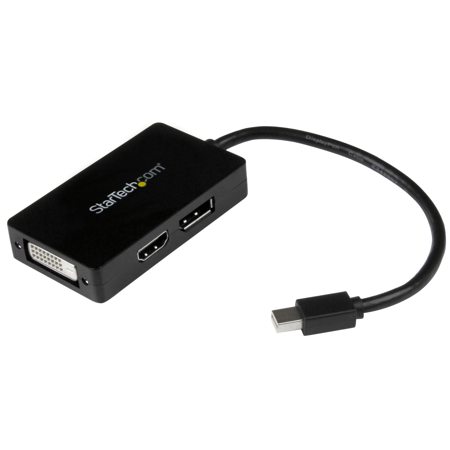
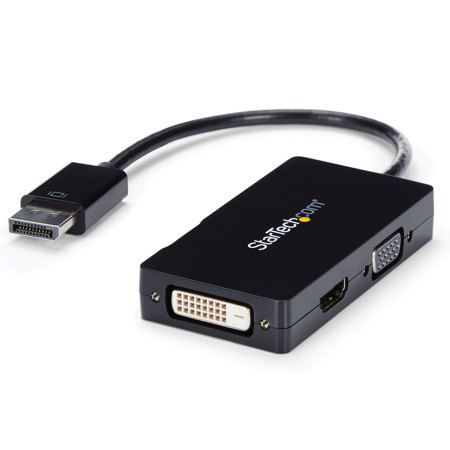
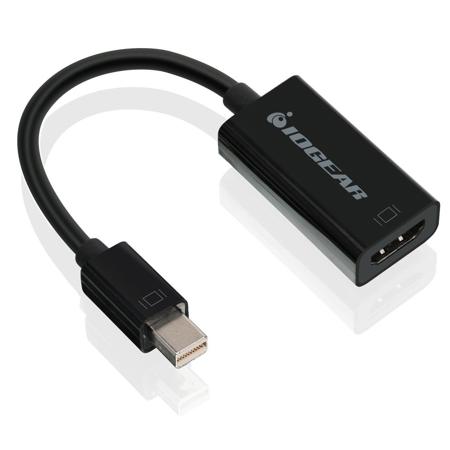
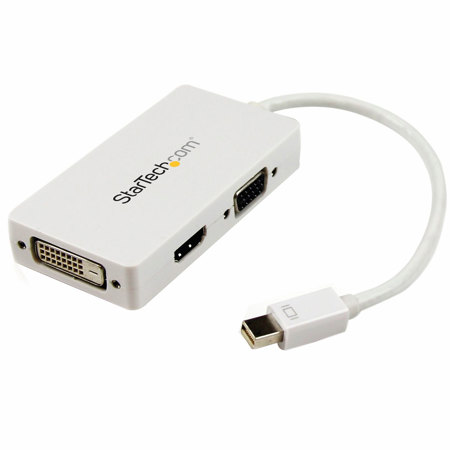
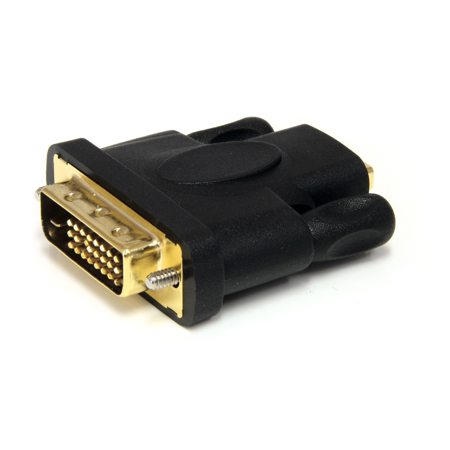
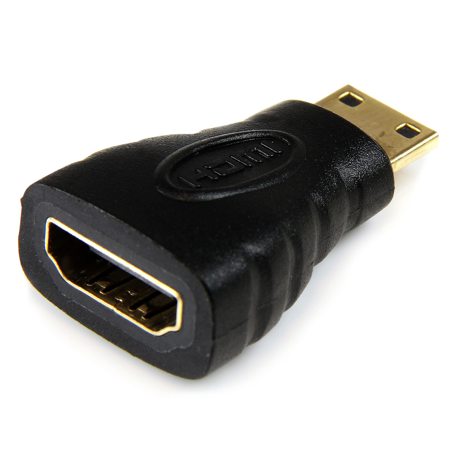
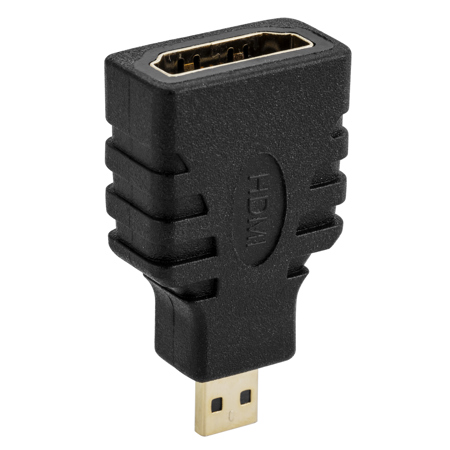
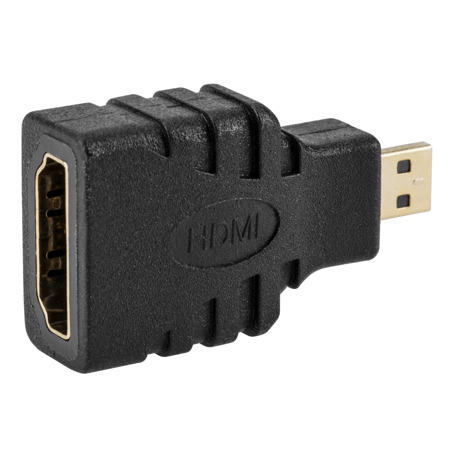
HDMI display adapters are essential tools for anyone looking to bridge the gap between devices with differing video outputs and display inputs. Whether you’re connecting a laptop to a conference room projector, setting up a multi-monitor workstation, or streaming your favorite content from a tablet to a big screen TV, these adapters make it all possible with minimal hassle. The versatility of HDMI display adapters extends to a wide range of use cases, from professional environments where seamless presentations are crucial, to creative studios where designers and video editors rely on extended screens for maximum productivity. Students returning to campus in late summer or professionals heading into a busy fall season often find that the right adapter can transform a cluttered workspace into an efficient, multi-screen command center. For families, these adapters are handy for movie nights or sharing vacation photos on the living room TV, while gamers appreciate the ability to connect consoles or PCs to high-refresh-rate monitors for a more immersive experience.
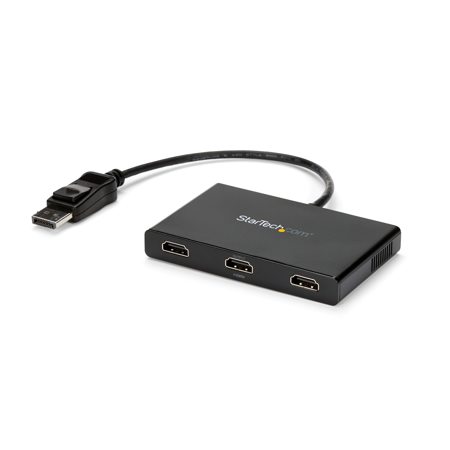
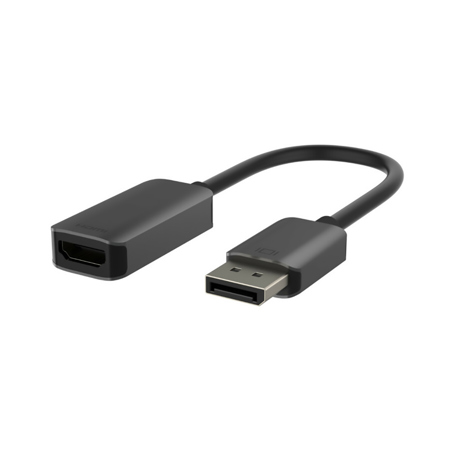
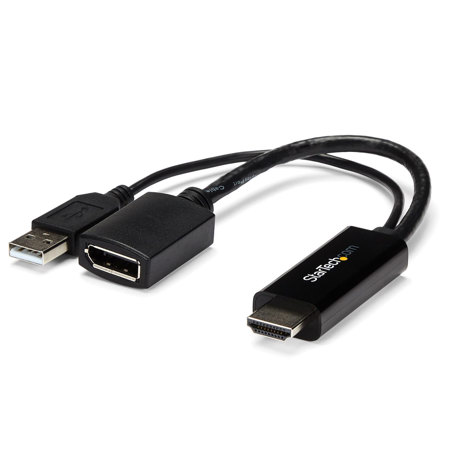
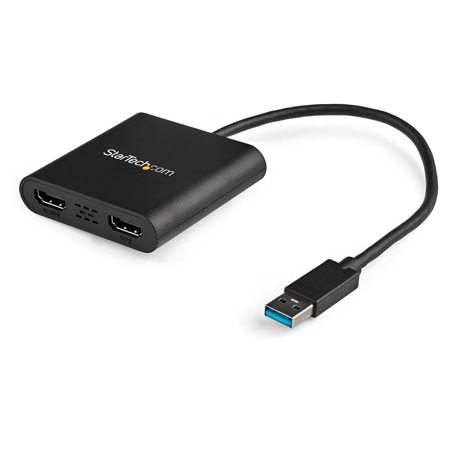
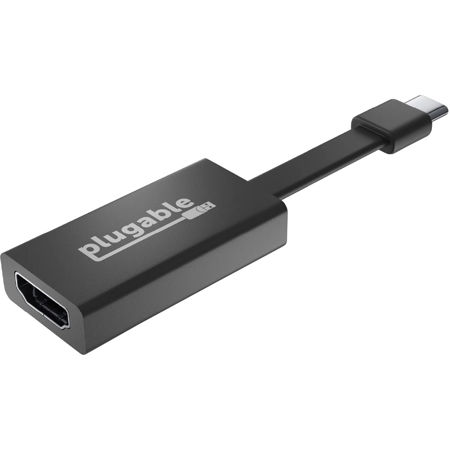
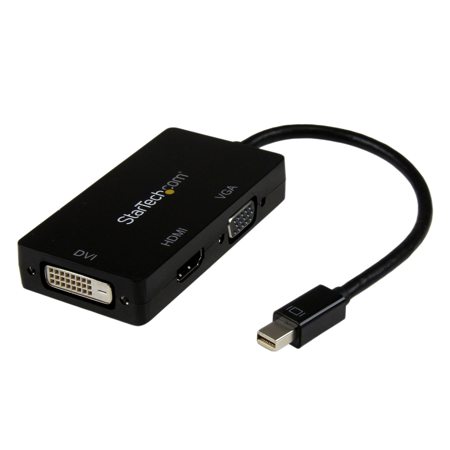
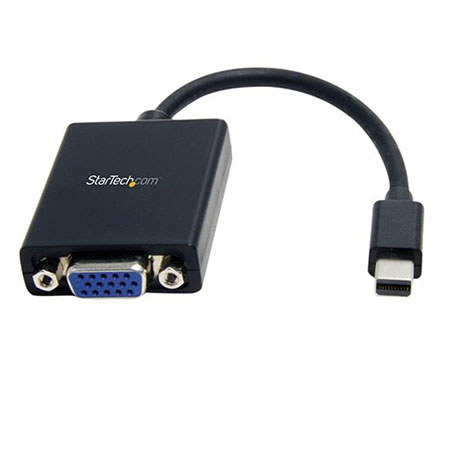
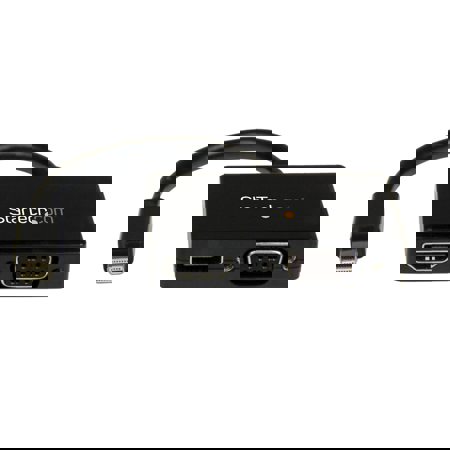
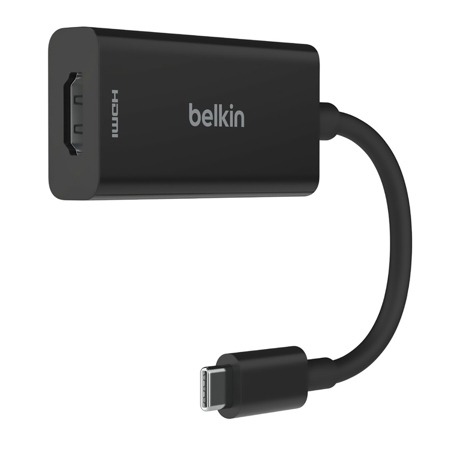
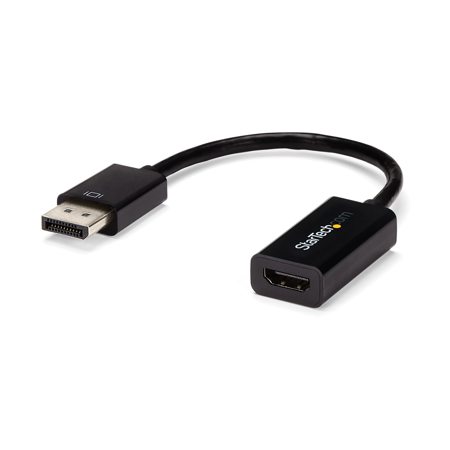
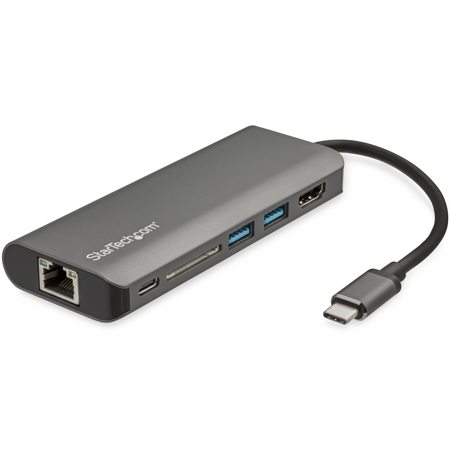
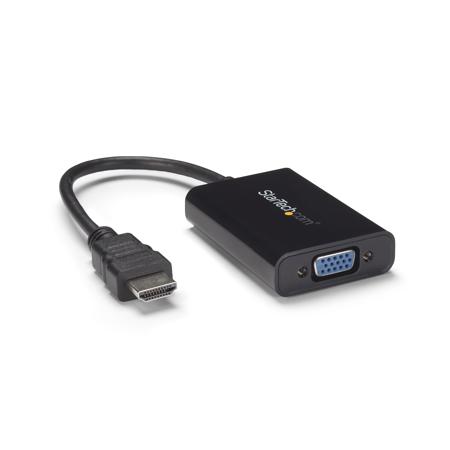
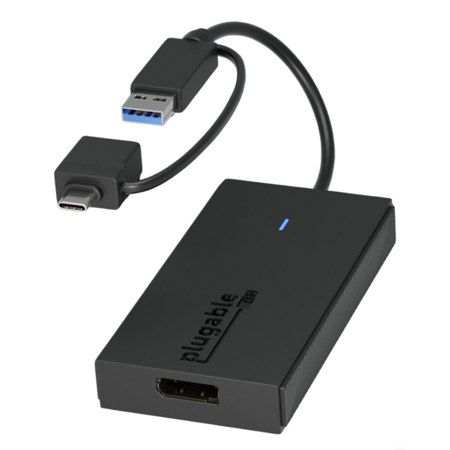
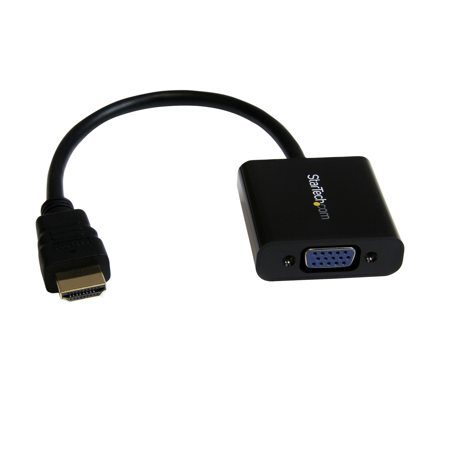
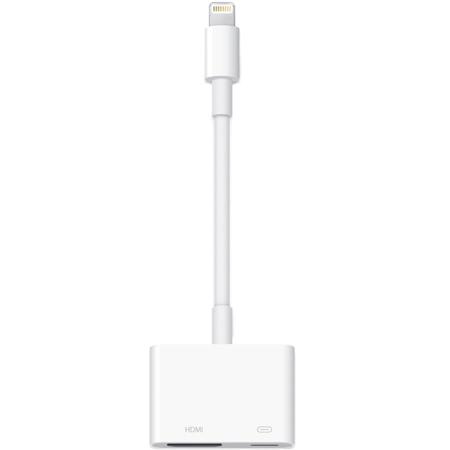
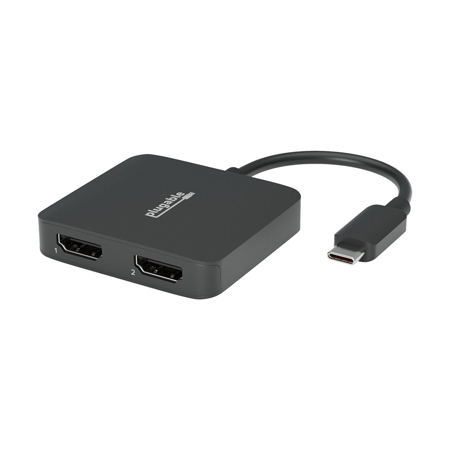
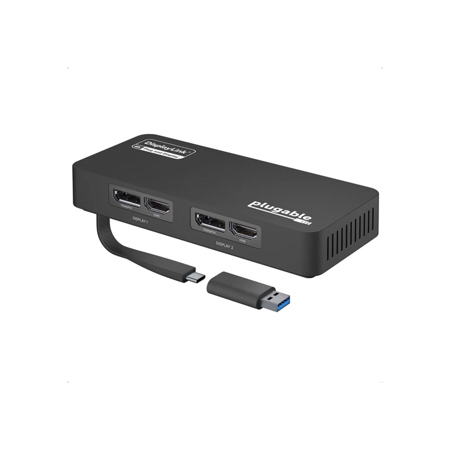
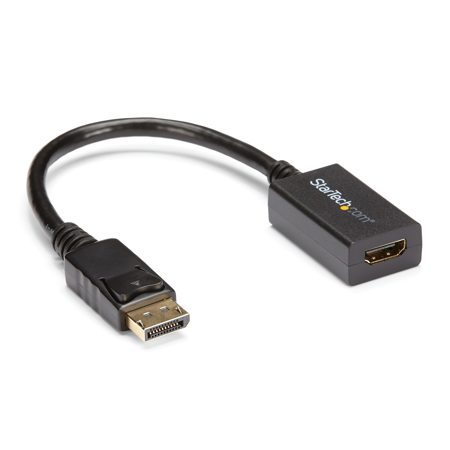
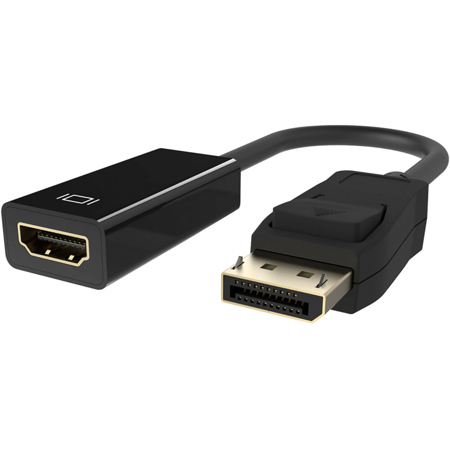
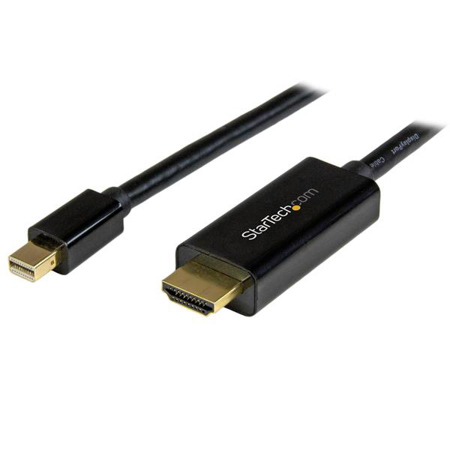
When choosing an HDMI display adapter, it’s important to consider both the source and the destination ports on your devices. Some adapters are designed to convert HDMI signals to DisplayPort for use with high-end monitors, while others work in the opposite direction, allowing DisplayPort-equipped computers to connect to HDMI displays. USB-to-HDMI and USB-C-to-HDMI adapters are particularly popular for users of ultra-thin laptops or tablets that lack traditional video outputs, serving as external video cards to extend or mirror displays. These adapters may require driver installation, especially when adding multiple screens or supporting higher resolutions. If you’re planning to set up a 4K display, pay close attention to the adapter’s maximum supported resolution and refresh rate, as many affordable options cap out at 1080p or limit 4K playback to 30Hz. Directionality is another key factor—adapters typically work only one way, so double-check whether you need to go from HDMI to DisplayPort or vice versa. For those managing complex setups—perhaps in a home office or creative studio—exploring solutions like Multi Display Adapters can open up even more possibilities for expanding your visual workspace.
HDMI display adapters also make thoughtful gifts, especially as the days grow shorter and people spend more time indoors catching up on work, studying, or enjoying entertainment at home. They’re practical for anyone who juggles multiple devices—think students, remote workers, content creators, or tech enthusiasts who appreciate the flexibility of connecting laptops, desktops, and mobile devices to different screens. The right adapter can simplify everything from remote learning sessions to virtual meetings or creative projects, making it easier to share ideas and collaborate. As technology continues to evolve, these adapters remain a reliable solution for connecting yesterday’s devices with today’s monitors and TVs, ensuring that your gear keeps up with your needs throughout the changing seasons. Whether you’re upgrading your setup for the school year, enhancing your home theater, or optimizing your workspace for productivity, HDMI display adapters provide the adaptability and convenience that modern digital life demands.
When choosing an HDMI display adapter, it’s important to consider both the source and the destination ports on your devices. Some adapters are designed to convert HDMI signals to DisplayPort for use with high-end monitors, while others work in the opposite direction, allowing DisplayPort-equipped computers to connect to HDMI displays. USB-to-HDMI and USB-C-to-HDMI adapters are particularly popular for users of ultra-thin laptops or tablets that lack traditional video outputs, serving as external video cards to extend or mirror displays. These adapters may require driver installation, especially when adding multiple screens or supporting higher resolutions. If you’re planning to set up a 4K display, pay close attention to the adapter’s maximum supported resolution and refresh rate, as many affordable options cap out at 1080p or limit 4K playback to 30Hz. Directionality is another key factor—adapters typically work only one way, so double-check whether you need to go from HDMI to DisplayPort or vice versa. For those managing complex setups—perhaps in a home office or creative studio—exploring solutions like Multi Display Adapters can open up even more possibilities for expanding your visual workspace.
HDMI display adapters also make thoughtful gifts, especially as the days grow shorter and people spend more time indoors catching up on work, studying, or enjoying entertainment at home. They’re practical for anyone who juggles multiple devices—think students, remote workers, content creators, or tech enthusiasts who appreciate the flexibility of connecting laptops, desktops, and mobile devices to different screens. The right adapter can simplify everything from remote learning sessions to virtual meetings or creative projects, making it easier to share ideas and collaborate. As technology continues to evolve, these adapters remain a reliable solution for connecting yesterday’s devices with today’s monitors and TVs, ensuring that your gear keeps up with your needs throughout the changing seasons. Whether you’re upgrading your setup for the school year, enhancing your home theater, or optimizing your workspace for productivity, HDMI display adapters provide the adaptability and convenience that modern digital life demands.