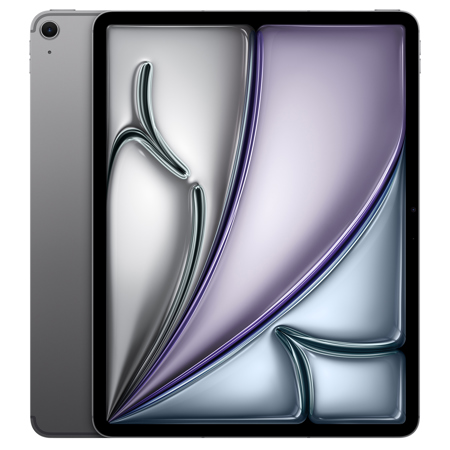
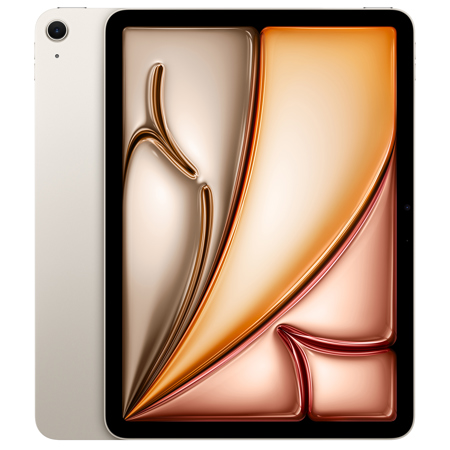
iPad For Seniors
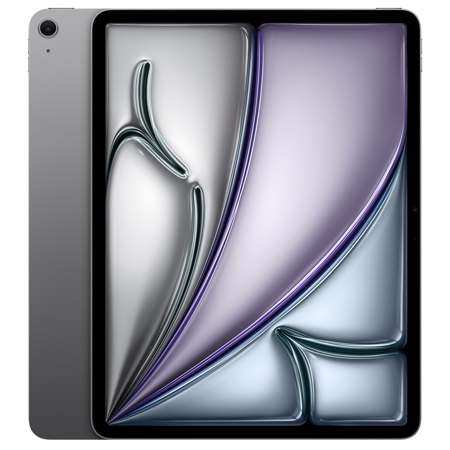
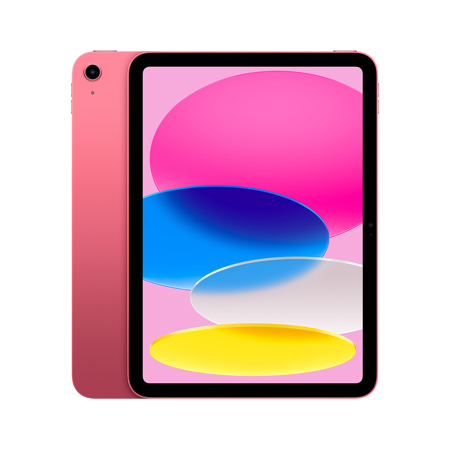
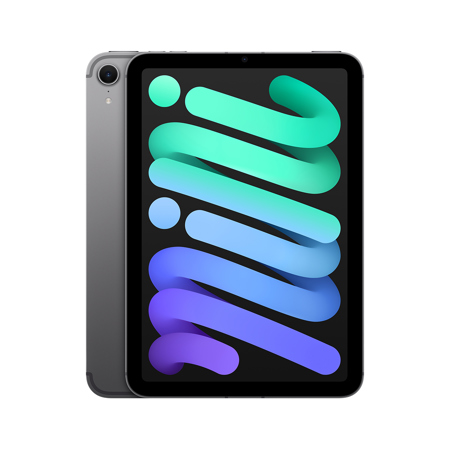
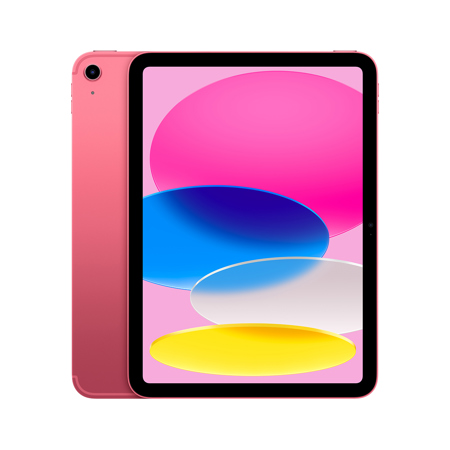
Finding the best iPad for seniors involves more than just choosing a device with a large screen and simple interface—it’s about selecting a companion that can fit seamlessly into daily life, foster connections with loved ones, and provide easy access to news, entertainment, and essential services. Many seniors are discovering the joys of using an iPad to stay in touch with family through video calls, browse the web, read e-books, and even organize photos from years past. The intuitive design and robust accessibility features make the iPad for seniors a particularly attractive option, especially for those who may not consider themselves tech-savvy. With tools like adjustable text sizes, bold fonts, and voice guidance, these devices are tailored to accommodate a wide range of visual and dexterity needs. During the warmer days of summer or as the air cools in early fall, an iPad can be a window to the world—perfect for enjoying a favorite novel on the porch, sharing a virtual meal with grandchildren, or exploring new hobbies through online classes and creative apps.
When considering the best basic iPad for seniors, it’s important to think about how the device will be used and who might benefit most from its features. For some, portability is key; a lightweight tablet is easy to hold during long video chats or while relaxing in a favorite chair. For others, a larger display is essential for comfortable reading or viewing photos. The best Apple iPad for seniors often comes down to personal preferences and individual needs, such as screen size, battery life, and the ability to customize settings for easier navigation. Gift-givers frequently choose an iPad for senior citizens as a thoughtful present, knowing it can help bridge distances and spark new interests. Whether it’s for a birthday, a milestone celebration, or simply to encourage a loved one to embrace technology, these devices make meaningful gifts that can enhance independence and enrich daily routines. Setting up an iPad is straightforward, and many seniors appreciate features like the Magnifier app for reading fine print, Guided Access to prevent accidental taps, and easy-to-use home screens with large icons.
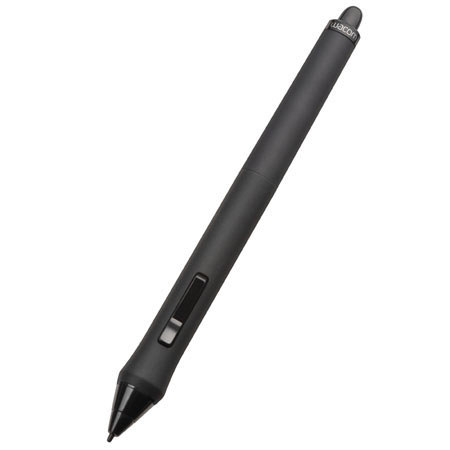
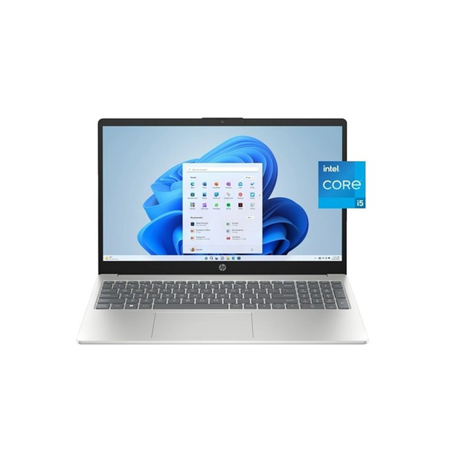
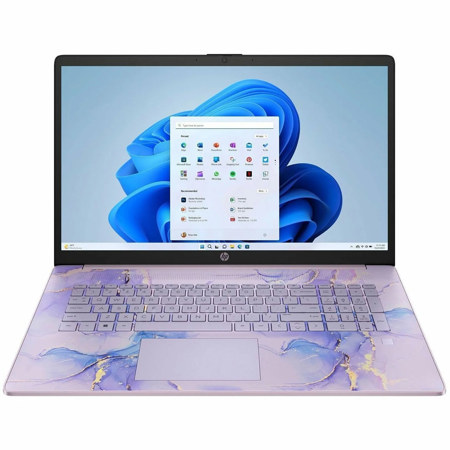
Beyond the iPad itself, there’s a vibrant ecosystem of accessories and technology designed to support seniors as they explore the digital world. Cases with built-in stands, styluses for easier navigation, and screen protectors all contribute to a more comfortable and secure user experience. For those interested in expanding their digital toolkit, there are additional resources and devices that complement tablet use, such as voice assistants or simplified computers. If you or a loved one is considering broader technology options, you may find inspiration and helpful advice on our Computers For Seniors page. No matter the season, an iPad can become a trusted companion—opening doors to learning, creativity, and connection, and providing seniors with the tools they need to stay engaged, informed, and entertained throughout the year.
When considering the best basic iPad for seniors, it’s important to think about how the device will be used and who might benefit most from its features. For some, portability is key; a lightweight tablet is easy to hold during long video chats or while relaxing in a favorite chair. For others, a larger display is essential for comfortable reading or viewing photos. The best Apple iPad for seniors often comes down to personal preferences and individual needs, such as screen size, battery life, and the ability to customize settings for easier navigation. Gift-givers frequently choose an iPad for senior citizens as a thoughtful present, knowing it can help bridge distances and spark new interests. Whether it’s for a birthday, a milestone celebration, or simply to encourage a loved one to embrace technology, these devices make meaningful gifts that can enhance independence and enrich daily routines. Setting up an iPad is straightforward, and many seniors appreciate features like the Magnifier app for reading fine print, Guided Access to prevent accidental taps, and easy-to-use home screens with large icons.
Beyond the iPad itself, there’s a vibrant ecosystem of accessories and technology designed to support seniors as they explore the digital world. Cases with built-in stands, styluses for easier navigation, and screen protectors all contribute to a more comfortable and secure user experience. For those interested in expanding their digital toolkit, there are additional resources and devices that complement tablet use, such as voice assistants or simplified computers. If you or a loved one is considering broader technology options, you may find inspiration and helpful advice on our Computers For Seniors page. No matter the season, an iPad can become a trusted companion—opening doors to learning, creativity, and connection, and providing seniors with the tools they need to stay engaged, informed, and entertained throughout the year.