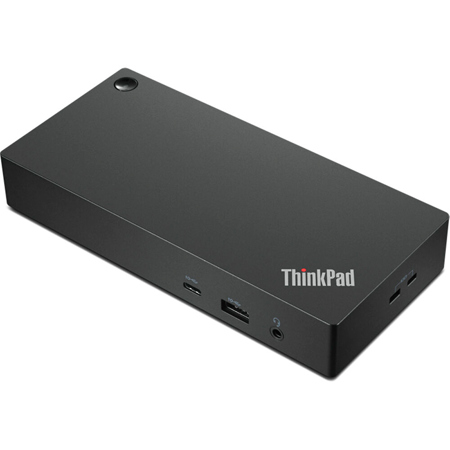
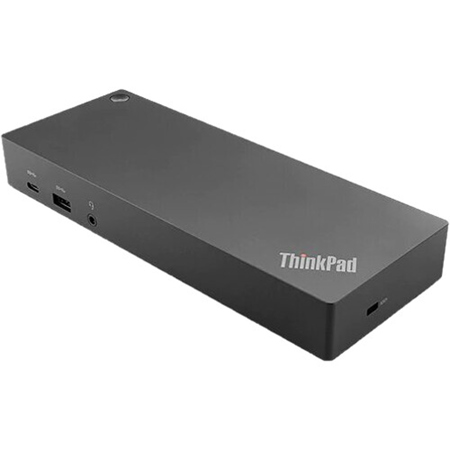
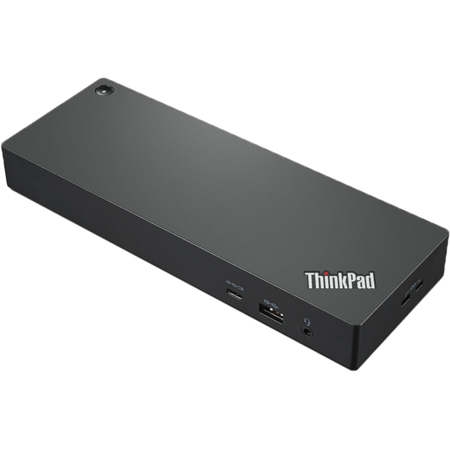
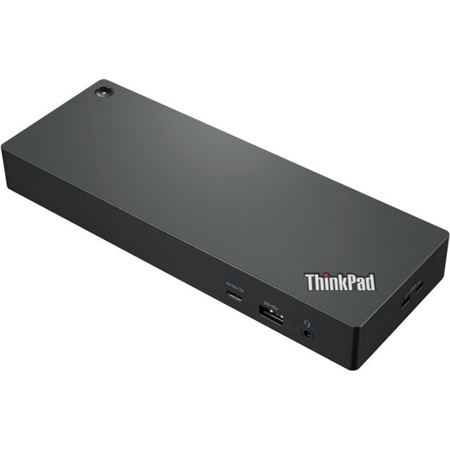
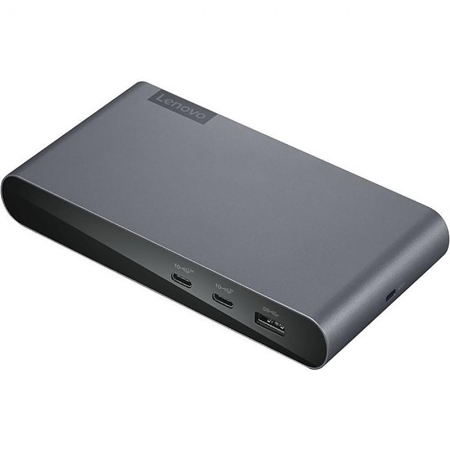

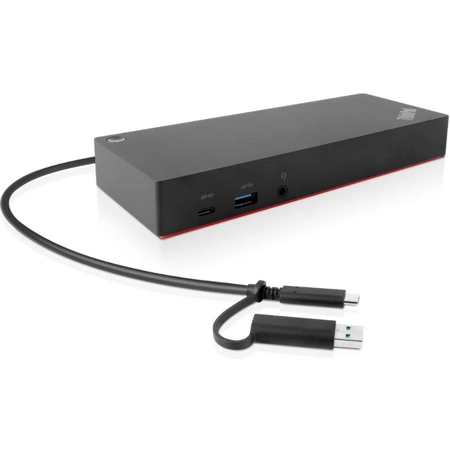
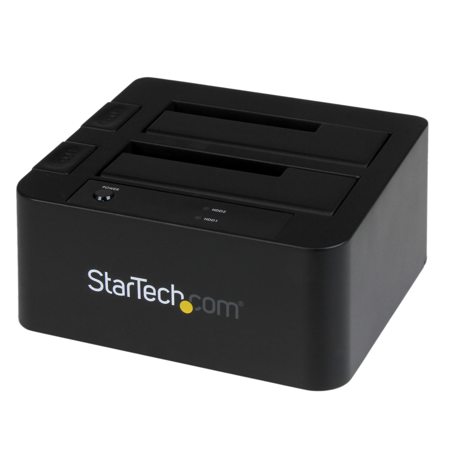
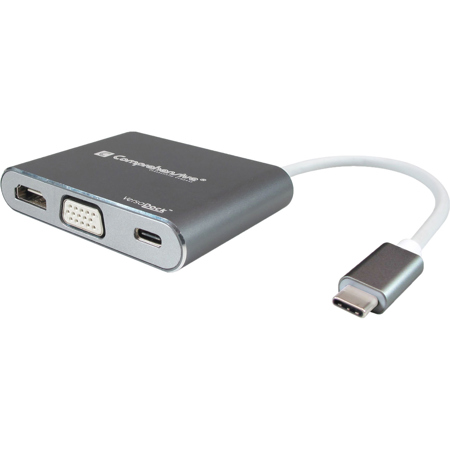
Lenovo Thinkpad Docking Station
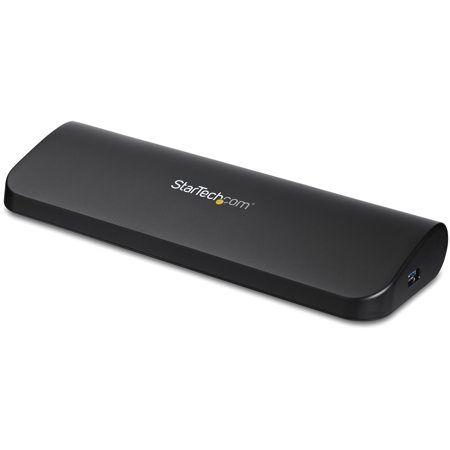
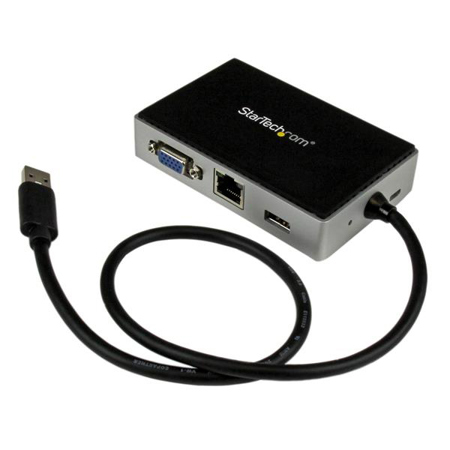
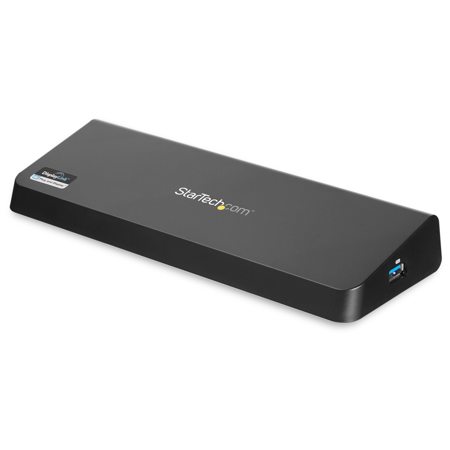
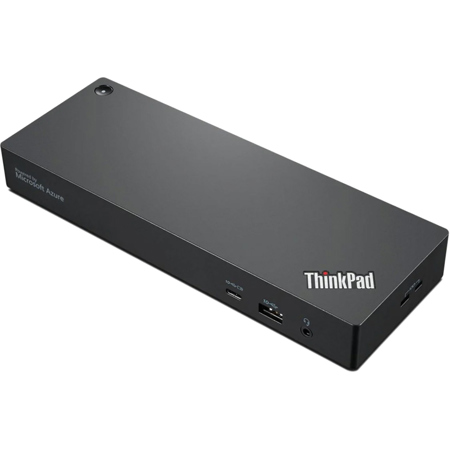
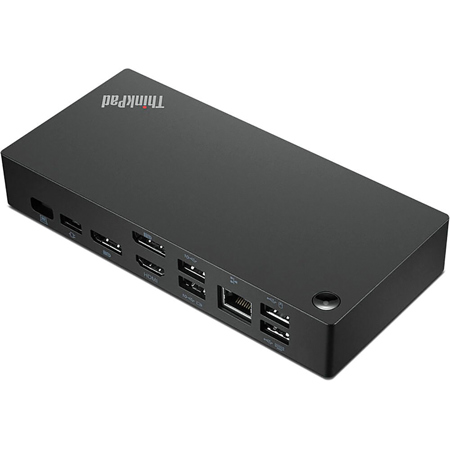
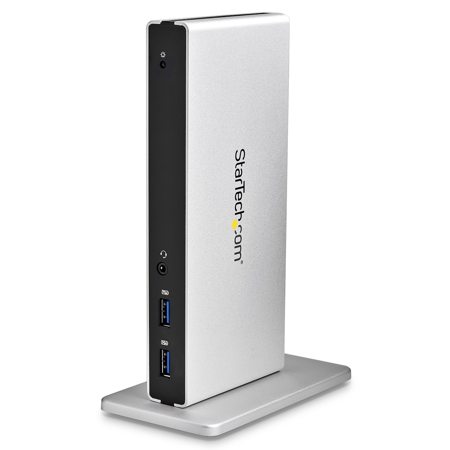
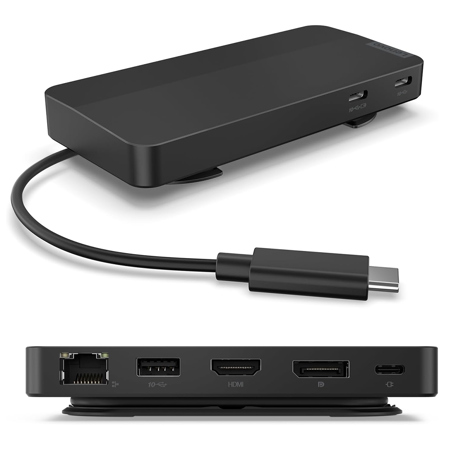
A docking station is an essential companion for anyone looking to transform their workspace into a streamlined, efficient environment, especially as the demands of remote work, hybrid offices, and creative studios continue to evolve. As winter gives way to spring and routines shift, many professionals find themselves rethinking their desk setups—seeking ways to reduce cable clutter, maximize productivity, and maintain a clean, organized workspace. Docking stations designed for compatibility with leading business laptops offer a powerful solution, providing single-cable connectivity that instantly links your computer to multiple monitors, high-speed Ethernet, external storage, and a variety of USB peripherals. Whether you are a photographer editing high-resolution images, a video editor managing multiple 4K displays, or a business professional running virtual meetings while charging your device, a docking station can centralize your workflow and eliminate the daily hassle of plugging and unplugging accessories.
For those outfitting a home office or upgrading a corporate workstation, docking stations offer more than just convenience; they deliver the performance and reliability needed to support demanding tasks. With support for high-wattage power delivery, these docks can keep even the most power-hungry laptops charged throughout the workday, while advanced features like PXE boot and MAC address pass-through ensure seamless integration into enterprise environments. The ability to drive multiple high-resolution displays is a game-changer for multitaskers, allowing you to extend your desktop across two or more screens for improved efficiency—ideal for programmers, graphic designers, and financial analysts who rely on expansive digital real estate. Spring is also a popular season for academic and career milestones, making a docking station a thoughtful gift for graduates, students heading into internships, or professionals embarking on new roles. It’s a practical present that can help recipients get the most out of their laptops, whether they’re setting up a dorm room study nook or a corner office downtown.
Selecting the right docking station involves considering your specific workflow and device compatibility. Look for models that offer ample USB ports, high-speed data transfer, and support for the latest display standards to ensure future-proofing as your needs evolve. Gigabit Ethernet ports are invaluable for those who require stable, wired internet connections, while audio in/out jacks and SD card readers cater to the needs of multimedia creators and content professionals. As you explore options, keep in mind that some docking stations are tailored for universal compatibility, while others are optimized for certain laptop lines, offering enhanced integration and security features. To discover more about compatible devices and to browse a curated selection of business laptops that pair perfectly with these docking solutions, visit our dedicated Lenovo Thinkpad page for expert recommendations and detailed product information. Whether you’re upgrading your own setup or searching for a practical, high-impact gift, a docking station can make all the difference in creating a workspace that’s ready for the season ahead.
For those outfitting a home office or upgrading a corporate workstation, docking stations offer more than just convenience; they deliver the performance and reliability needed to support demanding tasks. With support for high-wattage power delivery, these docks can keep even the most power-hungry laptops charged throughout the workday, while advanced features like PXE boot and MAC address pass-through ensure seamless integration into enterprise environments. The ability to drive multiple high-resolution displays is a game-changer for multitaskers, allowing you to extend your desktop across two or more screens for improved efficiency—ideal for programmers, graphic designers, and financial analysts who rely on expansive digital real estate. Spring is also a popular season for academic and career milestones, making a docking station a thoughtful gift for graduates, students heading into internships, or professionals embarking on new roles. It’s a practical present that can help recipients get the most out of their laptops, whether they’re setting up a dorm room study nook or a corner office downtown.
Selecting the right docking station involves considering your specific workflow and device compatibility. Look for models that offer ample USB ports, high-speed data transfer, and support for the latest display standards to ensure future-proofing as your needs evolve. Gigabit Ethernet ports are invaluable for those who require stable, wired internet connections, while audio in/out jacks and SD card readers cater to the needs of multimedia creators and content professionals. As you explore options, keep in mind that some docking stations are tailored for universal compatibility, while others are optimized for certain laptop lines, offering enhanced integration and security features. To discover more about compatible devices and to browse a curated selection of business laptops that pair perfectly with these docking solutions, visit our dedicated Lenovo Thinkpad page for expert recommendations and detailed product information. Whether you’re upgrading your own setup or searching for a practical, high-impact gift, a docking station can make all the difference in creating a workspace that’s ready for the season ahead.