Mac Controllers
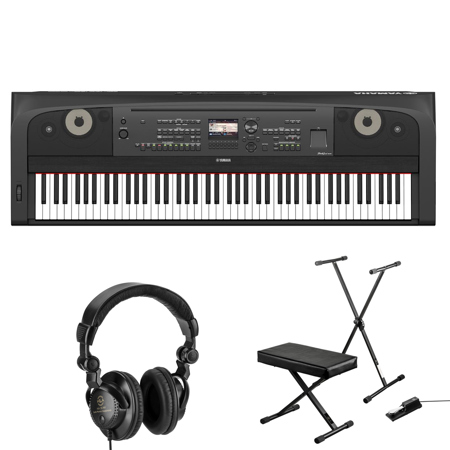
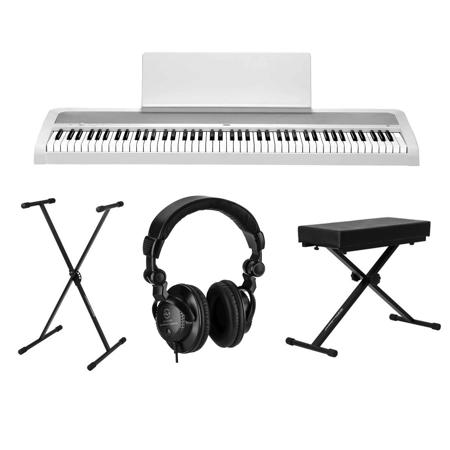
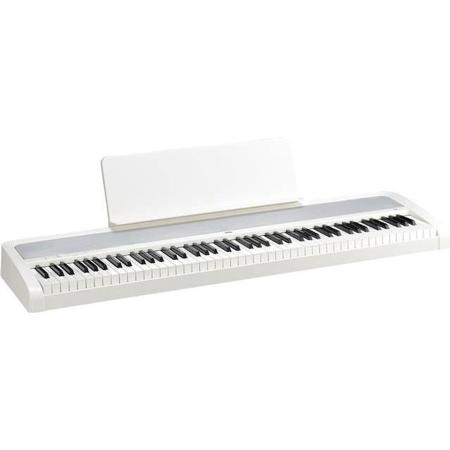
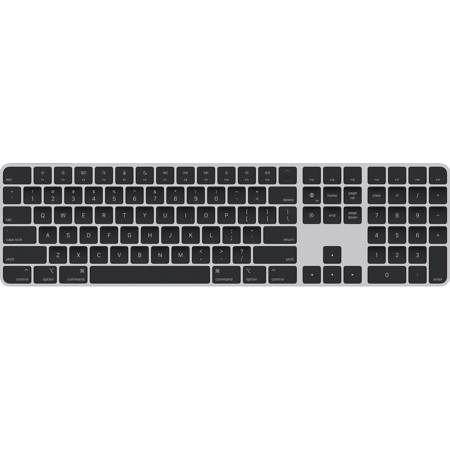
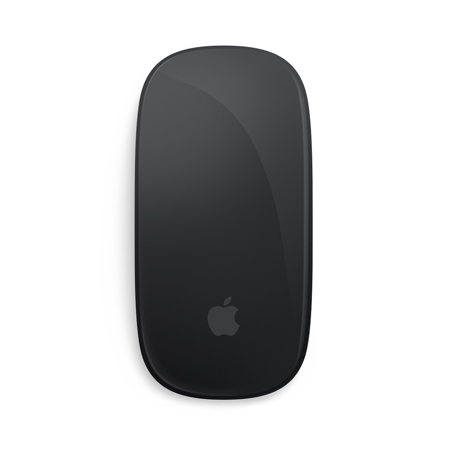
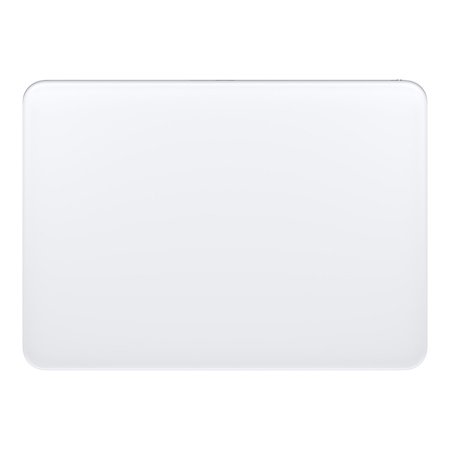
Mac controllers have become an essential tool for anyone looking to streamline their creative workflow or enhance their productivity when working on a Mac. Whether you’re a music producer piecing together your next track, a video editor fine-tuning a project, or a photographer perfecting your images, these controllers offer a tactile, intuitive interface that can make digital tasks feel more hands-on and immediate. The design and functionality of Mac controllers have evolved to meet the needs of a diverse user base, from seasoned professionals to enthusiastic hobbyists. With the arrival of warmer days and the gradual shift into the cooler months, many creators find themselves inspired to dive into new projects, making it an ideal time to consider upgrading your setup or gifting a controller to someone passionate about digital creativity. These devices are particularly useful for those who spend long hours in front of their screens, as they can reduce repetitive strain and speed up complex workflows, allowing for more time spent on the creative aspects of a project.
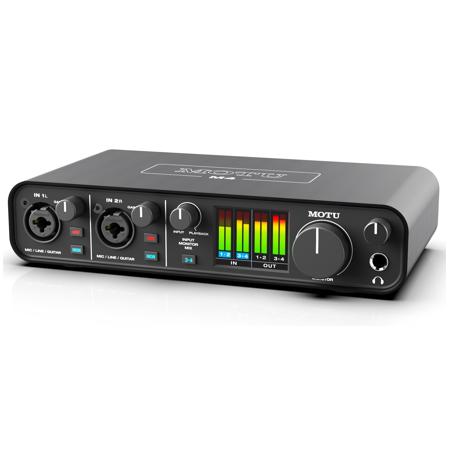
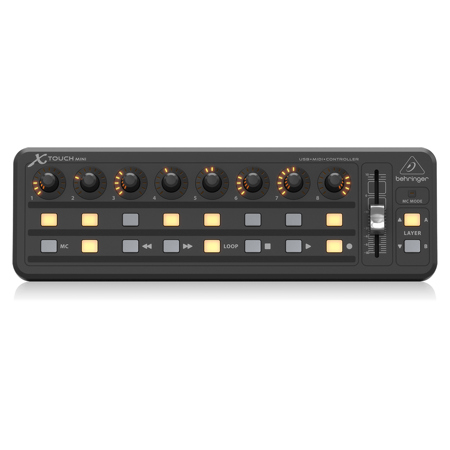
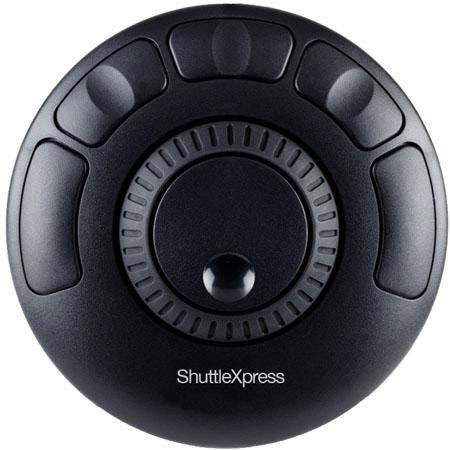
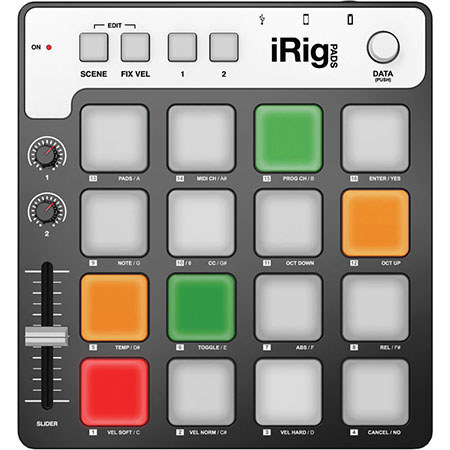
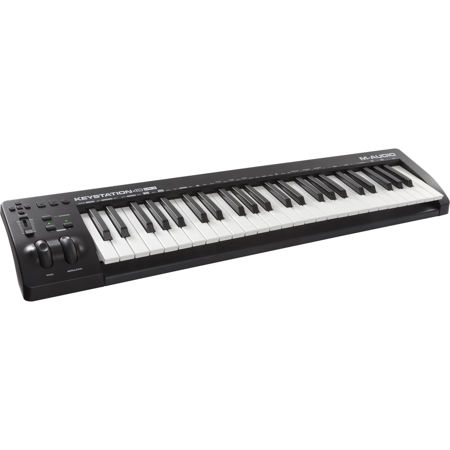
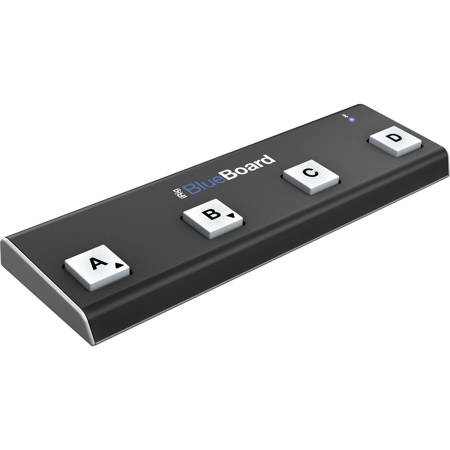
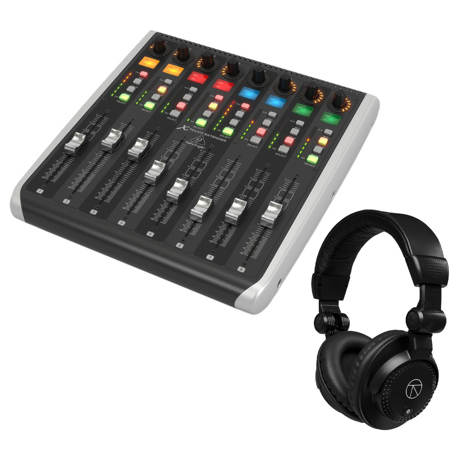
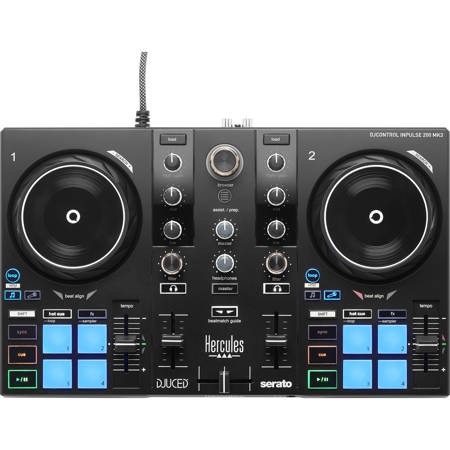
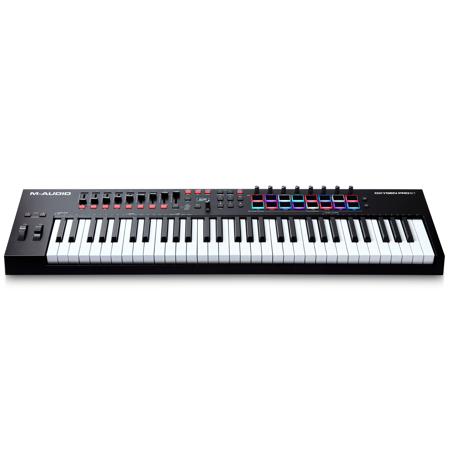
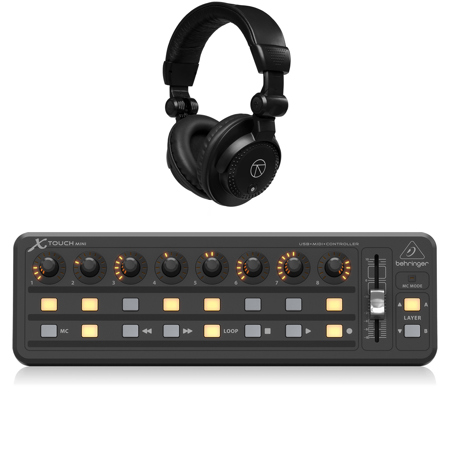
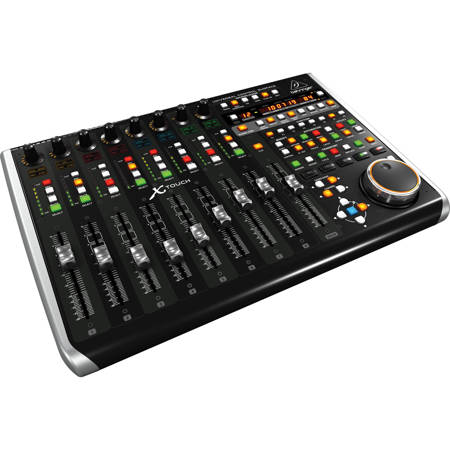
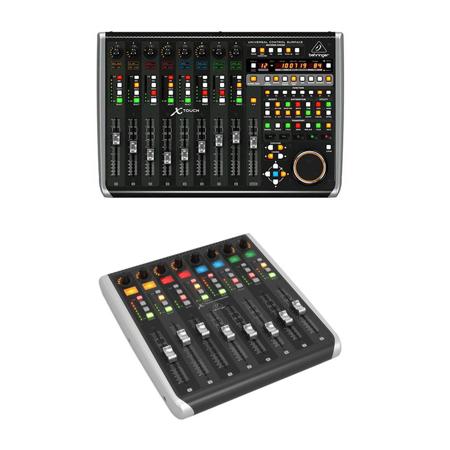
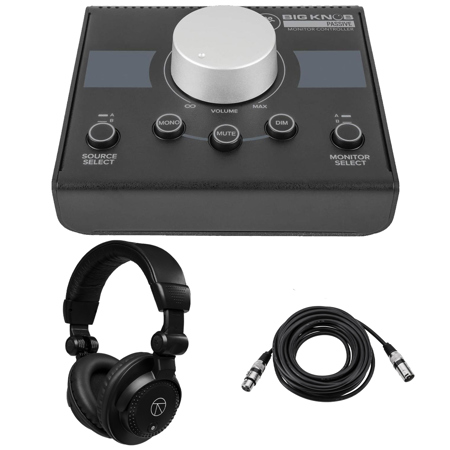
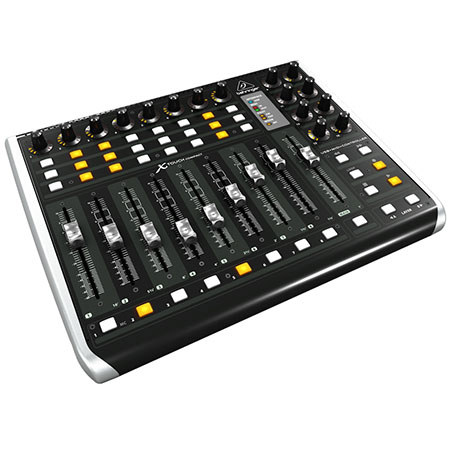
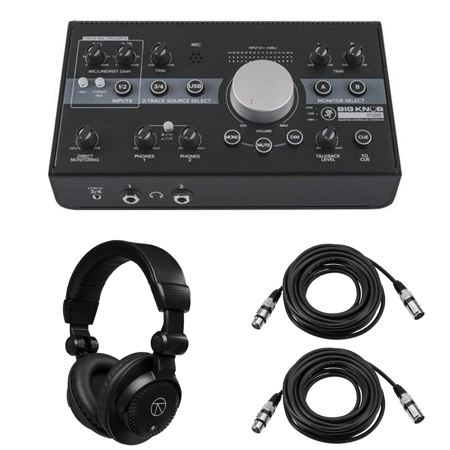
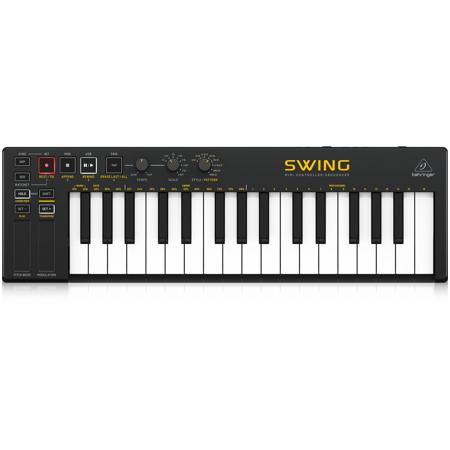
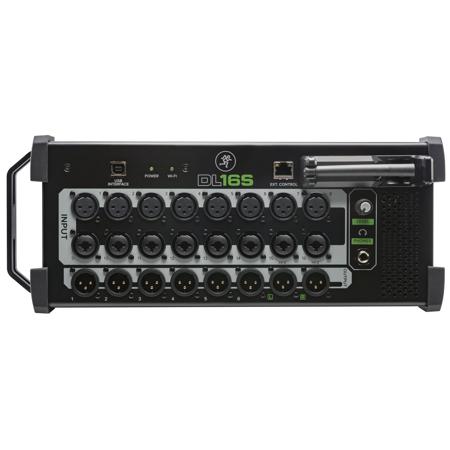
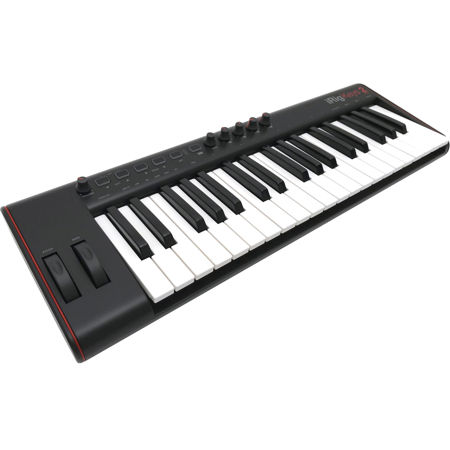
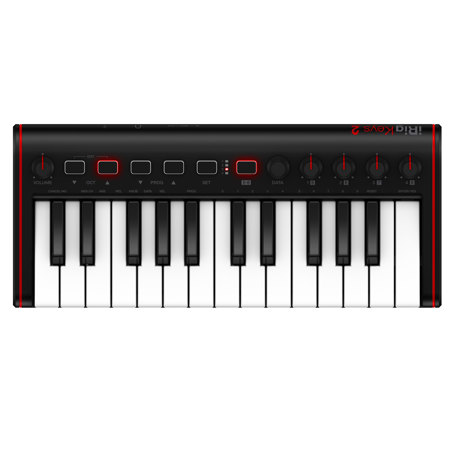
When choosing a Mac controller, it’s important to think about how you plan to use it and what features will best support your workflow. For audio professionals, controllers with assignable faders, rotary knobs, and transport controls can make mixing and editing much more efficient, while video editors might appreciate jog wheels and customizable buttons for fast navigation and precise cuts. Photographers and graphic designers often look for controllers with dials and touch strips that allow for fine-tuned adjustments in editing software. If you’re the type who often says, “I’m on Mac and need something that just works seamlessly,” you’ll appreciate that many modern controllers are designed for plug-and-play compatibility with macOS, minimizing the need for complex setup or driver installation. These devices also make thoughtful gifts for students heading back to school, recent graduates starting creative careers, or anyone looking to upgrade their home office or studio as the seasons change. The tactile nature of controllers can be especially motivating for those who find inspiration in hands-on interaction, transforming digital tasks into a more engaging and enjoyable experience.
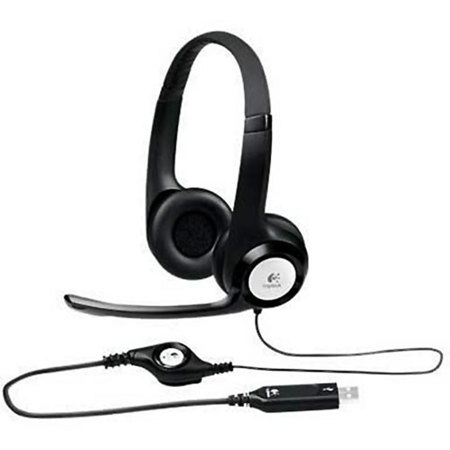
No matter your level of expertise, integrating a Mac controller into your workflow can open up new possibilities for creativity and efficiency. Many users find that having dedicated hardware controls allows them to focus more on their craft and less on menu-diving or keyboard shortcuts. This can be particularly valuable during periods of increased creative energy, such as when the weather shifts or new projects begin. For those who also rely on high-quality audio for meetings, streaming, or content creation, pairing your controller setup with a dedicated headset can further enhance your experience; you might want to explore our curated selection of Mac Headsets to find the perfect complement. Whether you’re refining your workflow for professional use or seeking a thoughtful gift for a creative friend, Mac controllers offer the flexibility and performance needed to bring your ideas to life, no matter the season.
When choosing a Mac controller, it’s important to think about how you plan to use it and what features will best support your workflow. For audio professionals, controllers with assignable faders, rotary knobs, and transport controls can make mixing and editing much more efficient, while video editors might appreciate jog wheels and customizable buttons for fast navigation and precise cuts. Photographers and graphic designers often look for controllers with dials and touch strips that allow for fine-tuned adjustments in editing software. If you’re the type who often says, “I’m on Mac and need something that just works seamlessly,” you’ll appreciate that many modern controllers are designed for plug-and-play compatibility with macOS, minimizing the need for complex setup or driver installation. These devices also make thoughtful gifts for students heading back to school, recent graduates starting creative careers, or anyone looking to upgrade their home office or studio as the seasons change. The tactile nature of controllers can be especially motivating for those who find inspiration in hands-on interaction, transforming digital tasks into a more engaging and enjoyable experience.
No matter your level of expertise, integrating a Mac controller into your workflow can open up new possibilities for creativity and efficiency. Many users find that having dedicated hardware controls allows them to focus more on their craft and less on menu-diving or keyboard shortcuts. This can be particularly valuable during periods of increased creative energy, such as when the weather shifts or new projects begin. For those who also rely on high-quality audio for meetings, streaming, or content creation, pairing your controller setup with a dedicated headset can further enhance your experience; you might want to explore our curated selection of Mac Headsets to find the perfect complement. Whether you’re refining your workflow for professional use or seeking a thoughtful gift for a creative friend, Mac controllers offer the flexibility and performance needed to bring your ideas to life, no matter the season.