

MacBook Air Mouse
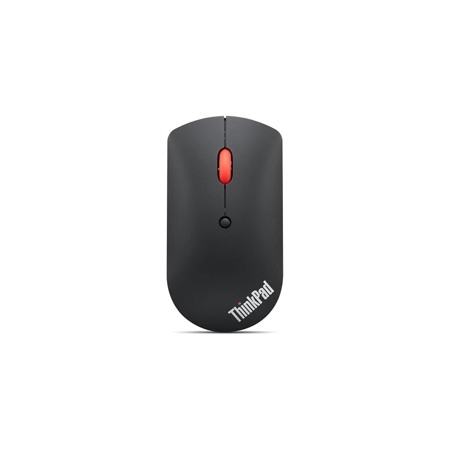
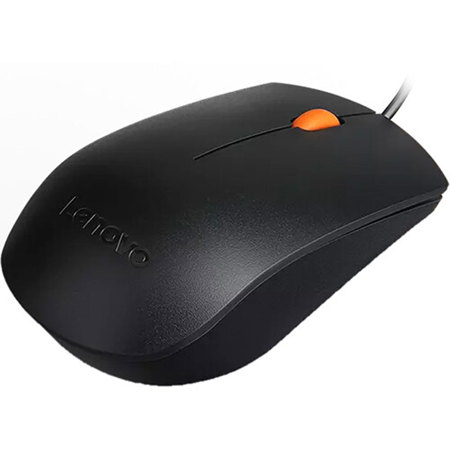
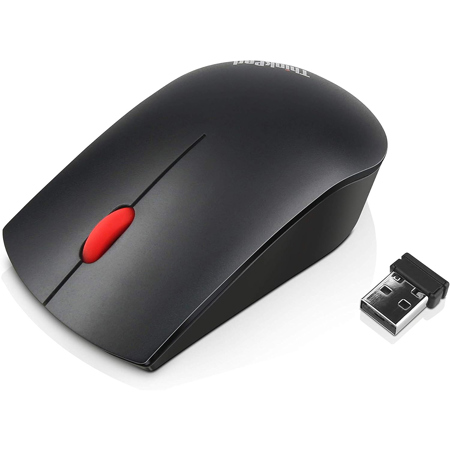
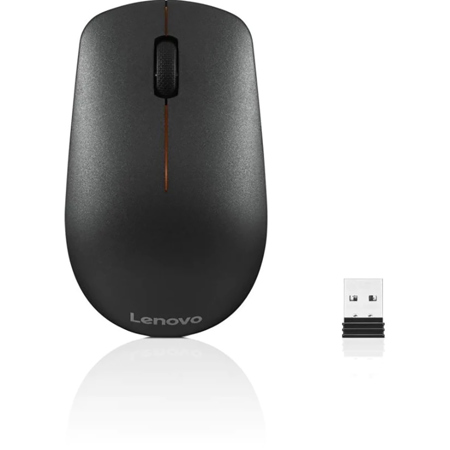
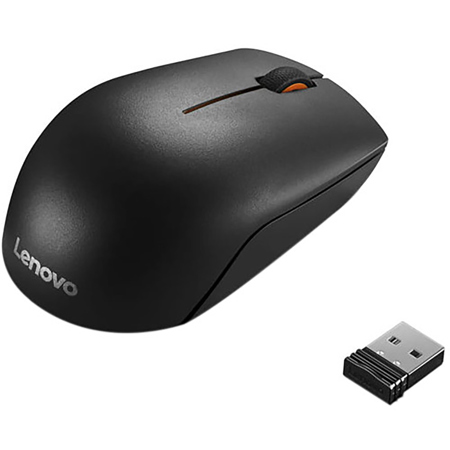
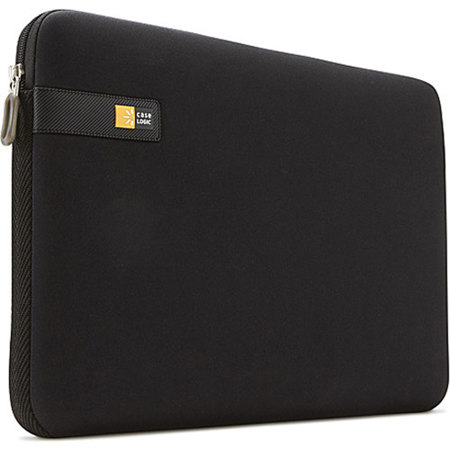
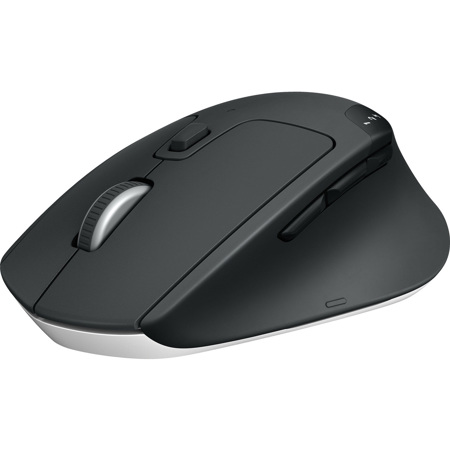
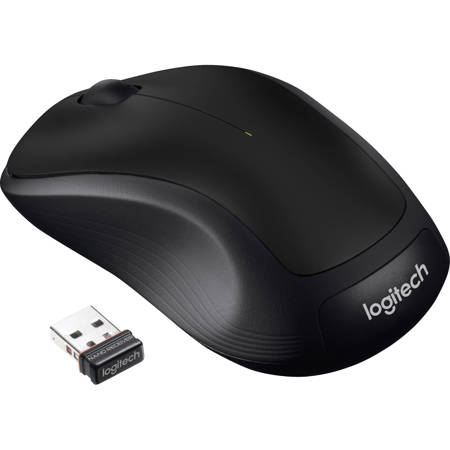
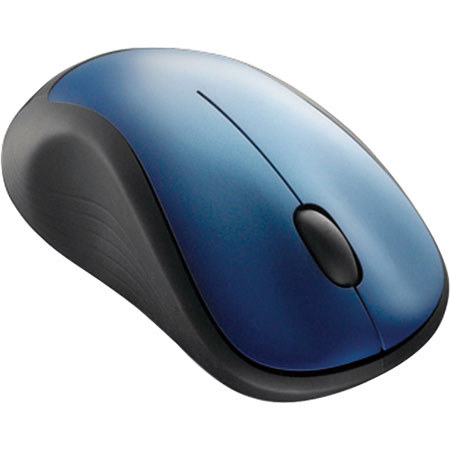
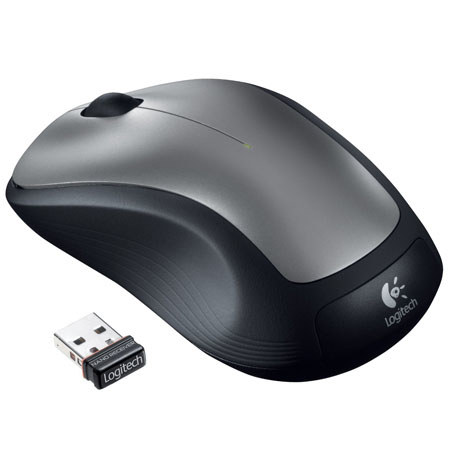
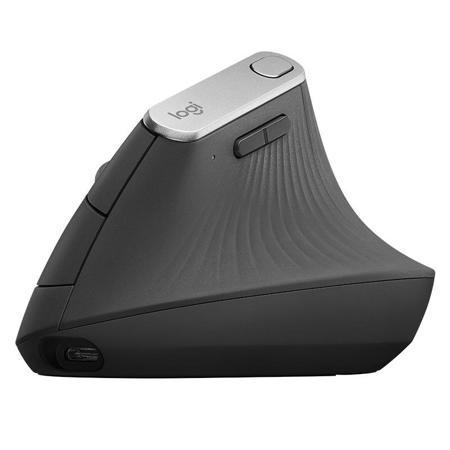
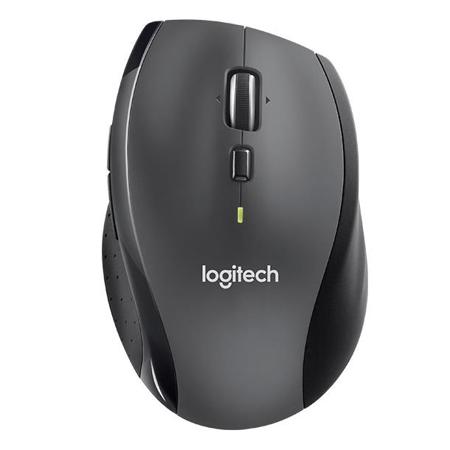
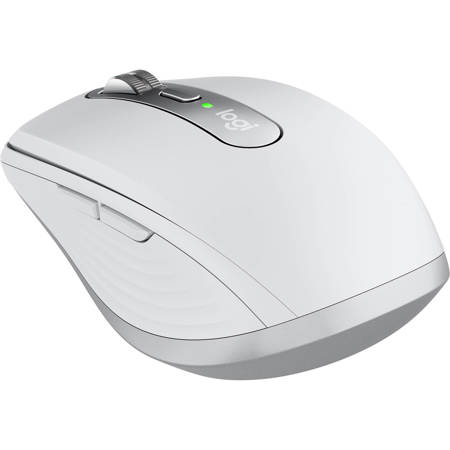
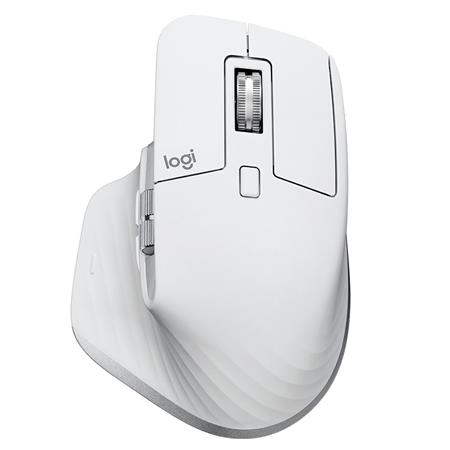
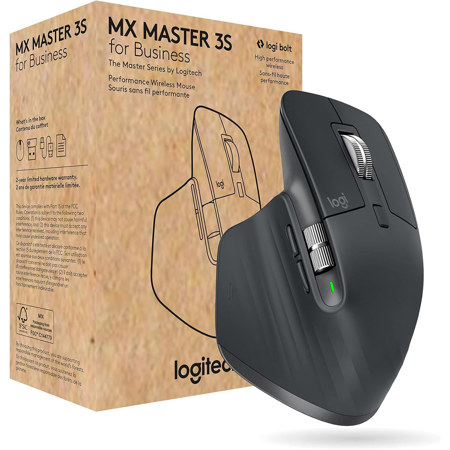
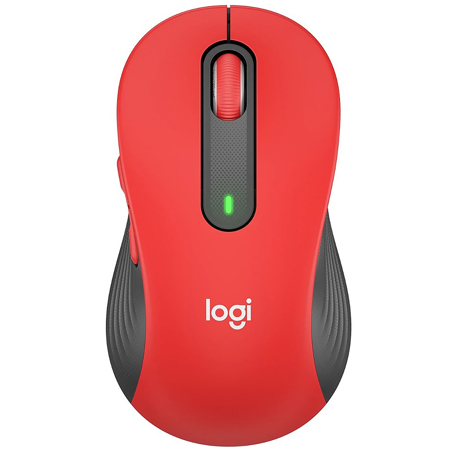
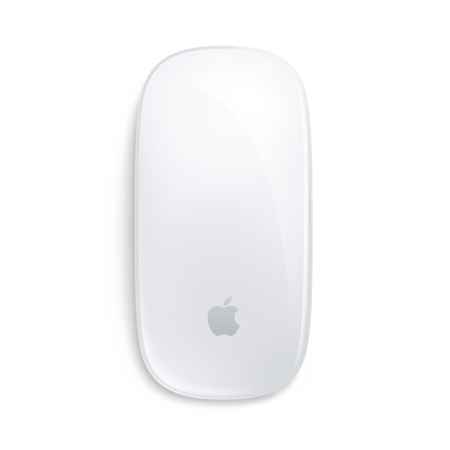
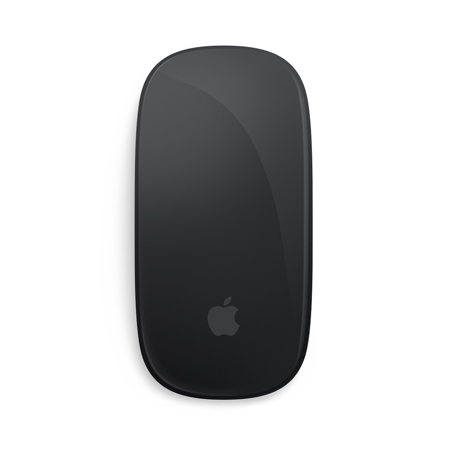
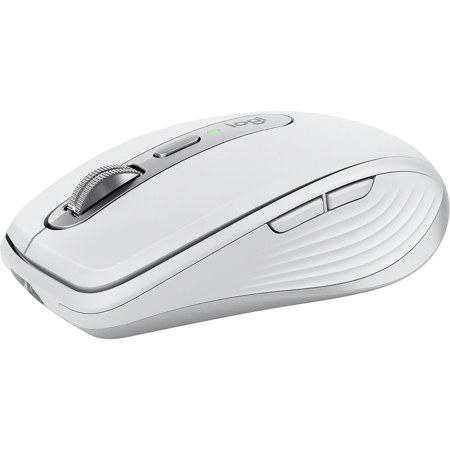
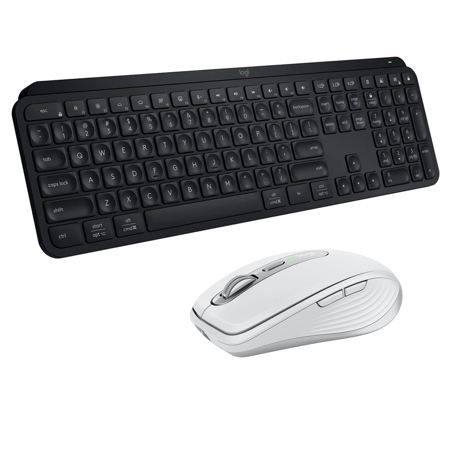
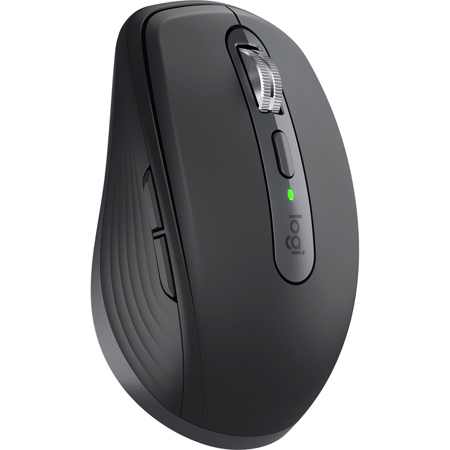
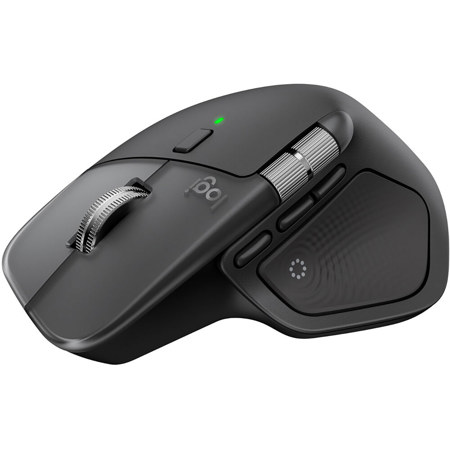
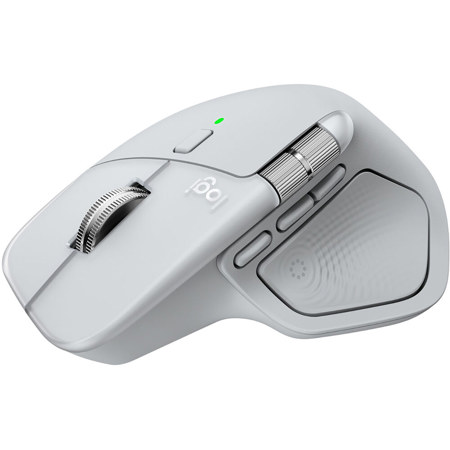
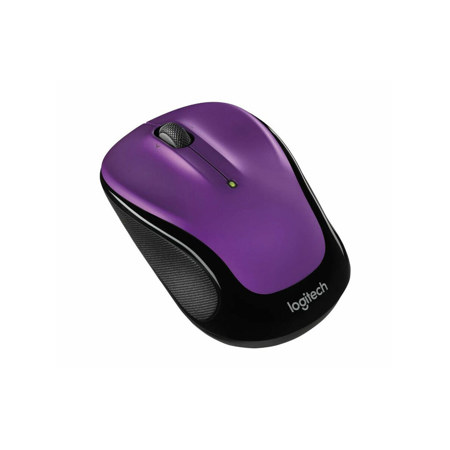
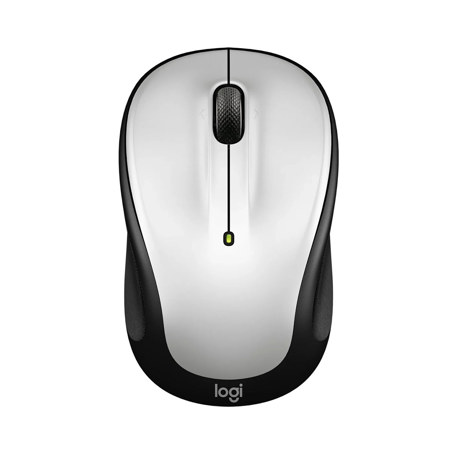
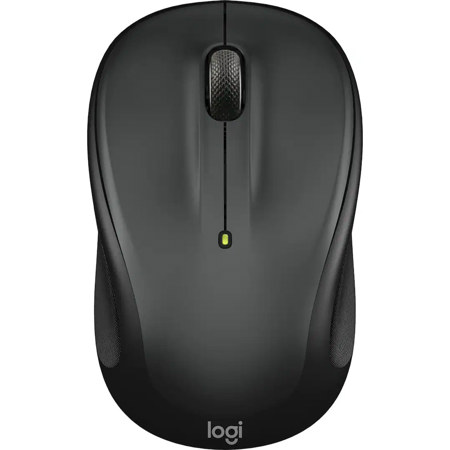
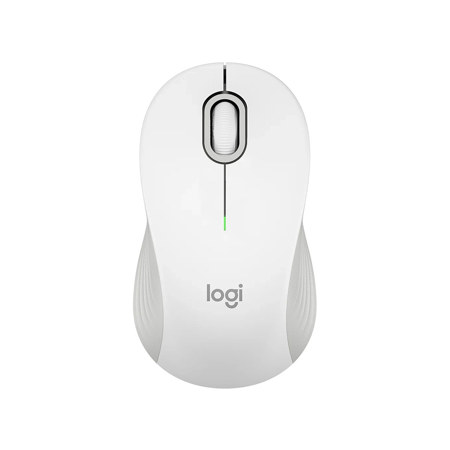
When searching for the ideal macbook air mouse, it’s important to consider how your workflow, environment, and personal preferences shape your experience. For students and professionals alike, a reliable mouse for macbook air can transform productivity, especially when juggling research, creative projects, or remote meetings. Many users appreciate the freedom and flexibility of a wireless mouse for macbook air, which pairs seamlessly over Bluetooth and eliminates clutter from cords. Whether you’re working in a bustling coffee shop, a quiet library, or at your kitchen table as the days grow longer and the weather warms, the right mouse can make navigation and multitasking feel effortless. For those who travel frequently, compact mice slip easily into a laptop sleeve or backpack, making them perfect companions for summer road trips, study sessions in the park, or collaborative work in co-working spaces. Ergonomic designs are particularly valuable if you spend hours editing photos, coding, or designing graphics, as they help reduce wrist fatigue and keep you comfortable through long stretches at the desk.
A macbook air mouse is also a thoughtful gift for graduates, remote workers, or anyone upgrading their tech setup. As the academic year winds down and new opportunities arise, gifting a macbook 12 air mouse can be both practical and personal—something that supports productivity and brings a bit of style to everyday routines. Many modern mice are designed with macOS in mind, supporting intuitive gestures like swiping between desktops or smooth, precise scrolling through lengthy documents and creative timelines. For those who value aesthetics, there are options that echo the sleek lines and finishes of Apple laptops, creating a coordinated look on any workspace. Meanwhile, power users and creative professionals often seek advanced features such as programmable buttons, high-precision sensors, or multi-device connectivity, which allow for seamless transitions between a MacBook Air, a desktop monitor, or even a tablet. As hybrid work and flexible schedules become more common, having a versatile mouse that travels easily and adapts to different surfaces—whether a glass table at home or a picnic bench outdoors—can be a game changer.
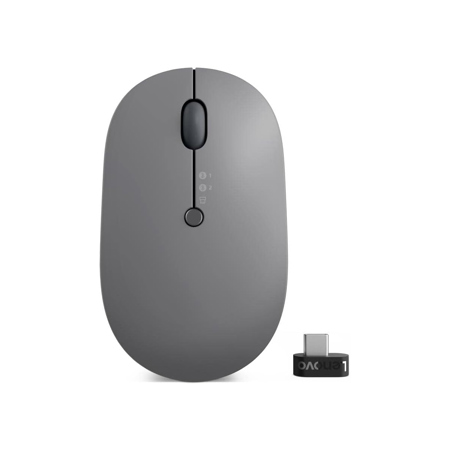
When choosing a wireless mouse for macbook air, consider practical details such as battery life, charging methods, and connectivity. With the MacBook Air’s reliance on USB-C and Thunderbolt ports, Bluetooth mice are especially convenient, saving you the hassle of extra dongles or adapters. Some users prefer mice that can be used while charging via a front-facing USB-C port, ensuring uninterrupted workflow during busy days. If your workspace often includes external monitors or projectors, it’s worth exploring accessories like the Macbook Air HDMI Adapter to expand your connectivity options. Ultimately, the right macbook air mouse brings together comfort, performance, and portability—making it an essential tool whether you’re editing photos under the summer sun, preparing presentations during the back-to-school season, or simply enjoying a more efficient digital experience at home.
A macbook air mouse is also a thoughtful gift for graduates, remote workers, or anyone upgrading their tech setup. As the academic year winds down and new opportunities arise, gifting a macbook 12 air mouse can be both practical and personal—something that supports productivity and brings a bit of style to everyday routines. Many modern mice are designed with macOS in mind, supporting intuitive gestures like swiping between desktops or smooth, precise scrolling through lengthy documents and creative timelines. For those who value aesthetics, there are options that echo the sleek lines and finishes of Apple laptops, creating a coordinated look on any workspace. Meanwhile, power users and creative professionals often seek advanced features such as programmable buttons, high-precision sensors, or multi-device connectivity, which allow for seamless transitions between a MacBook Air, a desktop monitor, or even a tablet. As hybrid work and flexible schedules become more common, having a versatile mouse that travels easily and adapts to different surfaces—whether a glass table at home or a picnic bench outdoors—can be a game changer.
When choosing a wireless mouse for macbook air, consider practical details such as battery life, charging methods, and connectivity. With the MacBook Air’s reliance on USB-C and Thunderbolt ports, Bluetooth mice are especially convenient, saving you the hassle of extra dongles or adapters. Some users prefer mice that can be used while charging via a front-facing USB-C port, ensuring uninterrupted workflow during busy days. If your workspace often includes external monitors or projectors, it’s worth exploring accessories like the Macbook Air HDMI Adapter to expand your connectivity options. Ultimately, the right macbook air mouse brings together comfort, performance, and portability—making it an essential tool whether you’re editing photos under the summer sun, preparing presentations during the back-to-school season, or simply enjoying a more efficient digital experience at home.