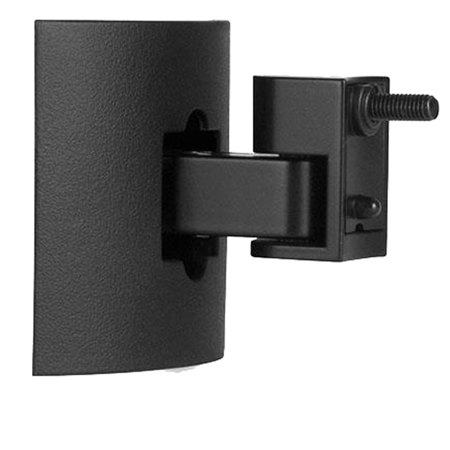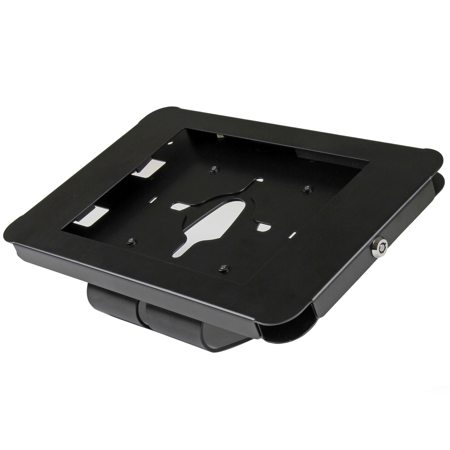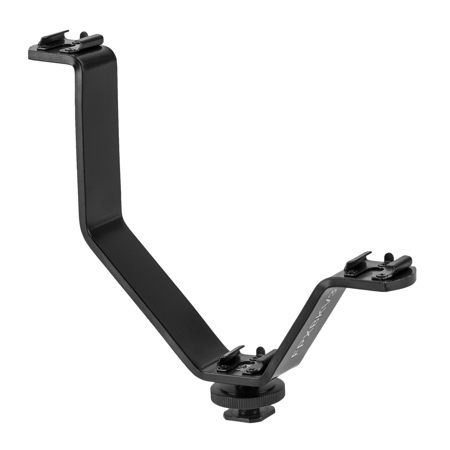
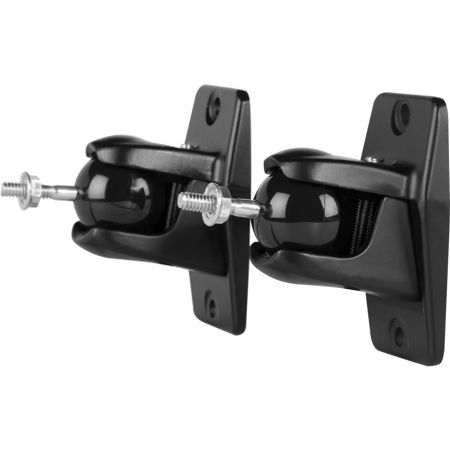
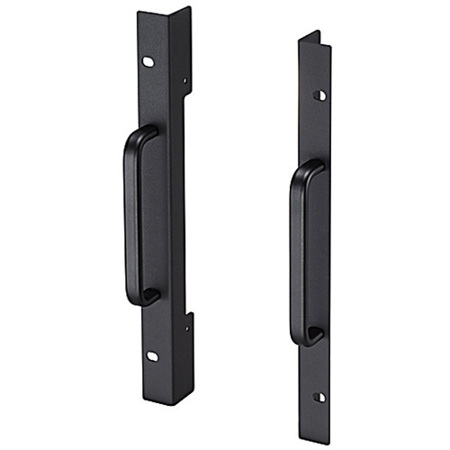
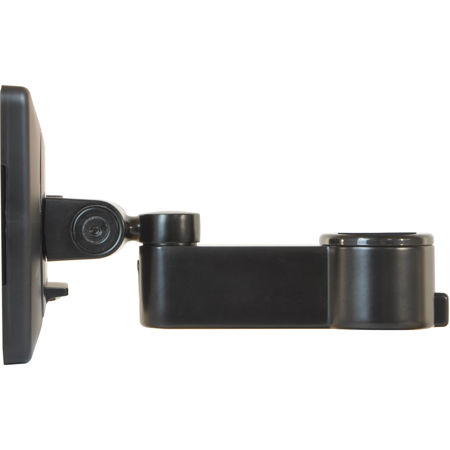
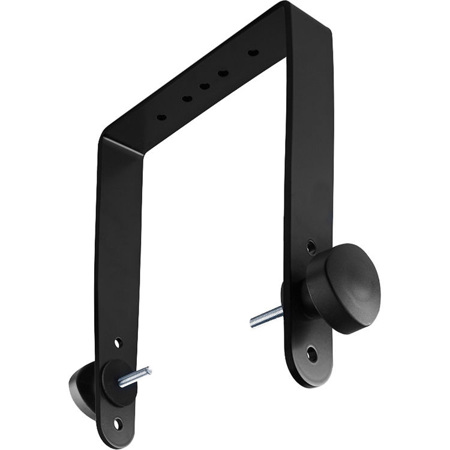
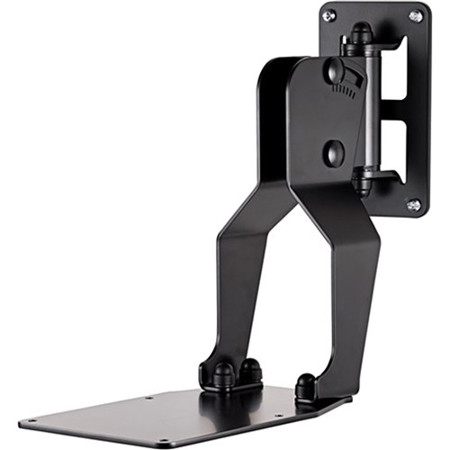
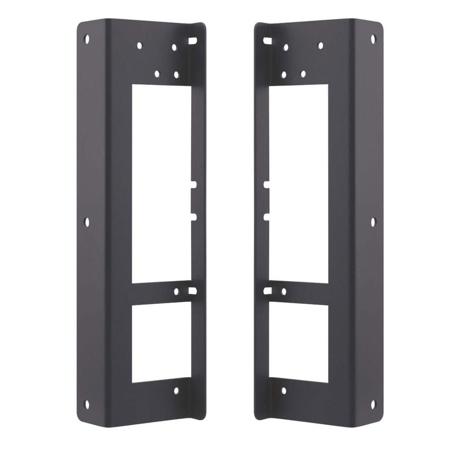
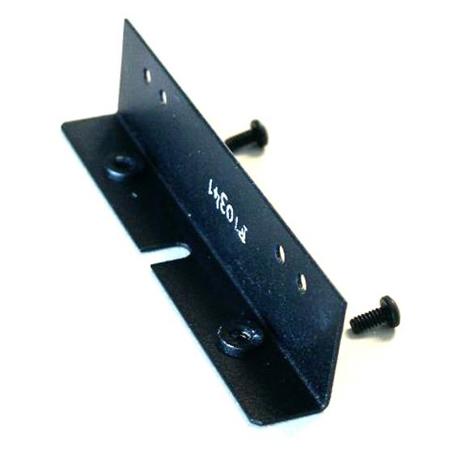
Monitor Mounting Brackets
Whether you’re setting up a home office, outfitting a creative studio, or looking to streamline your gaming battlestation, monitor mounting brackets provide a practical solution for maximizing both space and comfort. These versatile hardware accessories, often called monitor arms or mounts, are designed to elevate your screens above the desktop, creating a cleaner, more organized workspace while improving ergonomics. As the weather transitions from the warmth of summer to the crispness of fall, many people find themselves rethinking their work or play environments—whether to boost productivity, reduce clutter, or simply refresh their setup. Monitor mounting brackets are especially valuable for anyone spending long hours in front of a screen, from remote workers and content creators to students and gamers. They also make thoughtful gifts for tech enthusiasts or anyone who appreciates a tidy, efficient workspace—perfect for back-to-school season or as a practical present for a friend who’s just moved into a new apartment or started a new job.
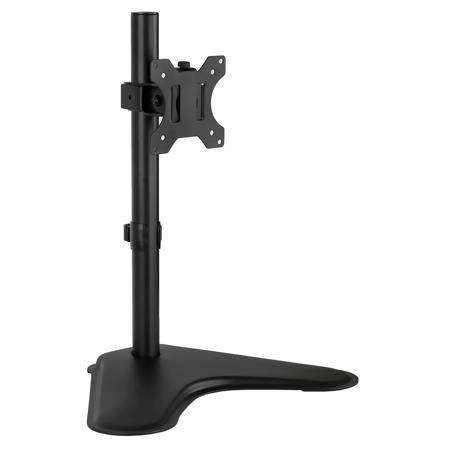
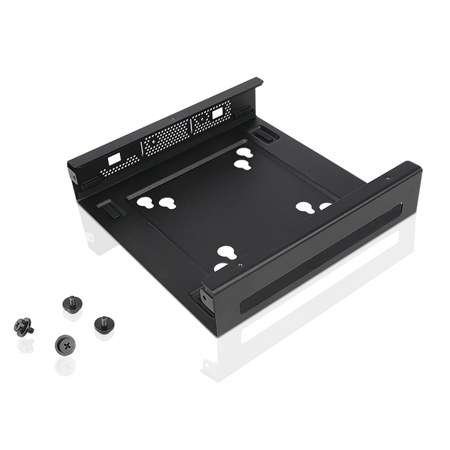
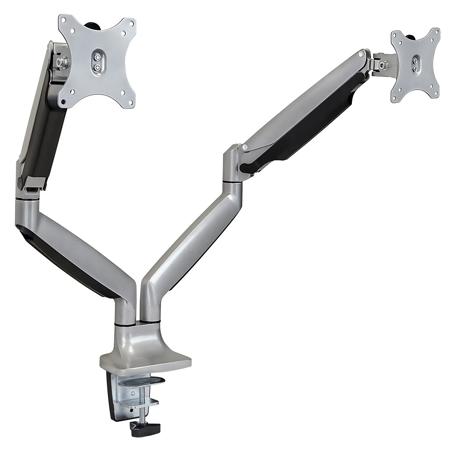
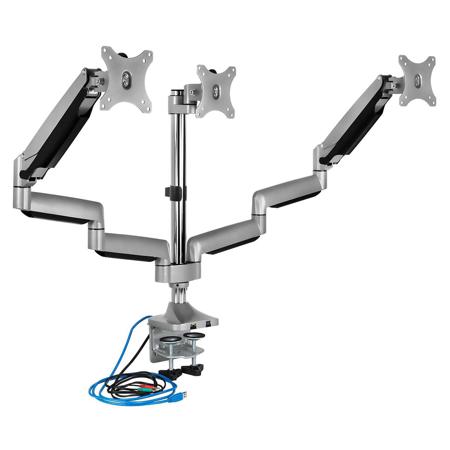
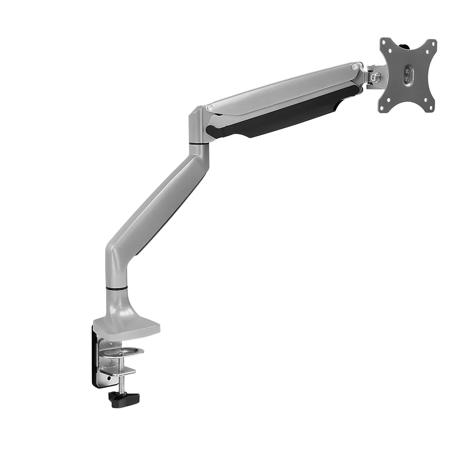
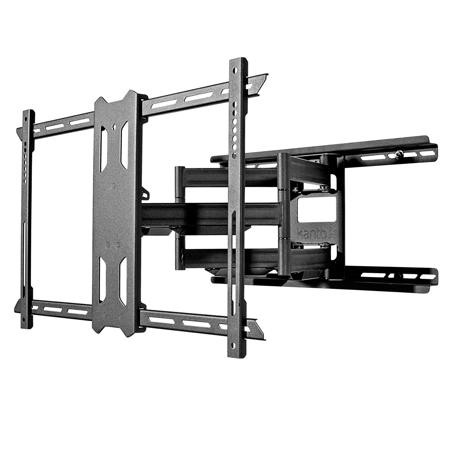
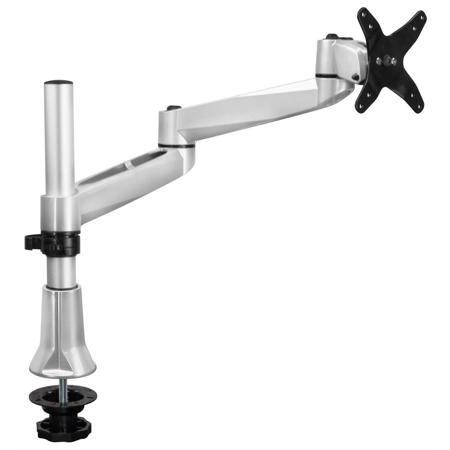
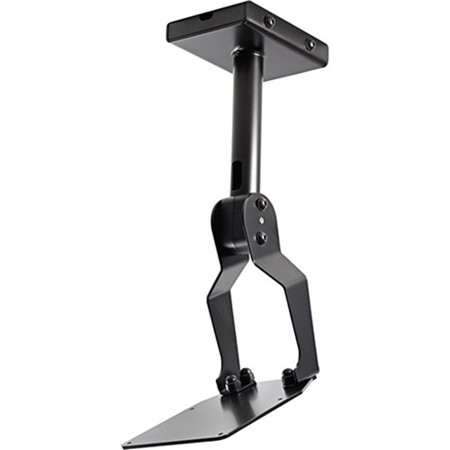
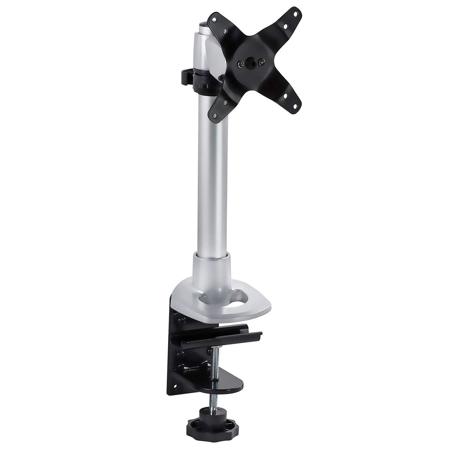
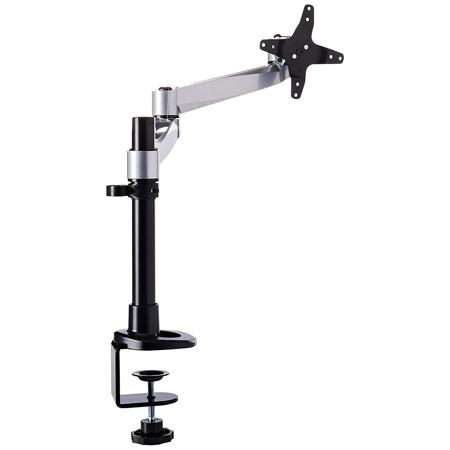
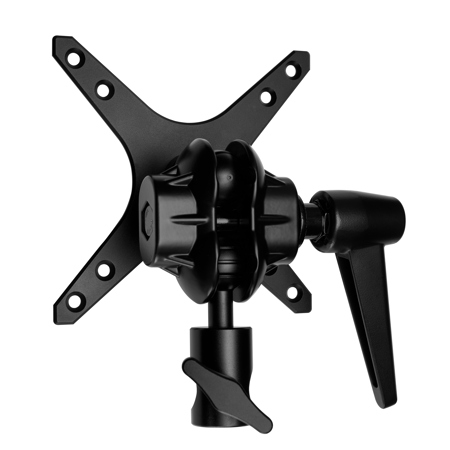
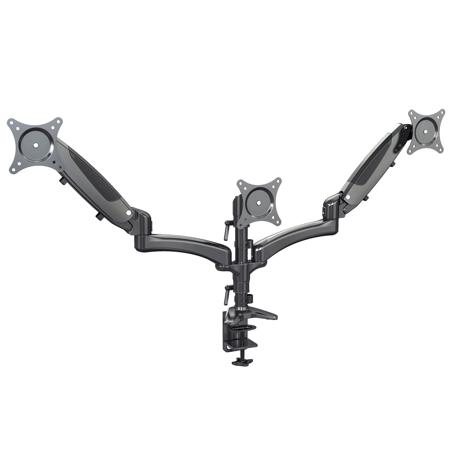
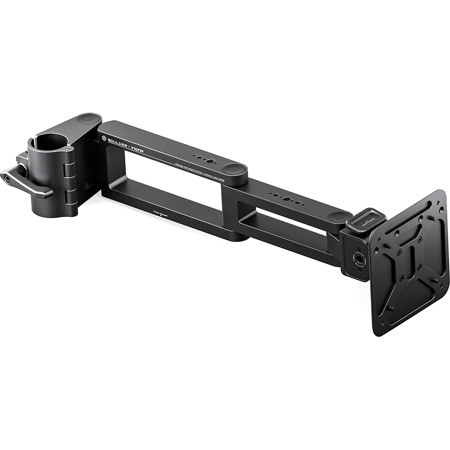
Choosing the right monitor mounting bracket involves a few important considerations to ensure compatibility and long-term satisfaction. Most modern monitors and brackets use the VESA standard, which refers to the four mounting holes on the back of your screen, typically spaced at either 75 × 75 mm or 100 × 100 mm. It’s always wise to double-check your monitor’s VESA pattern and weight before selecting a bracket, as well as the thickness and durability of your desk or wall for mounting. Desk mounts are popular for their simplicity, with C-clamp models attaching securely to the desk edge and grommet mounts offering a sleeker, more integrated look by utilizing pre-drilled holes. Wall mounts, on the other hand, are ideal for setups where desk space is limited or for creating a standing workstation that minimizes screen bounce. For those working with multiple displays, dual or triple monitor arms can transform your workflow, allowing for seamless multitasking and easy adjustment of each screen’s height, tilt, and orientation. Heavy-duty options exist for ultrawide or curved monitors, while non-VESA adapters can convert monitors lacking standard mounting holes, making almost any screen adaptable to your preferred setup.
Monitor mounting brackets come in a range of styles and price points, from budget-friendly steel models with manual adjustments to advanced gas-spring arms that glide smoothly with a gentle touch. Investing in a quality mount can make a noticeable difference in day-to-day comfort, helping to reduce neck and eye strain by positioning your screen at the optimal height and angle. As routines shift with the seasons—whether you’re catching up on work during a summer afternoon or diving into creative projects on a chilly fall evening—a well-chosen mounting bracket keeps your workspace flexible and clutter-free. For a comprehensive look at the types of brackets available and to find the perfect fit for your needs, explore the full selection of Mounting Brackets and discover how a simple upgrade can transform your digital environment.
Choosing the right monitor mounting bracket involves a few important considerations to ensure compatibility and long-term satisfaction. Most modern monitors and brackets use the VESA standard, which refers to the four mounting holes on the back of your screen, typically spaced at either 75 × 75 mm or 100 × 100 mm. It’s always wise to double-check your monitor’s VESA pattern and weight before selecting a bracket, as well as the thickness and durability of your desk or wall for mounting. Desk mounts are popular for their simplicity, with C-clamp models attaching securely to the desk edge and grommet mounts offering a sleeker, more integrated look by utilizing pre-drilled holes. Wall mounts, on the other hand, are ideal for setups where desk space is limited or for creating a standing workstation that minimizes screen bounce. For those working with multiple displays, dual or triple monitor arms can transform your workflow, allowing for seamless multitasking and easy adjustment of each screen’s height, tilt, and orientation. Heavy-duty options exist for ultrawide or curved monitors, while non-VESA adapters can convert monitors lacking standard mounting holes, making almost any screen adaptable to your preferred setup.
Monitor mounting brackets come in a range of styles and price points, from budget-friendly steel models with manual adjustments to advanced gas-spring arms that glide smoothly with a gentle touch. Investing in a quality mount can make a noticeable difference in day-to-day comfort, helping to reduce neck and eye strain by positioning your screen at the optimal height and angle. As routines shift with the seasons—whether you’re catching up on work during a summer afternoon or diving into creative projects on a chilly fall evening—a well-chosen mounting bracket keeps your workspace flexible and clutter-free. For a comprehensive look at the types of brackets available and to find the perfect fit for your needs, explore the full selection of Mounting Brackets and discover how a simple upgrade can transform your digital environment.