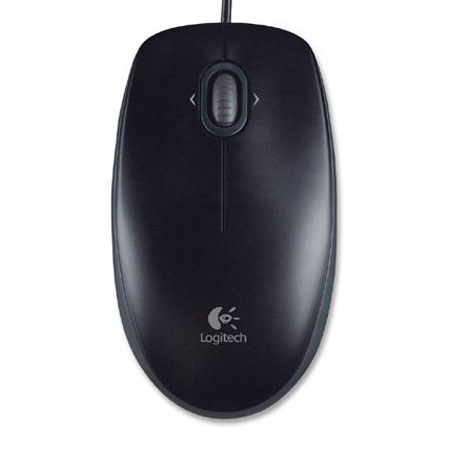
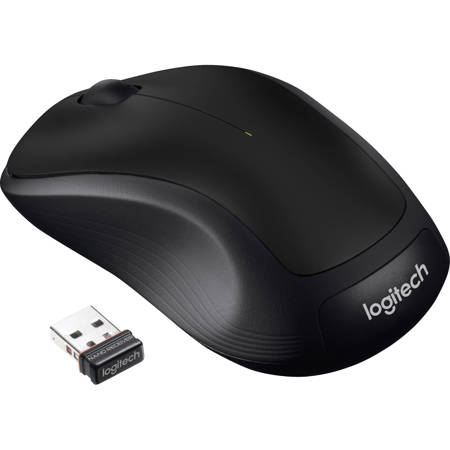
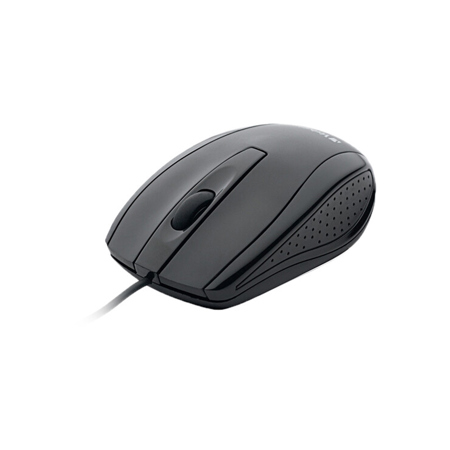
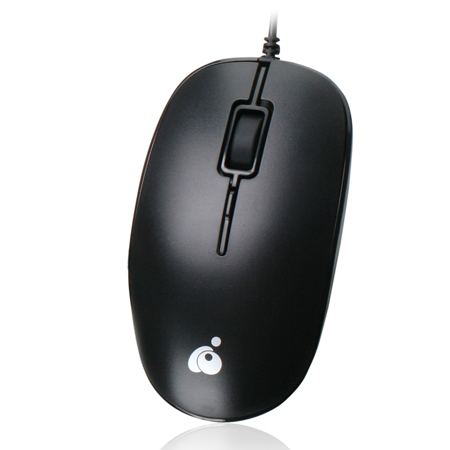

Optical Mice
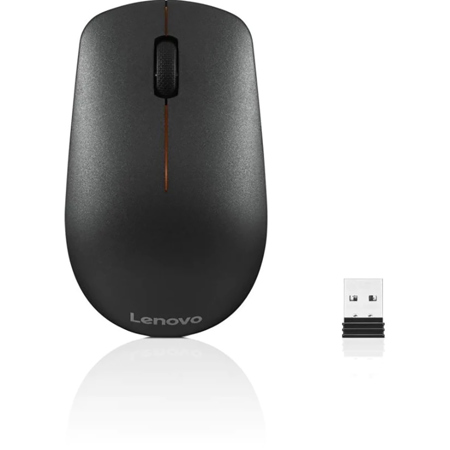
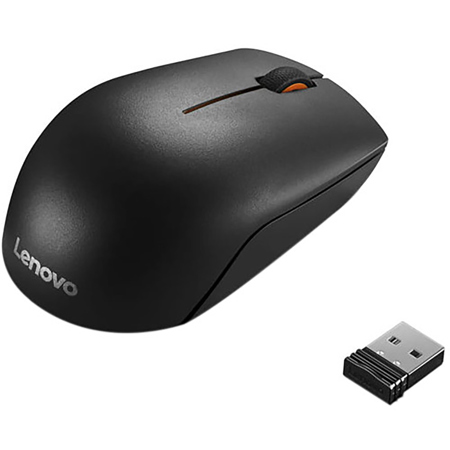
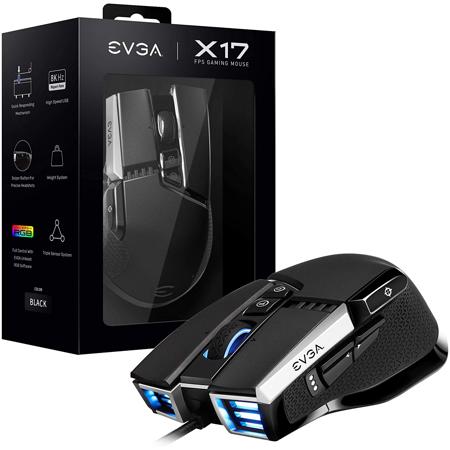
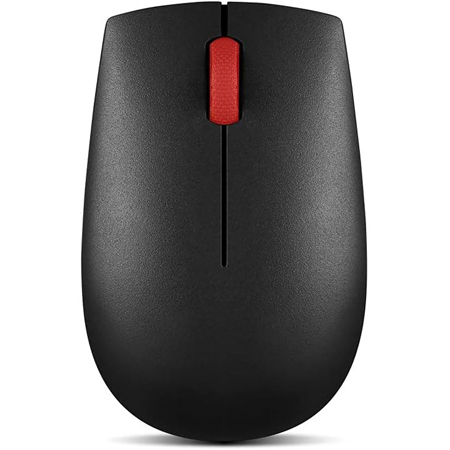
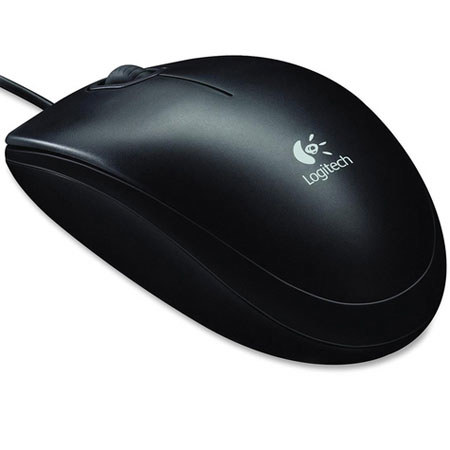
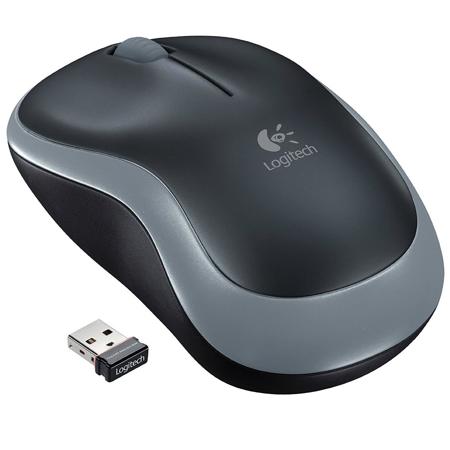
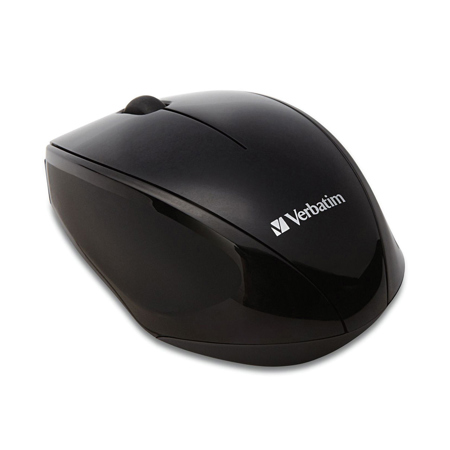
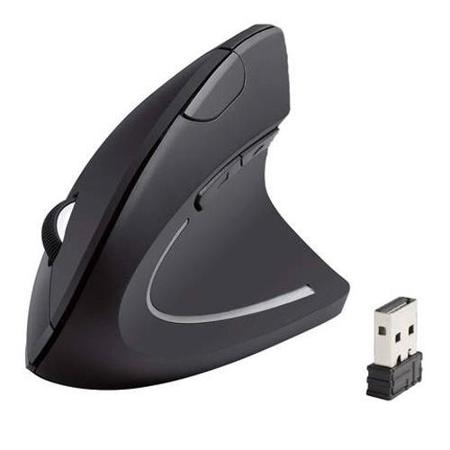
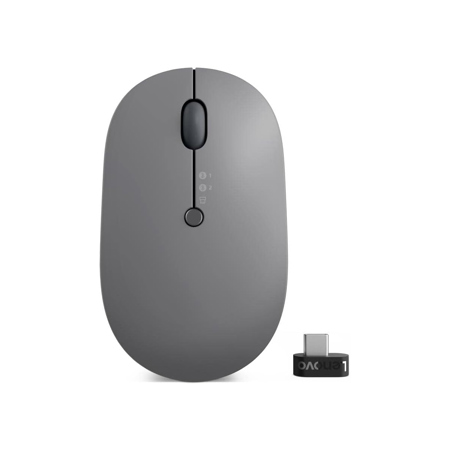
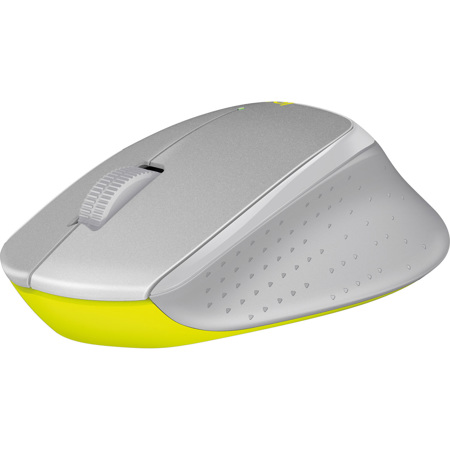
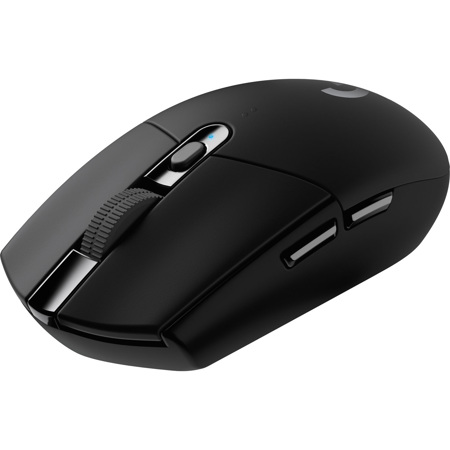
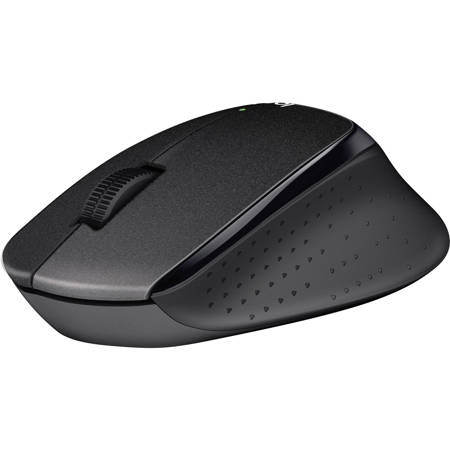
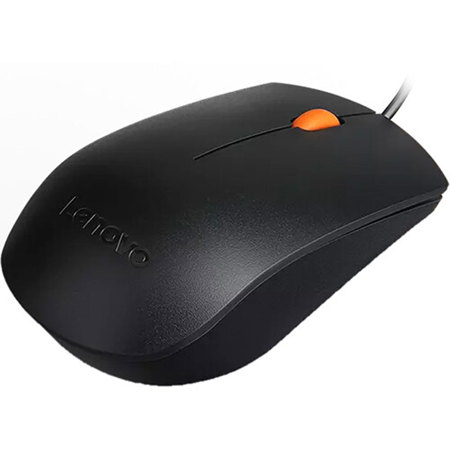
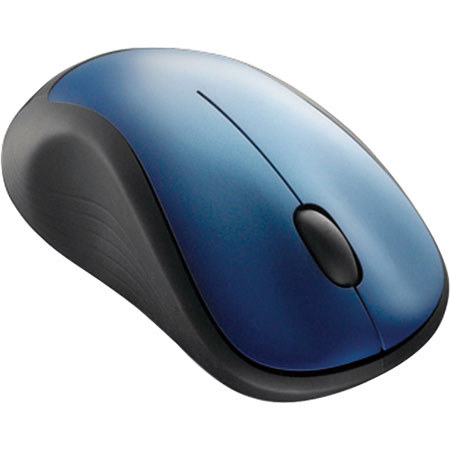
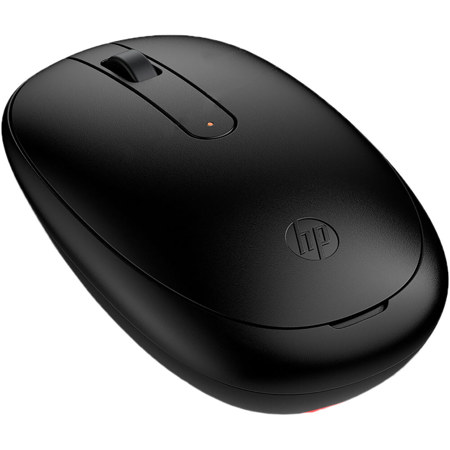
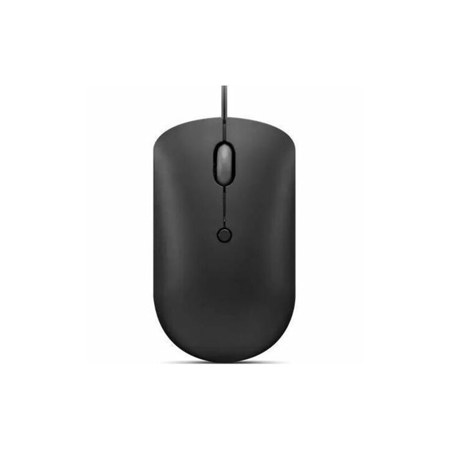
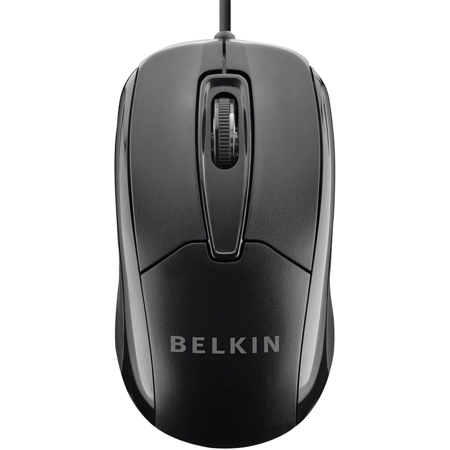
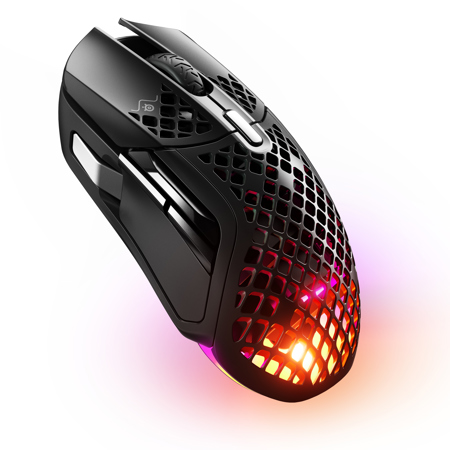
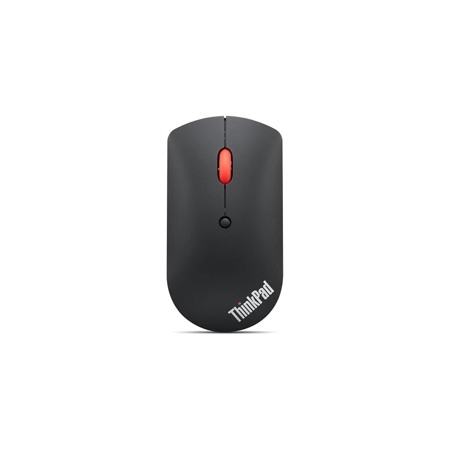
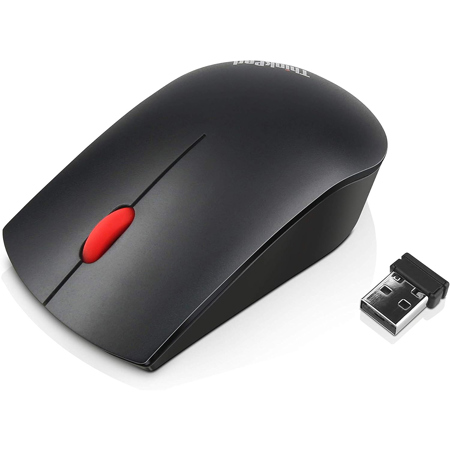
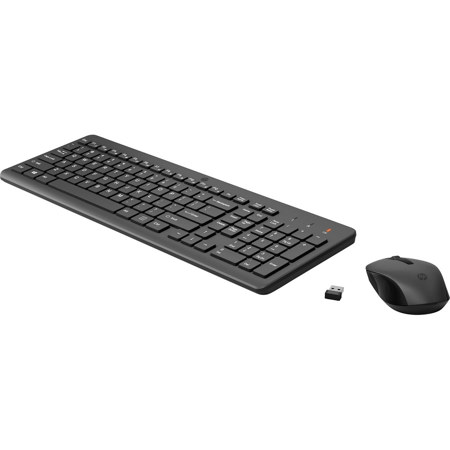
Optical mice have become the standard for computer users seeking fast, accurate, and low-maintenance cursor control, whether for work, creative projects, or gaming marathons as the days grow longer and routines shift. Utilizing advanced LED or laser sensors, an optical mouse captures thousands of images per second to translate even the subtlest hand movement into precise on-screen navigation. This technology, which completely replaced the older trackball and opto mechanical mouse designs, offers a smooth, uninterrupted user experience free from the dust and debris issues that plagued mechanical models. The result is a device that is not only reliable and durable, but also remarkably responsive—qualities highly valued in both everyday office environments and demanding competitive gaming setups. For those who spend hours editing photos, designing graphics, or managing spreadsheets, the high precision and ergonomic comfort of a modern optical mouse can make a noticeable difference in productivity and ease of use. Lightweight models, sometimes weighing as little as 55 grams, are especially appreciated during long sessions, reducing fatigue and allowing for effortless movement across the desk.
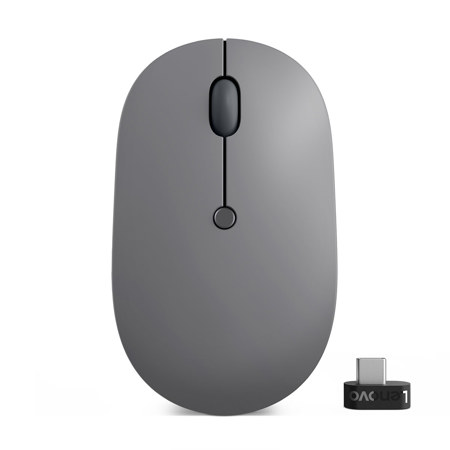
When considering an optical mouse, there are several factors to weigh that can help match the device to the user’s specific needs. Gamers and creative professionals often look for mice with adjustable DPI (dots per inch) settings, allowing them to fine-tune sensitivity for everything from fast-paced action to pixel-perfect editing. Durability is another key consideration, especially for those who rely on their mouse for intensive daily use; optical switches in modern mice are rated for millions of clicks, ensuring longevity even under heavy workloads. Wireless options offer the freedom to work or play without cable clutter, and recent advances mean battery life can now stretch for days or even weeks on a single charge. However, it’s worth noting that surface compatibility can vary—while many optical mice perform well on most standard desktops, highly reflective or transparent surfaces may require a specialized sensor or a mouse pad for optimal tracking. As homes, dorm rooms, and offices are rearranged for summer projects or back-to-school preparations, it’s a good time to consider how a new optical mouse might fit into a refreshed workspace or make a thoughtful gift for a student, remote worker, or tech enthusiast. With their blend of convenience, performance, and reliability, optical mice are a practical upgrade for anyone looking to streamline their digital experience.
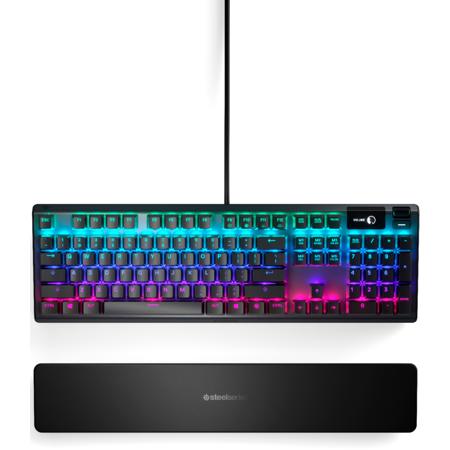
For those interested in building a complete setup that maximizes speed and responsiveness, pairing an optical mouse with compatible peripherals can make a world of difference. Many users find that combining an optical mouse with an advanced keyboard—such as those found in our curated selection of Optical Mechanical Keyboards—creates a seamless workflow, whether for gaming, content creation, or everyday multitasking. As technology continues to evolve, the optical mouse remains a cornerstone of efficient computer interaction, offering the precision and reliability needed to keep up with both work and play throughout the changing seasons.
When considering an optical mouse, there are several factors to weigh that can help match the device to the user’s specific needs. Gamers and creative professionals often look for mice with adjustable DPI (dots per inch) settings, allowing them to fine-tune sensitivity for everything from fast-paced action to pixel-perfect editing. Durability is another key consideration, especially for those who rely on their mouse for intensive daily use; optical switches in modern mice are rated for millions of clicks, ensuring longevity even under heavy workloads. Wireless options offer the freedom to work or play without cable clutter, and recent advances mean battery life can now stretch for days or even weeks on a single charge. However, it’s worth noting that surface compatibility can vary—while many optical mice perform well on most standard desktops, highly reflective or transparent surfaces may require a specialized sensor or a mouse pad for optimal tracking. As homes, dorm rooms, and offices are rearranged for summer projects or back-to-school preparations, it’s a good time to consider how a new optical mouse might fit into a refreshed workspace or make a thoughtful gift for a student, remote worker, or tech enthusiast. With their blend of convenience, performance, and reliability, optical mice are a practical upgrade for anyone looking to streamline their digital experience.
For those interested in building a complete setup that maximizes speed and responsiveness, pairing an optical mouse with compatible peripherals can make a world of difference. Many users find that combining an optical mouse with an advanced keyboard—such as those found in our curated selection of Optical Mechanical Keyboards—creates a seamless workflow, whether for gaming, content creation, or everyday multitasking. As technology continues to evolve, the optical mouse remains a cornerstone of efficient computer interaction, offering the precision and reliability needed to keep up with both work and play throughout the changing seasons.