Portable Monitors For Surface Pro
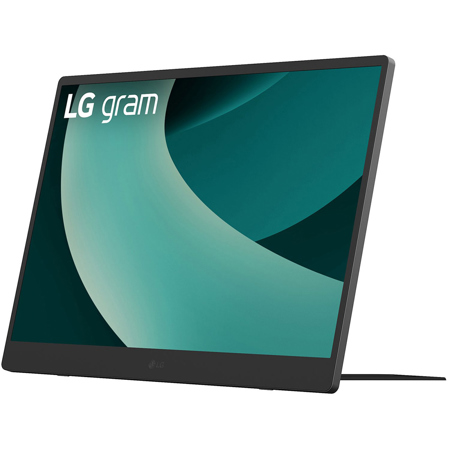
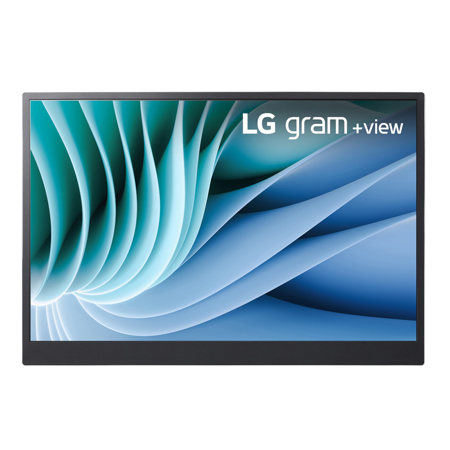
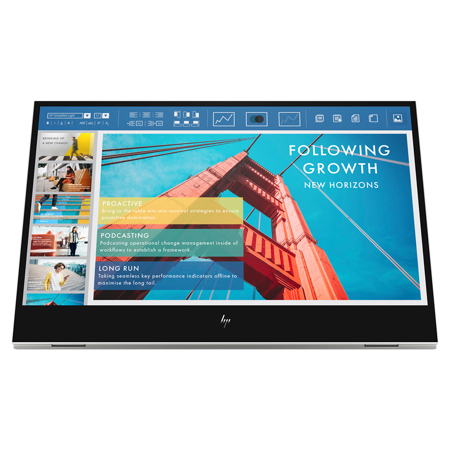
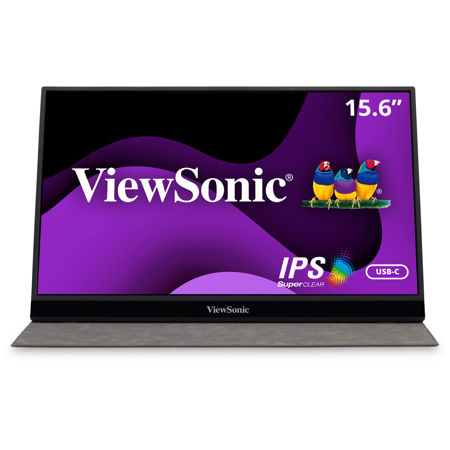
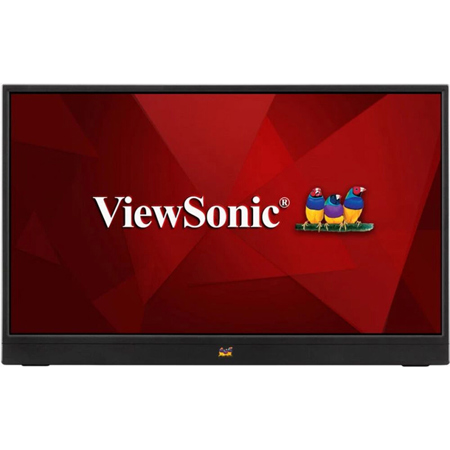
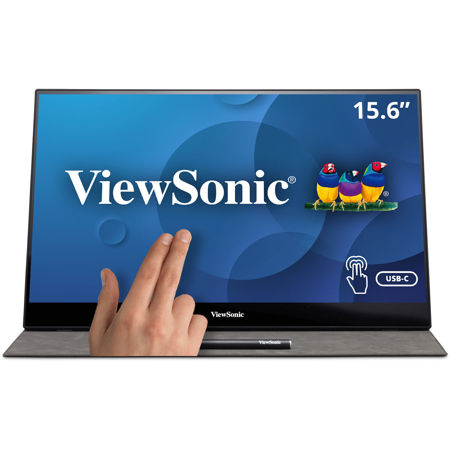
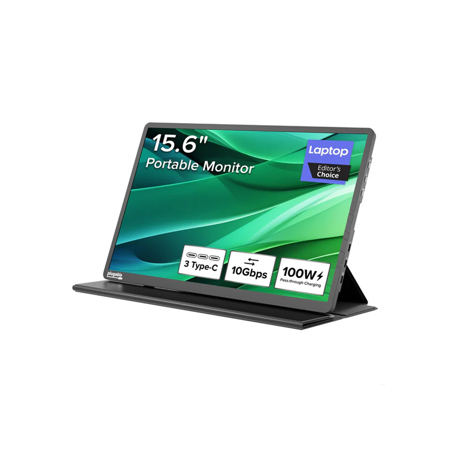
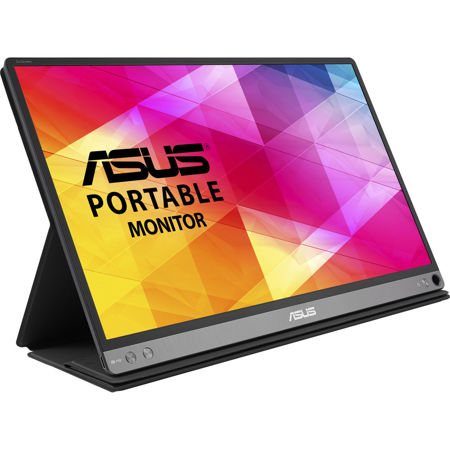
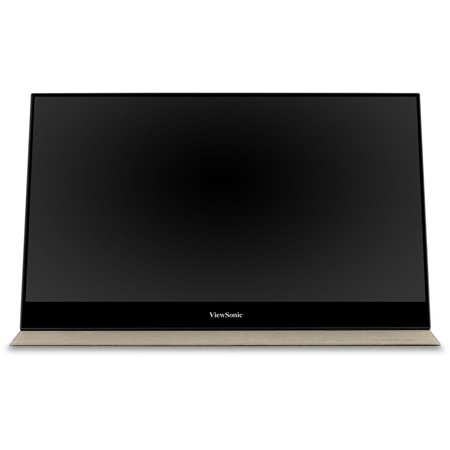
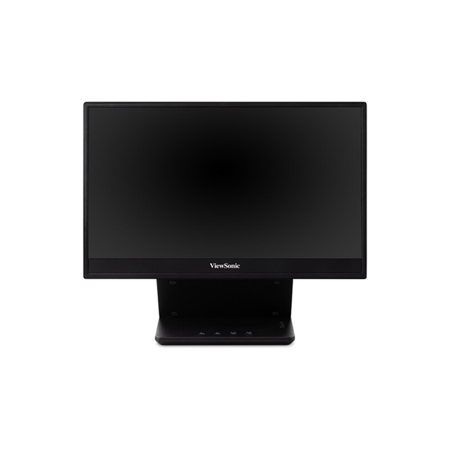
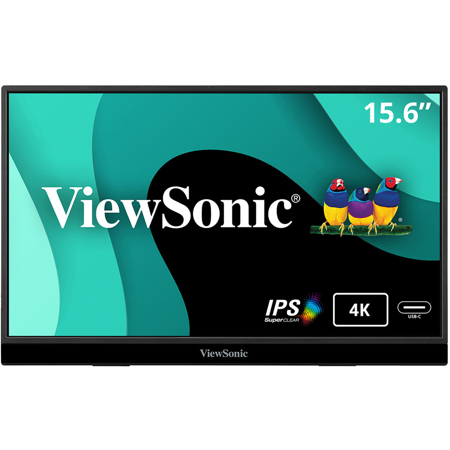
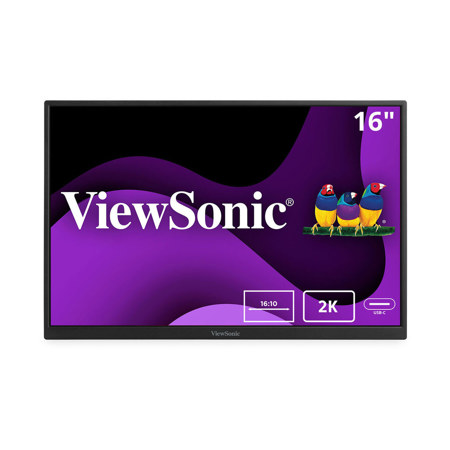
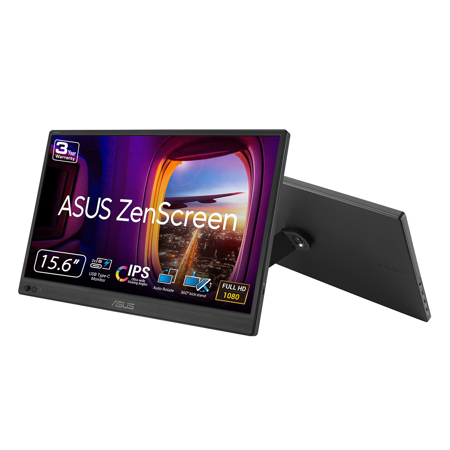
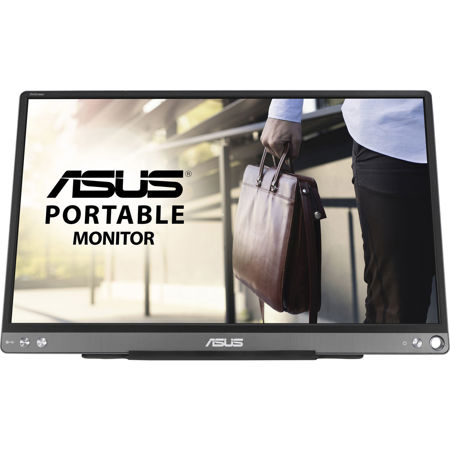
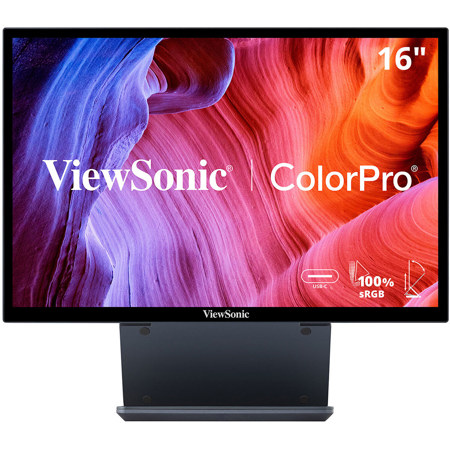
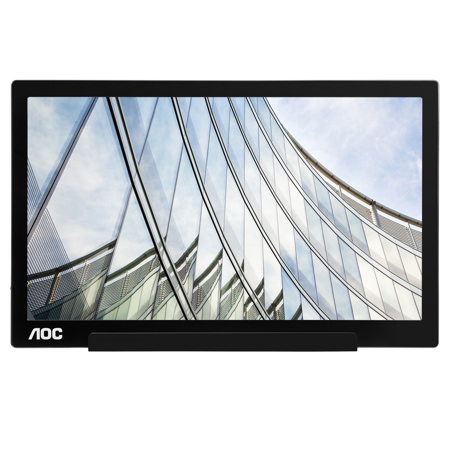
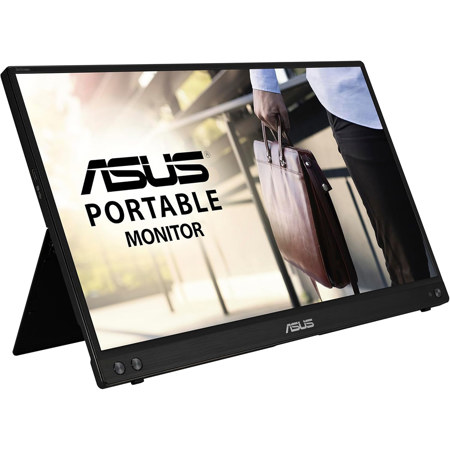
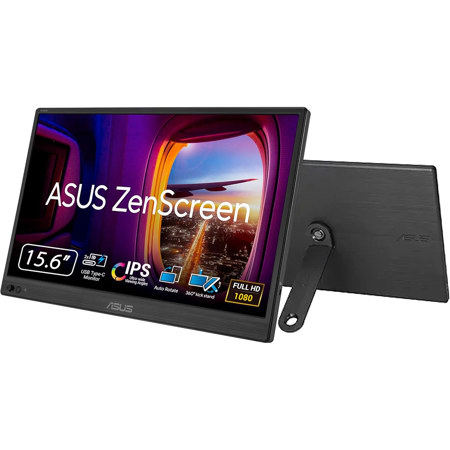
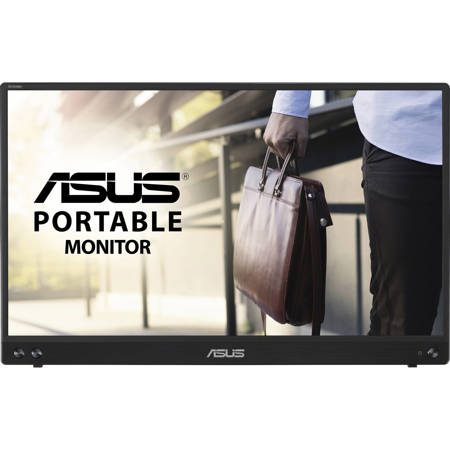
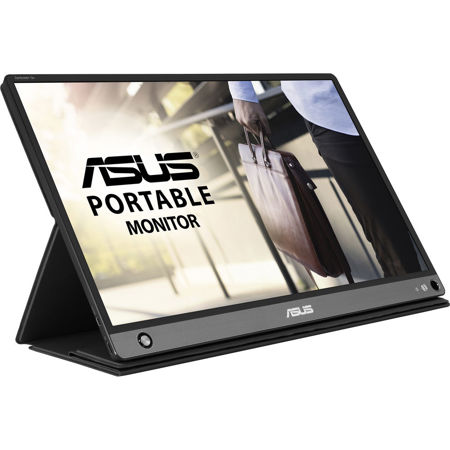
As the days grow longer and work, study, and travel plans pick up, many professionals and students are seeking flexible solutions to expand their digital workspace. Portable monitors for Surface Pro devices have become a popular choice for those who need a second screen without sacrificing mobility or style. Whether you’re a creative professional editing photos in a sunlit café, a business traveler reviewing spreadsheets in an airport lounge, or a student collaborating on group projects between classes, a portable monitor can transform the way you use your Surface Pro. These slim, lightweight displays are engineered to match the Surface Pro’s high-resolution clarity, ensuring vibrant visuals and seamless multitasking wherever you go. Features like single-cable USB-C connectivity make setup effortless, reducing clutter and streamlining your workflow. Many models include built-in adjustable kickstands or folio cases, echoing the Surface Pro’s own design and making it easy to set up your workstation on any flat surface—whether that’s a picnic table at a park or a hotel desk during a summer conference.
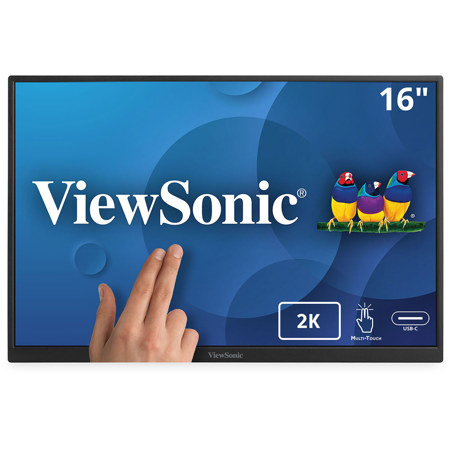
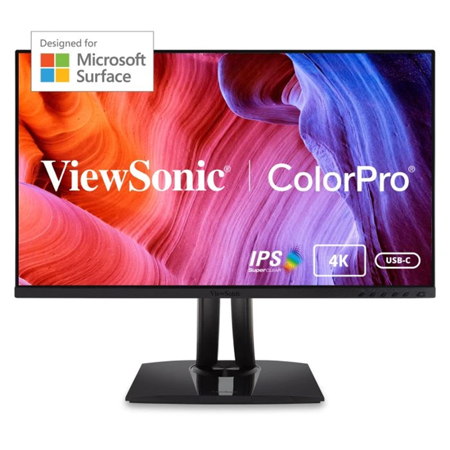
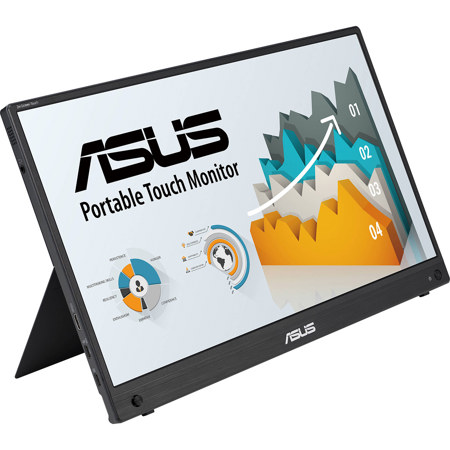
When choosing a monitor for Surface Pro, it’s important to consider how and where you’ll use it. For those who rely on color accuracy—graphic designers, video editors, and photographers—a display with a wide color gamut and high resolution ensures your work looks its best, even outside the studio. If you’re often on the move, look for ultra-thin, lightweight options that slip easily into a laptop bag or backpack. Touchscreen models are ideal for artists, designers, or anyone who enjoys the intuitive experience of drawing or annotating directly on the screen with a Surface Pen. For students or remote workers, a portable monitor can make all the difference during study sessions or virtual meetings, providing extra space for research, note-taking, or presentations. These monitors also make thoughtful gifts for graduates, digital nomads, or anyone adapting to a hybrid work lifestyle, offering both practicality and a touch of luxury. As the weather shifts from warm afternoons to crisp fall mornings, the versatility of a portable monitor lets you stay productive indoors or out, adapting to your routine and your environment.
No matter your needs, there’s a portable monitor that can elevate your Surface Pro experience. Prioritize features like USB-C with DisplayPort Alt Mode for simple, single-cable setups, and consider integrated kickstands or folio covers for stability and convenience. If you want to explore more options or compare standout features, visit our curated guide: Best Portable Monitors. With the right portable display, your Surface Pro becomes even more powerful—ready to keep pace with your creativity, productivity, and adventures all season long.
When choosing a monitor for Surface Pro, it’s important to consider how and where you’ll use it. For those who rely on color accuracy—graphic designers, video editors, and photographers—a display with a wide color gamut and high resolution ensures your work looks its best, even outside the studio. If you’re often on the move, look for ultra-thin, lightweight options that slip easily into a laptop bag or backpack. Touchscreen models are ideal for artists, designers, or anyone who enjoys the intuitive experience of drawing or annotating directly on the screen with a Surface Pen. For students or remote workers, a portable monitor can make all the difference during study sessions or virtual meetings, providing extra space for research, note-taking, or presentations. These monitors also make thoughtful gifts for graduates, digital nomads, or anyone adapting to a hybrid work lifestyle, offering both practicality and a touch of luxury. As the weather shifts from warm afternoons to crisp fall mornings, the versatility of a portable monitor lets you stay productive indoors or out, adapting to your routine and your environment.
No matter your needs, there’s a portable monitor that can elevate your Surface Pro experience. Prioritize features like USB-C with DisplayPort Alt Mode for simple, single-cable setups, and consider integrated kickstands or folio covers for stability and convenience. If you want to explore more options or compare standout features, visit our curated guide: Best Portable Monitors. With the right portable display, your Surface Pro becomes even more powerful—ready to keep pace with your creativity, productivity, and adventures all season long.