
Professional Video Editing Software
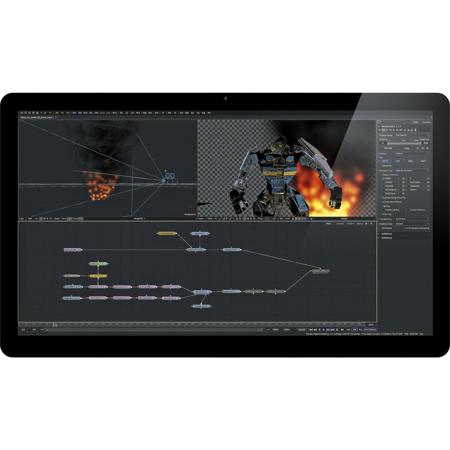
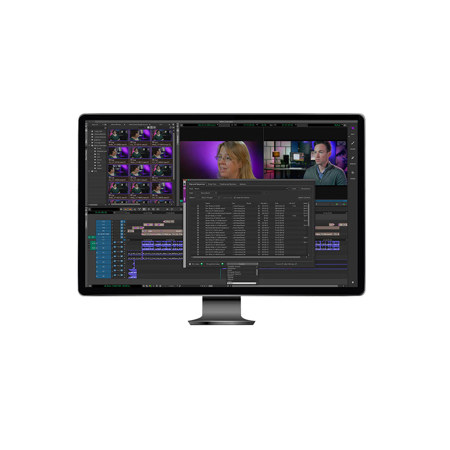
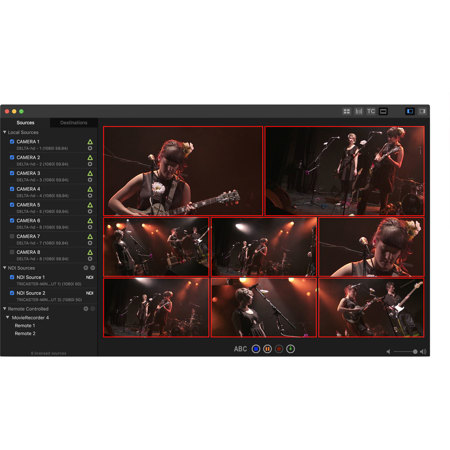
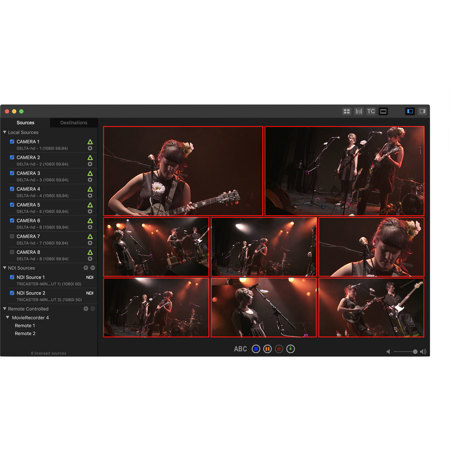
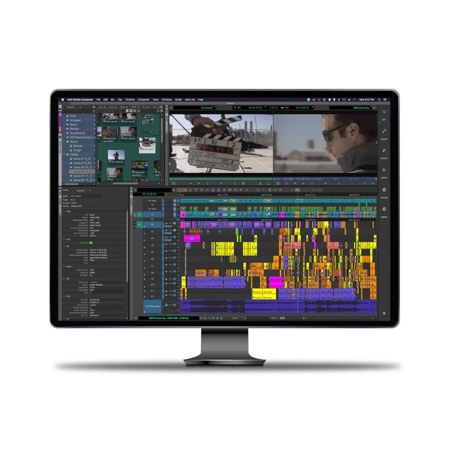
Professional video editing software is the backbone of today’s thriving content creation landscape, empowering filmmakers, editors, and creative teams to bring their visions to life with precision and artistry. Whether you’re crafting short-form social media clips, cinematic feature films, or broadcast-ready television programming, the right pro video editing software provides a robust suite of tools designed to streamline your workflow and elevate your final product. These advanced platforms offer features such as multi-cam editing, intuitive timeline controls, advanced color grading, motion graphics integration, and sophisticated audio mixing—capabilities that are essential for both solo creators and collaborative production teams. As the weather warms and creative projects move outdoors or into bustling studios, editors rely on these professional video editing tools to handle everything from high-resolution footage to intricate visual effects. The ability to work seamlessly across different operating systems, manage massive media libraries, and collaborate in real time is especially valuable during peak production seasons, when deadlines are tight and expectations are high.
Choosing the ideal professional movie editing program involves considering not only the technical requirements of your projects but also your preferred editing style, hardware compatibility, and long-term creative goals. For aspiring videographers, seasoned editors, and educators alike, investing in pro edit software is a pivotal step toward unlocking new storytelling possibilities. These platforms cater to a wide range of users: independent filmmakers looking to color grade their documentary, wedding videographers seeking efficient multi-cam support, content creators building engaging YouTube channels, or media professionals managing large-scale post-production pipelines. Professional video editing software also makes an exceptional gift for students pursuing film and media studies, creative professionals upgrading their home studio, or anyone with a passion for visual storytelling who wants to take their editing skills to the next level. With the transition from summer to the cooler months, many creators find themselves with more time to refine their projects, experiment with new techniques, and explore the full capabilities of their chosen software suite. From organizing footage shot during vibrant outdoor events to fine-tuning the details of a wintertime production, these pro video editing software solutions support every phase of the creative process.
As you explore the latest options in professional video editing tools, consider how features like AI-assisted editing, native format support, and flexible licensing models can enhance your efficiency and creative freedom. Many platforms now offer collaborative features that are invaluable for remote teams, as well as specialized modules for colorists, audio engineers, and motion graphics artists. Whether you’re editing a corporate promo, a music video, or a feature-length documentary, the right software can dramatically impact your workflow and the quality of your output. For a comprehensive look at the best solutions available, browse our curated selection of Video Production Software to find the perfect fit for your next project.
Choosing the ideal professional movie editing program involves considering not only the technical requirements of your projects but also your preferred editing style, hardware compatibility, and long-term creative goals. For aspiring videographers, seasoned editors, and educators alike, investing in pro edit software is a pivotal step toward unlocking new storytelling possibilities. These platforms cater to a wide range of users: independent filmmakers looking to color grade their documentary, wedding videographers seeking efficient multi-cam support, content creators building engaging YouTube channels, or media professionals managing large-scale post-production pipelines. Professional video editing software also makes an exceptional gift for students pursuing film and media studies, creative professionals upgrading their home studio, or anyone with a passion for visual storytelling who wants to take their editing skills to the next level. With the transition from summer to the cooler months, many creators find themselves with more time to refine their projects, experiment with new techniques, and explore the full capabilities of their chosen software suite. From organizing footage shot during vibrant outdoor events to fine-tuning the details of a wintertime production, these pro video editing software solutions support every phase of the creative process.
As you explore the latest options in professional video editing tools, consider how features like AI-assisted editing, native format support, and flexible licensing models can enhance your efficiency and creative freedom. Many platforms now offer collaborative features that are invaluable for remote teams, as well as specialized modules for colorists, audio engineers, and motion graphics artists. Whether you’re editing a corporate promo, a music video, or a feature-length documentary, the right software can dramatically impact your workflow and the quality of your output. For a comprehensive look at the best solutions available, browse our curated selection of Video Production Software to find the perfect fit for your next project.