


Teleprompter Software For PC
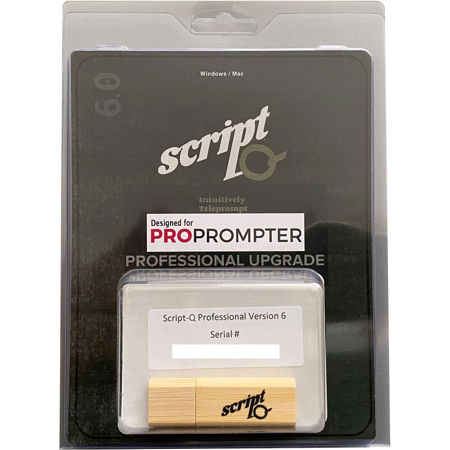
Whether you’re a seasoned content creator, an educator transitioning to online teaching, or a business professional preparing for a virtual keynote, teleprompter software for PC has become an essential tool for delivering clear and confident presentations. As remote communication and video production continue to shape the way we share information, these versatile programs offer a seamless way to keep your message on track—whether you’re recording a training session, live streaming on social media, or hosting a virtual meeting. The rise of teleprompter for laptop and desktop setups means that you no longer need a dedicated studio or expensive hardware to achieve professional results. With teleprompter software for Windows, you can transform your home office or any workspace into a production-ready environment, all while maintaining direct eye contact with your audience and ensuring your delivery remains natural and engaging.
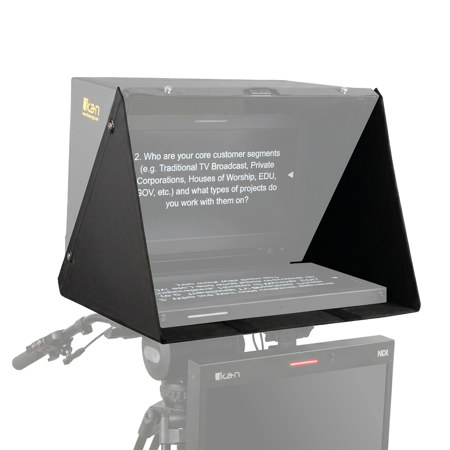
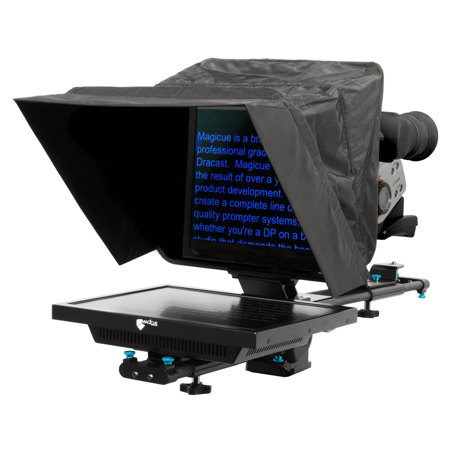
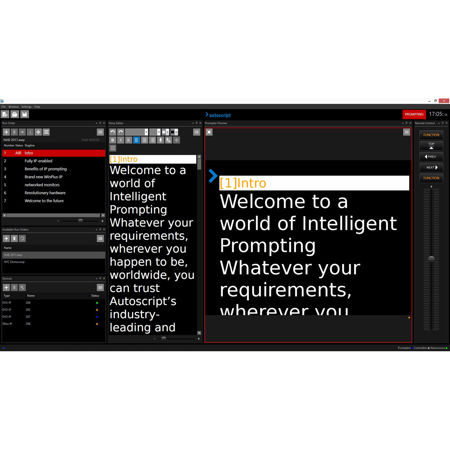
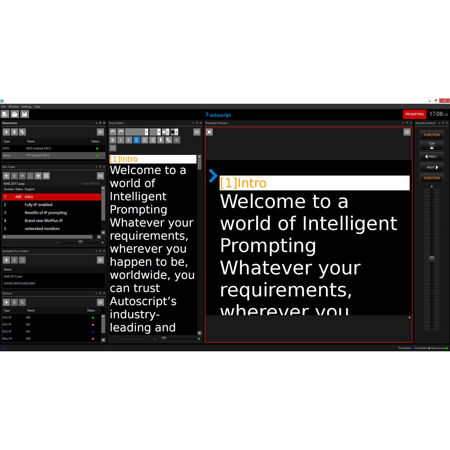
Selecting the right teleprompter for PC involves considering several factors, from compatibility with your preferred operating system to the specific features that match your workflow. Many teleprompter software options offer customizable scroll speeds, text mirroring for use with physical glass teleprompters, and the ability to format scripts for easy readability. For those who frequently switch between video calls and recorded content, look for solutions that provide transparent overlays or floating windows—these features allow you to position your script close to your webcam, making it easier to maintain authentic eye contact during virtual meetings or live streams. This is especially valuable for educators delivering lectures, corporate trainers, and public speakers who want to keep their delivery polished without sacrificing authenticity. If you’re a content creator or vlogger, the ability to manage multiple scripts, adjust font sizes, and control playback with hotkeys can streamline your production process, letting you focus more on storytelling and less on memorization. As the weather shifts from the warmth of late summer into the cooler, more introspective days of fall, many professionals find themselves ramping up for end-of-year presentations, webinars, and virtual events—making this a perfect time to upgrade your teleprompter setup.
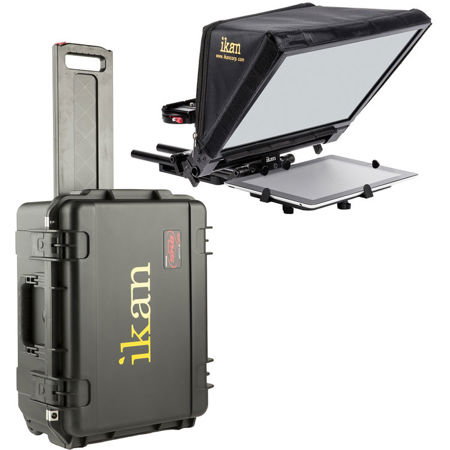
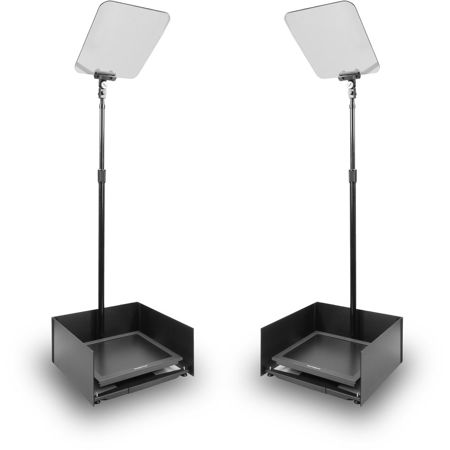
Teleprompter software also makes a thoughtful and practical gift for aspiring filmmakers, students entering media studies, or anyone embarking on a journey into public speaking. Imagine giving a recent graduate or a budding entrepreneur the confidence to deliver their first big pitch, or helping a family member create more polished video messages for special occasions and holidays. The flexibility of teleprompter for laptop and PC platforms means these tools fit seamlessly into a variety of workflows, from simple browser-based solutions to robust autocue PC applications designed for more demanding productions. Whether you’re preparing for a wedding toast, a virtual classroom, or a professional broadcast, the right teleprompter software can elevate your communication and ensure your message lands exactly as intended. For those interested in pairing software with physical equipment, or for anyone looking to deliver speeches with maximum impact, be sure to explore our curated selection of Teleprompters For Speeches to find the perfect match for your needs. With the right setup, you can step into any presentation—virtual or in-person—with confidence, clarity, and a professional edge.
Selecting the right teleprompter for PC involves considering several factors, from compatibility with your preferred operating system to the specific features that match your workflow. Many teleprompter software options offer customizable scroll speeds, text mirroring for use with physical glass teleprompters, and the ability to format scripts for easy readability. For those who frequently switch between video calls and recorded content, look for solutions that provide transparent overlays or floating windows—these features allow you to position your script close to your webcam, making it easier to maintain authentic eye contact during virtual meetings or live streams. This is especially valuable for educators delivering lectures, corporate trainers, and public speakers who want to keep their delivery polished without sacrificing authenticity. If you’re a content creator or vlogger, the ability to manage multiple scripts, adjust font sizes, and control playback with hotkeys can streamline your production process, letting you focus more on storytelling and less on memorization. As the weather shifts from the warmth of late summer into the cooler, more introspective days of fall, many professionals find themselves ramping up for end-of-year presentations, webinars, and virtual events—making this a perfect time to upgrade your teleprompter setup.
Teleprompter software also makes a thoughtful and practical gift for aspiring filmmakers, students entering media studies, or anyone embarking on a journey into public speaking. Imagine giving a recent graduate or a budding entrepreneur the confidence to deliver their first big pitch, or helping a family member create more polished video messages for special occasions and holidays. The flexibility of teleprompter for laptop and PC platforms means these tools fit seamlessly into a variety of workflows, from simple browser-based solutions to robust autocue PC applications designed for more demanding productions. Whether you’re preparing for a wedding toast, a virtual classroom, or a professional broadcast, the right teleprompter software can elevate your communication and ensure your message lands exactly as intended. For those interested in pairing software with physical equipment, or for anyone looking to deliver speeches with maximum impact, be sure to explore our curated selection of Teleprompters For Speeches to find the perfect match for your needs. With the right setup, you can step into any presentation—virtual or in-person—with confidence, clarity, and a professional edge.