Thunderbolt Interfaces
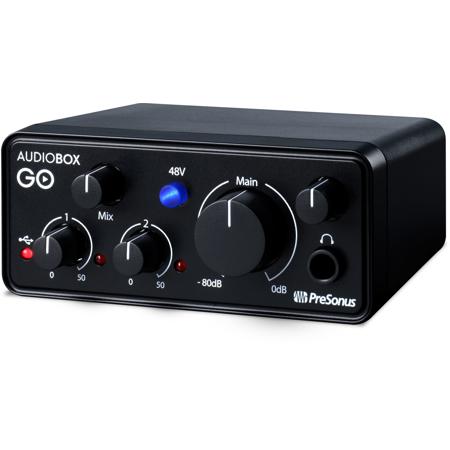
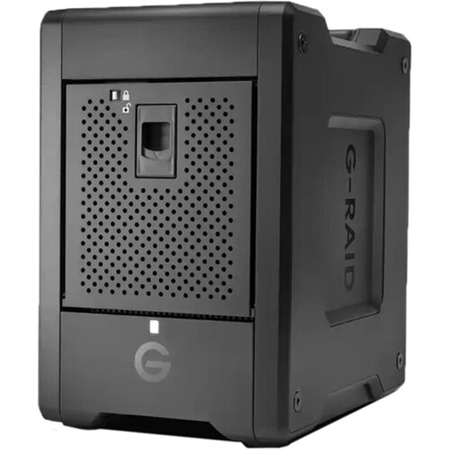
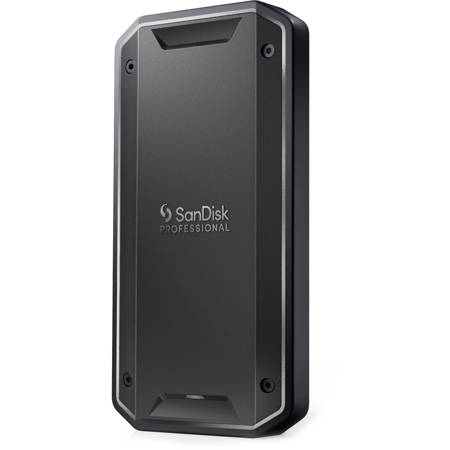
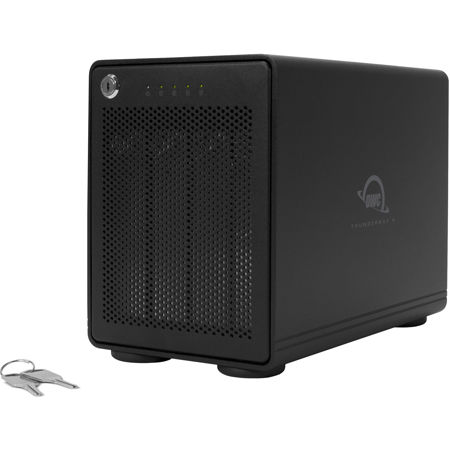
Thunderbolt interfaces have rapidly become the gold standard for connecting high-performance peripherals to computers, especially where speed, reliability, and versatility are essential. Leveraging Intel and Apple’s innovative hardware protocol, Thunderbolt delivers ultra-fast data transfer rates—up to 40 Gbps with Thunderbolt 3 and 4—making it a top choice for creative professionals, tech enthusiasts, and anyone who works with massive files or complex workflows. Whether you’re a music producer tracking vocals with real-time DSP plugins, a video editor moving 8K footage between external drives, or a gamer connecting an external GPU for desktop-level graphics on a laptop, Thunderbolt’s low latency and high bandwidth ensure smooth, uninterrupted performance. The ability to daisy-chain multiple devices, from audio interfaces and monitors to external storage, streamlines even the most demanding setups, reducing cable clutter and maximizing desk space. As the weather warms and project schedules pick up, many users find themselves upgrading their home studios or mobile workstations, and Thunderbolt interfaces are a practical investment for keeping pace with modern creative demands.
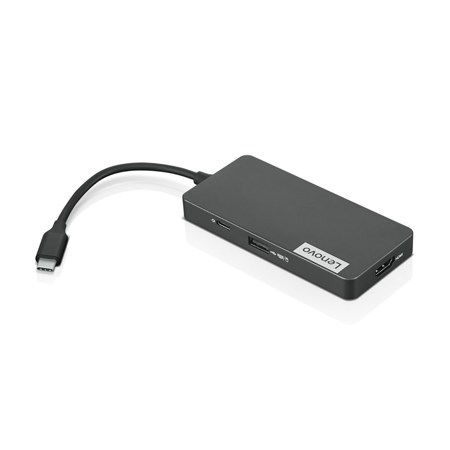
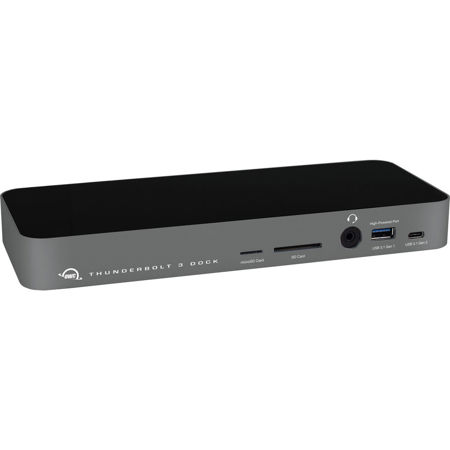
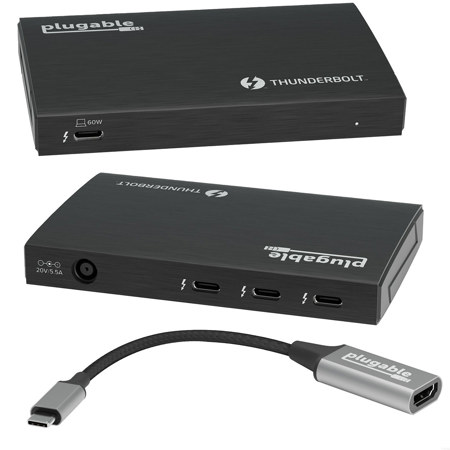
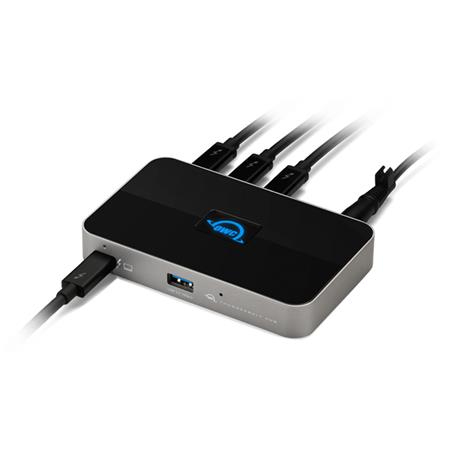
When browsing for Thunderbolt interfaces, consider how the evolution of the protocol impacts your workflow. Earlier generations like Thunderbolt 1 and 2 use Mini DisplayPort connectors and offer robust performance for 4K video streaming and moderate data needs, but Thunderbolt 3 and 4—featuring USB-C connectors—unlock the full potential of high-speed connectivity. These newer versions not only support dual 4K (or single 8K) displays and up to 100W of power delivery, but also introduce enhanced security and multi-port hub support, ideal for those building out a flexible workstation. For anyone seeking the best thunderbolt hub under $1000, there are options that provide ample ports for audio gear, displays, and storage devices, all accessible through a single cable. This is especially valuable for professionals who need to transition quickly between studio, office, and home setups, or for students and remote workers who rely on seamless peripheral integration. Thunderbolt interfaces also make thoughtful gifts for graduates, musicians, photographers, and anyone stepping up their creative toolkit as summer projects and collaborations get underway.
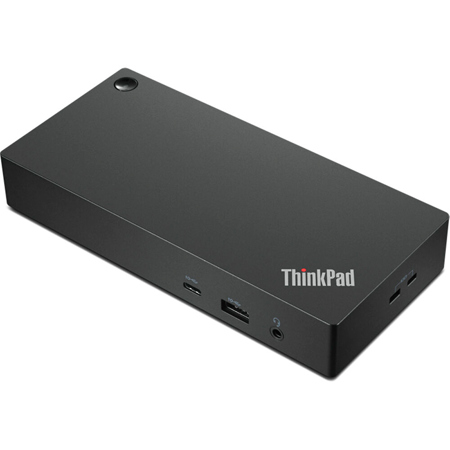
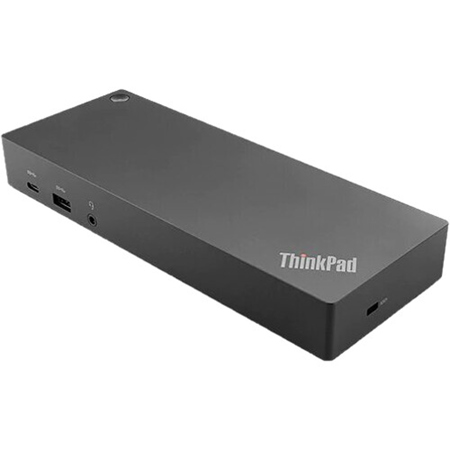
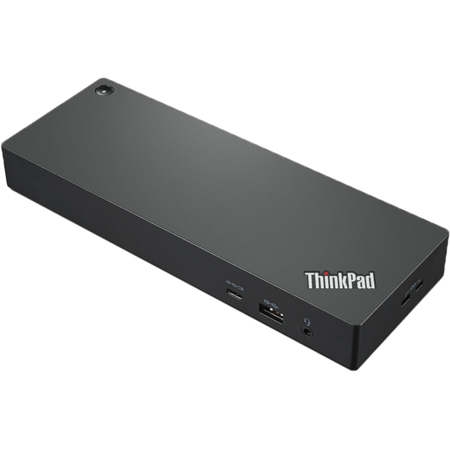
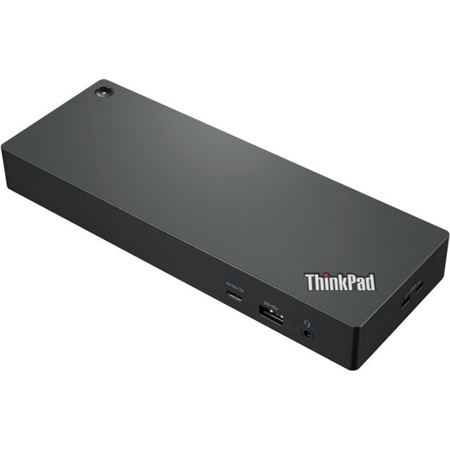
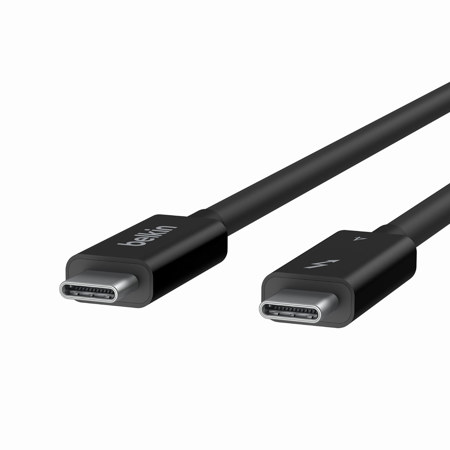
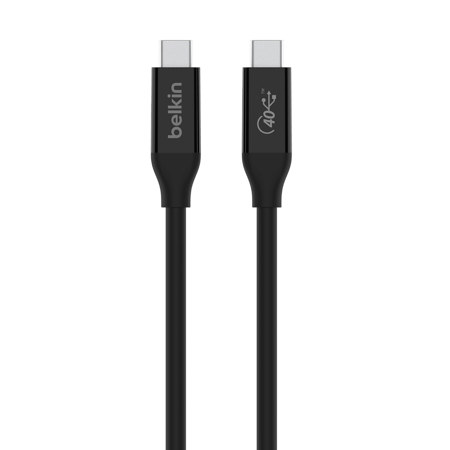
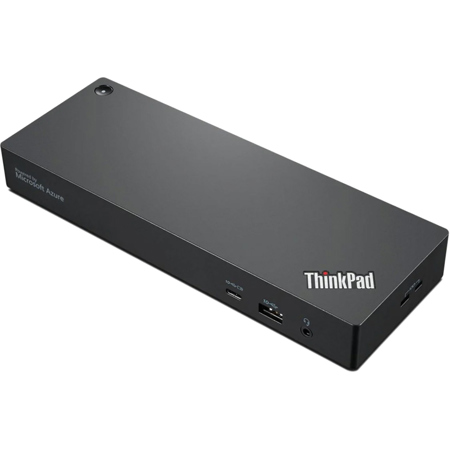
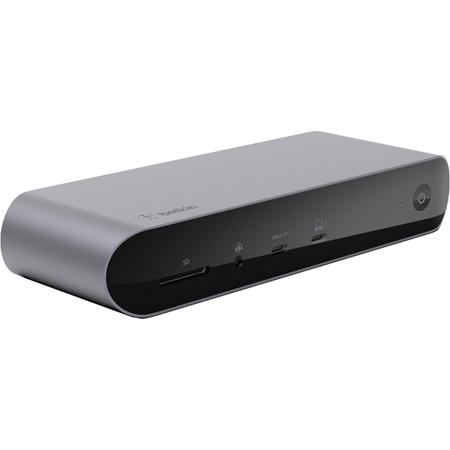
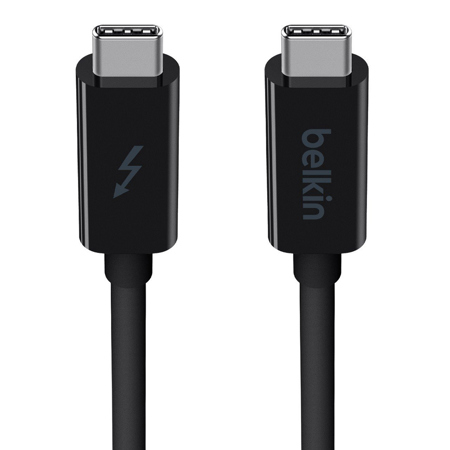
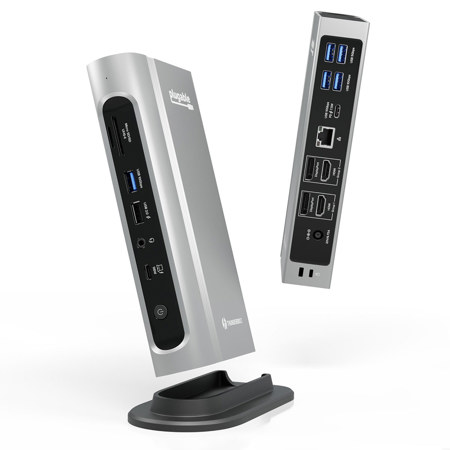
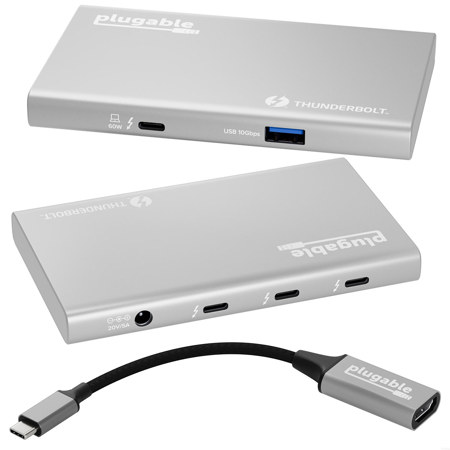
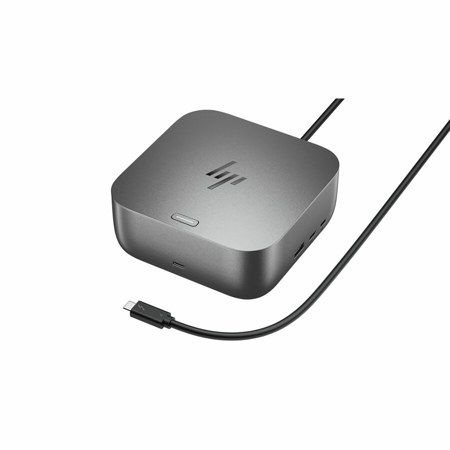
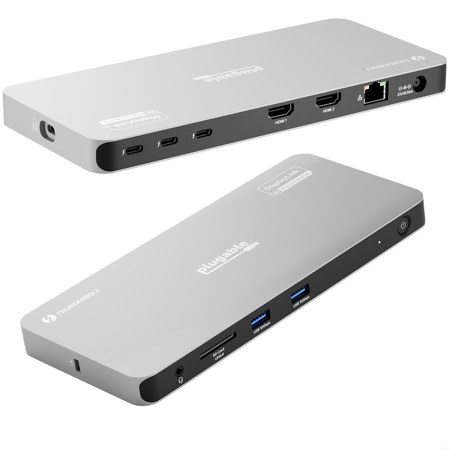
Selecting the right Thunderbolt interface is about matching your needs to the right combination of speed, connectivity, and expandability. If your workflow involves frequent large file transfers—like backing up high-resolution photos, editing multi-camera video shoots, or running virtual instruments in real-time—Thunderbolt’s integration of PCIe data, DisplayPort video, and power through a single cable simplifies every step. Docking stations with Thunderbolt support allow you to instantly connect to external monitors, Ethernet, keyboards, and more, transforming a laptop into a full-featured desktop with one plug. For those building modular setups or needing to extend connections across a studio or office, choosing quality Thunderbolt Cables is just as important as the interface itself. As cooler months approach and indoor projects become more appealing, a reliable Thunderbolt interface ensures your creative momentum never slows, supporting everything from high-stakes productions to everyday productivity. Whether you’re upgrading for professional use or gifting to inspire someone’s next big idea, Thunderbolt interfaces offer a future-ready foundation for any digital workspace.
When browsing for Thunderbolt interfaces, consider how the evolution of the protocol impacts your workflow. Earlier generations like Thunderbolt 1 and 2 use Mini DisplayPort connectors and offer robust performance for 4K video streaming and moderate data needs, but Thunderbolt 3 and 4—featuring USB-C connectors—unlock the full potential of high-speed connectivity. These newer versions not only support dual 4K (or single 8K) displays and up to 100W of power delivery, but also introduce enhanced security and multi-port hub support, ideal for those building out a flexible workstation. For anyone seeking the best thunderbolt hub under $1000, there are options that provide ample ports for audio gear, displays, and storage devices, all accessible through a single cable. This is especially valuable for professionals who need to transition quickly between studio, office, and home setups, or for students and remote workers who rely on seamless peripheral integration. Thunderbolt interfaces also make thoughtful gifts for graduates, musicians, photographers, and anyone stepping up their creative toolkit as summer projects and collaborations get underway.
Selecting the right Thunderbolt interface is about matching your needs to the right combination of speed, connectivity, and expandability. If your workflow involves frequent large file transfers—like backing up high-resolution photos, editing multi-camera video shoots, or running virtual instruments in real-time—Thunderbolt’s integration of PCIe data, DisplayPort video, and power through a single cable simplifies every step. Docking stations with Thunderbolt support allow you to instantly connect to external monitors, Ethernet, keyboards, and more, transforming a laptop into a full-featured desktop with one plug. For those building modular setups or needing to extend connections across a studio or office, choosing quality Thunderbolt Cables is just as important as the interface itself. As cooler months approach and indoor projects become more appealing, a reliable Thunderbolt interface ensures your creative momentum never slows, supporting everything from high-stakes productions to everyday productivity. Whether you’re upgrading for professional use or gifting to inspire someone’s next big idea, Thunderbolt interfaces offer a future-ready foundation for any digital workspace.