

USB 3.2 Cables
In an era defined by lightning-fast data transfers and versatile connectivity, USB 3.2 cables have become essential tools for professionals and enthusiasts alike. Whether you’re a photographer moving large RAW files from a high-speed external SSD, a filmmaker editing 4K video directly from a portable drive, or a gamer seeking seamless performance from peripherals, the right USB 3.2 cable can make all the difference. As technology evolves and devices demand more power and bandwidth, USB 3.2 standards deliver impressive capabilities—up to 20 Gbps data transfer speeds and up to 240W of power delivery with the right cable and hardware combination. This means you can not only transfer entire photo libraries in seconds but also charge power-hungry laptops and tablets efficiently, all through a single connection. The summer months often bring travel, outdoor shoots, and on-location projects, making the reliability and speed of your USB 3.2 cable even more critical. When you’re working on the go, a rugged, heavy-duty cable that supports both data and power can be the lifeline between your camera, laptop, and backup drives. Even as the seasons shift and you move into fall projects—like school year video productions or updating your home office setup—a dependable USB 3.2 cable remains a foundation of your tech toolkit.
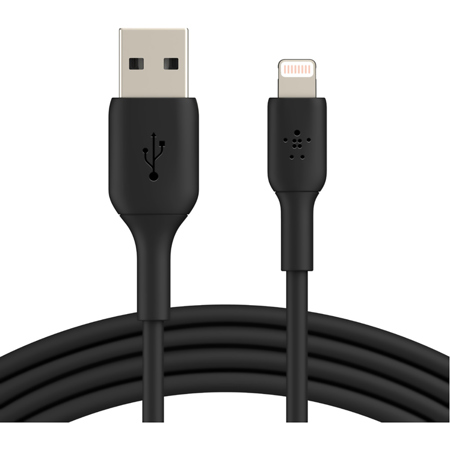
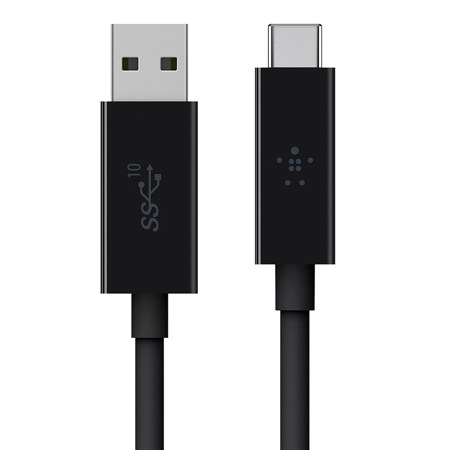
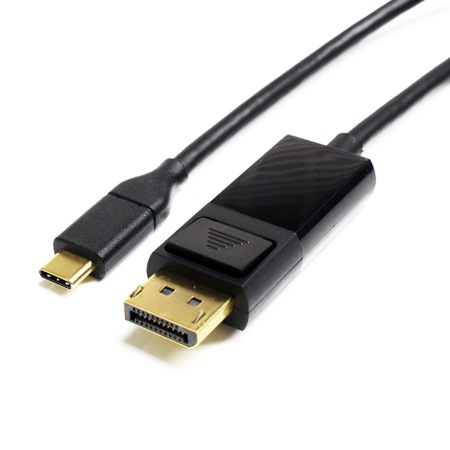
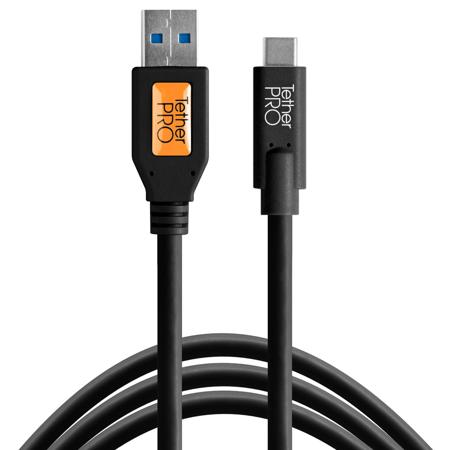
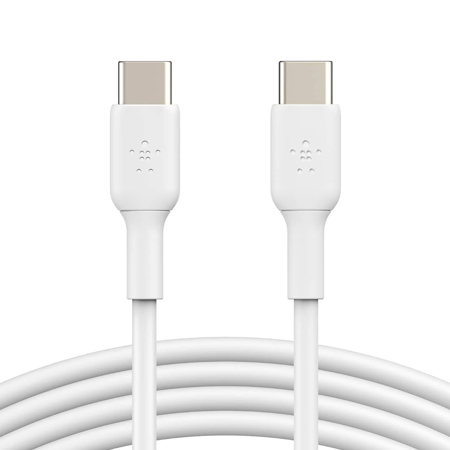
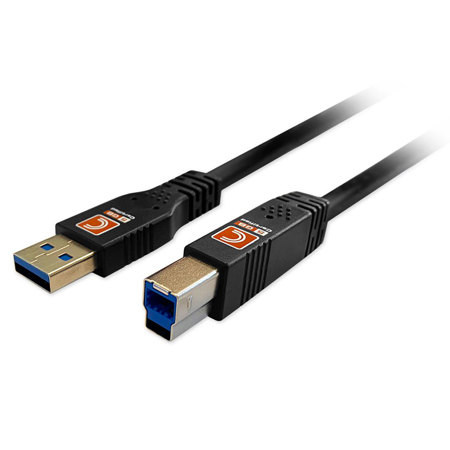
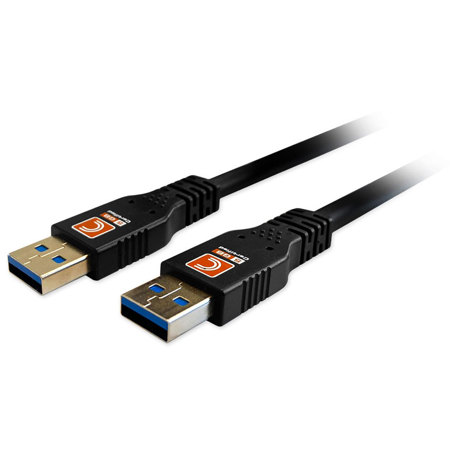
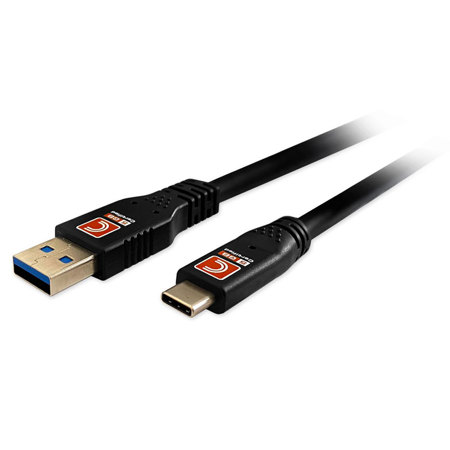
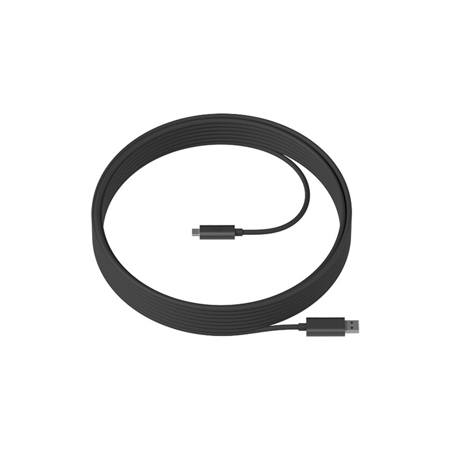
Choosing the right USB 3.2 cable involves considering several key factors. First, assess the devices you’re connecting: USB 3.2 Gen 1 cables offer up to 5 Gbps speeds and may feature USB-C or USB-A connectors, making them ideal for everyday tasks like syncing smartphones or connecting printers. For more demanding needs—such as transferring high-resolution video files or running external displays—USB 3.2 Gen 2 or Gen 2x2 cables are preferable, delivering 10 Gbps and 20 Gbps speeds respectively. These higher-tier cables often require USB-C connectors on both ends and may include E-marker smart chips to ensure safe, high-wattage charging. If you plan to use your cable for video output, look for support for DisplayPort Alternate Mode (DP Alt Mode), which enables crisp 4K video transmission to monitors and projectors. Power delivery is another crucial aspect, especially if you’re charging laptops or tablets; some USB 3.2 cables support up to 100W or even 240W, making them suitable for the latest power-hungry devices. Compatibility is also important—USB 3.2 cables are backward compatible with older USB standards, but remember that transfer speeds will default to the slowest device or port in the chain. As you refresh your workspace or prepare for back-to-school season, gifting a premium USB 3.2 cable is a thoughtful gesture for students, creatives, or anyone upgrading their tech. The right cable can streamline workflows, reduce clutter, and provide peace of mind, knowing that data and power will flow reliably whenever and wherever needed.
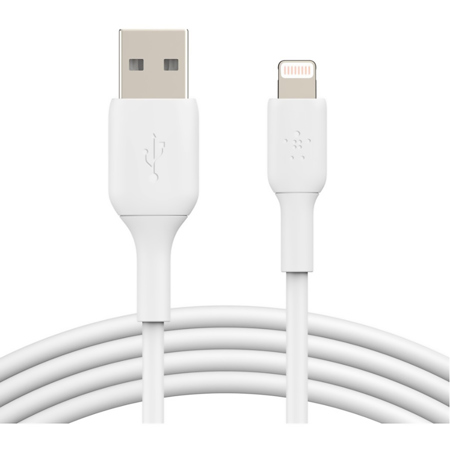
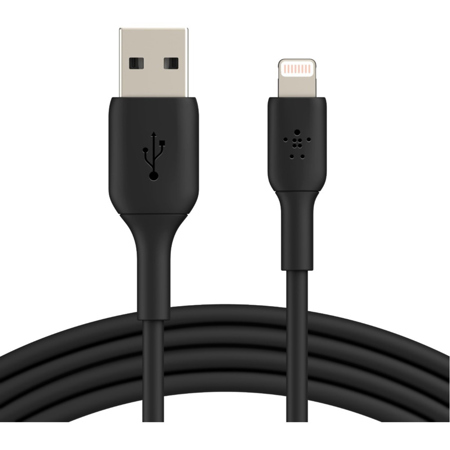
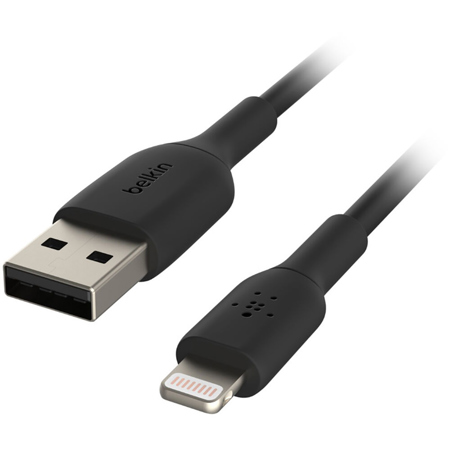
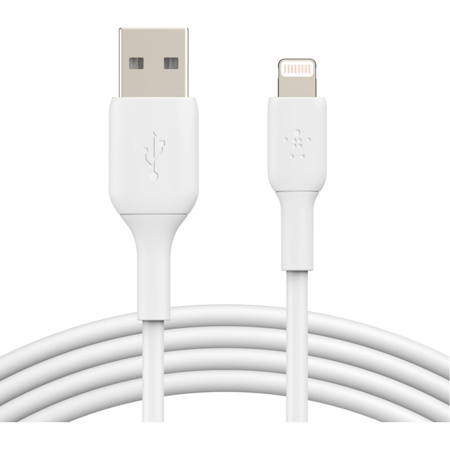
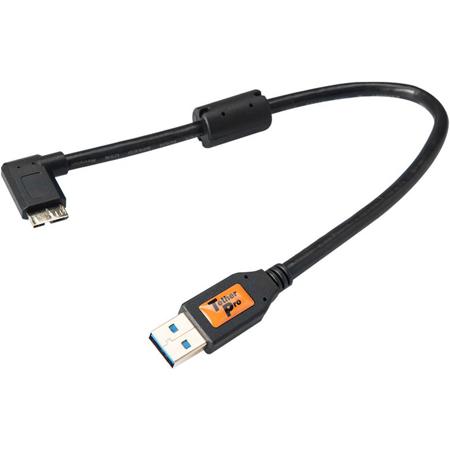
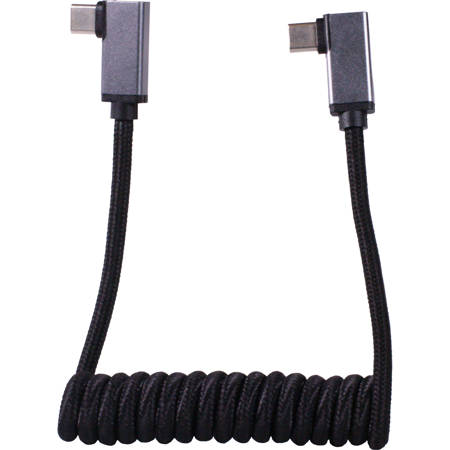
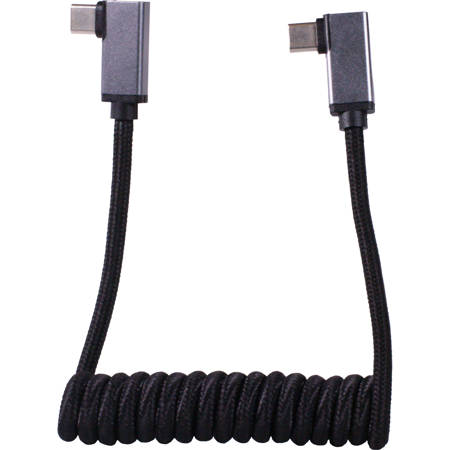
For those who value both performance and aesthetics, USB 3.2 cables are available in a range of colors and finishes to match any setup. If you prefer a sleek, unified look for your gear, consider exploring the selection of Black USB Cables to complement your devices. Specialty options like right-angle connectors or panel-mount designs cater to unique setups, whether you’re building a custom workstation or managing cables in a tight studio space. As you invest in new devices or prepare for upcoming projects, remember that a high-quality USB 3.2 cable is more than just an accessory—it’s an integral part of a reliable, high-performing workflow. With the right cable in your bag or on your desk, you’re ready for whatever the season brings, from summer’s creative bursts to fall’s new beginnings.
Choosing the right USB 3.2 cable involves considering several key factors. First, assess the devices you’re connecting: USB 3.2 Gen 1 cables offer up to 5 Gbps speeds and may feature USB-C or USB-A connectors, making them ideal for everyday tasks like syncing smartphones or connecting printers. For more demanding needs—such as transferring high-resolution video files or running external displays—USB 3.2 Gen 2 or Gen 2x2 cables are preferable, delivering 10 Gbps and 20 Gbps speeds respectively. These higher-tier cables often require USB-C connectors on both ends and may include E-marker smart chips to ensure safe, high-wattage charging. If you plan to use your cable for video output, look for support for DisplayPort Alternate Mode (DP Alt Mode), which enables crisp 4K video transmission to monitors and projectors. Power delivery is another crucial aspect, especially if you’re charging laptops or tablets; some USB 3.2 cables support up to 100W or even 240W, making them suitable for the latest power-hungry devices. Compatibility is also important—USB 3.2 cables are backward compatible with older USB standards, but remember that transfer speeds will default to the slowest device or port in the chain. As you refresh your workspace or prepare for back-to-school season, gifting a premium USB 3.2 cable is a thoughtful gesture for students, creatives, or anyone upgrading their tech. The right cable can streamline workflows, reduce clutter, and provide peace of mind, knowing that data and power will flow reliably whenever and wherever needed.
For those who value both performance and aesthetics, USB 3.2 cables are available in a range of colors and finishes to match any setup. If you prefer a sleek, unified look for your gear, consider exploring the selection of Black USB Cables to complement your devices. Specialty options like right-angle connectors or panel-mount designs cater to unique setups, whether you’re building a custom workstation or managing cables in a tight studio space. As you invest in new devices or prepare for upcoming projects, remember that a high-quality USB 3.2 cable is more than just an accessory—it’s an integral part of a reliable, high-performing workflow. With the right cable in your bag or on your desk, you’re ready for whatever the season brings, from summer’s creative bursts to fall’s new beginnings.