USB-C Docking Stations
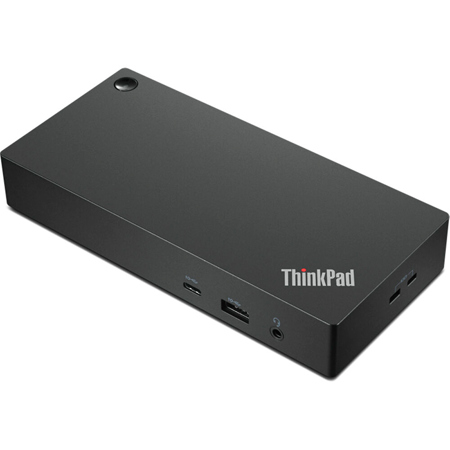
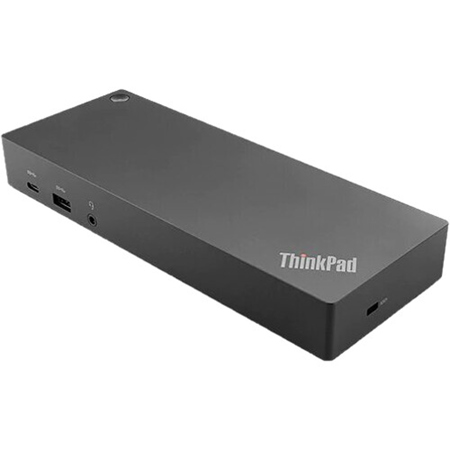
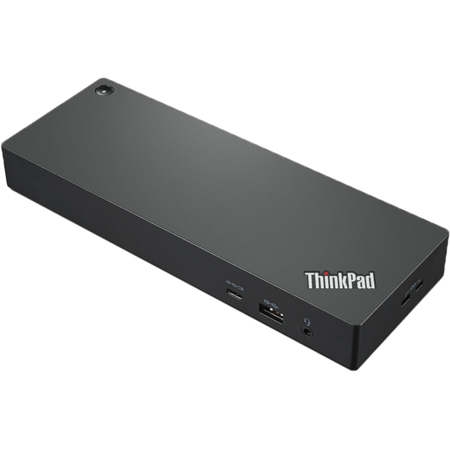
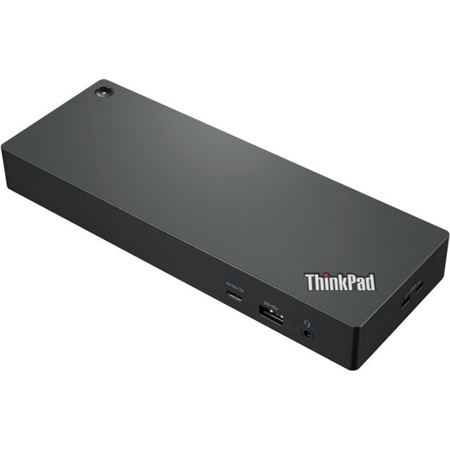
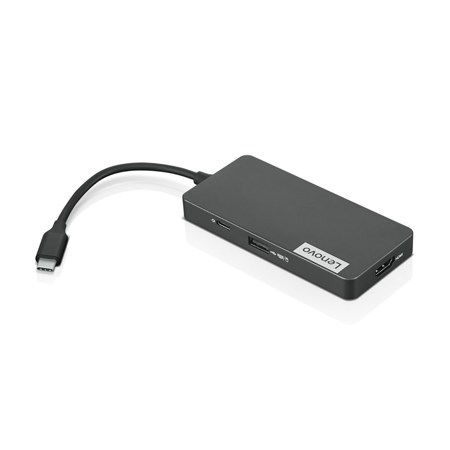
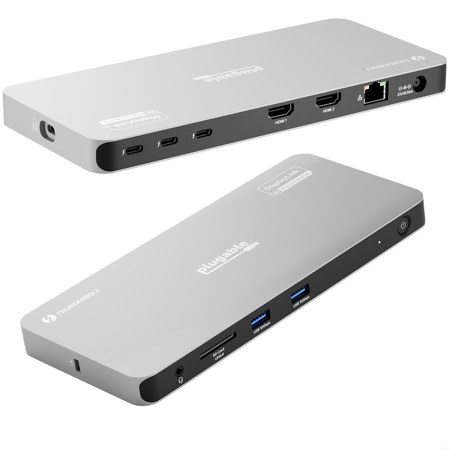
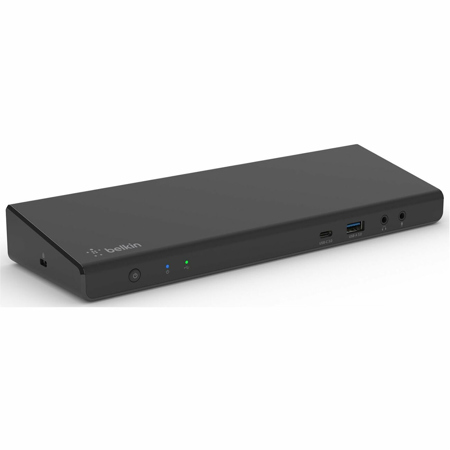
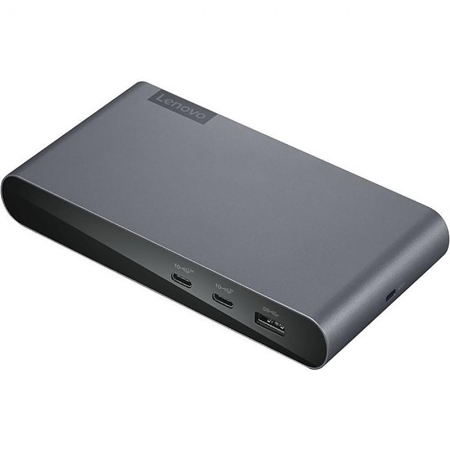
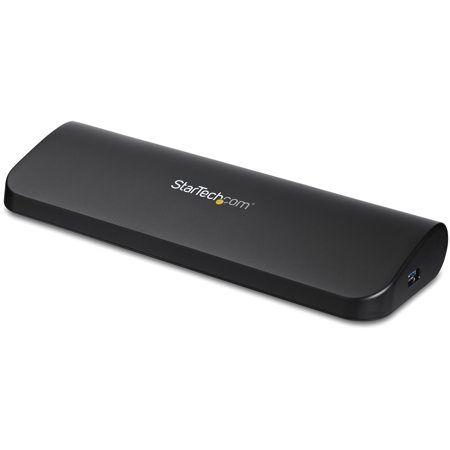
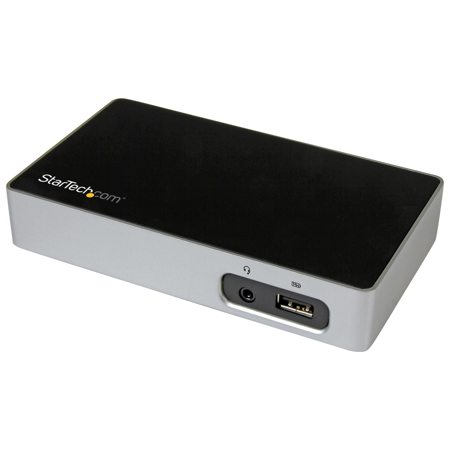
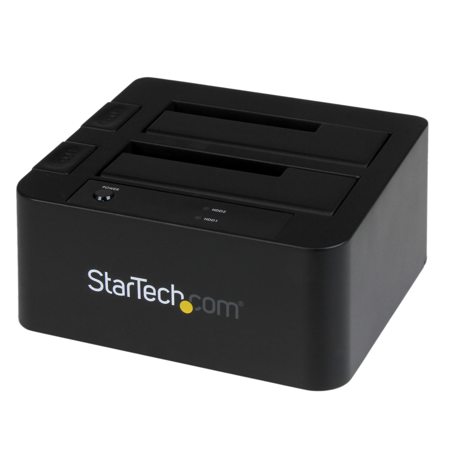
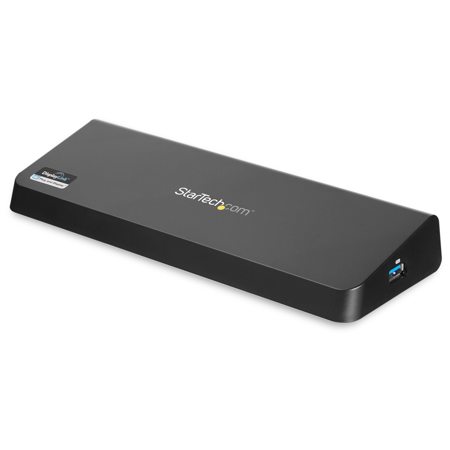
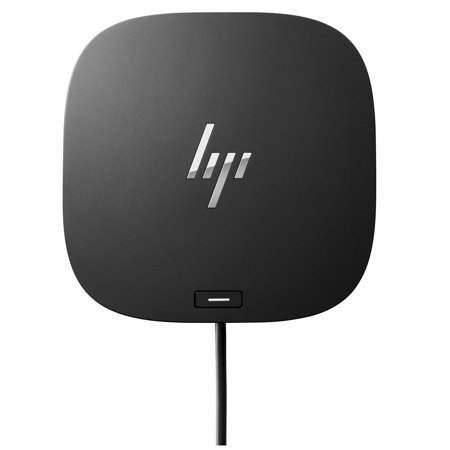
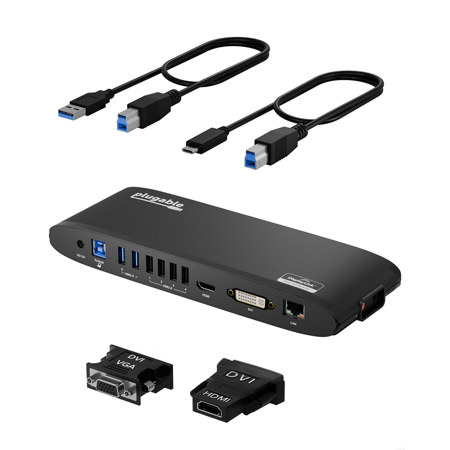
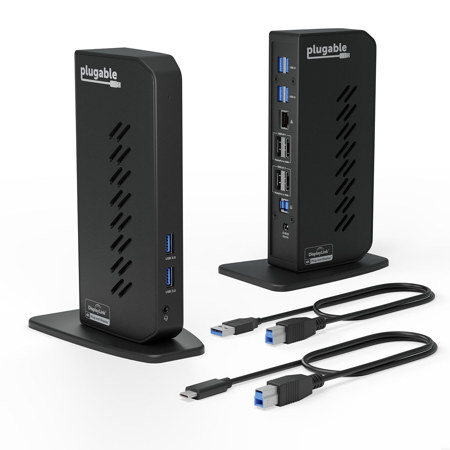
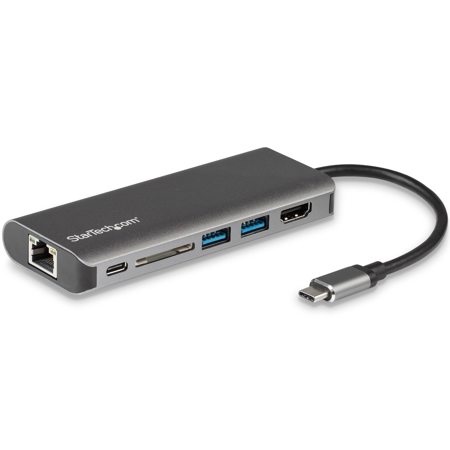
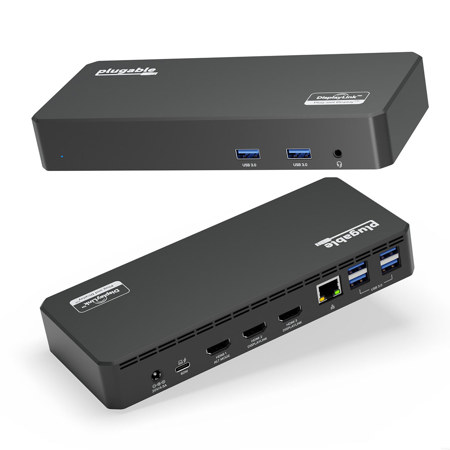
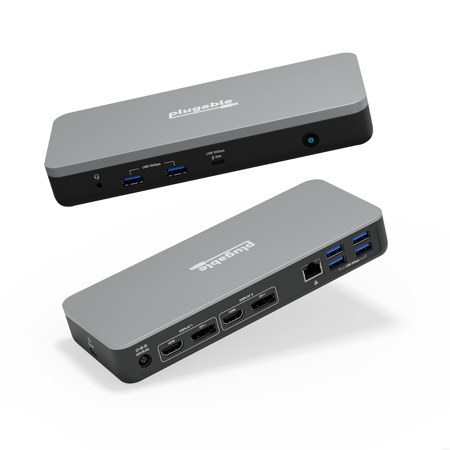
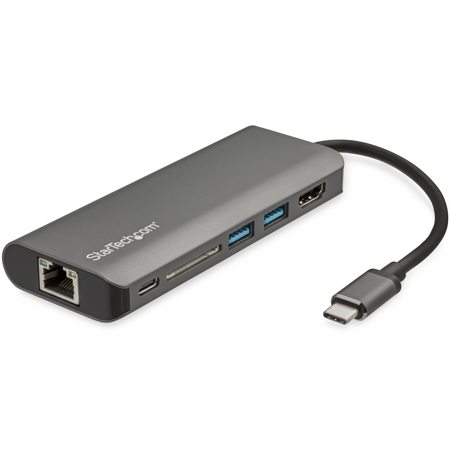
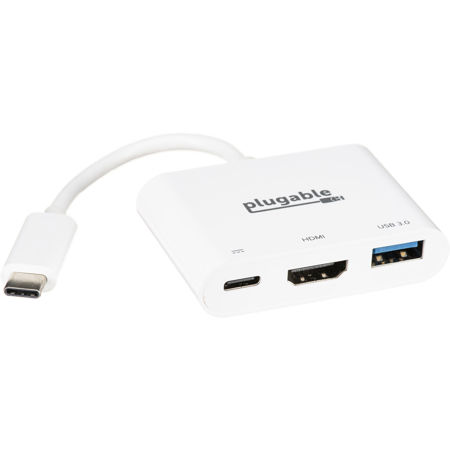
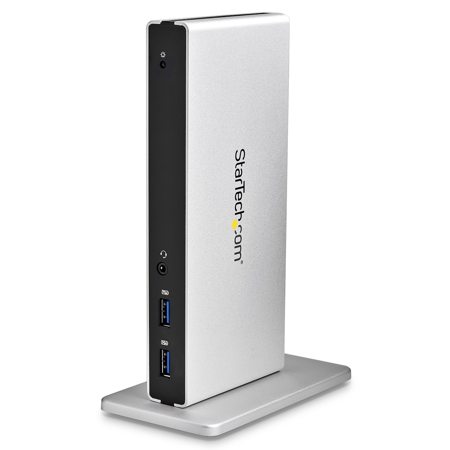
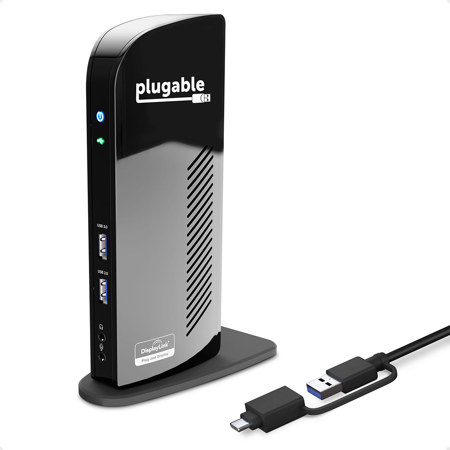
In a world where seamless connectivity and efficient workspaces are more important than ever, USB-C docking stations have become an essential tool for professionals, students, and creative enthusiasts alike. Whether you’re setting up a home office as the days grow longer or streamlining your workstation for the busy projects that come with the changing seasons, a USB-C dock can transform your laptop into a powerful, desktop-like setup with a single cable. These versatile devices allow you to expand your laptop’s capabilities by connecting multiple monitors, high-speed internet, external storage, and a variety of peripherals, all while keeping your workspace organized and cable clutter to a minimum. For photographers and videographers, the ability to quickly offload files with built-in SD card readers or connect to color-accurate external displays makes USB-C docking stations a practical addition to any workflow. Remote workers and students benefit from the convenience of instantly connecting to a keyboard, mouse, webcam, and even a wired Ethernet connection for more reliable video calls and faster file transfers. As the weather shifts and routines evolve, having a flexible docking solution ensures your setup adapts with you—whether you’re moving between home and the office, or simply reconfiguring your workspace for the season’s demands.
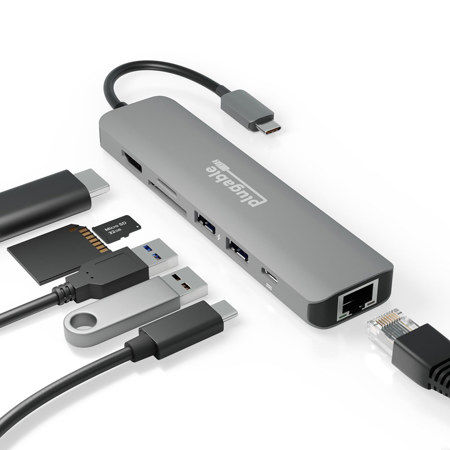
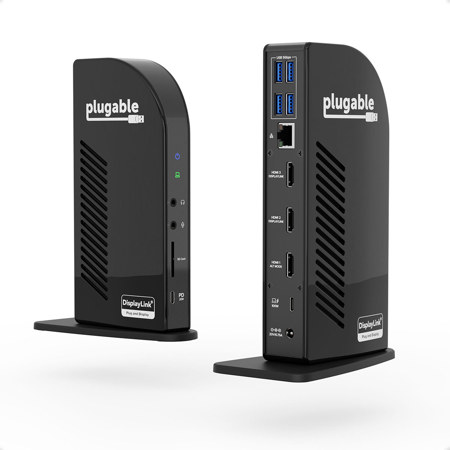
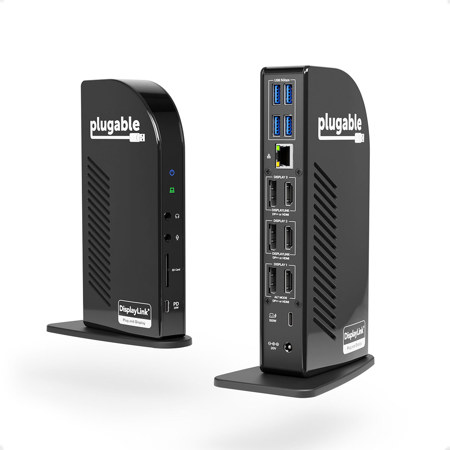
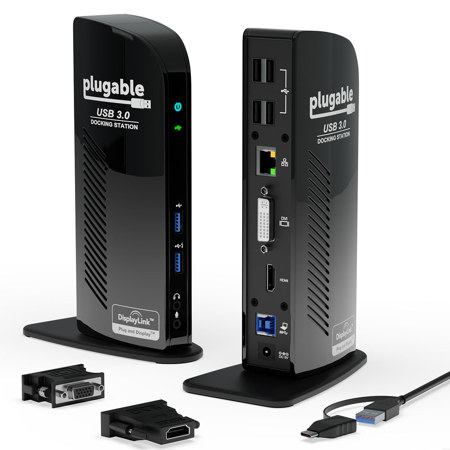
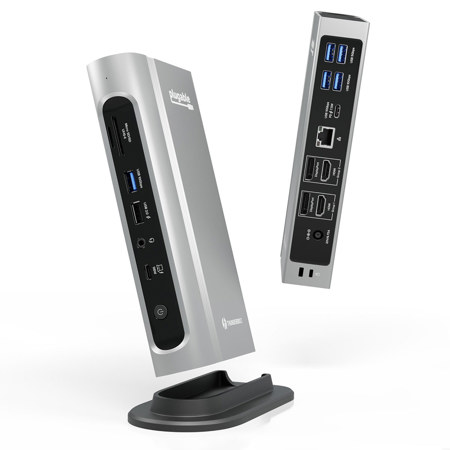
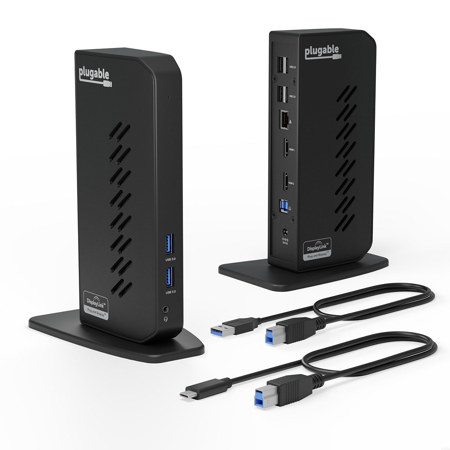
When choosing a USB-C docking station, it’s important to consider your specific connectivity needs and the compatibility of your devices. Power delivery is a key factor—selecting a dock that matches or exceeds your laptop’s charging requirements ensures your device stays powered throughout long workdays or creative sessions. For those using multiple monitors, checking support for “Alt-Mode” or DisplayLink technology is crucial, especially for users of certain MacBook models or those running specialized software. The variety of available ports, from HDMI and DisplayPort for displays to USB-A for legacy devices and SD card slots for media transfer, can make a significant difference in daily productivity. Audio jacks, Ethernet ports, and even integrated wireless charging pads are features that cater to a wide range of users, from content creators to business professionals. USB-C docking stations also make thoughtful gifts for graduates, remote workers, or anyone looking to upgrade their tech setup as routines shift with the seasons. For those interested in further expanding their display options, explore our curated selection of USB C Docking Monitors to create a truly immersive and efficient workspace. With the right docking station, you can enjoy the freedom to connect, create, and collaborate—no matter where your work or passions take you during the warmer days or as the air turns crisp.
When choosing a USB-C docking station, it’s important to consider your specific connectivity needs and the compatibility of your devices. Power delivery is a key factor—selecting a dock that matches or exceeds your laptop’s charging requirements ensures your device stays powered throughout long workdays or creative sessions. For those using multiple monitors, checking support for “Alt-Mode” or DisplayLink technology is crucial, especially for users of certain MacBook models or those running specialized software. The variety of available ports, from HDMI and DisplayPort for displays to USB-A for legacy devices and SD card slots for media transfer, can make a significant difference in daily productivity. Audio jacks, Ethernet ports, and even integrated wireless charging pads are features that cater to a wide range of users, from content creators to business professionals. USB-C docking stations also make thoughtful gifts for graduates, remote workers, or anyone looking to upgrade their tech setup as routines shift with the seasons. For those interested in further expanding their display options, explore our curated selection of USB C Docking Monitors to create a truly immersive and efficient workspace. With the right docking station, you can enjoy the freedom to connect, create, and collaborate—no matter where your work or passions take you during the warmer days or as the air turns crisp.