USB C Hub For Mac
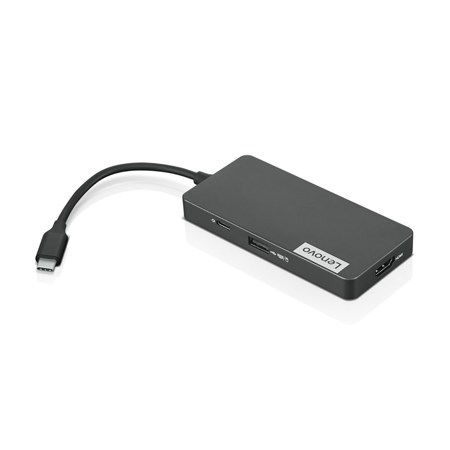
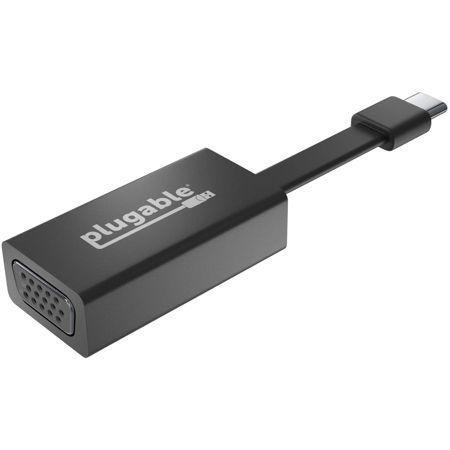
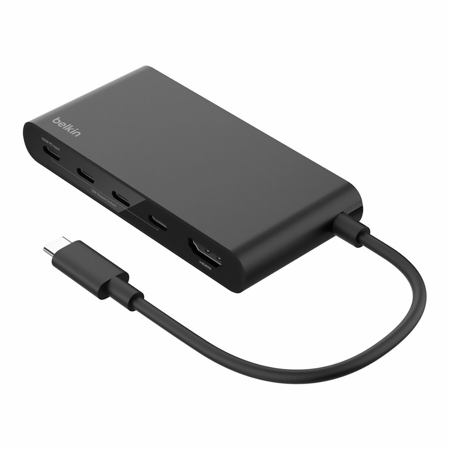
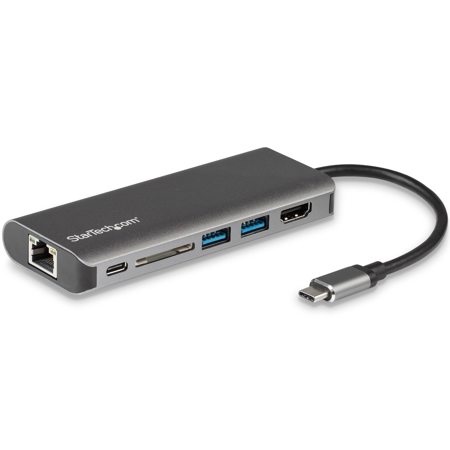
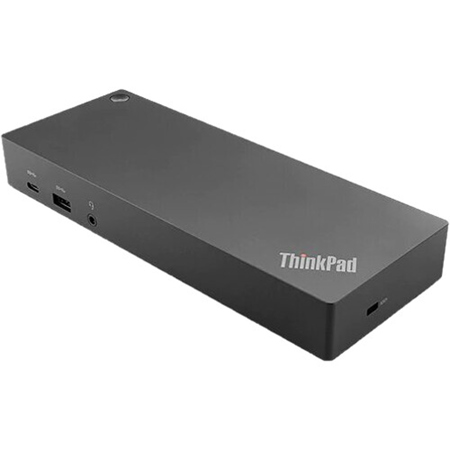
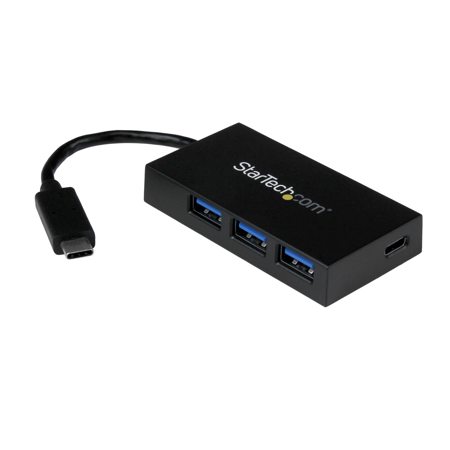
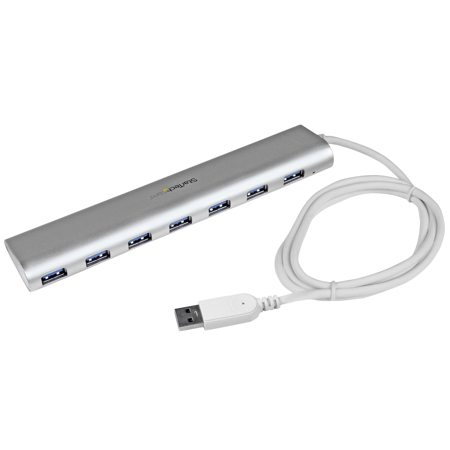
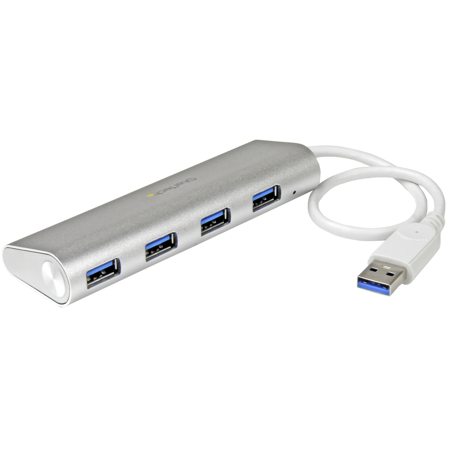
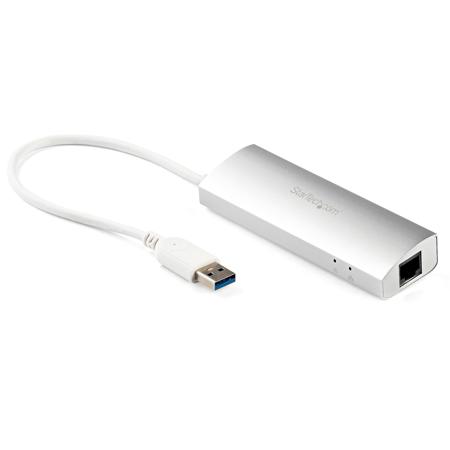
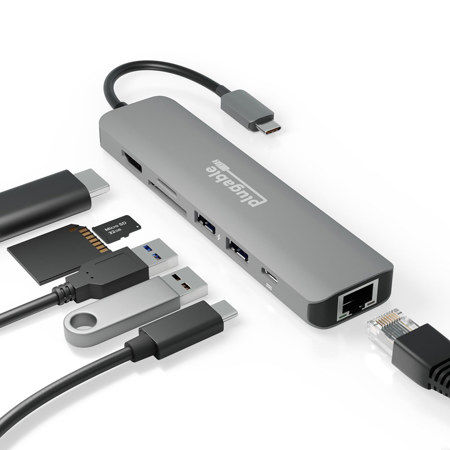
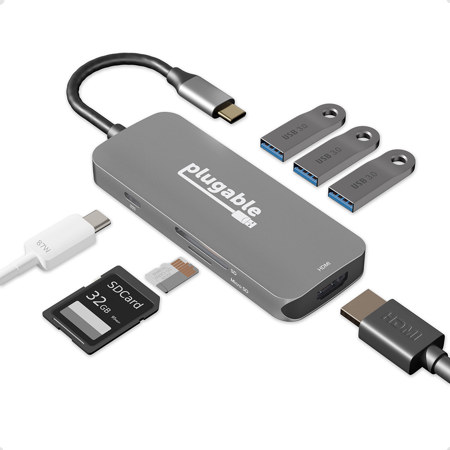
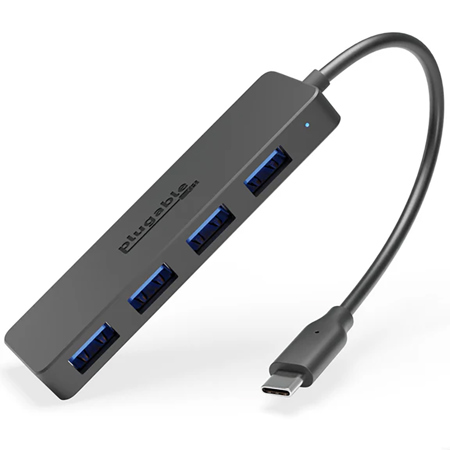
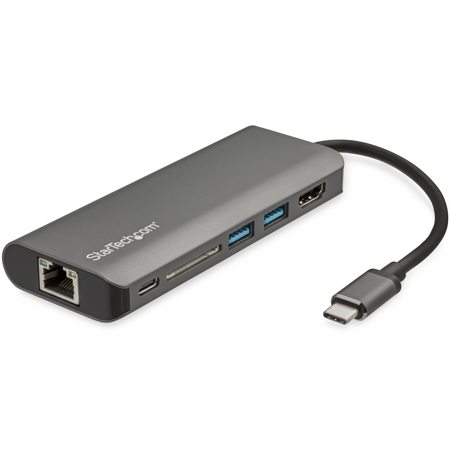
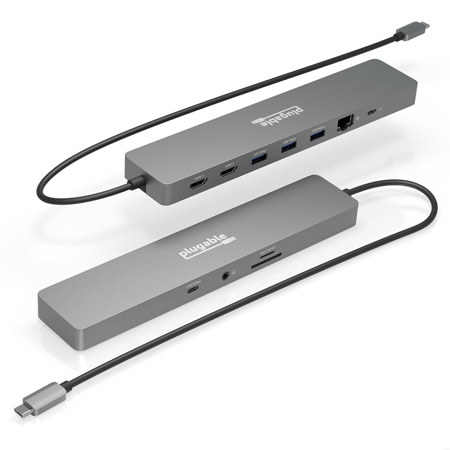
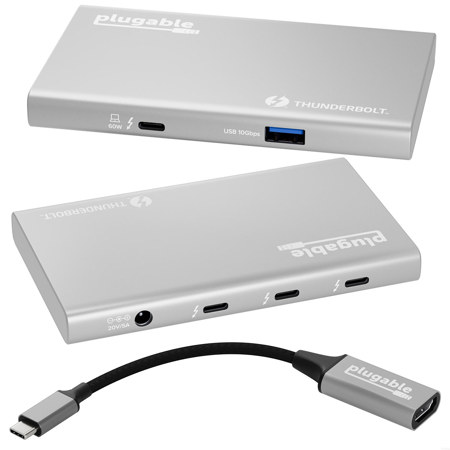
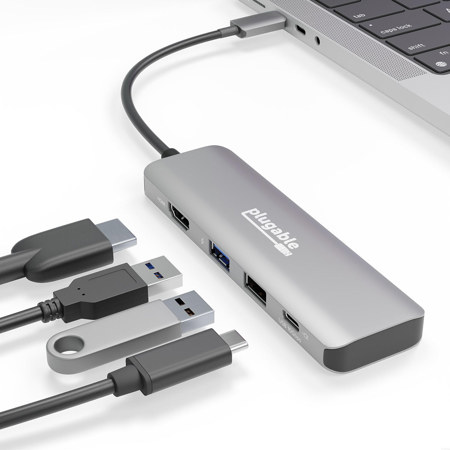
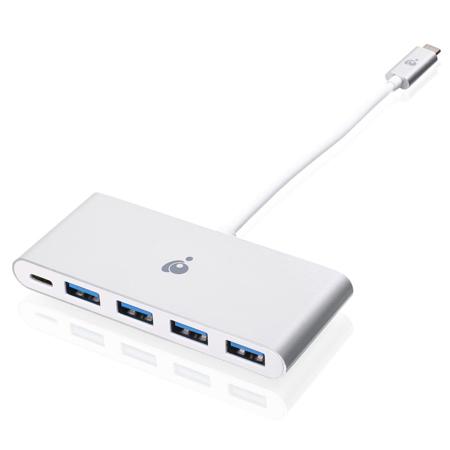
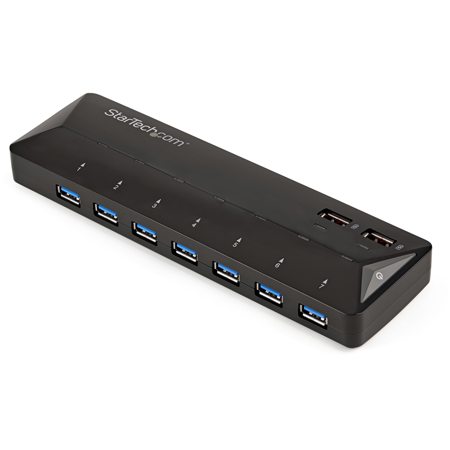
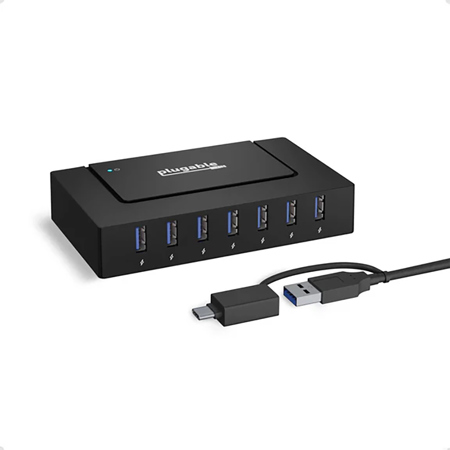
As the pace of modern work and creativity accelerates, the need for seamless connectivity becomes more essential than ever, especially for MacBook users who rely on their devices for everything from photo editing in a bustling studio to managing spreadsheets in a cozy home office. A usb c hub for mac is a practical solution for expanding the limited ports found on many of today’s sleek laptops, allowing you to connect everything from external hard drives and SD cards to monitors and audio interfaces. Whether you’re a professional photographer offloading high-resolution images after a winter shoot in the city, a student juggling presentations and group projects, or a frequent traveler who needs to quickly set up a mobile workstation in a hotel room, having an external usb port for laptop use can transform your workflow. These compact devices slip easily into a backpack or laptop sleeve, making them an ideal companion during the colder months when you may find yourself working from coffee shops or remote locations, seeking both inspiration and productivity.
A usb type c hub for macbook pro is also an excellent gift for anyone who has recently upgraded to a new MacBook and suddenly finds themselves missing the familiar array of ports. It’s a thoughtful addition for creative professionals, remote workers, or students preparing for the new semester, providing the flexibility to connect legacy devices, charge accessories, and transfer files without the need for multiple adapters. As the February chill lingers and many are still organizing their digital lives after the holidays, a mac usb c hub can help streamline cable management and reduce clutter on your desk. For those who frequently collaborate in group settings or give presentations, usb-c hubs for macbook make it easy to connect to projectors, external displays, or shared drives, ensuring you’re always ready for whatever the day brings. And if you’re setting up a home office or creative studio, expanding your connectivity with a hub can be the finishing touch that ties your setup together, letting you focus on your craft instead of fumbling with cables.
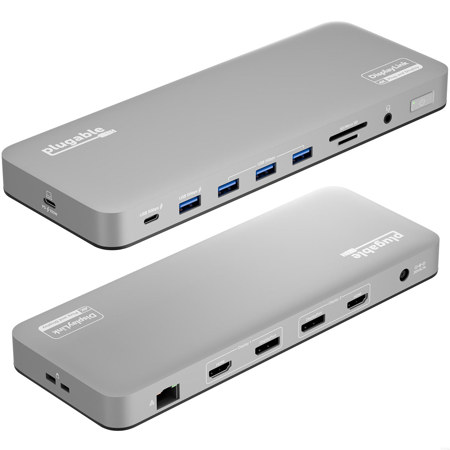
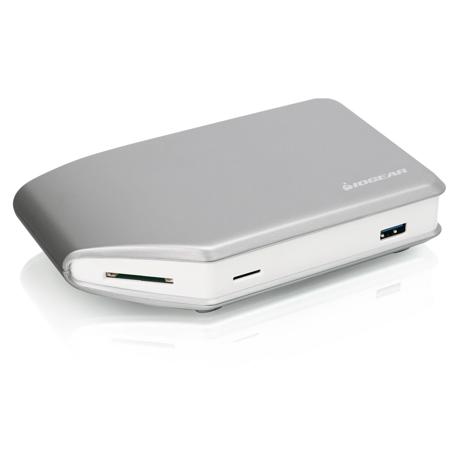
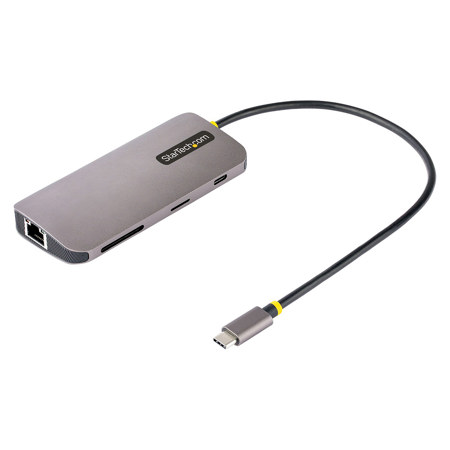
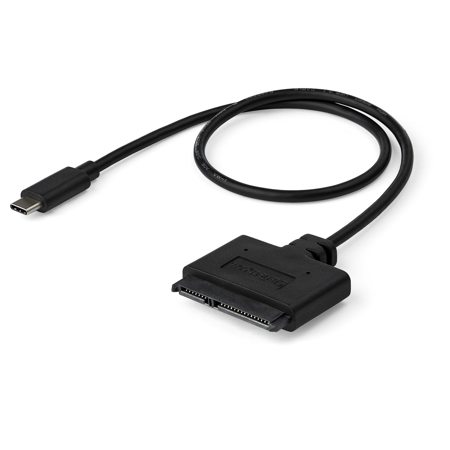
Choosing the right usb c hub for mac involves considering the specific devices and peripherals you use most often. Look for features like high-speed data transfer, pass-through charging, and support for multiple display outputs if you’re working with external monitors. If you regularly use SD or microSD cards, selecting a hub with integrated card readers will save you time and hassle. Durability and portability are also important—especially during the winter months, when you may be moving between locations with your gear in tow. And don’t forget about cable compatibility; supplementing your hub with quality USB Cables For Mac ensures a reliable connection for all your devices. Whether you’re gifting a hub to a loved one or upgrading your own setup, investing in the right connectivity tools can make every project smoother and more enjoyable, helping you stay productive and connected all year round.
A usb type c hub for macbook pro is also an excellent gift for anyone who has recently upgraded to a new MacBook and suddenly finds themselves missing the familiar array of ports. It’s a thoughtful addition for creative professionals, remote workers, or students preparing for the new semester, providing the flexibility to connect legacy devices, charge accessories, and transfer files without the need for multiple adapters. As the February chill lingers and many are still organizing their digital lives after the holidays, a mac usb c hub can help streamline cable management and reduce clutter on your desk. For those who frequently collaborate in group settings or give presentations, usb-c hubs for macbook make it easy to connect to projectors, external displays, or shared drives, ensuring you’re always ready for whatever the day brings. And if you’re setting up a home office or creative studio, expanding your connectivity with a hub can be the finishing touch that ties your setup together, letting you focus on your craft instead of fumbling with cables.
Choosing the right usb c hub for mac involves considering the specific devices and peripherals you use most often. Look for features like high-speed data transfer, pass-through charging, and support for multiple display outputs if you’re working with external monitors. If you regularly use SD or microSD cards, selecting a hub with integrated card readers will save you time and hassle. Durability and portability are also important—especially during the winter months, when you may be moving between locations with your gear in tow. And don’t forget about cable compatibility; supplementing your hub with quality USB Cables For Mac ensures a reliable connection for all your devices. Whether you’re gifting a hub to a loved one or upgrading your own setup, investing in the right connectivity tools can make every project smoother and more enjoyable, helping you stay productive and connected all year round.