
USB C To DisplayPort for MacBook Pro
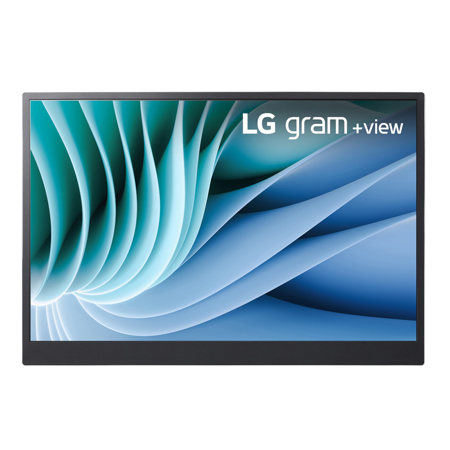
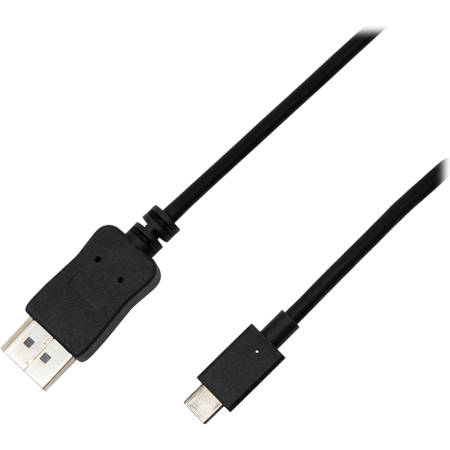
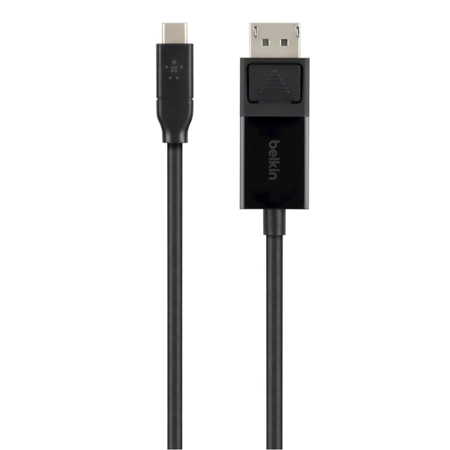
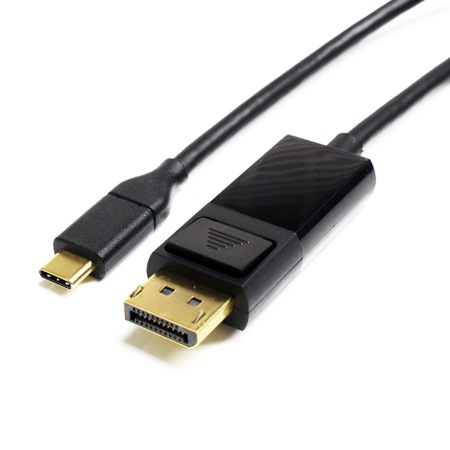
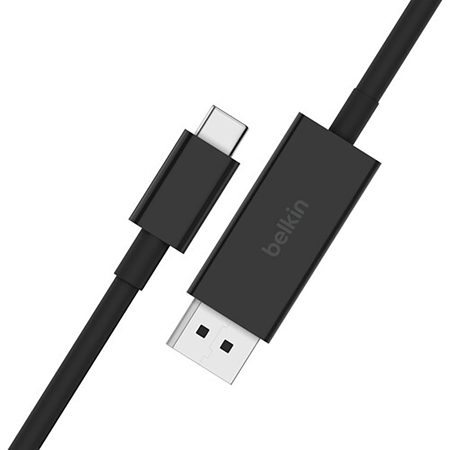
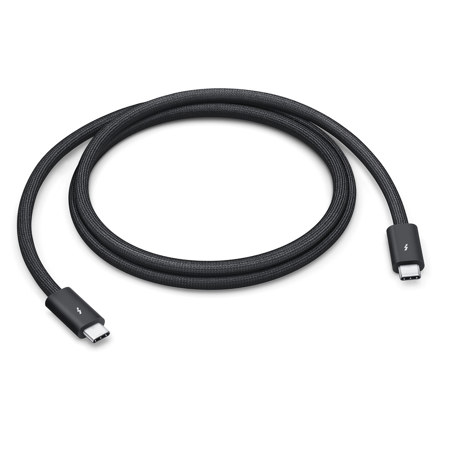
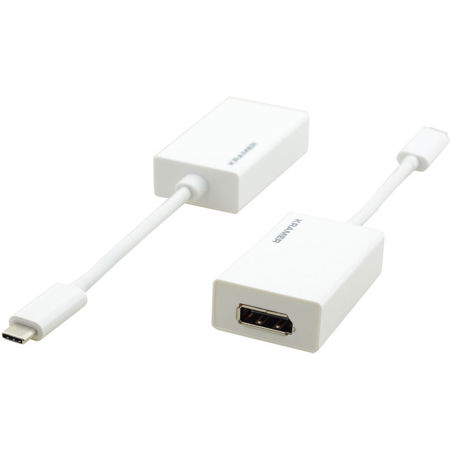
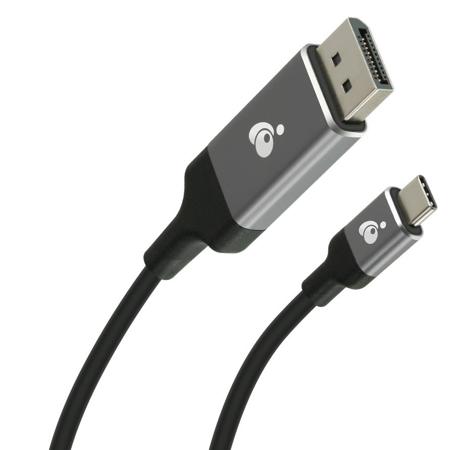
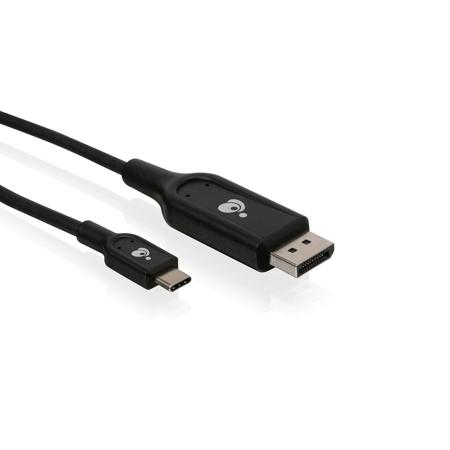
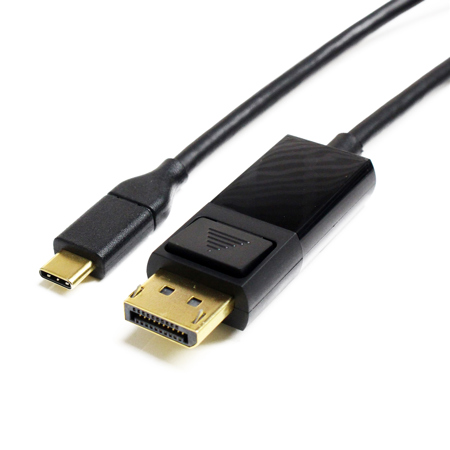
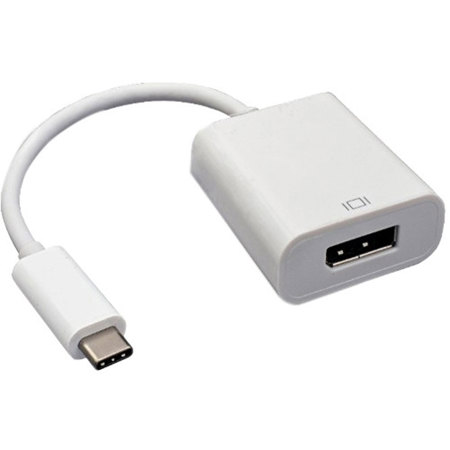
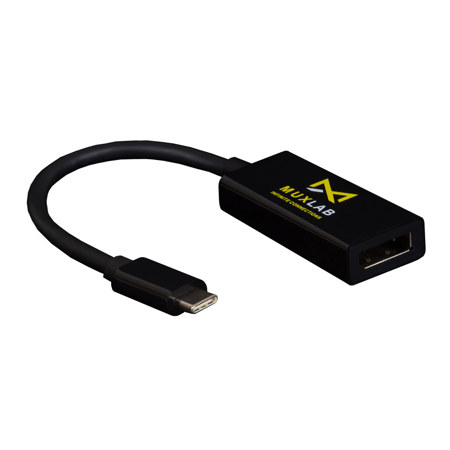
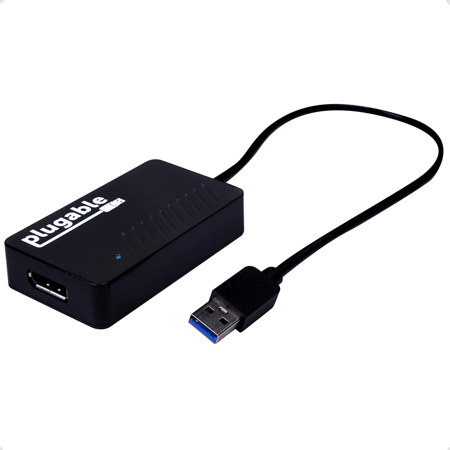
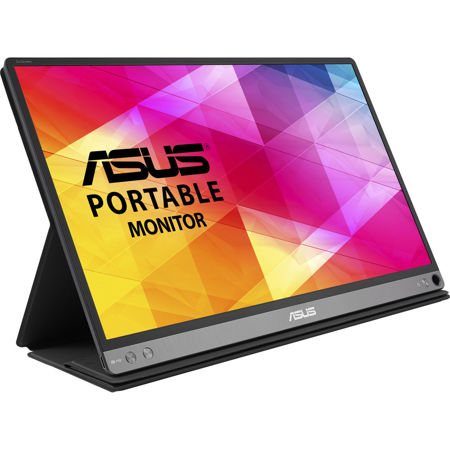
When it comes to connecting your MacBook Pro to an external display, a USB C to DisplayPort cable or adapter is an essential accessory for anyone who values crisp visuals and seamless multitasking. Whether you’re a creative professional editing 4K video, a designer working with color-accurate imagery, or a business user who needs the real estate of dual monitors, these adapters make it easy to extend or mirror your MacBook’s screen onto a high-resolution DisplayPort monitor. The beauty of a usb c to displayport mac setup is its simplicity—just plug and play, with no need for additional drivers or software. The cable transmits both high-definition video and audio, delivering a vibrant, distortion-free picture and clear sound to your external display. For those who crave smooth motion and detailed clarity, look for cables or adapters that support high refresh rates (like 4K at 144Hz or 8K at 60Hz), as well as advanced features like HDR10 or Dolby Vision for richer color and deeper contrast. This is especially important during the winter months, when indoor productivity and entertainment are at their peak—imagine cozy evenings editing photos, streaming movies, or gaming on a big, bright screen, all from the comfort of your home office or living room.
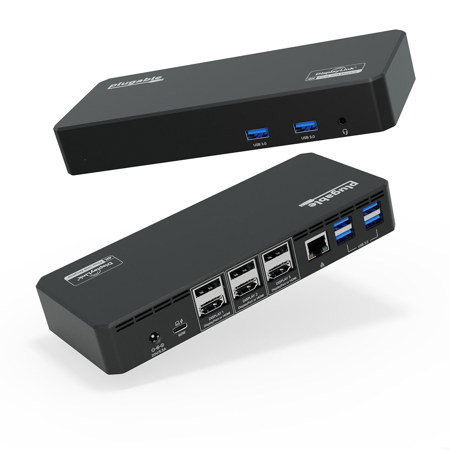
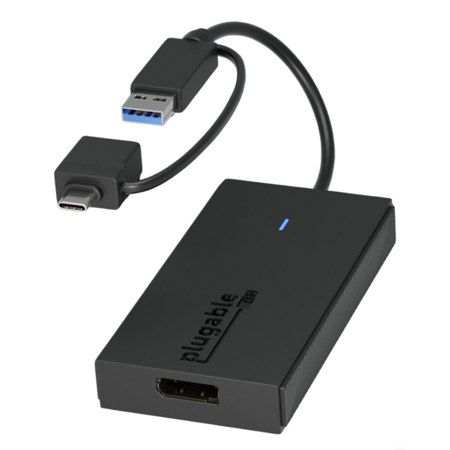
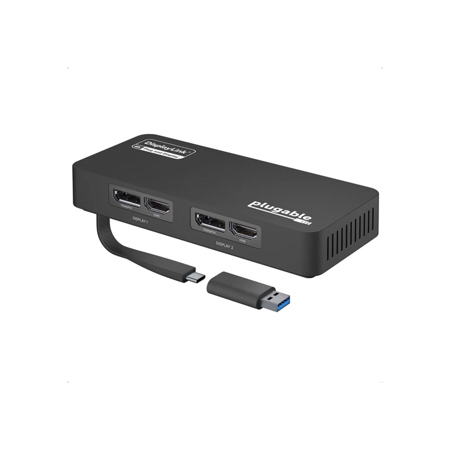
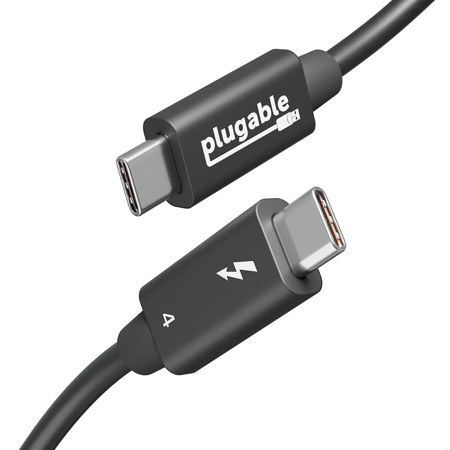
Selecting the right usb-c to displayport mac adapter depends on several factors, including your MacBook Pro’s model and the capabilities of your external monitor. Most recent MacBook Pros are equipped with Thunderbolt 3 or Thunderbolt 4 ports, which support DisplayPort Alt Mode—this means you can enjoy full compatibility with DisplayPort monitors using the correct cable or adapter. If you’re gifting this accessory, it’s a thoughtful choice for students heading off to college, remote workers upgrading their home office, or tech-savvy friends who love to tinker with multi-display setups. The plug-and-play nature of these adapters means even less tech-inclined users can set up their workspace in minutes, with no complicated installation process. Just be sure to match the cable’s capabilities to your monitor’s requirements—if you have a high-refresh-rate gaming monitor or an ultra-wide professional display, opt for a DisplayPort 1.4-compatible cable to unlock the best performance. For those who want to explore more connectivity options or need additional cables for different devices, our curated selection of Usb C Cables For Macbook Pro offers a wide range of solutions to keep your workflow running smoothly.
With the increasing prevalence of hybrid work and creative projects that demand more screen space, a reliable USB C to DisplayPort solution has become a must-have for MacBook Pro users. These adapters are perfect for presentations in the boardroom, immersive gaming sessions, or simply expanding your digital workspace for greater efficiency. As the days remain chilly and routines shift indoors, investing in quality connectivity gear ensures your setup is ready for everything from late-night editing sessions to virtual meetings with colleagues across the globe. Whether you’re an artist, a developer, or someone who loves the flexibility of working from multiple screens, a usb c to displayport mac connection makes it easy to harness the full power of your MacBook Pro and external monitor, creating a productive, enjoyable environment tailored to your needs.
Selecting the right usb-c to displayport mac adapter depends on several factors, including your MacBook Pro’s model and the capabilities of your external monitor. Most recent MacBook Pros are equipped with Thunderbolt 3 or Thunderbolt 4 ports, which support DisplayPort Alt Mode—this means you can enjoy full compatibility with DisplayPort monitors using the correct cable or adapter. If you’re gifting this accessory, it’s a thoughtful choice for students heading off to college, remote workers upgrading their home office, or tech-savvy friends who love to tinker with multi-display setups. The plug-and-play nature of these adapters means even less tech-inclined users can set up their workspace in minutes, with no complicated installation process. Just be sure to match the cable’s capabilities to your monitor’s requirements—if you have a high-refresh-rate gaming monitor or an ultra-wide professional display, opt for a DisplayPort 1.4-compatible cable to unlock the best performance. For those who want to explore more connectivity options or need additional cables for different devices, our curated selection of Usb C Cables For Macbook Pro offers a wide range of solutions to keep your workflow running smoothly.
With the increasing prevalence of hybrid work and creative projects that demand more screen space, a reliable USB C to DisplayPort solution has become a must-have for MacBook Pro users. These adapters are perfect for presentations in the boardroom, immersive gaming sessions, or simply expanding your digital workspace for greater efficiency. As the days remain chilly and routines shift indoors, investing in quality connectivity gear ensures your setup is ready for everything from late-night editing sessions to virtual meetings with colleagues across the globe. Whether you’re an artist, a developer, or someone who loves the flexibility of working from multiple screens, a usb c to displayport mac connection makes it easy to harness the full power of your MacBook Pro and external monitor, creating a productive, enjoyable environment tailored to your needs.