
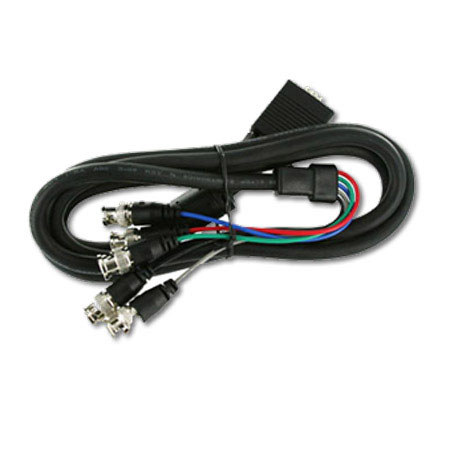
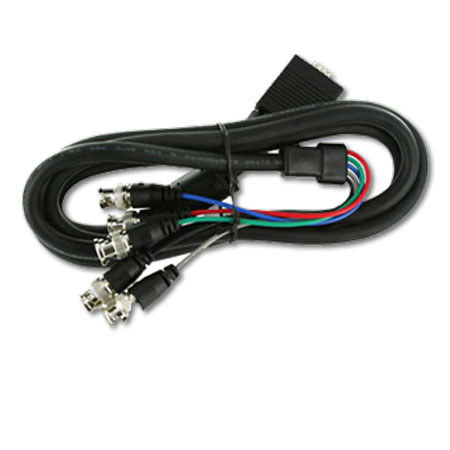
VGA To Component Video Cables
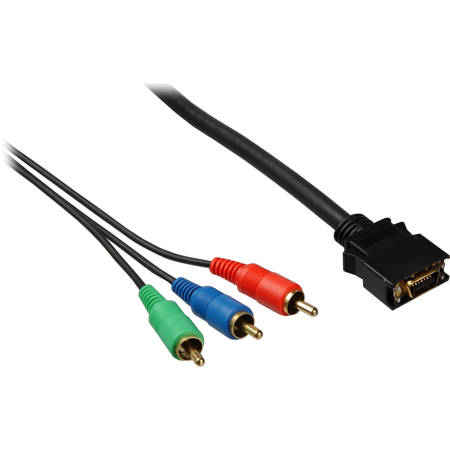
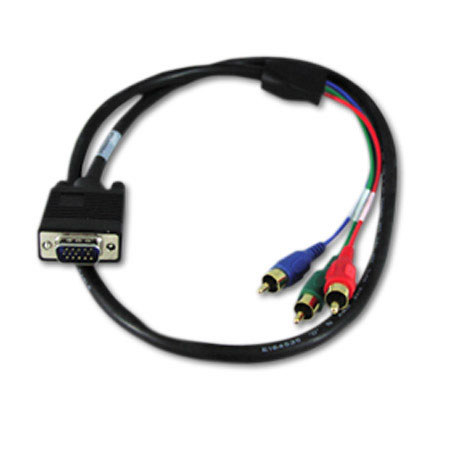
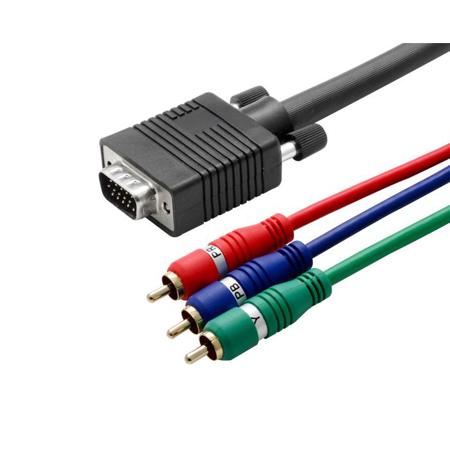
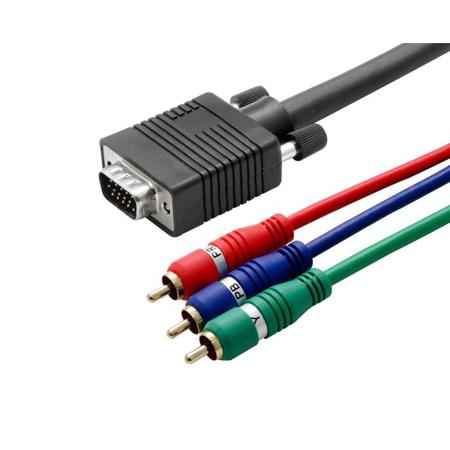
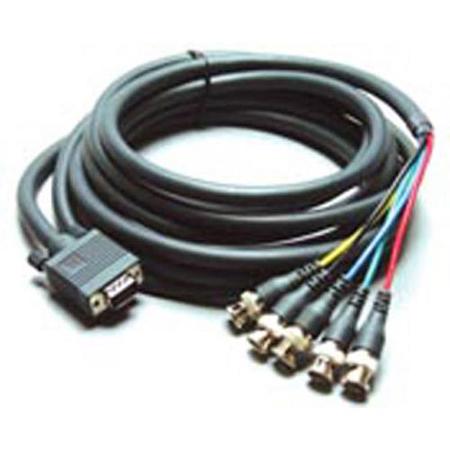
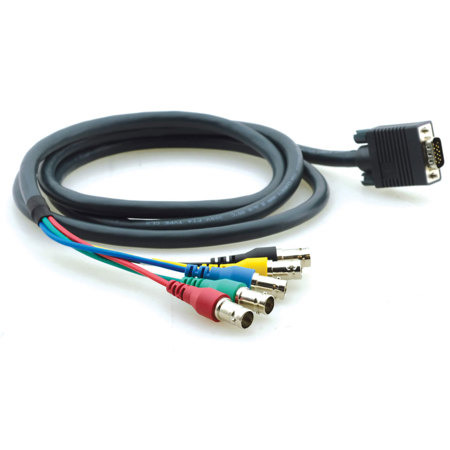
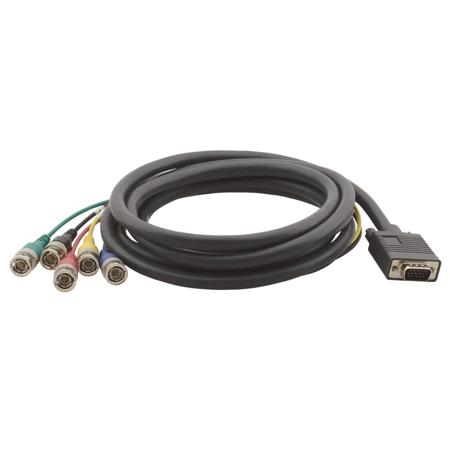
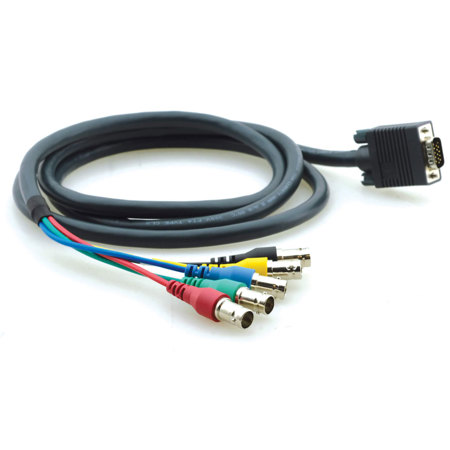
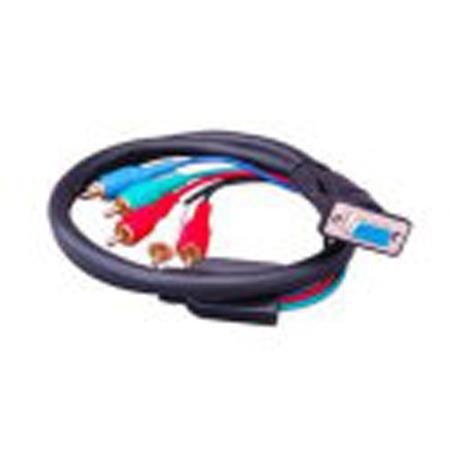
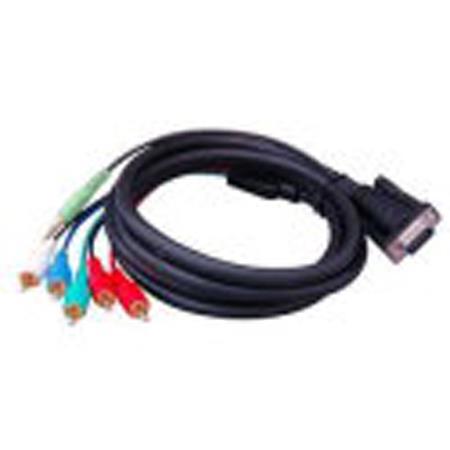
VGA to Component Video Cables serve a highly specialized yet essential role in connecting legacy video equipment, home theater setups, and select professional installations. These passive breakout cables are designed to route an RGB signal from a VGA source to a YPbPr component video input, making them especially useful for users working with older projectors, certain high-end CRT displays, or specialized media boards that are engineered to accept component video through a VGA port. As technology evolves and digital connections become the norm, there remains a dedicated community of enthusiasts, technicians, and AV professionals who rely on these cables to bridge the gap between classic hardware and modern viewing experiences. Whether you're a home theater hobbyist looking to resurrect a vintage projector for backyard movie nights as the weather warms, a retro gaming enthusiast eager to connect classic consoles or emulation boards to a CRT for authentic gameplay, or an AV integrator tasked with maintaining legacy classroom or auditorium systems, a component VGA cable can be a crucial piece of the puzzle.
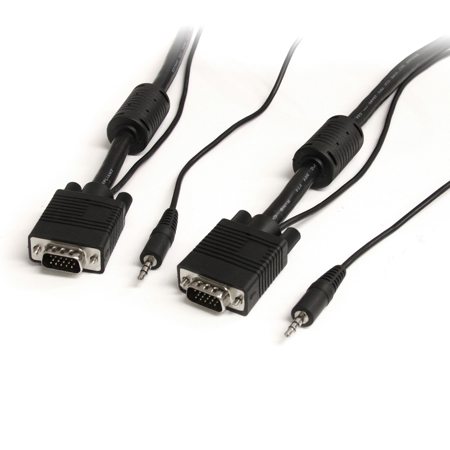
When considering a VGA to Component Video Cable, it’s important to understand that these cables are passive—they do not actively convert or upscale signals. Instead, they simply route signals between devices that already support this type of direct connection. This means that compatibility is key: the source device must be capable of outputting component video signals via its VGA port, and the display or receiver must be able to interpret them correctly. Plugging a standard computer VGA output into a component video input without a proper signal match will likely result in a scrambled image or no picture at all. For users seeking to connect a standard VGA output, such as from a typical PC or laptop, to a component video input on a television or projector, an active converter box is required to translate the signals. Additionally, it’s worth noting that both VGA and component video connections transmit video only, so a separate solution is necessary if you need to carry audio alongside your video signal. For those seeking a more integrated setup, you might explore options like VGA Cables With Audio to streamline your connections and reduce cable clutter.
These cables can make thoughtful gifts for tech-savvy family members, AV collectors, or anyone passionate about retro gaming and vintage media equipment. The summer and early fall months often inspire backyard movie screenings, home theater upgrades, or dedicated time spent revisiting classic games, making this a practical and timely addition to any enthusiast’s toolkit. Professionals tasked with maintaining or upgrading legacy AV systems in schools, houses of worship, or community centers will also appreciate having a reliable component VGA cable on hand, ensuring compatibility and seamless integration between older and newer equipment. As with any specialized cable, taking the time to verify device compatibility and signal requirements before purchasing will help you achieve the best possible results, whether you’re aiming for crisp, vibrant video on a classic display or ensuring smooth operation during an important presentation. With careful selection and a clear understanding of your setup’s needs, VGA to Component Video Cables offer a simple, effective solution for connecting yesterday’s technology to today’s creative ambitions.
When considering a VGA to Component Video Cable, it’s important to understand that these cables are passive—they do not actively convert or upscale signals. Instead, they simply route signals between devices that already support this type of direct connection. This means that compatibility is key: the source device must be capable of outputting component video signals via its VGA port, and the display or receiver must be able to interpret them correctly. Plugging a standard computer VGA output into a component video input without a proper signal match will likely result in a scrambled image or no picture at all. For users seeking to connect a standard VGA output, such as from a typical PC or laptop, to a component video input on a television or projector, an active converter box is required to translate the signals. Additionally, it’s worth noting that both VGA and component video connections transmit video only, so a separate solution is necessary if you need to carry audio alongside your video signal. For those seeking a more integrated setup, you might explore options like VGA Cables With Audio to streamline your connections and reduce cable clutter.
These cables can make thoughtful gifts for tech-savvy family members, AV collectors, or anyone passionate about retro gaming and vintage media equipment. The summer and early fall months often inspire backyard movie screenings, home theater upgrades, or dedicated time spent revisiting classic games, making this a practical and timely addition to any enthusiast’s toolkit. Professionals tasked with maintaining or upgrading legacy AV systems in schools, houses of worship, or community centers will also appreciate having a reliable component VGA cable on hand, ensuring compatibility and seamless integration between older and newer equipment. As with any specialized cable, taking the time to verify device compatibility and signal requirements before purchasing will help you achieve the best possible results, whether you’re aiming for crisp, vibrant video on a classic display or ensuring smooth operation during an important presentation. With careful selection and a clear understanding of your setup’s needs, VGA to Component Video Cables offer a simple, effective solution for connecting yesterday’s technology to today’s creative ambitions.